

Coding 2026 Rank: #2758
Auggie CLI ✓
AI coding agent that understands your codebase.
from $100/mo
Verdict
A quick read before you dig into the full page.
- Best if
- AI coding agent that understands your codebase
- Skip if
- Potentially complex for beginners
- Pick this when
- Context-aware code understanding
Considering Cursor instead? Compare side by side
Overview
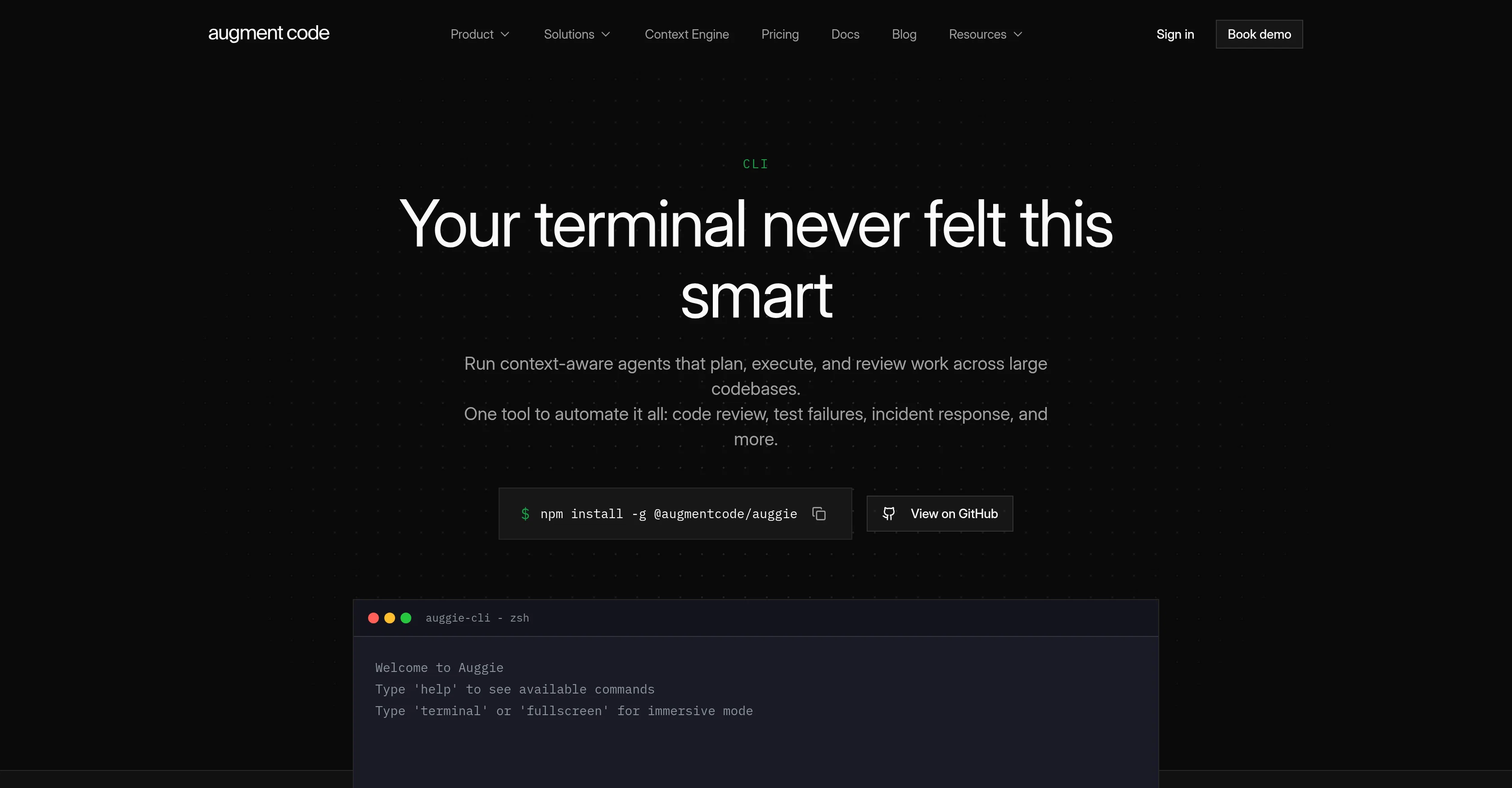
Auggie CLI is an AI Coding Agent developed by Augment Code, designed to be integrated into your terminal. The AI agent is designed to be context-aware, capable of understanding your codebase allowing for automated or interactive building of your entire development stack.
The tool can perform a variety of functions such as code review, test failures inspection, incident response, and more, all operated from the terminal and automated using context-aware agents.
Key features include real-time streaming, visual progress, and intuitive command prompts which make the tool user-friendly for tasks such as debugging and codebase exploration.
Auggie CLI also has an automation mode which allows for single-shot execution and produces clean output. The tool runs anywhere Node.js runs, making it versatile for different applications.
Other features include semantic codebase understanding, specialized task delegation, resumable sessions, user & repo rules, multi-agent operation, session sharing, support for various MCP-compatible tools, task management, and custom command creation.
Auggie can be integrated into GitHub Actions, Jenkins, or any CI, and supports the Agent Client Protocol (ACP), an open standard for connecting AI agents to editors and tools.
It also has first-class integration with GitHub through official GitHub Actions.
Access & connections
Where you can use Auggie CLI, and what it plugs into.
Platforms
Capabilities
What this tool accepts, produces, and is strongest at.
Input
- Code
- Tabular
Output
- Code
- API
Supported features
- CLI
- Autocomplete
Pros & cons
Pros
- Context-aware code understanding
- Terminal integration
- Automated code review
- Interactive development stack building
- Real-time streaming for tasks
- User-friendly command prompts
- Automated incident response
- Test failures inspection
Show 39 more
- Automation mode with clean output
- Single-shot execution feature
- Node.js compatibility
- Semantic codebase comprehension
- Specialized task delegation
- Resumable sessions functionality
- User & repo rules feature
- Multi-agent operation function
- Session sharing capability
- Official GitHub Actions integration
- Jenkins and CI tools Integration
- Supports Agent Client Protocol (ACP)
- Works with any MCP-compatible tool
- Task management
- Custom command creation
- Debugging capability
- Codebase exploration
- Visual progress of tasks
- GitHub integration
- Interactive and automated modes
- Visual progress in real-time
- Intuitive user experience
- Versatility in application
- Personalized prompt suggestions
- Guardrails for personal preferences
- Parallel multi-agent operation
- Context-aware code review
- Export conversations as markdown
- Live streaming output
- Connection to various MCP-compatible tools
- Multi-model choice
- Complex work break down
- Tool permission control
- Work session sharing
- Supports any ACP client
- Service accounts for automation
- Usage monitoring and controls
- First-class GitHub integration
- Runs in any ACP-compatible client
Cons
- Dependent on Node.js
- Interactive mode potentially distracting
- Potentially complex for beginners
- Potential for overwhelming information flow
- Limited to MCP-compatible tools
- No evident error handling
- Requires ACP client compatibility
- Requires command line knowledge
Show 2 more
- No offline functionality mentioned
- Inefficient for small-scale projects
Compare alternatives
Similar tools in the catalog — with a clear reason to open each one.


OnSpace.AI - No Code App Builder ✓
FreemiumBuild Apps with AI, No Code
Why look Freemium alternative
Full comparison
Kilo Code ✓
Free TrialAI-powered coding assistant for VS Code
Why look Typically cheaper
Full comparison
Github Copilot ✓
FreemiumAI-powered coding assistant for faster development
Why look Freemium alternative
Full comparison
CodingFleet ✓
FreemiumAI wizard transforms instructions into code snippets.
Why look Freemium alternative
Full comparison
Releases 1
FAQ 12
What is Auggie CLI?
How does Auggie CLI integrate with my terminal?
Can Auggie CLI understand my codebase?
What tasks can Auggie CLI automate?
What is context-aware feature in Auggie CLI?
How does visual progress feature work in Auggie CLI?
What is the automation mode in Auggie CLI?
In which platforms can I run Auggie CLI?
What are the benefits of task delegation feature in Auggie CLI?
Can I resume my work sessions with Auggie CLI?
Can Auggie CLI work with multiple agents at the same time?
How can I manage tasks with Auggie CLI?
Related tools
Recommended

Kinovi - AI Video Generator ✓
Free TrialAI video generator powered by Seedance 2.0

GetLogit ✓
FreemiumArtificial intelligence, available for everyone.

ChatGPT ✓
FreemiumAsk anything, create anything, and move from idea to action.

Notis ✓
Free TrialThe first WhatsApp assistant that runs on your ChatGPT and Claude subscriptions

freebeat AI ✓
FreemiumTurn Music & Ideas into Viral Videos In One Click

Jason AI ✓
PaidAI-powered assistant for B2B sales outreach