

Archivist ✓
Blazingly fast AI semantic search for your codebase.
Verdict
A quick read before you dig into the full page.
- Best if
- Blazingly fast AI semantic search for your codebase
- Skip if
- Limited language support
- Pick this when
- Semantic search feature
Considering Domain Name Search | Hostinger instead? Compare side by side
Overview
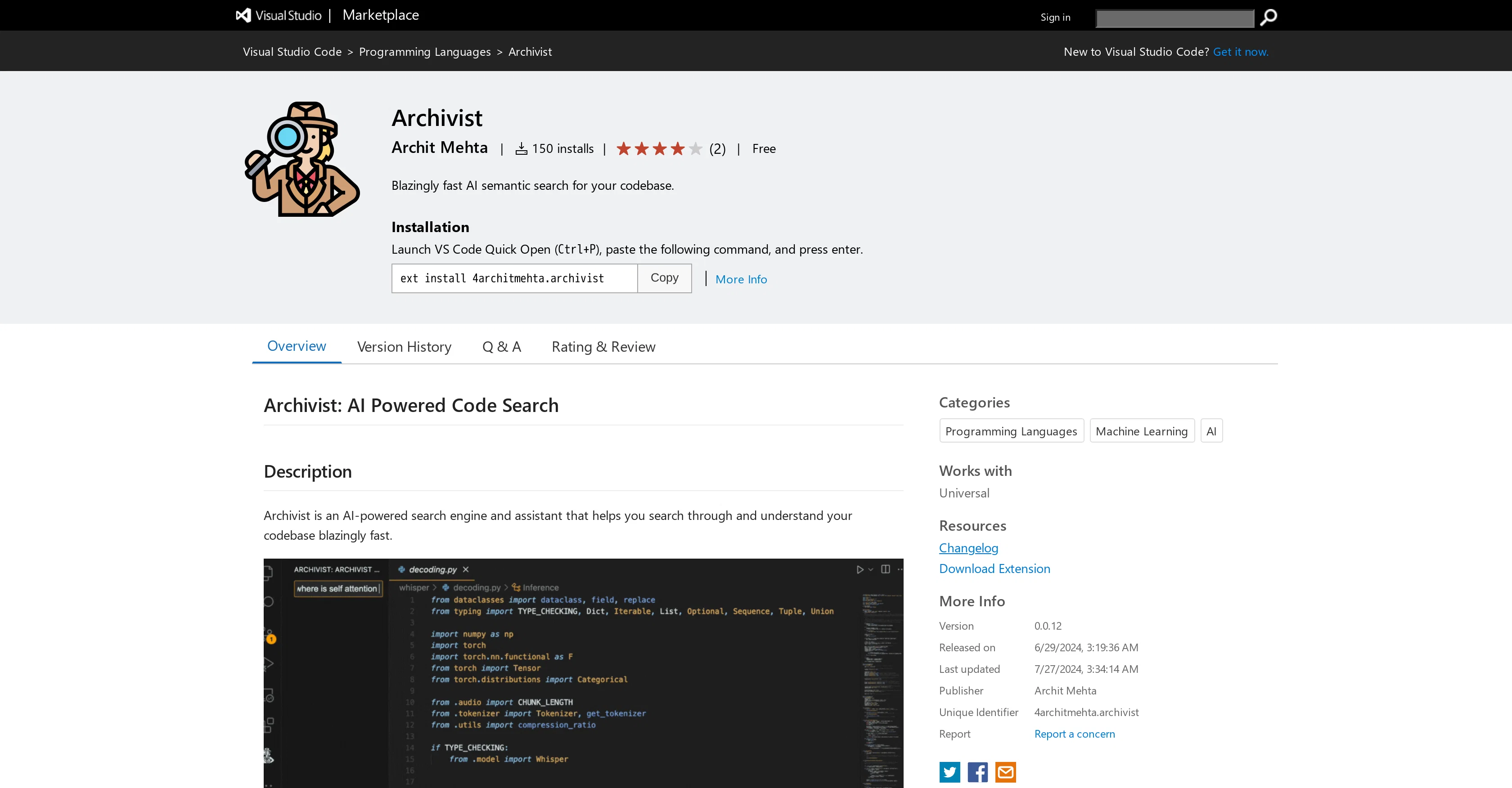
Archivist is an AI-powered extension for Visual Studio Code that provides a semantic search feature for any codebase. This tool specializes in quickly searching through the codebase and succinctly summarizing the functionality of matched code snippets.
Archivist also automatically updates its index as the code is edited, ensuring up-to-date and accurate search results. On initial use, Archivist sets itself up by indexing the codebase and creating a .archivist directory with a config.json file.
This file can be configured to exclude files from being searched using gitignore syntax. The extension begins indexing each codebase and allows querying within a few minutes.
Each query conducted is delivered swiftly, and any saved edits to the codebase instantly become searchable.Currently, Archivist supports and indexes code written in Python, Java, TypeScript, JavaScript, TSX, JSX, and C++.
Non-supported languages' code files will be ignored during indexing. The list of supported languages is planned to expand as newer versions are developed.Please note that Archivist values privacy and does not store your code or any personal data.
Access & connections
Where you can use Archivist.
Platforms
Capabilities
What this tool accepts, produces, and is strongest at.
Input
- Code
Output
- Text
Supported features
- Arhitecture & Interior design
Pros & cons
Pros
- Semantic search feature
- Quick codebase search
- Summarizes code snippets
- Automatically updates index
- Swift query delivery
- Allows exclusions via gitignore
- Supports multiple programming languages
- Instantly renders edits searchable
Show 19 more
- Does not store personal data
- Values user privacy
- Creates .archivist directory
- Fast initial setup
- Respects .gitignore syntax
- Instant index update on edits
- Plans for more languages support
- Indexing of not-yet-indexed codebases
- Extension for Visual Studio Code
- Accuracy of search results
- Unstored code and data
- Straightforward matched snippets summarization
- Responsive to saved changes
- Explains matched snippets functionality
- Provision for excluding files
- Swift codebase indexing
- Prioritized user privacy
- Easy query management
- Expanding supported language list
Cons
- Limited language support
- Requires initial indexing
- Requires VS Code
- Requires .archivist directory
- Mandatory config.json setup
- Codebase re-indexing on config change
- Ignores non-indexed language files
- No data storage feature
Show 2 more
- Only succinct code summaries
- Dependent on file save
Compare alternatives
Similar tools in the catalog — with a clear reason to open each one.

Domain Name Search | Hostinger ✓
FreeFind, buy, and own your domain in minutes.
Free
Full comparison
Glean ✓
UnknownWork AI connected to your company's tools, data, and context
Why look Offers a public API
Full comparison

Reztune ✓
FreemiumInstantly rewrite and format your resume for any job
Free + from $5/mo
Full comparison

Werd - Vibe Write with Multi-agent AI ✓
Free TrialVIBE WRITE With Multi-agent AI
Why look Better for writing
Full comparisonReleases 1
FAQ 12
What is Archivist?
How does Archivist work?
What is the purpose of the config.json file in Archivist?
How to exclude files in Archivist using the gitignore syntax?
How long does it take for Archivist to index a codebase?
Which languages does Archivist currently support?
What happens to the code files written in non-supported languages?
Does Archivist store the user's code or personal data?
Are edits to the codebase instantly searchable in Archivist?
How to conduct a query in Archivist?
Does Archivist provide a summary of the matched code snippets?
Are there plans to expand the list of supported languages by Archivist?
Related tools
Recommended

Mindsmith ✓
FreemiumPlatform for building and sharing eLearning content

Kin - Personal AI Advisors ✓
FreePrivacy-first & designed your for mind, and life at work

CleeAI ✓
FreeCustom AI for Enterprise, built in seconds

MimicPC ✓
FreemiumInstantly run AI apps in your browser, no setup required.

Lyrics Generator ✓
FreeAI-powered lyrics generator for catchy, unique songs.

Healing Journey ✓
FreeBegin your healing journey with our AI therapist.