

AnyEnhancer by iMobie ✓
Elevate your videos with AI-powered enhancement.
from $28.99/mo
Verdict
A quick read before you dig into the full page.
- Best if
- Elevate your videos with AI-powered enhancement
- Skip if
- Limited platform compatibility
- Pick this when
- Upscaling to 2K or 4K videos
Considering Vmake Video Enhancer instead? Compare side by side
Overview
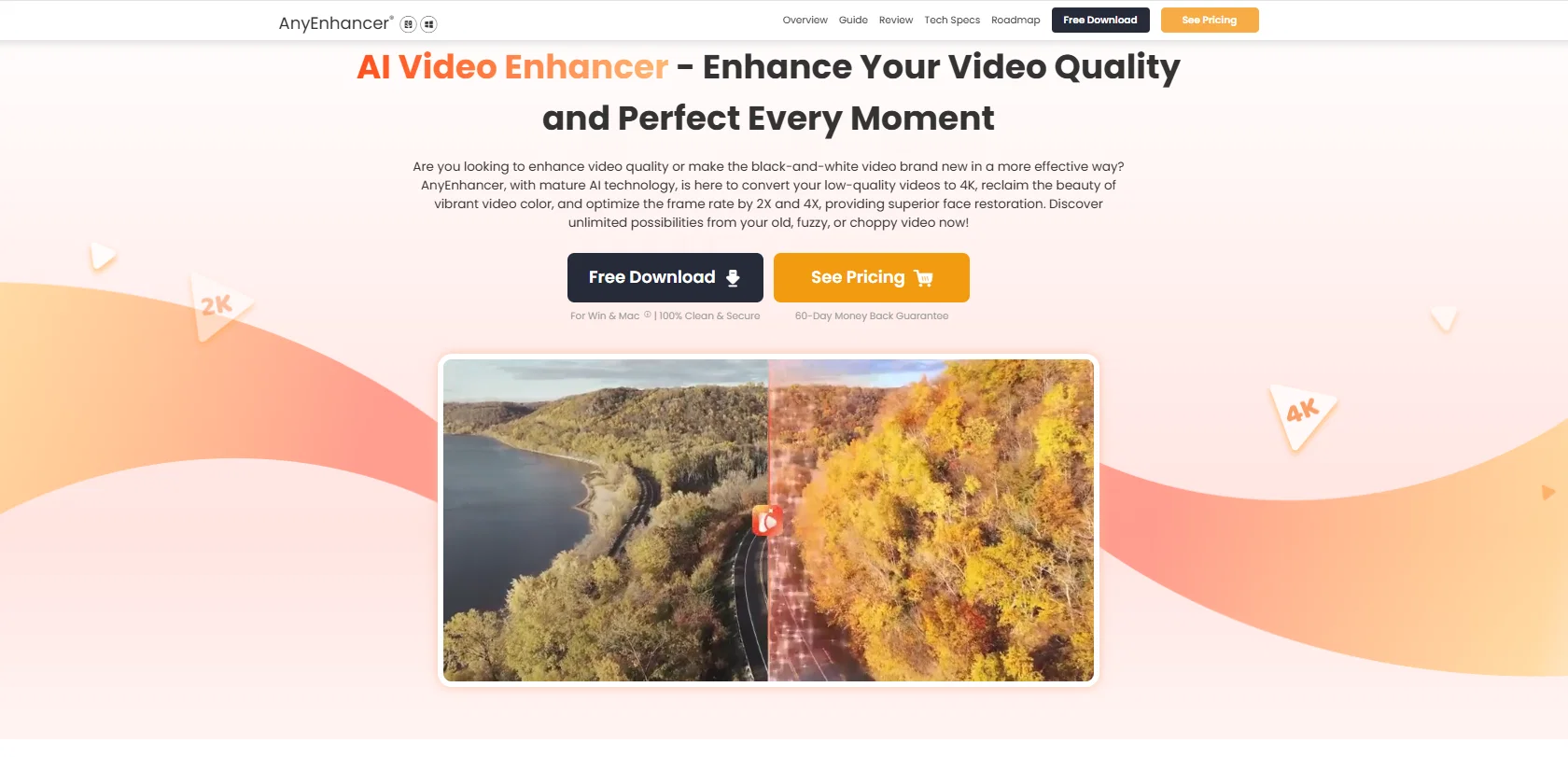
AnyEnhancer is an artificial intelligence (AI) powered tool designed to improve the quality of videos. It provides a multitude of enhancement capabilities including upscaling, denoising, colorizing, and smoothing, to generate high-quality output from low-quality videos.
Its core features include resolution enhancement and face restoration capabilities integrated into an innovative enhancement model for a comprehensive video enhancement workflow.
The tool's AI-capability assists in upscaling videos to high definition levels, such as 2K or 4K, preserving crystal-clear details for enhanced visual effects.
The face enhancer feature can identify and carefully restore human faces in blurry videos, recreating detailed and sharp facial expressions. AnyEnhancer's colorize feature can transform black-and-white videos into vibrantly colored versions and can also enhance the color saturation and brightness of videos.
Another significant feature is a denoiser, which intelligently eliminates noise and restores details. The tool also optimizes the video's frame rate up to 4X for a smoother viewing experience.
AnyEnhancer thus serves as an all-in-one solution to transform underperforming footage into quality visuals, making it an ideal tool for diverse video enhancement needs.
Access & connections
Where you can use AnyEnhancer by iMobie.
Platforms
Capabilities
What this tool accepts, produces, and is strongest at.
Supported features
- Denoise
Pros & cons
Pros
- Upscaling to 2K or 4K videos
- Resolution enhancement feature
- Face restoration capability
- Denoising feature
- Colorizing black-and-white videos
- Video's color saturation enhancement
- Brightness enhancement of videos
- Frame rate optimization up to 4X
Show 26 more
- All-in-one video enhancement solution
- Recreates detailed and sharp facial expressions
- Transforms underperforming footage to quality visuals
- No editing skills required
- Effortless video enhancement
- Intelligent enhancement model for varied needs
- Automatically reduces noise
- Restores video details
- Stabilizes shaky videos
- Removes screen tearing
- Preview video effects
- Export enhanced videos
- Professional customer service
- User-friendly interface
- Suitable for professional video makers
- Ideal tool for content creators
- Good for upscaling anime videos
- Supports stabilizing action shots
- Compensates frame losses
- Reduces motion blur
- Can add keyframes for scene flow
- Restores old home movies
- Improves social media videos
- Enhances details of motion
- 60-Day Money Back Guarantee
- Real-time video preview
Cons
- No batch processing
- Requires subscription for export
- Limited platform compatibility
- No mention of audio improvements
- No detailed technical specs
- Lack editing tools
Compare alternatives
Similar tools in the catalog — with a clear reason to open each one.

Vmake Video Enhancer ✓
FreemiumTransform low-res videos into high-quality masterpieces.
Why look Freemium alternative
Full comparison
TensorPix ✓
FreemiumOnline Video & Image Quality Enhancer
Why look Freemium alternative
Full comparison
UniFab Video Enhancer ✓
Free TrialAI Video Enhancer software; AI Video upscaling; Audio Upscaling; Video Conversion
Free + from $69.99
Full comparison
UniFab Studio ✓
PaidSharper Details, Smoother Motion, Enhanced in Every Frame
from $49.99/mo
Full comparison
HitPaw VikPea ✓
FreemiumAI-powered video quality enhancer for stunning clarity
Why look Freemium alternative
Full comparison
AVCLabs Video Enhancer AI ✓
PaidUpscale, Enhance, Restore, Colorize, Stabilize & Blur Videos with AI
Why look Higher community rating
Full comparisonReleases 1
FAQ 12
What is AnyEnhancer by iMobie?
How does AnyEnhancer enhance the quality of videos?
What are the core features of AnyEnhancer?
How does AnyEnhancer achieve high-definition video upscaling?
Can AnyEnhancer work with black-and-white videos?
How does AnyEnhancer's colorize feature work?
What is AnyEnhancer's denoiser feature?
How does AnyEnhancer optimize video frame rates?
Can AnyEnhancer improve the brightness and color saturation of videos?
What makes AnyEnhancer's face restoration capabilities efficient?
How does AnyEnhancer transform low-quality videos?
Can AnyEnhancer be used for professional media production?
Related tools
Recommended

TeamPal ✓
Free TrialAssemble a tailored AI team without any coding & complexity.

Renderfire ✓
PaidAutomate faceless videos for YouTube and TikTok.

TurboScribe ✓
Freemium🎯 3 free transcripts every day. 🔥 Unlimited transcription starting at $10/mo.

Noiz ✓
FreemiumSummarize YouTube videos with AI in one click

Prismix ✓
Free TrialYour AI Social Media Manager

Learn Earth ✓
FreemiumAI-First Adaptive Learning Platform