

Any.do ✓
Simple to-do lists for you and your team.
Free + from $4.99/mo
Verdict
A quick read before you dig into the full page.
- Best if
- Simple to-do lists for you and your team
- Skip if
- Expensive for team features
- Pick this when
- Cross-platform compatibility
Considering Ping: AI-Powered To Do List instead? Compare side by side
Overview
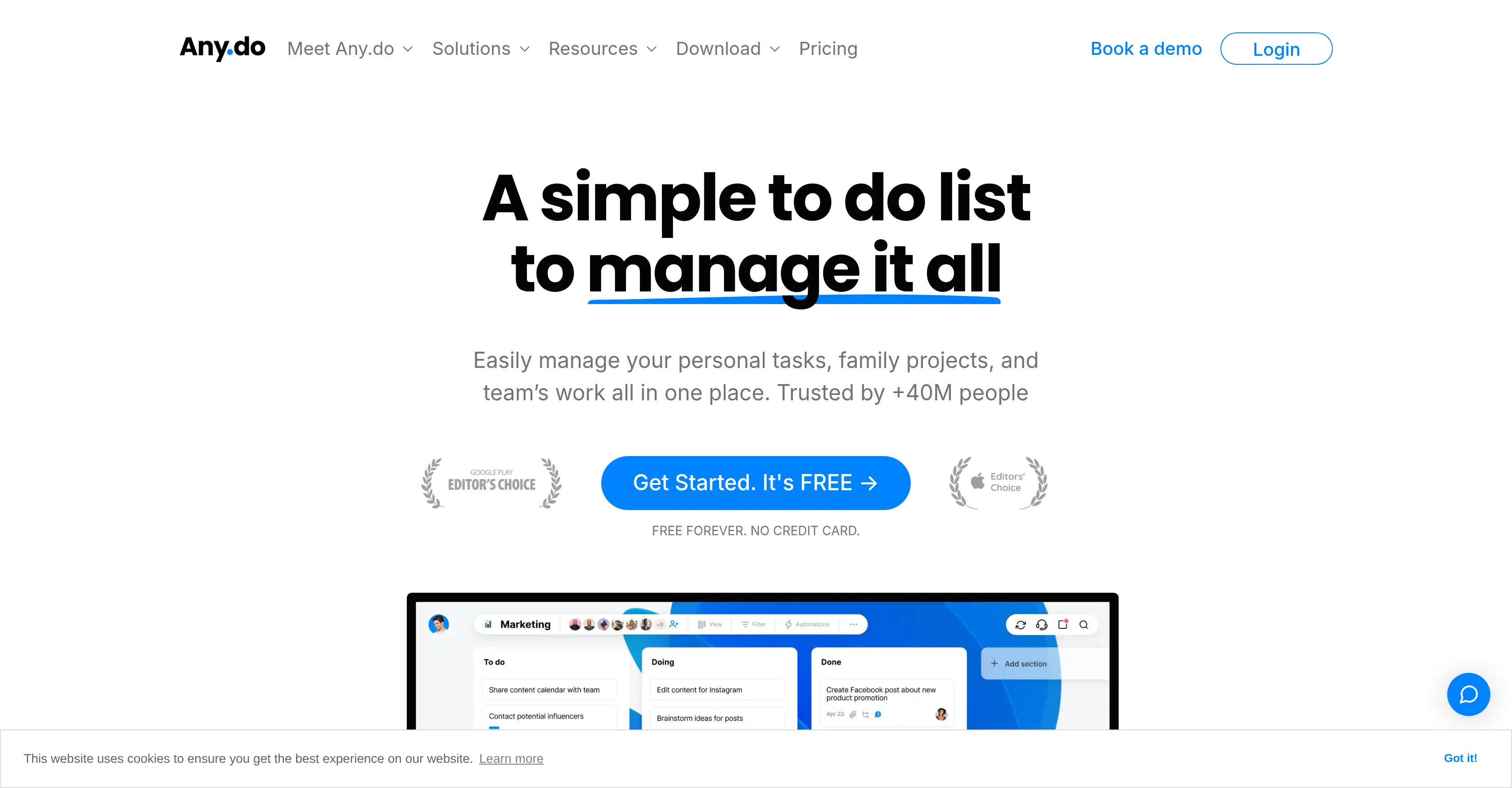
Any.do is a comprehensive task management tool designed to help individuals, families, and teams manage their tasks and projects. The tool spans across several functionalities including to-do lists, reminders, calendars, and daily planners that can be accessed across multiple platforms like iOS, Android, Mac, Windows, and via Web.
Integrations with other popular platforms such as WhatsApp, Slack, and Gmail are available to provide a unified workspace. For personal use, Any.do offers features like sub-task creation, visual tags for task organization, and an AI assistant.
Families can use the shared grocery lists, project boards, and family boards for enhanced household management. For teams, the tool offers features such as task assignment, Kanban view, custom fields for tasks, automated task assignments, and custom views for bird-eye view of teams work.
Additionally, features like Gantt chart view, board notifications, private boards, time tracking and chat in context are available to streamline workflow and improve collaboration within teams.The tool also enables import of work from other tools for easy transition.
User testimonials highlight Any.dos effectiveness in managing tasks for real estate teams, software development, marketing agencies, and IT consultancies.
However, actual effectiveness may vary depending on specific use-cases and requirements.
Access & connections
Where you can use Any.do, and what it plugs into.
Capabilities
What this tool accepts, produces, and is strongest at.
Input
- API
- Tabular
- Text
Output
- Tabular
- API
- Text
Pros & cons
Pros
- Cross-platform compatibility
- Integration with WhatsApp, Slack, Gmail
- Sub-task creation
- Visual tags for tasks
- Shared grocery lists
- Custom fields for tasks
- Custom views for team tasks
- Task assignment automation
Show 36 more
- Gantt chart view
- Board notifications
- Private boards
- In-context chat
- Work import from other tools
- Suitable for different industries
- Kanban view
- Time tracking
- Daily planners
- Calendar function
- Over 100 custom templates
- 6000+ app integrations
- Field enrichment with custom fields
- Automated task status updates
- Built-in live chat support
- Completed task report
- Bird-eye view of teams work
- Location-based reminders
- Natural language input
- Voice input
- Recurring reminders
- Shared calendars
- Family boards
- Smart Grocery auto-sort feature
- Personal space for individual family members
- Event, inventory, sprint planning templates
- Remote work optimization
- Sales, marketing, HR use-cases
- Project management use-cases
- Design and graphics use-cases
- Imports from Asana, Monday.com, Trello
- Design sprint and content calendar templates
- Integration with OneDrive, Dropbox, Box
- Access on Wear OS and Apple Watch
- Siri integration
- Task and Board Templates
Cons
- No Offline Mode
- No open source version
- No native Linux app
- Limited integration options
- Limited customizability
- Absence of audio notes
- No multi-account management
- Incompatible with some browsers
Show 2 more
- Requires continuous Internet connection
- Expensive for team features
Compare alternatives
Similar tools in the catalog — with a clear reason to open each one.

Ping: AI-Powered To Do List ✓
FreemiumAI-powered task list: Dictate tasks, integrate with Gmail, Slack, ChatGPT & Calendar.
Why look Typically cheaper
Full comparison
Bracket ✓
Free TrialManage tasks directly in Slack & email
Why look Offers a public API
Full comparison
Todoist Ramble ✓
FreemiumCapture tasks at the speed of thought.
Why look Offers a public API
Full comparison
OneTask ✓
FreemiumAI to-do app that prioritizes tasks for creatives
Free + from $8/mo
Full comparison
Sidejot ✓
FreeAI-powered task planner for focused productivity.
Why look Fully free option
Full comparison
Claude Cowork ✓
PaidGive Claude access to your files for instant organization.
Why look Higher community rating
Full comparisonReleases 1
FAQ 12
What platforms does Any.do support?
What are the specific features Any.do offers for personal use?
Can Any.do be integrated with other platforms such as WhatsApp, Slack, and Gmail?
What functionalities are available for families using Any.do?
What does the Kanban view in Any.do offer for teams?
How does Any.do support task assignment and automation for teams?
What is the benefit of Gantt chart view in Any.do?
How can Any.do's feature of time tracking improve team workflows?
What sort of work can be imported into Any.do from other tools?
Which industries or fields of work find Any.do particularly effective?
What does the AI assistant feature in Any.do entail?
What features does Any.do offer for daily planning and reminders?
Related tools
Recommended

Superlist ✓
FreemiumThe task layer for your AI agents.

SelfManager AI ✓
Free TrialAI task management that stays out of your way.

NoteDock ✓
FreemiumCapture anything NoteDock recalls it exactly when needed.

Voiset ✓
Free TrialAI planning tool for work and life.

Hoop ✓
Free TrialAI captures tasks from meetings and chats

SET.DO ✓
FreemiumAI-powered to-do list that gets things done