

Productivity 2026 Rank: #1594
amaiko ✓
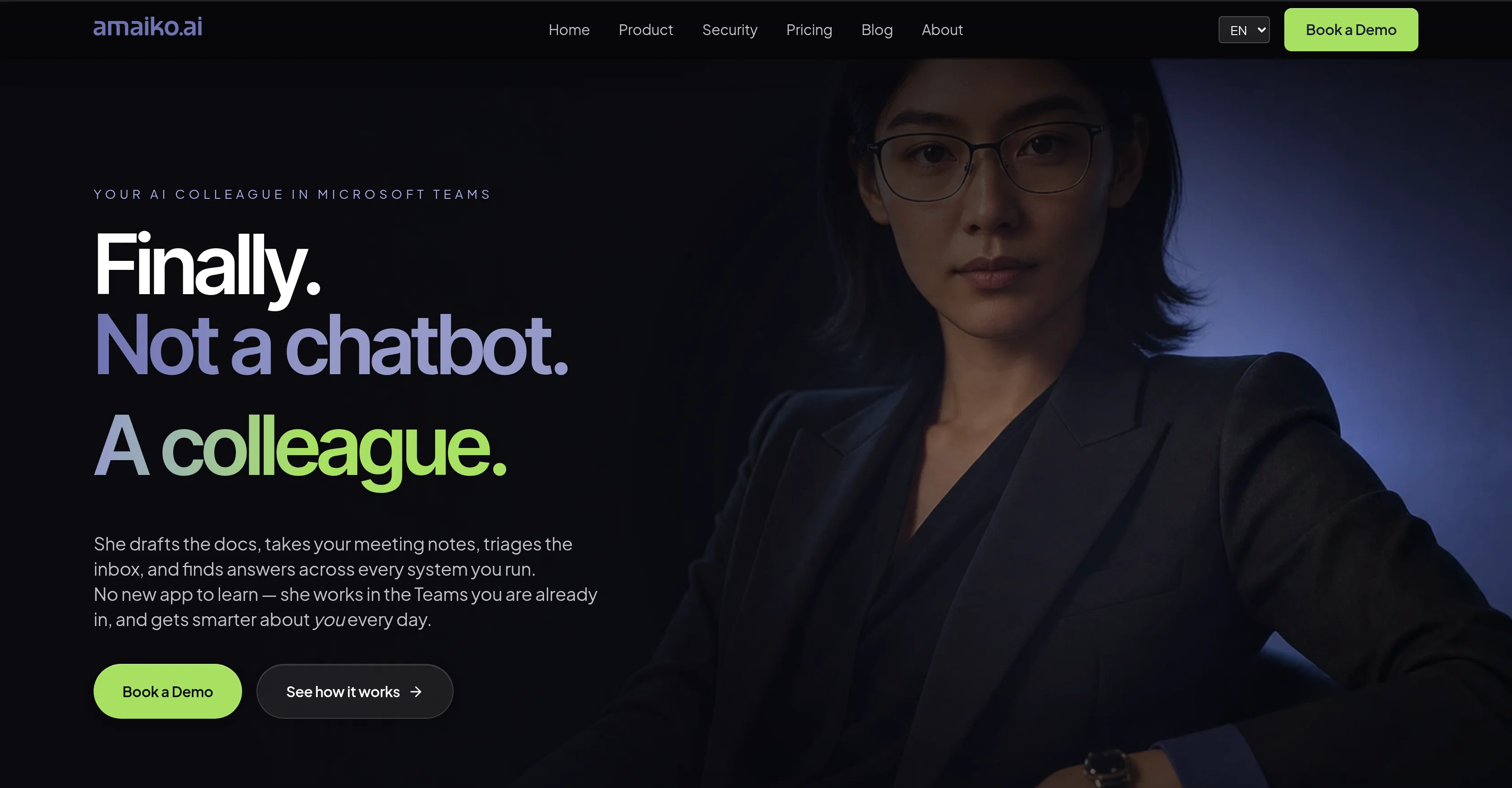
Your AI colleague in Microsoft Teams.
Verdict
A quick read before you dig into the full page.
- Best if
- Your AI colleague in Microsoft Teams
- Skip if
- Limited to Microsoft Teams
- Pick this when
- Microsoft Teams integration
Considering TheLibrarian.io instead? Compare side by side
Overview


Unlike typical chatbots, amaiko can act across connected business systems, not just answer questions. It can draft documents, summarize meetings, triage emails, find information, prepare briefings, and support role-specific workflows across teams and departments.
Its core strength is turning scattered company knowledge into actionable support for daily work. With integrations across Microsoft 365 and optional business tools such as Google Workspace, HubSpot, LinkedIn, DocuSign, and others, amaiko brings context together and helps employees get work done faster while keeping enterprise requirements like data protection, permissions, and governance in focus.
- Knowledge Sheets
- Agentic Ai Platform
- Agentic Workflows
- Proactive Messages And Actions
- Social Media Management
- Fully Gdpr Compliant And Ai Act Ready
Access & connections
Where you can use amaiko, and what it plugs into.
Platforms
Integrations
Capabilities
What this tool accepts, produces, and is strongest at.
Input
- API
- Tabular
- Image
- Text
- Video
- Audio
Output
- Audio
- Video
- API
- Text
- Image
Highlights
- SOTA
- Agents
- API
- Hard Paywall
Supported features
- Agents
- API
- Assistant
- Integrations
- Meeting Intelligence
- Docs
- Team Collaboration
- Search
- Automation
Models
Text
Image
Coding
Pros & cons
Pros
- Microsoft Teams integration
- Functions like a colleague
- Drafts documents
- Takes meeting notes
- Manages emails
- Searches multiple systems
- Adapts to users
- Workflow disruption minimized
Show 42 more
- Role-specific use-cases
- Provides daily briefings
- Helps in audit preparation
- Enables knowledge management
- Consolidates data
- Pulls data from multi-systems
- Supports wide business tools integration
- Microsoft 365 deep integration
- Google Workspace integration
- HubSpot integration
- Dynamics 365 Business Central integration
- DocuSign integration
- LinkedIn integration
- Holistic data output
- Supports task assistance
- Performs data analysis
- Handles email triage
- Lives in Microsoft Teams
- Enables usage on various devices
- Transforms daily data to lasting knowledge
- Preserves Organizational knowledge
- Efficient data orchestration
- Generates content such as images
- Voice, hands-free functionality
- Offers morning briefings
- Supports PDFs, Office docs
- Business tools such as Asana, Todoist supported
- Support for custom integrations
- EU data compliance
- Not a separate app
- Busywork cost reduction
- Automatic learning from user interactions
- Creates meeting summaries
- Email flagging for priority
- Knowledge preserving feature
- Inbox management for remote employees
- Easy installation
- Chat-based interaction
- Continuous learning
- Trust from innovative companies
- German engineering and hosting
- 100% GDPR compliant
Cons
- Limited to Microsoft Teams
- Requieres Microsoft365 setup and permissions
- Best results depend on connected business data
- Initial configuration needed for company workflows
- Advanced automations may require admin approval
Compare alternatives
Similar tools in the catalog — with a clear reason to open each one.

TheLibrarian.io ✓
Free TrialYour WhatsApp AI assistant for instant productivity.
Why look Typically cheaper
Full comparison
Supernormal App ✓
FreemiumThe AI assistant app that turns meetings into completed work
Why look Freemium alternative
Full comparison
Saidar ✓
FreemiumYour AI Secretary for Admin Tasks, now on SMS
Why look Freemium alternative
Full comparison
MiroAI ✓
FreemiumUnlock creative power with AI-driven collaboration.
Why look Typically cheaper
Full comparison
Collate ✓
FreeUnlimited free and private summaries and chat with PDF
Why look Fully free option
Full comparison
Releases 1
Imported reviews 1
amaiko finally makes AI feel native to Teams.
Instead of another chatbot bolted onto your workflow, amaiko lives right inside Microsoft Teams and actually gets things done — reading your email, digging through Microsoft 365, researching the web, and drafting documents through a team of specialist agents that remember who you are and how you work.
It's everything Copilot promised, but sharper, faster, and genuinely useful. If you live in Teams, amaiko is the AI colleague you've been waiting for. 🚀
FAQ 12
What is amaiko?
How does amaiko integrate with Microsoft Teams?
Can amaiko draft documents?
How does amaiko manage emails?
How does amaiko find answers across multiple systems?
Is there a need to learn a new app to use amaiko?
How does amaiko adapt over time?
What kinds of tasks can amaiko learn to assist with?
What roles and departments can benefit from using amaiko?
How does amaiko manage team knowledge?
How does amaiko consolidate data from multiple systems?
What business tools does amaiko integrate with?
Related tools
Recommended

Reply ✓
Free TrialGenerate leads, convert website traffic, or hire sales AI SDRs.

Junior.so ✓
Free TrialHire AI employees for any role: sales, marketing, and ops.

StickyPrompts ✓
Free TrialAI that works for you.

Loopa ✓
FreemiumAI agents that think, plan, and execute your work.

Braindump ✓
FreemiumRead once. Remember forever.

Website Auditor.io ✓
Free TrialDoes ChatGPT recommend your business?