
Airtable AI ✓
Transform operations with AI-powered apps and workflows.
Free + from $20/mo
Verdict
A quick read before you dig into the full page.
- Best if
- Transform operations with AI-powered apps and workflows
- Skip if
- Limited pre-configured apps
- Pick this when
- No coding needed
Considering PixieBrix instead? Compare side by side
Overview
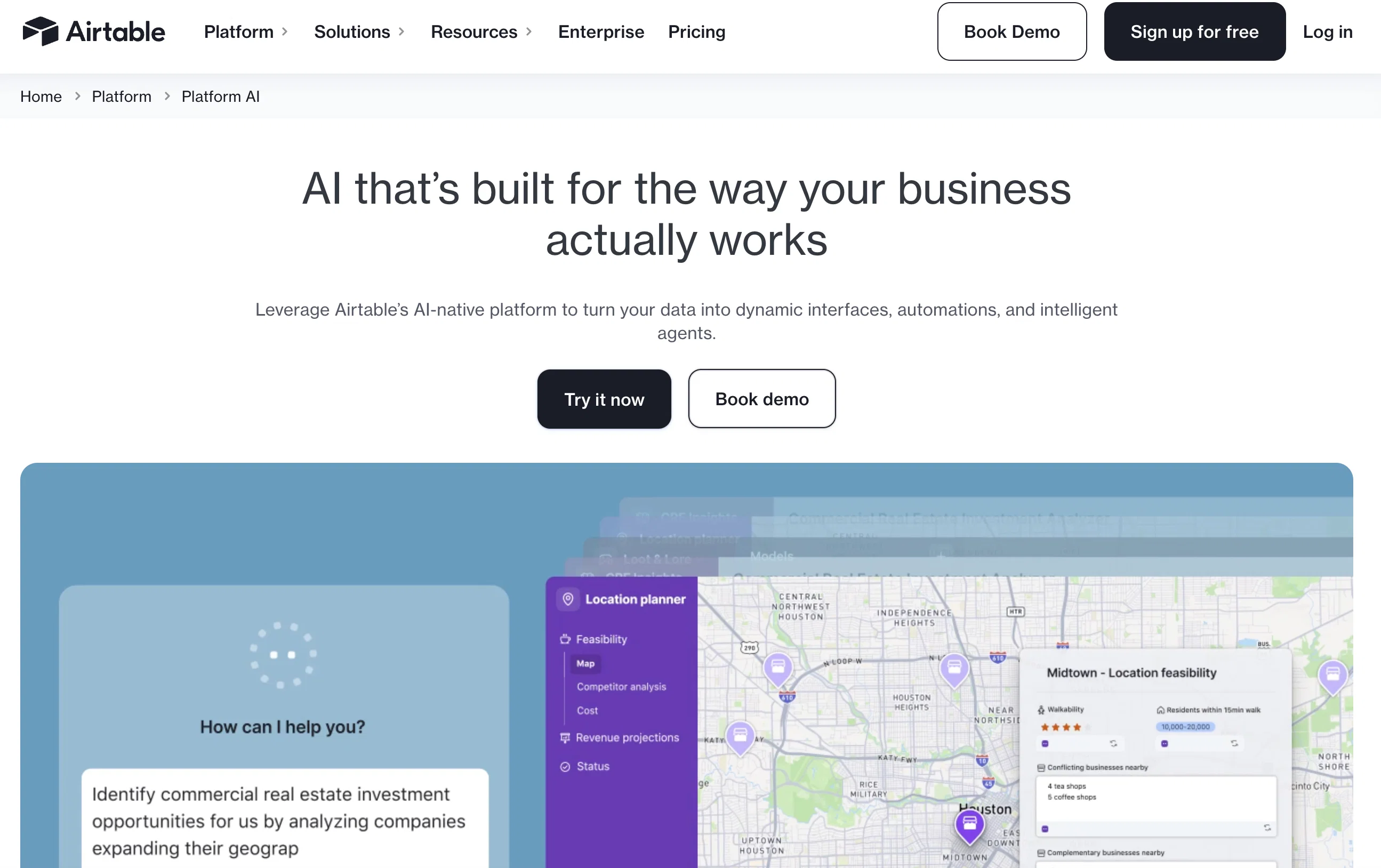
Airtable AI provides a platform for integrating artificial intelligence (AI) functionalities into applications and workflows without the necessity of coding.
It aims to fundamentally change operational processes by enabling AI to be included in daily tasks. The tool allows users to build custom business applications that incorporate AI, connecting data from various digital tools to create a centralized data source.
With Airtable AI, teams can manage security, permissions, and data protection on a large scale. It features automations for time efficiency, custom data interfaces, tailored data visualizations, and the analysis and sharing of insights.
Pre-configured apps are also available to help users get started quickly. Airtable AI integrates seamlessly with platforms like Slack, Google Drive, and Salesforce, among others, enhancing communication and workflow synchronization.
Users can leverage customer relationship management (CRM) data across teams and tools, sync work, and simplify tasks. The Airtable AI tool is also capable of analyzing and organizing performance data and customer feedback, aiding in making informed decisions and supporting experimentation without jeopardizing control.
It offers the functionality to embed AI within existing workflows and facilitates the secure use of chosen AI models.
Access & connections
Where you can use Airtable AI, and what it plugs into.
Platforms
Integrations
Capabilities
What this tool accepts, produces, and is strongest at.
Input
- API
- Tabular
- Text
Output
- Tabular
- API
- Text
Supported features
- Spreadsheets
Pros & cons
Pros
- No coding needed
- Connects multiple digital tools
- Centralized data source creation
- Custom business applications
- Integrates with Slack, Google Drive, Salesforce
- CRM data management
- Analyzes performance data
- Automations for time efficiency
Show 14 more
- Custom data interfaces
- Tailored data visualizations
- Pre-configured apps available
- Aids informed decision making
- Supports experimentation
- Secure data management
- Analyzes customer feedback
- Large scale data protection
- Improves operational efficiency
- Enhanced communication and workflow synchronization
- Seamless CRM data leverage
- Work synchronization
- Task simplification
- Creates custom interfaces
Cons
- No code interface restrictive
- Limited pre-configured apps
- Necessity for workspace admin
- Dependent on external integrations
Compare alternatives
Similar tools in the catalog — with a clear reason to open each one.






WebFill ✓
FreemiumFilling forms and emails, solving MCQs, for students and professionals.
Why look Typically cheaper
Full comparisonReleases 1
FAQ 12
What is Airtable AI?
How does Airtable AI allow for AI integration into applications and workflows?
What functionalities does the Airtable AI tool offer for data centralization?
How can I manage security, permissions, and data protection using Airtable AI?
What automation capabilities does Airtable AI offer?
How does the custom data visualization feature work in Airtable AI?
What are some pre-configured apps available in Airtable AI?
How does Airtable AI integrate with platforms like Slack, Google Drive, Salesforce?
How can I leverage CRM data across teams and tools with Airtable AI?
How does Airtable AI aid in organizing and analyzing performance data and customer feedback?
What does it mean to embed AI within existing workflows using Airtable AI?
What kind of customization does Airtable AI allow for AI models?
Related tools
Recommended

Thunderbit ✓
FreemiumScrape leads & other data in just 2-clicks.

Mindsmith ✓
FreemiumPlatform for building and sharing eLearning content

Taskade ✓
FreemiumAutomated productivity and collaboration platform.

Agentgpt ✓
FreemiumDeploy autonomous AI Agents effortlessly in your browser.

Taplio ✓
FreemiumThe LinkedIn growth tool to turn content into pipeline

AutoGPT ✓
Free TrialRun AutoGPT in your browser for free