

AI Watermark Remover ✓
Remove watermarks from images free online with AI.
Free + from $14.99/mo
Verdict
A quick read before you dig into the full page.
- Best if
- Remove watermarks from images free online with AI
- Skip if
- Limited to 5MB
- Pick this when
- High-quality removal
Considering Fineshare Sora Watermark Remover instead? Compare side by side
Overview
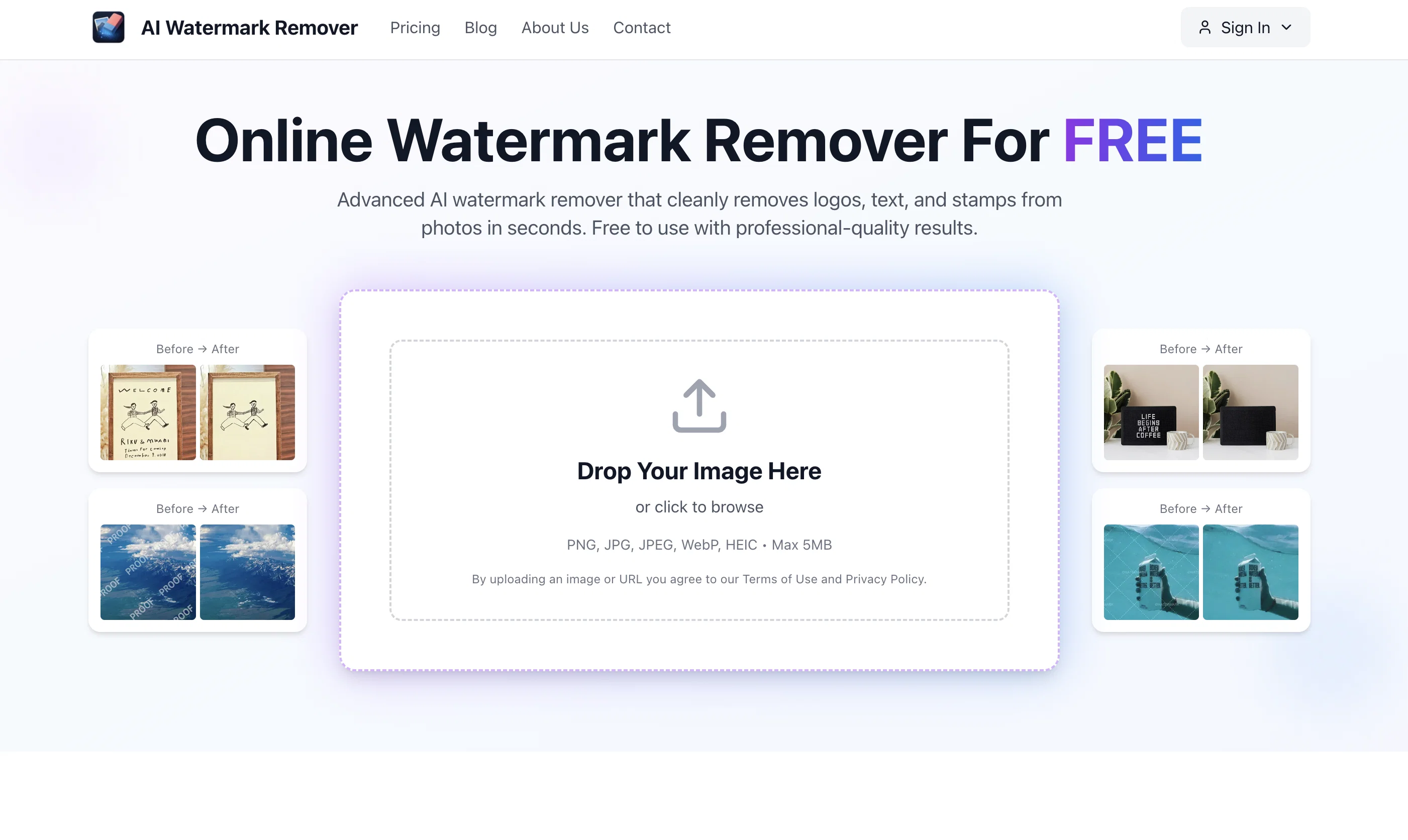
AI Watermark Remover is an online tool designed to cleanly remove watermarks, logos, text, and stamps from images using advanced AI technology. It provides high-quality removal, retaining the original image resolution, colors, and details while getting rid of the unwanted elements.
The AI tool automatically identifies watermarks and text overlays without the need for a manual selection. Users simply drag and drop their watermarked images onto the platform and the AI processing takes care of the rest.
The processed, watermark-free images can be ready for download in a matter of seconds. The service is free to use, requiring no signup or credit card details.
Whilst excellent for personal use including cleaning up images for presentations or old photos, it also has practical applications for professionals needing to prepare images for client presentations or e-commerce.
Security is a priority with this tool, as all images are processed privately and then deleted after processing. In addition, this tool has its own mobile apps for iOS and Android devices, allowing users to remove watermarks on the go.
There are certain legal considerations users must be aware of when removing watermarks, and they are encouraged to ensure they have the right to modify the images in this way before proceeding.
Access & connections
Where you can use AI Watermark Remover.
Capabilities
What this tool accepts, produces, and is strongest at.
Input
- Image
Output
- Image
Pros & cons
Pros
- High-quality removal
- Retains original image resolution
- Retains image colors
- Retains image details
- Automatic watermark identification
- Automatic text overlay identification
- No manual selection required
- Drag and drop interface
Show 34 more
- Fast processing time
- Free to use
- No signup required
- No credit card details required
- Secure processing
- Private image deletion after processing
- Mobile apps available
- IOS and Android compatibility
- Can use on-the-go
- Suitable for personal use
- Suitable for professional use
- Logo removal
- Text removal
- Stamp removal
- Prepares images for presentations
- Prepares images for e-commerce
- Advises on legal considerations
- No loss of image details
- Quick download time
- Removes dates from old photos
- User-friendly interface
- High performance tool
- Privacy prioritized
- Preserves original image quality
- Fast results delivery
- Allows multiple removal
- User reviews available
- Image gallery accessible
- User support provided
- Multiple tools available
- Refund policy available
- Automatic watermark detection and removal
- Can remove stickers
- Can remove signatures
Cons
- No batch processing
- No API
- No paid plans
- Limited to 5MB
- Excludes HEIF format
- Potential legal issues
- Free version limitations
- Automated removal only
Show 2 more
- No desktop app
- Relies on cloud processing
Compare alternatives
Similar tools in the catalog — with a clear reason to open each one.

Fineshare Sora Watermark Remover ✓
Free TrialRemove watermarks from Sora videos with AI.
Why look Typically cheaper
Full comparison
RemoveSoraWatermark in 3s ✓
FreemiumRemove Sora watermarks in 3 secs.
Free + from $13/mo
Full comparison
Hitpaw watermark remover ✓
FreemiumRemove watermarks from photos instantly and for free.
Why look Typically cheaper
Full comparison
Dewatermark ✓
FreemiumAI-powered watermark removal in seconds.
Why look Typically cheaper
Full comparison
Unwatermark AI ✓
FreemiumRemove watermarks from photos and videos instantly.
Why look Typically cheaper
Full comparison
Releases 1
FAQ 12
How does the AI Watermark Remover work?
Is the AI Watermark Remover really free to use?
Does the AI Watermark Remover have a mobile app available?
How is the quality of images preserved during watermark removal?
Does the AI Watermark Remover identify watermarks automatically?
How long does it take for the AI Watermark Remover to process images?
What types of watermarks can be removed by the AI Watermark Remover?
Can the AI Watermark Remover be used for professional purposes?
How are the images secured during processing?
Are there any legal considerations when using AI Watermark Remover?
Do I need to sign up to use AI Watermark Remover?
Is there a limit on the file size or resolution of images that can be processed?
Related tools
Recommended

freebeat AI ✓
FreemiumTurn Music & Ideas into Viral Videos In One Click

Transcript LOL ✓
FreemiumUnlimited transcripts, summaries, 99.8% accuracy, speaker recognition, superfast

Automateed ✓
Free TrialCreate eBooks effortlessly with Automateed, the AI-powered writing tool.

PrompTessor ✓
FreemiumAI Prompt Workspace for Better AI Results

OnSpace.AI - No Code App Builder ✓
FreemiumBuild Apps with AI, No Code

AIVector ✓
FreeConvert Images and Text to High-Quality Vectors in Seconds