

AI Video Enhancer | Picsman ✓
Enhance video quality to 4K with AI
Trial; then from $4.99/mo
Verdict
A quick read before you dig into the full page.
- Best if
- Enhance video quality to 4K with AI
- Skip if
- No mention of supported formats
- Pick this when
- Improves video quality online
Considering Vmake Video Enhancer instead? Compare side by side
Overview
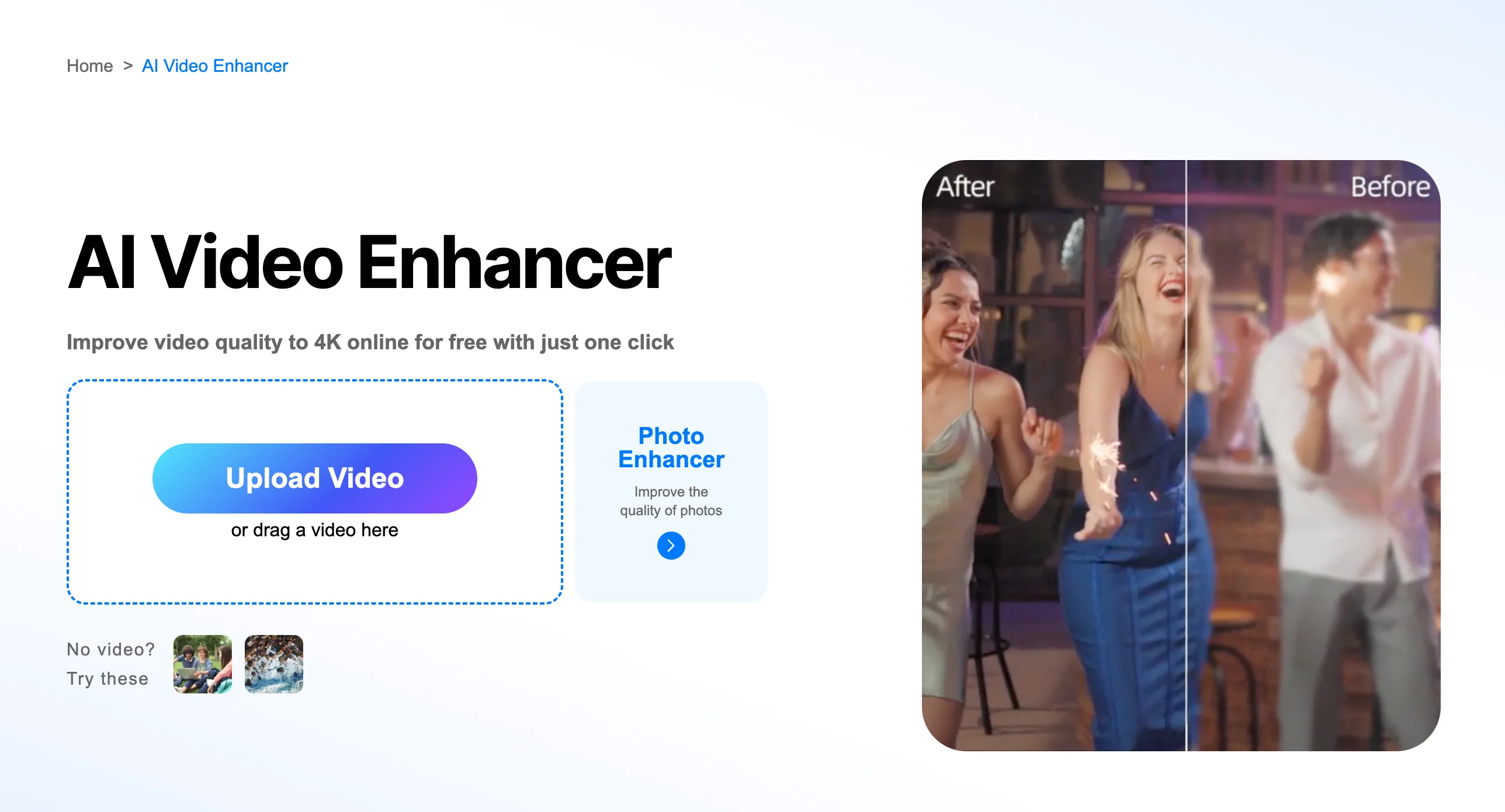
1)One click to enhance video quality with AI
2)Enhance quality of video and say goodbye to blurry screens
3)Enhance videos and change video resolution effortlessly
Access & connections
Where you can use AI Video Enhancer | Picsman.
Platforms
Capabilities
What this tool accepts, produces, and is strongest at.
Input
- Video
Output
- Video
Supported features
- Denoise
- Upscaling
- Video Edit
Pros & cons
Pros
- Improves video quality online
- Changes resolution to 4K
- Removes blur intelligently
- Sharpens details
- Improves overall appearance
- Transforms unclear videos
- Offers one-click upgrade
- No complex editing skills required
Show 21 more
- Upscales video resolution
- Useful for various video scenarios
- User-friendly tool
- Seamless enhancement process
- Recovers old footage
- Enhances YouTube content
- Improves work presentation videos
- Restores vintage films
- Enhances anime videos
- Boosts product showcasing videos
- Enhances video color vibrancy
- Suitable for commercial campaigns
- Revives treasured family videos
- Upgrade corporate presentations
- Professional look achieved
- Increases video frame sharpness
- Supports broad content nature
- Easy three-step enhancement
- Increases video playback smoothness
- Supports popular video formats
- Prioritizes user data security
Cons
- No mention of supported formats
- May oversharpen details
- Potential loss of original texture
- Unclear data privacy policies
- Unknown processing speed
- Resolution upscaling limitations
- No editing options
- No batch video processing
Show 1 more
- Doesn't support offline use
Compare alternatives
Similar tools in the catalog — with a clear reason to open each one.

Vmake Video Enhancer ✓
FreemiumTransform low-res videos into high-quality masterpieces.
Why look Typically cheaper
Full comparison
TensorPix ✓
FreemiumOnline Video & Image Quality Enhancer
Why look Offers a public API
Full comparison
UniFab Video Enhancer ✓
Free TrialAI Video Enhancer software; AI Video upscaling; Audio Upscaling; Video Conversion
Free + from $69.99
Full comparison
UniFab Studio ✓
PaidSharper Details, Smoother Motion, Enhanced in Every Frame
from $49.99/mo
Full comparison

Releases 1
FAQ 12
What video formats does the AI Video Enhancer by Picsman support?
Can AI Video Enhancer by Picsman upscale any video to 4K resolution?
What video scenarios can the AI Video Enhancer by Picsman be used for?
How does AI Video Enhancer by Picsman improve video quality?
Is user data secure while using AI Video Enhancer by Picsman?
Is the AI Video Enhancer by Picsman suitable for enhancing old movies?
How user-friendly is the AI Video Enhancer by Picsman?
Can I use AI Video Enhancer by Picsman to improve the quality of my YouTube content?
Does AI Video Enhancer by Picsman have the capability to restore family videos?
Do I need any editing skills to use the AI Video Enhancer by Picsman?
Can I use AI Video Enhancer by Picsman to enhance the resolution of anime videos?
What is the process of enhancing a video by AI Video Enhancer by Picsman?
Related tools
Recommended

Jason AI ✓
PaidAI-powered assistant for B2B sales outreach

OdysseyGPT ✓
Free TrialTransform documents into interactive knowledge bases using advanced AI.

Chraft AI ✓
FreemiumChat to create viral videos with AI.

Voice Cleaner AI ✓
FreemiumRemove background noise from audio instantly with AI.

devlo ✓
Free TrialAI Software Platform

Hall of Tarot ✓
FreeAdvanced AI tarot readings unlock free insights.
