

AI TranslateDocs ✓
AI-powered translation for any document type
From 9.99
Verdict
A quick read before you dig into the full page.
- Best if
- AI-powered translation for any document type
- Skip if
- Complex document layout issues
- Pick this when
- Translates multiple document formats
Considering Pairaphrase instead? Compare side by side
Overview
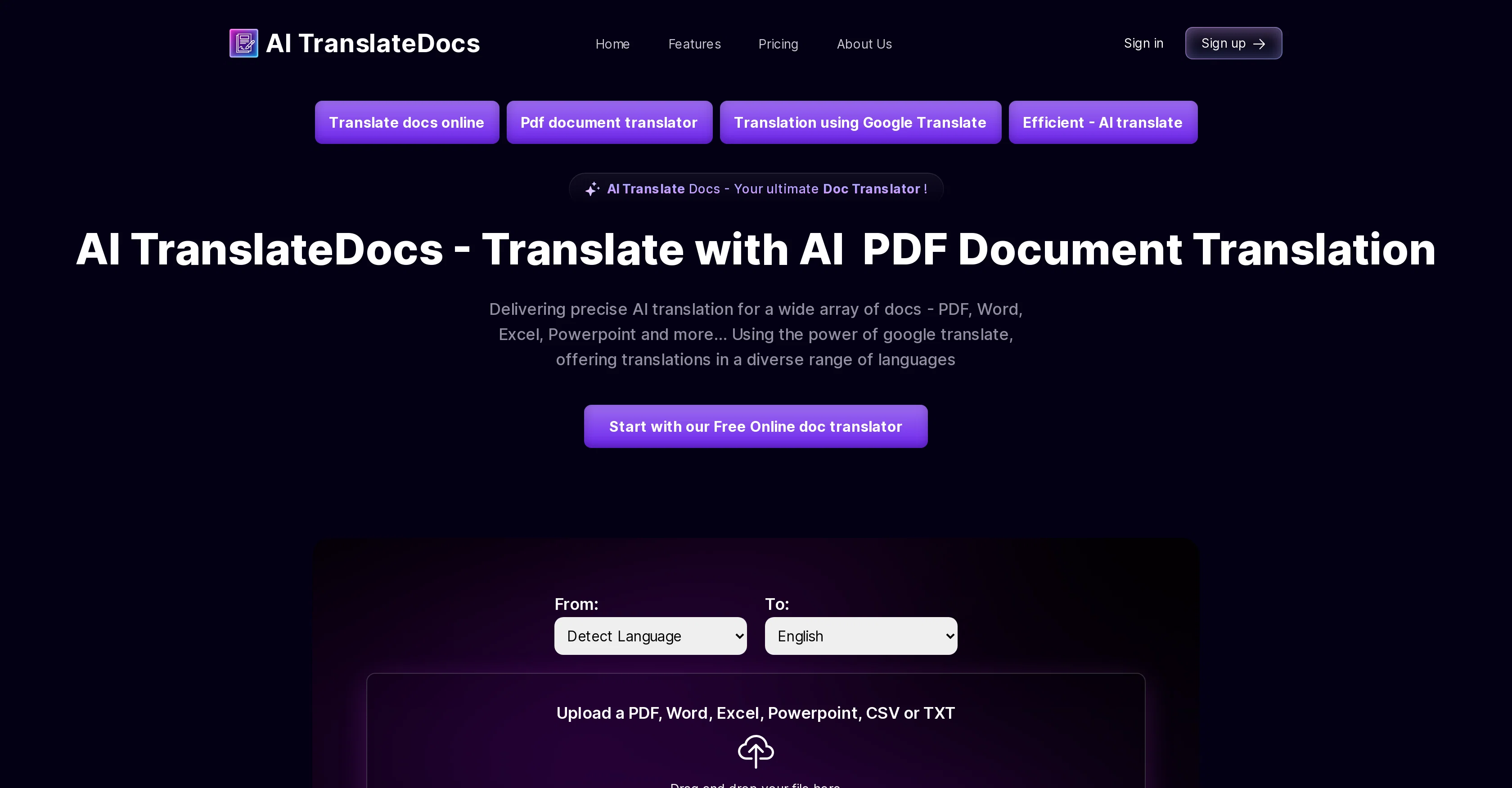
AI TranslateDocs is an AI-powered tool designed for translating a wide variety of document formats including PDF, Word, Excel and PowerPoint documents.
It employs Google Translate's capabilities to offer translations in numerous languages. The tool retains the original document layout, thus preserving the format of the original file during the translation process.
It supports more than 130 languages, including regional dialects. Users can simply upload their document, select the language to translate into, and download their translated document with the original layout maintained.
It offers a straightforward user interface for easy file upload and translation. Additionally, the tool provides data security, using secure encryption protocols to safeguard sensitive information during the document translation and upload process.
AI TranslateDocs offers various pricing plans to accommodate different user needs, all with clear, transparent details. It is an efficient and reliable tool for multilingual document translation.
Access & connections
Where you can use AI TranslateDocs, and what it plugs into.
Platforms
Integrations
Capabilities
What this tool accepts, produces, and is strongest at.
Input
- Text
Output
- Text
Supported features
- Translation
Pros & cons
Pros
- Translates multiple document formats
- Retains original document layout
- Supports 130+ languages
- Regional dialects translation
- Easy file upload
- Secure data encryption
- Various pricing plans
- Transparent pricing details
Show 32 more
- Uses Google Translate's capabilities
- Preserves original file format
- Downloadable translated documents
- Original layout preserved
- Translations tested for accuracy
- Supports PDF translation
- Supports Word document translation
- Supports Excel file translation
- Supports PowerPoint translation
- Clear user interface
- Data security during upload
- Transparent business model
- Support for multiple file formats
- Quick document translation
- No language limitation
- Supports character-limited free translations
- Translates PDF with OCR
- Reasonable translation prices
- No file upload limit
- Large file support in premium plans
- Multi-page PDF translation
- No file size limit in business plan
- Translation for various industries
- Retention of document confidentiality
- Support for academic transcript translations
- Technical translations available
- Support for legal translations
- Support for medical translations
- Business contract translations
- Preservation of content integrity
- High level of translation precision
- Handling of various document types
Cons
- Relies on Google Translate
- Complex document layout issues
- Possible data loss
- Limited file size
- Pricing restrictions
- Google translation accuracy varies
- Dependent on internet connection
- Possible format compatibility issues
Show 2 more
- Doesn't support all dialects
- Lacks advanced features
Compare alternatives
Similar tools in the catalog — with a clear reason to open each one.
Pairaphrase ✓
PaidAI Translation Management Software for Secure Workflows
Why look Offers a public API
Full comparison
O.Translator ✓
FreemiumAI-powered document translation with perfect formatting
Why look Offers a public API
Full comparison
Office Translator ✓
PaidIntelligent AI document translation, preserving format.
Why look Higher community rating
Full comparison
Alexa Translations A.I. ✓
UnknownBreaking the Language Barrier
Why look Higher community rating
Full comparison

Releases 1
Imported reviews 1
I tried it out!! AI TranslateDocs is really much better than other document translation platforms I tried out.
FAQ 12
What are the main features of AI TranslateDocs?
How does AI TranslateDocs use Google Translate's capabilities?
Can AI TranslateDocs maintain the original layout of my document during translation?
What types of documents can be translated using AI TranslateDocs?
Is AI TranslateDocs capable of translating regional dialects?
How secure is my data when using AI TranslateDocs?
What pricing plans does AI TranslateDocs offer?
What languages can AI TranslateDocs translate my document to?
How do I use AI TranslateDocs to translate my document?
Can AI TranslateDocs translate my PowerPoint document?
Does AI TranslateDocs support the translation of Excel files?
How does AI TranslateDocs handle PDF translations?
Related tools
Recommended

LearnGPT ✓
FreeLearn any topic with AI-powered guidance

Easy-Peasy.AI ✓
FreemiumAccelerates content creation.

Findsight ✓
FreeCompare non-fiction ideas from multiple sources.

Jason AI ✓
PaidAI-powered assistant for B2B sales outreach

Bytecap ✓
FreemiumEdit and publish clips 10x faster with AI

Uncody ✓
FreemiumBuild stunning landing pages instantly with AI
