

O.Translator ✓
AI-powered document translation with perfect formatting
Free + from $2
Verdict
A quick read before you dig into the full page.
- Best if
- You are businesses and need: Translating PDF documents while maintaining layout
- Skip if
- Limited troubleshooting support
- Pick this when
- Exceptionally accurate translations
Considering Pairaphrase instead? Compare side by side
Overview



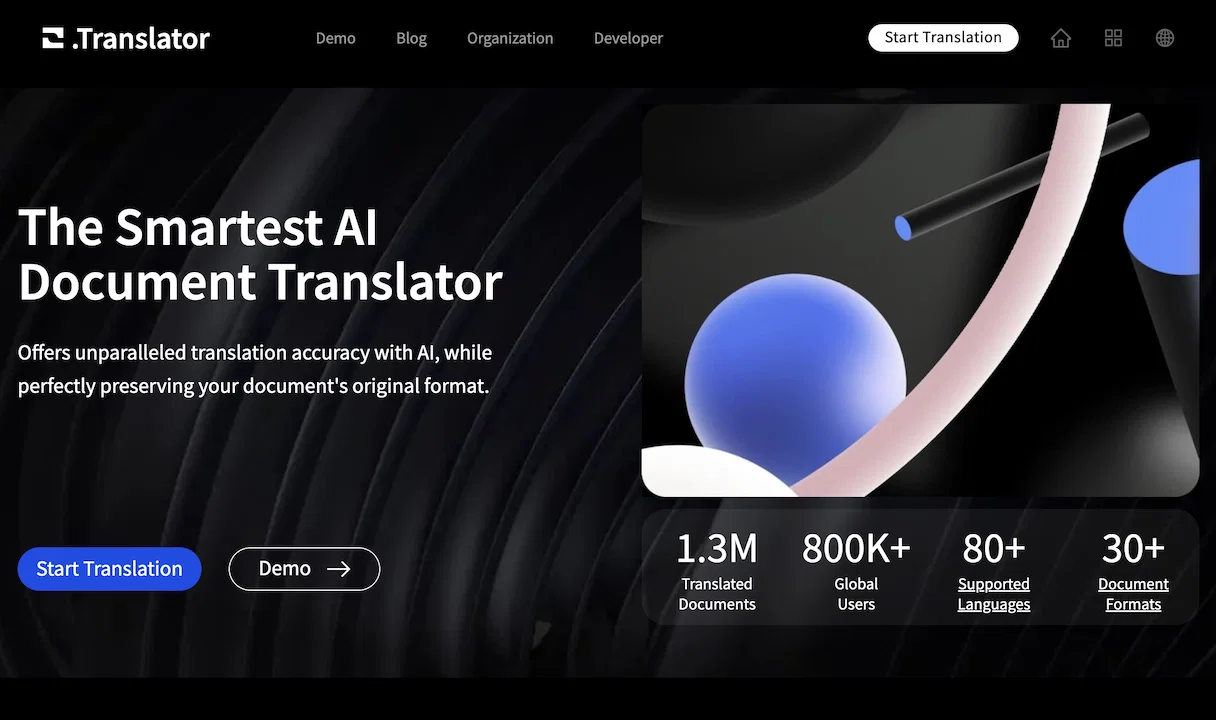
O.Translator is an advanced AI document translator that offers exceptionally accurate translations while maintaining the original format of the document.
This tool caters to various types of document formats including PDF, DOCX, XLSX, PPTX, EPUB, and others. It uses a sophisticated AI engine for context-aware translations that flow naturally, thereby ensuring high-quality output.
A notable feature of the O.Translator is the post-editing and glossary function which allows for precise control of noun translations and effortless content editing, ensuring each sentence of the translated document is flawless.
Furthermore, it provides a free preview feature to guarantee the quality of the translation before payment.The platform is designed with a focus on collaboration, as it provides the feature of inviting others to collaborate and manage translations easily.
The tool assures user privacy, guaranteeing all translations are stored in private and encrypted spaces.O.Translator supports a vast array of document types and languages, making it a versatile tool for personal, professional, or organizational use.
It's also equipped to handle large file sizes, and even complex tasks such as translating scanned PDFs or translating with advanced models such as GPT-4.
Moreover, it guides users effectively to use the software with resourceful articles and detailed tutorials on topics such as PDF translation and glossaries usage, among others.
As far as security concerns, O.Translator uses secure storage and regularly deletes translation files to maintain high standards of user privacy and data protection.
Best for
Short scenarios where O.Translator tends to shine.
-
Translating PDF documents while maintaining layout
Best for Businesses
-
Translating EPUB files for global distribution
Best for Translators
-
Team collaboration on document translations
Best for Content creators
Example outputs 1
Sample generations and before/after results for O.Translator.
Access & connections
Where you can use O.Translator.
Platforms
Capabilities
What this tool accepts, produces, and is strongest at.
Highlights
- API
Supported features
- API
- Translation
Pros & cons
Pros
- Exceptionally accurate translations
- Maintains original document format
- Supports PDF, DOCX, XLSX, PPTX, EPUB
- Context-aware translations
- Post-editing and glossary function
- Collaborative features
- User privacy and data encryption
- Handles large file sizes
Show 40 more
- Translates scanned PDFs
- Supports advanced models like GPT-4
- In-depth user guides
- Supports extensive document types and languages
- Free translation preview
- Secure storage and regular file deletion
- Facilitates organization-wide usage
- Designed for personal and professional use
- Consistent translation quality
- Precise control of noun translations
- Supports PPTX translations
- Supports translating JSON files
- Supports rich programming formats
- Supports translating images and videos
- Affordable translation services
- Supports more than 80 languages
- Supports translating CSV files
- Supports translating ZIP files
- Extendable feature set with add-ons
- Document preservation during OCR process
- Translator guide availability
- Effortless content editing
- Secured private cloud storage
- Payments after satisfactory preview
- Supports large-scale translation projects
- Treasures user trust
- Customizable translation models
- In-app help resources
- Available for global users
- Professional and organizational use
- Multi-format support
- Access to collaborative translation management
- Customer-focused approach
- Rapid translation processing
- In-depth tutorials on topic-specific translations
- Seamless user interface
- Translates TXT files
- Supports translating PHP files
- Translates image and video captions
- Supports translating XLIFF files
Cons
- Limited troubleshooting support
- Requires high internet speed
- No offline mode
- Potentially high cost GPT-4
- Translates scanned PDFs only
- Privacy concerns over sharing
- Collaboration feature confuses translation
- File deletion not user-controlled
Show 2 more
- Glossary function may confuse
- Large file sizes required
Compare alternatives
Similar tools in the catalog — with a clear reason to open each one.
Pairaphrase ✓
PaidAI Translation Management Software for Secure Workflows
Why look Higher community rating
Full comparison
Office Translator ✓
PaidIntelligent AI document translation, preserving format.
Why look Higher community rating
Full comparison
Alexa Translations A.I. ✓
UnknownBreaking the Language Barrier
Why look Higher community rating
Full comparison
Scan Translator ✓
FreemiumTranslate manga and scans instantly in 50+ languages.
Free
Full comparisonPeople also view
Tools that often show up alongside O.Translator in collections and comparisons.
Scan Translator ✓
FreemiumTranslate manga and scans instantly in 50+ languages.
Pairaphrase ✓
PaidAI Translation Management Software for Secure Workflows
Office Translator ✓
PaidIntelligent AI document translation, preserving format.

DocTranslate ✓
Free TrialTranslate documents in any language instantly

Belin Doc ✓
FreemiumOne-click high-quality AI document translation.
Alexa Translations A.I. ✓
UnknownBreaking the Language Barrier
PIQAPART ✓
Free TrialFrom video or photos to a manual in seconds.
PDF2EPUB.ai ✓
PaidConvert any PDF into a perfectly readable eBook
Releases 1
Imported reviews 3
Solved my problem
5/5 very easy, it translated all the text very easily and in 5seconds
The Best PDF translation
FAQ 12
What formats can O.Translator translate?
How does O.Translator ensure translation accuracy?
What is the role of the post-editing and glossary function in O.Translator?
Can I review my translations on O.Translator before making payments?
How does O.Translator facilitate collaboration?
What measure does O.Translator take to ensure user privacy?
Can O.Translator handle translations for large files?
Is it possible to use O.Translator for translating scanned PDFs?
Does O.Translator provide guidance articles or tutorials?
How does O.Translator handle translating with GPT-4?
How regularly does O.Translator delete translation files?
What types of documents can O.Translator handle?
Related tools
Recommended

Free Text-To-Speech ✓
FreeText transformed into customizable spoken output.

TheLibrarian.io ✓
Free TrialYour WhatsApp AI assistant for instant productivity.

Kin - Personal AI Advisors ✓
FreePrivacy-first & designed your for mind, and life at work

Summarist ✓
FreeAI-powered book summaries in seconds

Ideogram ✓
FreemiumAI-powered creativity booster

DimeADozen ✓
PaidValidated business ideas in seconds.