

Music 2026 Rank: #1142
TextSongAI.com ✓
Turn text into full songs with AI.
Verdict
A quick read before you dig into the full page.
- Best if
- Turn text into full songs with AI
- Skip if
- Limited to non-commercial use on Free and Monthly plans
- Pick this when
- Lyrics-first workflow
Considering Suno instead? Compare side by side
Overview
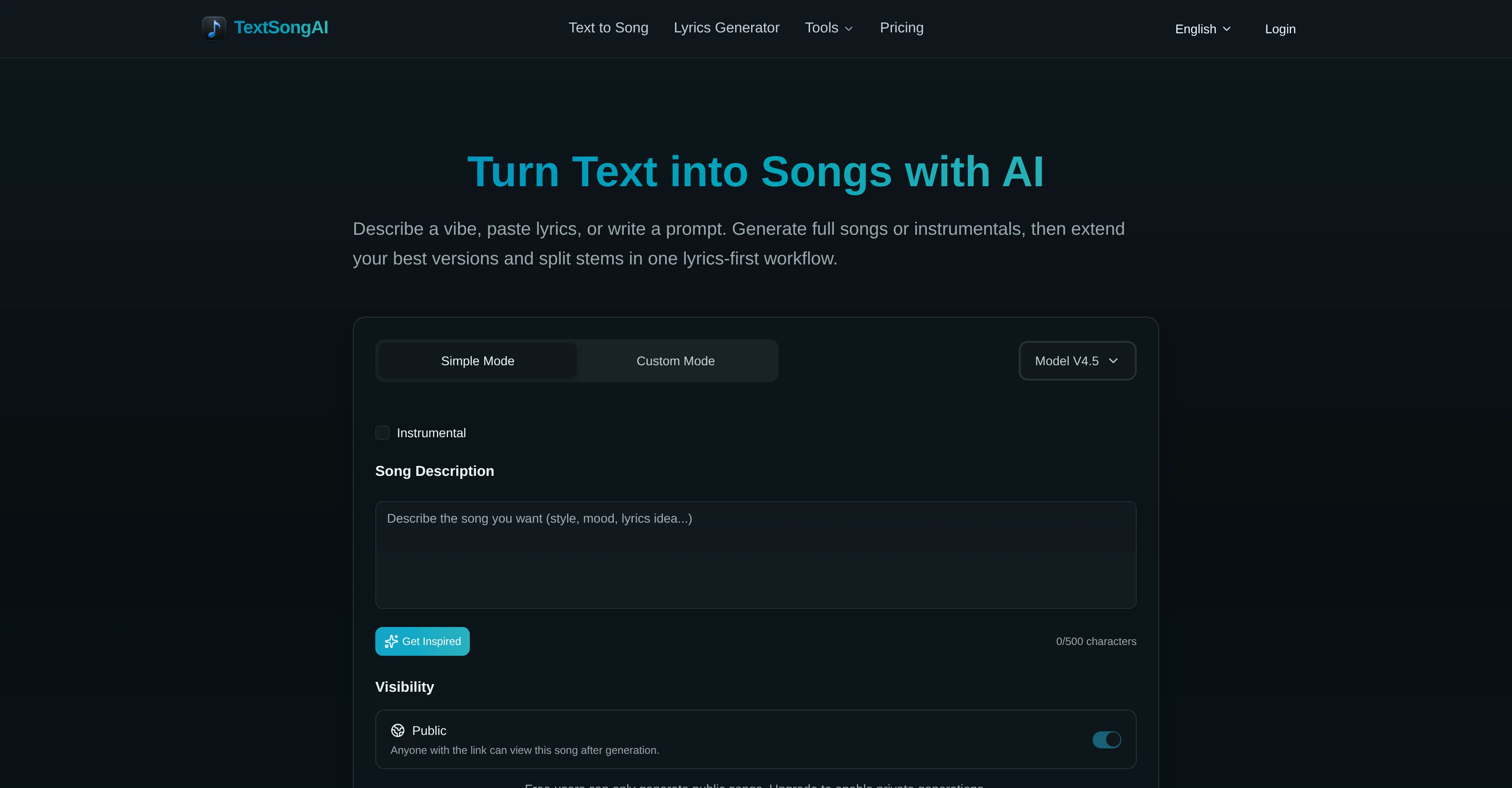
TextSongAI is a tool that uses AI to turn text prompts and lyrics into complete songs, either with vocals or as instrumentals. It provides a lyrics-first workflow letting users describe a vibe, paste lyrics, or write a prompt, and generate full songs or instrumentals.
Along with creating music, this tool allows for the extension of song versions and splitting stems for remix-ready post work. Using TextSongAI, users can create a song from a text cue conveying a mood, scene, or lyrical idea.
They can then shape the desired sound by choosing full vocals or instrumentals, setting genre, energy, and vocal style. Following this, users can choose the strongest take, extend it, split stems if needed, and export their creation in MP3 or WAV formats.
A few of the additional tools contained within the platform include a stem splitter, a vocal remover and a drum separator. These tools allow you to isolate vocals and drums, making them ready for remixing and sampling, or even Karaoke.
The application is well-suited for a range of users including songwriters, video editors, podcast producers, and music teachers.
Access & connections
Where you can use TextSongAI.com.
Platforms
Capabilities
What this tool accepts, produces, and is strongest at.
Input
- Text
Output
- Audio
Supported features
- Music Generation
- Sound Creation
- Styling
Pros & cons
Pros
- Lyrics-first workflow
- Generates full songs from text
- Generates instrumentals from text
- Option to extend songs
- Option to split audio stems
- Vocal removal feature
- Can isolate drums
- Export MP3 or WAV directly
Show 38 more
- Compatible for various users
- Suitable for immediate soundtrack needs
- Allows for song remixing
- Enables karaoke through vocal removal
- Mood synthesis feature
- Multiple genre selection
- Customizable vocal styles
- Supports short-form video editing
- Can generate instrumental-only from text
- Can intelligibly convert text cue to song
- Browser-based creations
- Offers both simple and custom modes
- Free tier available
- Commercial rights for annual subscription
- No musical experience required
- Includes drum separator
- Applicable for indie game developers
- Suitable for use in music education
- Generates music from scenes and briefs
- Assists in creative writing platforms
- Accommodates various languages
- Private song generations for paid users
- Synchronized lyrics editing
- Online studio with MP3/WAV export
- Extend songs to full-length versions
- Can break songs into stems
- Supports vocal and instrumental separation
- Can isolate drum parts
- Aids in podcast production
- Platform suitable for content creation
- Can generate a variety of styles
- Can describe scene or mood in language
- Has lyrics-aligned audio generation
- Generates both public and private songs
- Allows revising and refining of generated songs
- Non-commercial use limitations for free users
- Creates studio-ready audio
- Suitable for beginner song creators
Cons
- Genre selection could be limiting
- Potential misalignment between lyrics and music
- Privacy limited to paid users
- Full capabilities require paid plans
- Limited to non-commercial use on Free and Monthly plans
- Vocal and instrumental separation could be imperfect
- Cloud-based tool, requires good internet connection
- Only exports in MP3, WAV
Show 2 more
- Potential disconnect between desired mood and output
- Technical music knowledge needed for stem splitting
Compare alternatives
Similar tools in the catalog — with a clear reason to open each one.


Tunee ✓
FreemiumChat with AI to create music and music video in minutes.
Why look Offers a public API
Full comparison
Singify ✓
PaidSingify Your World – Create, Cover, Inspire
Why look Typically cheaper
Full comparison
AirMusic ✓
Free TrialAI music generator and music video creator in one platform.
Free + from $11.9/mo
Full comparison
MakeBestMusic-Al Song Generator ✓
Free TrialTurn Ideas into Original Music – Your AI Songmaker
Free + from $14.9/mo
Full comparison
MusicStar.ai ✓
Free TrialPersonalized music with automated genre and lyrics.
Why look Typically cheaper
Full comparisonReleases 1
FAQ 12
What is TextSongAI?
How can I create a song using TextSongAI?
Can I choose the genre and energy level of the songs made by TextSongAI?
Does TextSongAI support various vocal styles?
Can I extend the song versions in TextSongAI?
How does the audio stem splitting feature work in TextSongAI?
Is it possible to isolate drums or remove vocals using TextSongAI?
How does the lyrics generation feature work in TextSongAI?
Can I create instrumental music using TextSongAI?
What are the export formats supported by TextSongAI?
Is there a fee for using TextSongAI?
What can I do with the songs created by TextSongAI?
Related tools
Recommended

freebeat AI ✓
FreemiumTurn Music & Ideas into Viral Videos In One Click

Lyrics To Music.ai ✓
FreemiumTurn lyrics into music with AI.

Thea ✓
FreemiumAI study tools to master material, not just memorize it.

Movie Maker Gemini ✓
FreeGenerate watermark-free AI videos with your Gemini key

Lyric Remix Studio ✓
FreeAI-powered music generation, transcription, and album art

Meloflow AI ✓
FreemiumAI Music Generator & AI Song Maker for Creators
More from this creator

MusicMakerApp ✓
FreemiumGenerate studio-quality music with AI from text.

AI to Song ✓
FreemiumTurn text prompts into full songs instantly.

WriteSong AI ✓
FreemiumTransform prompts into complete songs with AI vocals.
Lyrics To Music.ai ✓
FreemiumTurn lyrics into music with AI.

CreateSong AI ✓
FreemiumCreate songs with AI from prompts or lyrics in minutes.

Musicfy AI ✓
FreemiumCover any song in a brand new voice.