

Transcription 2026 Rank: #1262
MP3 to Text.org ✓
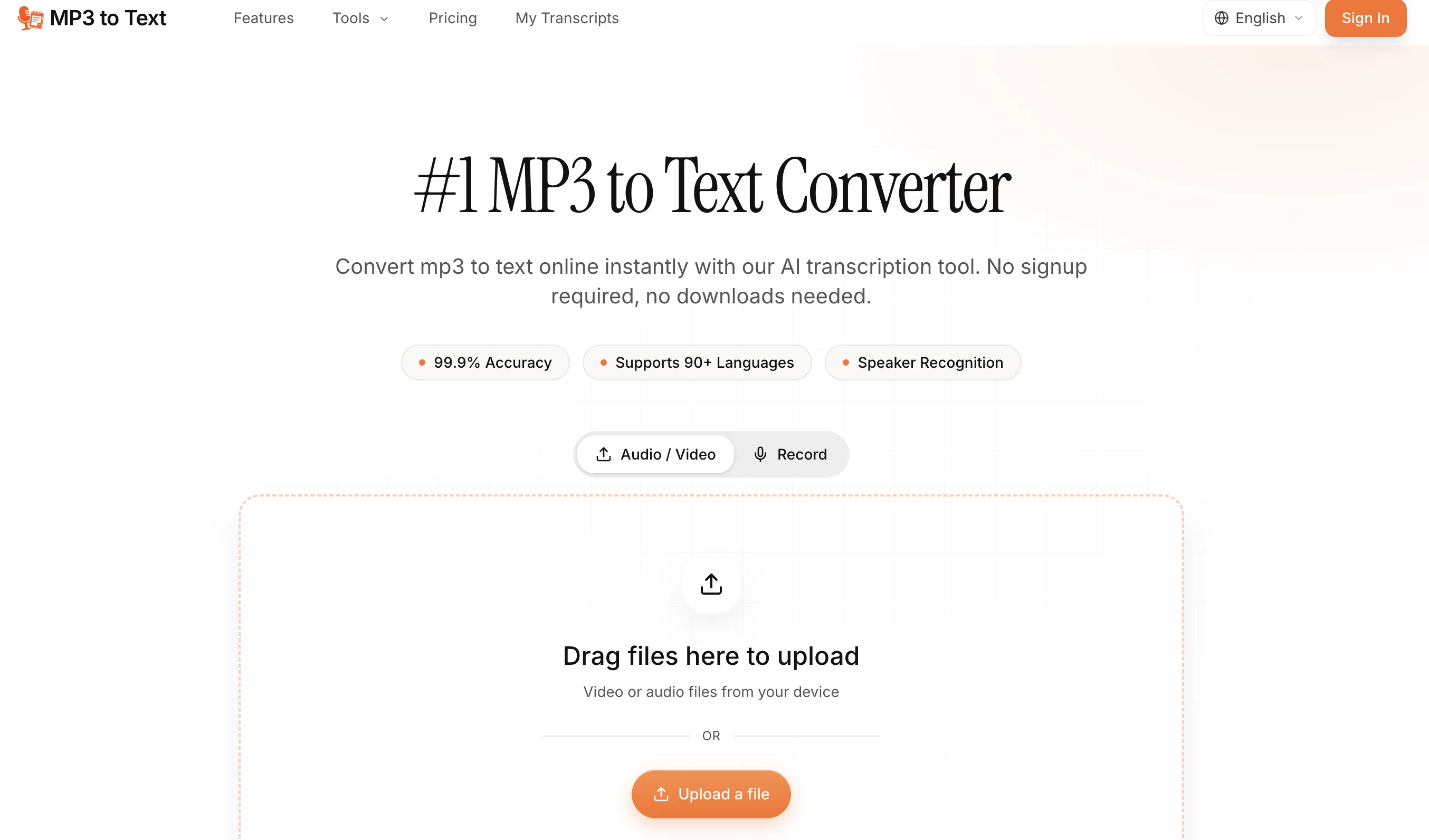
Convert MP3 to text online instantly with AI.
Verdict
A quick read before you dig into the full page.
- Best if
- Convert MP3 to text online instantly with AI
- Skip if
- Annual subscription only
- Pick this when
- Supports 90+ languages
Considering Voicetype AI instead? Compare side by side
Overview
MP3 to Text Converter is an AI-driven tool designed to transcribe MP3 audio files into text across multiple languages. The tool uses advanced artificial intelligence for transcribing the audio, promising to handle accents, background noise, and other audio challenges with a high degree of accuracy.
It's also engineered to automatically detect and label different speakers, which is particularly useful for transcribing meetings, interviews, panels, and podcasts.
Additionally, the tool supports batch processing, allowing users to drop multiple files at once for simultaneous transcription. Once transcriptions are complete, users can export their results in various formats such as TXT, DOCX, SRT, or VTT.
These outputs are suited for a variety of applications, including note-taking, report creating, and video subtitling. The tool is beneficial for diverse user groups including podcasters, broadcasters, researchers, academics, journalists, educators, trainers, professionals, and students.
Users can transcribe audio in over 90 languages, allowing for a broad range of usage. The platform does not require a sign-up process, making it instantly accessible and user-friendly.
Access & connections
Where you can use MP3 to Text.org.
Platforms
Capabilities
What this tool accepts, produces, and is strongest at.
Input
- Audio
Output
- Text
Supported features
- STT
- Translation
- Transcription
Pros & cons
Pros
- Supports 90+ languages
- Multiple audio formats
- No sign-ups required
- No downloads needed
- Handles accents
- Handles background noise
- Multi-speaker recognition
- Batch processing
Show 38 more
- Multiple export formats
- Suits professionals and students
- Online service
- Instant transcription
- User-friendly interface
- Supports various use cases
- Advanced audio challenges handling
- Simultaneous multi-audio processing
- Compatibility with MP3 files
- Drop file functionality
- Market competitive transcription accuracy
- Designed for various professions
- Multi-speaker automatic labelling
- Flexible transcript export
- Broad usage range
- Supports note-taking
- Supports report creation
- Utility for video subtitling
- No signup bias
- Ideal for podcasters
- Ideal for broadcasters
- Perfect for researchers
- Suitable for academics
- Optimized for journalists
- Versatile for trainers
- Affordable pricing
- Support for long format files
- Transcript export with timestamps
- Wide regional dialects support
- No cancellation fee
- No daily transcriptions limit
- Suitable for consultants
- Useful for sales teams
- Useful for HR
- Ideal for SEO articles
- Perfect for interviews
- Up to 5 GB uploads
- Transcript library creation
Cons
- Limited file size (5GB)
- Subscription based
- No offline functionality
- Confusion with regional dialects
- Limited File Length (10 hours)
- Execution speed depends on file size
- No free unlimited usage
- No mention of security measures
Show 2 more
- Annual subscription only
- No live transcription mentioned
Compare alternatives
Similar tools in the catalog — with a clear reason to open each one.

Voicetype AI ✓
Free TrialWrite 9x Faster with AI Speech to Text on all Apps
Why look Better for writing
Full comparison
Transcript LOL ✓
FreemiumUnlimited transcripts, summaries, 99.8% accuracy, speaker recognition, superfast
Why look Offers a public API
Full comparison
TurboScribe ✓
Freemium🎯 3 free transcripts every day. 🔥 Unlimited transcription starting at $10/mo.
Free + from $10/mo
Full comparison
RambleFix ✓
Paid⚡ Write by thinking aloud - emails, notes, articles, in your style.
Why look Better for writing
Full comparison
Paraspeech ✓
Free TrialPrivate dictation, cloud optional
Why look More privacy-focused
Full comparisonReleases 1
FAQ 12
What is the MP3 to Text Converter?
How many languages does the MP3 to Text Converter support?
What different audio formats can the MP3 to Text Converter handle?
Is there a need for signing up or downloading anything to use the MP3 to Text Converter?
How accurately can the MP3 to Text Converter transcribe audio files with complex elements?
Does the MP3 to Text Converter support multi-speaker recognition?
What is the advantage of the MP3 to Text Converter's batch processing feature?
In which formats can I export my transcripts from the MP3 to Text Converter?
Who are the potential users of the MP3 to Text Converter?
Can I use the MP3 to Text Converter tool for free?
Does MP3 to Text Converter handle accents and background noise?
Does MP3 to Text Converter require any signup or download?
Related tools
Recommended

Claude ✓
FreemiumBuilding reliable, interpretable AI systems

Song Lyrics Review ✓
Free TrialMaster song lyrics review with AI-powered analysis tools.

AI Stem Splitter ✓
See siteTurn any song into clean isolated tracks.

MeetingBrief ✓
PaidComprehensive meeting research in under a minute.

MagicSlides.app AI PPT Maker ✓
FreemiumCreate Stunning PPTs in Seconds with the AI PPT Maker

CodeRabbit ✓
Free TrialEnhanced code review for improved workflow and quality.