

AI Photo Restore ✓
Restore and upscale old photos with AI.
Free + from $4.9/mo
Verdict
A quick read before you dig into the full page.
- Best if
- Restore and upscale old photos with AI
- Skip if
- Limited to 10MB uploads
- Pick this when
- Refreshes aged photos
Considering FaceRefresh instead? Compare side by side
Overview
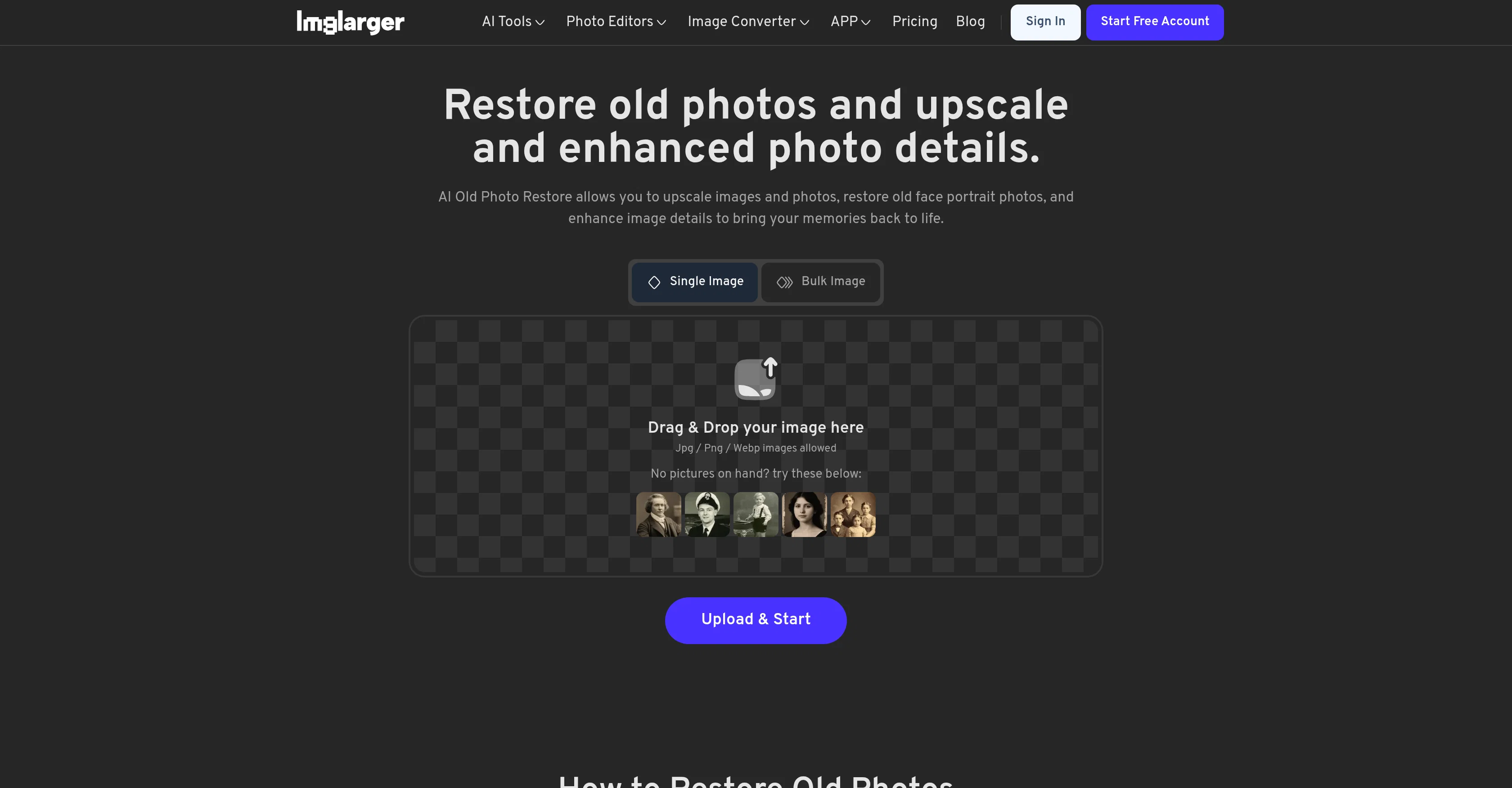
AI Photo Restore is a powerful tool that uses artificial intelligence to refresh, restore, and upscale aged or damaged photos. This tool can significantly enhance image details, restore face portraits, and upscale photos, aiming to breathe new life into cherished memories.
It is ideal for updating vintage family photos or historical archives, providing professional-level results suitable for photo albums, printing, and social sharing.
In addition to restoring individual photos, AI Photo Restore offers batch processing capabilities, allowing multiple images to be enhanced at once for increased efficiency.
The tool also boasts AI-driven upscaling technology, which increases image resolution while preserving original quality. The AI Photo Restore service ensures user data privacy by clearing all uploaded and processed images after 6 hours, and it does not share data with third parties.
Users can begin utilizing the tool free of cost, without needing to sign up. AI Photo Restore is a part of the broader Imglarger platform offering a suite of AI-powered image enhancement tools.
Access & connections
Where you can use AI Photo Restore.
Platforms
Capabilities
What this tool accepts, produces, and is strongest at.
Input
- Image
Output
- Image
Pros & cons
Pros
- Refreshes aged photos
- Restores damaged photos
- Enhances image details
- Restores face portraits
- Upscales photos
- Suitable for vintage photos
- Can update historical archives
- Professional-level restoration
Show 40 more
- Offers batch processing
- Increases image resolution
- Preserves original quality
- Clears user data after 6 hours
- Does not share data
- No sign-up required
- Free to use
- Part of Imglarger suite
- Perfect for social sharing
- Ideal for printing
- Supports diverse images types
- Automatic photo enhancement
- Fast processing times
- Easy drag & drop upload
- Secure and private processing
- Multiple output sizes
- Optimized for photo albums
- User-friendly interface
- Can repair old photos
- Suitable for restoring color
- Improves image brightness & contrast
- Uncrops hidden image details
- Create cartoon versions
- Remove objects or background
- Data size up to 10MB
- Enhance multiple images simultaneously
- Exceptional upscaling up to 8K
- Instant start, no restrictions
- Handles both portraits and landscapes
- Supports variety of image formats
- Easy-to-follow restoration steps
- Offers image editing tools
- Access multiple tools from one platform
- Facilitates images conversion (Webp, Jpg, Png, Jpeg)
- Option to resize image batch
- Images cleared every 6 hours
- Ideal for enhancing facial features
- Ability to adjust image saturation
- Features to adjust exposure, temperature, clarity
- Platform available in multiple languages
Cons
- Limited to 10MB uploads
- Deletes images after 6 hours
- No account, no saved history
- Lacks advanced editing features
- Only jpg/png/webp formats supported
- Requires premium for 800px+ images
- Doesn't support mobile platforms
- No local app available
Show 2 more
- Single language interface
- Only restores, doesn't colorize
Compare alternatives
Similar tools in the catalog — with a clear reason to open each one.


Forevi ✓
PaidBring old photos back to life with restoration and animation
from $19/mo
Full comparison

Imagecolorizer
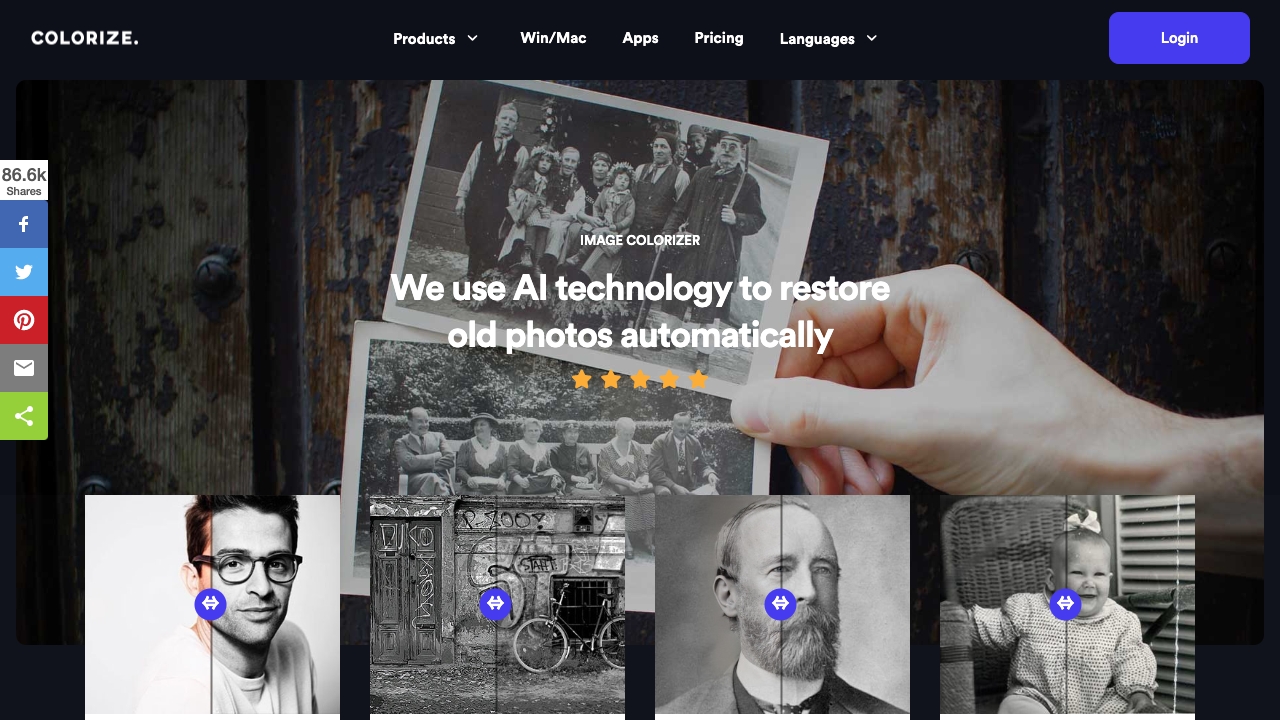
PaidAI-powered platform to colorize, restore, and enhance old photos.
$0
Full comparison
AI photo restorer ✓
Free TrialRefined image, with facial touch-ups and upscaling.
Why look Typically cheaper
Full comparisonReleases 1
FAQ 12
What is the AI Photo Restore tool?
What can I expect from using AI Photo Restore?
What is the image quality result when using AI Photo Restore?
Can AI Photo Restore work on family photos?
Can I enhance multiple images at once with AI Photo Restore?
How does AI Photo Restore upscale photos?
Is my data secure with AI Photo Restore?
Do I need to sign up to use AI Photo Restore?
What is the cost of using AI Photo Restore?
Is AI Photo Restore part of a larger platform?
Can I use AI Photo Restore to restore historical archives?
Are there any size limitations for images when using AI Photo Restore?
Related tools
Recommended

TheLibrarian.io ✓
Free TrialYour WhatsApp AI assistant for instant productivity.

Midjourney ✓
PaidExpand human imagination through AI-powered visuals.

Suno ✓
FreemiumMake music at the speed of your ideas.

ElevenLabs ✓
FreemiumCreate lifelike AI voices for compelling storytelling.

DeepSeek ✓
FreeUnravel the mystery of AGI with curiosity

PixVerse ✓
FreemiumCreate breath-taking videos with AI
