

Image editing 2026 Rank: #583
AI Photo Editor ✓
Transform photos with AI using simple text prompts.
Verdict
A quick read before you dig into the full page.
- Best if
- Transform photos with AI using simple text prompts
- Skip if
- Limited file format support
- Pick this when
- Quick photo editing
Considering Viyou AI Image Generator instead? Compare side by side
Overview
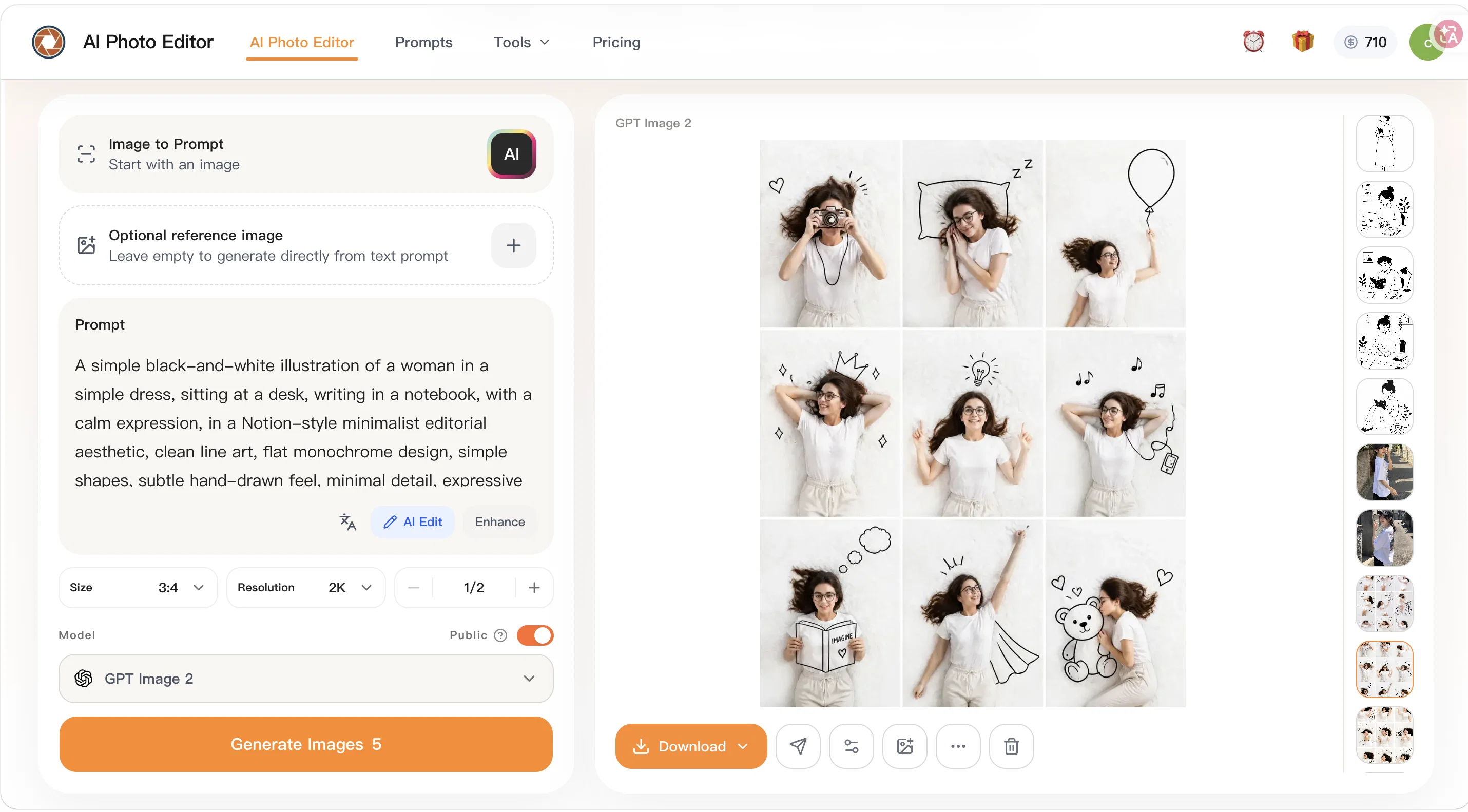
AI Photo Editor is a web-based artificial intelligence tool designed to make photo editing tasks easier and faster. It offers various functionalities such as fast prompt-based edits, and the ability to handle everyday images such as JPEG, PNG, and WEBP files.
The tool possesses a range of editing options including old photo restoration, cinematic portrait creation, skin enhancement, and more. The photo editor prides itself on its precise control of image content and targeted changes to people, objects, areas, and small details in order to match the user's editing goal.
It also allows for background replacement or adjustments keeping the overall image natural looking.AI Photo Editor includes features for improving portrait and product details by enhancing lighting, refining skin textures, and increasing overall image clarity.
It supports multiple reference images, which lets users unify style, borrow composition ideas, or merge elements into a final image. Another unique feature is its capacity to transform photos with fast stylization into various aesthetics such as a Ghibli-inspired style, Polaroid photo style, or a vintage photo aesthetic.In addition, AI Photo Editor caters to different use cases.
It is suitable for personal use, like cleaning up travel photos, for ecommerce needs like updating product images, for improving branding visuals such as headshots, and for updating marketing assets.
The tool promises faster processing than traditional photo editing workflows and does not require advanced retouching skills, making it user-friendly for non-designers, while also providing the quality and flexibility that professionals need.
Access & connections
Where you can use AI Photo Editor, and what it plugs into.
Platforms
Integrations
Capabilities
What this tool accepts, produces, and is strongest at.
Input
- Image
- Text
Output
- Image
Highlights
- SOTA
Supported features
- Image Edit
- Styling
- Background Removal
Models
Text
Image
Audio
Video
Pros & cons
Pros
- Online tool
- Quick photo editing
- User-specific editing
- Background replacement feature
- Image transformation
- Photo detail enhancement
- Multi-image composition
- Unique visual styles
Show 40 more
- Supports JPG, PNG, WEBP
- Up to 24MB files
- Personal and professional use
- Low learning curve
- High-output workflow support
- Fast testing
- Repeated revisions
- Performance improvement
- Prompts for precise control
- Targeted changes feature
- Background adjustments
- Lighting enhancement
- Skin texture refining
- Increased image clarity
- Multiple references support
- Stylization into various aesthetics
- Travel photo cleanup
- Ecommerce product updates
- Branding visuals improvement
- Faster processing
- User-friendly for non-designers
- Iterative marketing updates
- Multiple upload formats
- Old photo restoration
- Cinematic portrait creation
- Skin enhancements
- Faster than traditional workflows
- No advanced retouching skills needed
- Less tool switching
- Reusable editing methods
- Portrait and product polish
- Ghibli-inspired style option
- Polaroid and vintage aesthetics
- Free online access
- Prompt-based edits
- Fast and practical
- Suitable for high volumes
- Improved project consistency
- Unifies visual style
- Refines image details
Cons
- Limited file format support
- Maximum file size 24MB
- No API
- No offline version
- No batch processing
- No plugin for graphic software
- Complexity for multiple image composition
- Potential mismatch between intent and output
Show 2 more
- No support for raw files
- Lacks advanced features for professionals
Compare alternatives
Similar tools in the catalog — with a clear reason to open each one.

Viyou AI Image Generator ✓
FreemiumTransform text and images into stunning videos and visuals.
Free + from $39.99/yr
Full comparison
Img2Img AI ✓
FreemiumTransform any image with AI in seconds.
Why look Typically cheaper
Full comparison

Photoeditor ✓
PaidEnhanced image editing with object and text removal.
from $9.99/mo
Full comparison
Cleanup pictures ✓
FreemiumRemove unwanted elements from photos instantly.
Why look Typically cheaper
Full comparisonReleases 1
Imported reviews 1
best ai photo editor
FAQ 12
What is AI Photo Editor?
How does AI Photo Editor work?
Does AI Photo Editor support multiple file types?
Is AI Photo Editor suitable for non-designers?
How can AI Photo Editor help with marketing and content teams?
What are the unique visual styles AI Photo Editor offers?
Can you do multi-image composition on AI Photo Editor?
What kind of image transformation can be done with AI Photo Editor?
How does AI Photo Editor enhance photo details?
How can AI Photo Editor be used for ecommerce product image updates?
What is the maximum file size AI Photo Editor supports?
Can I use the AI Photo Editor for professional image editing?
Related tools
Recommended

ChatGPT ✓
FreemiumAsk anything, create anything, and move from idea to action.

Vidnix | AI Image to Video Generator ✓
Free TrialTurn text into stunning AI videos.

AI Hub - APIs by Picsart ✓
FreemiumOne API for 100+ models across image, video, text, audio.

Whacka ✓
Free TrialTurn ideas into real apps from your phone.

Wan Video ✓
UnknownAI creative platform that lowers creative barriers.

Glif ✓
PaidCreate and run AI generators with prompts, no code needed.