

Animations vv1.1.1 2026 Rank: #586
AI Effect.Art ✓
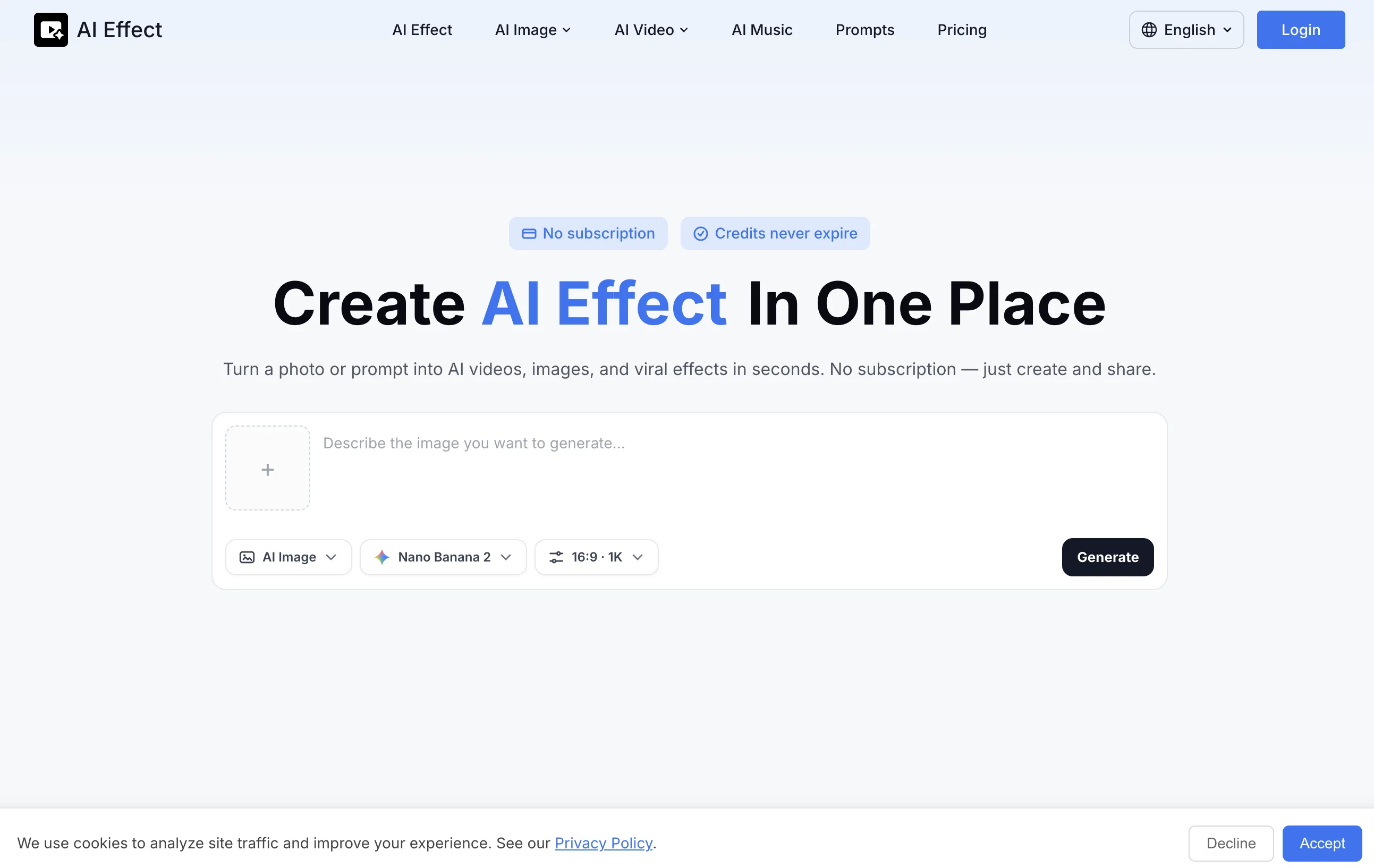
Turn photos into viral AI videos with templates.
Verdict
A quick read before you dig into the full page.
- Best if
- Turn photos into viral AI videos with templates
- Skip if
- Limited resolution options
- Pick this when
- Popular scene templates
Considering Anijam instead? Compare side by side
Overview

No subscription — pay only for what you use. No editing skills required.
Turn a simple photo or prompt into a ready-to-share video for TikTok, Reels, or YouTube Shorts. Generate content faster with consistent visuals and smooth motion.
Just upload your input, choose a style, and get your video instantly. Try it with your own photo.
Best for
Short scenarios where AI Effect.Art tends to shine.
-
Turn photos into viral AI videos with templates.
Example outputs 1
Sample generations and before/after results for AI Effect.Art.
Access & connections
Where you can use AI Effect.Art.
Platforms
Capabilities
What this tool accepts, produces, and is strongest at.
Input
- Image
Output
- Video
Highlights
- Use code TAAFT
- 20% OFF
Supported features
- Video Generation
- Video Edit
- Styling
- Social Media
- Visual Creation
- Realism
Pros & cons
Pros
- Popular scene templates
- Easy photo upload
- User-friendly interface
- No video editing skills required
- Pay-per-use model
- No subscriptions needed
- Secure usage
- Output ready for social media
Show 26 more
- Diverse template collection
- Works well for individuals and professionals
- Rapid video generation
- One-click video creation
- Private unless shared by user
- Quick upload to template selection
- Effective for content creators
- Utilized by marketing teams
- Beneficial for social media influencers
- Privacy protection
- Consistent results with templates
- Dynamic video from static images
- On-demand service
- Popular themes availability
- Created for Hobbyists
- Improves user engagement
- Creates shareable content
- Transforms photos into videos
- Cognitive image transformation
- Social media video content
- Pictures into short video clips
- Photos to animated videos
- Variety of motion effects
- Cinematic video effects
- Option of single photo video
- Instant video scene generation
Cons
- Limited template options
- Pay-per-use cost accumulative
- Allows only photo uploads
- No prompt-based video generation
- Only generates short videos
- No video editing feature
- Limited resolution options
- Requires specific image types
Compare alternatives
Similar tools in the catalog — with a clear reason to open each one.
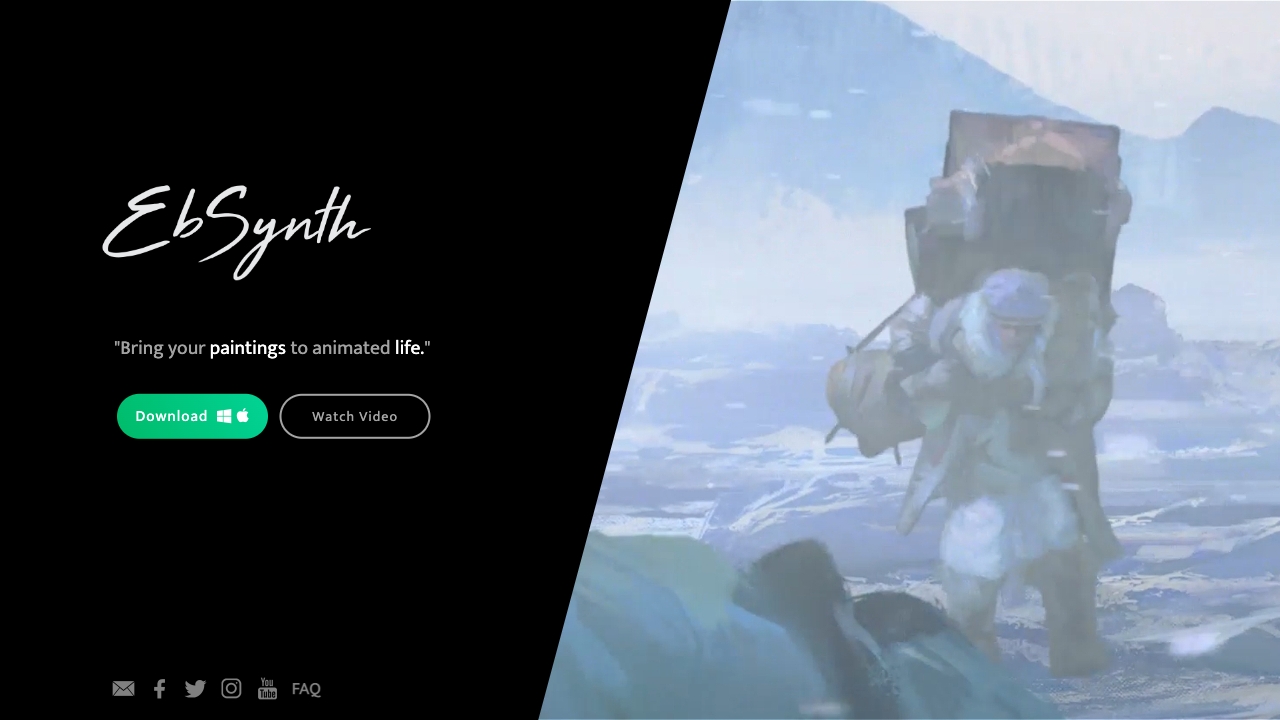
Ebsynth
UnknownEbSynth animates footage using styled keyframes, ideal for hand-drawn animations.
No pricing
Full comparison
DreamFace ✓
FreemiumAnimate photos with AI face editing magic.
Why look Freemium alternative
Full comparison
Animagic ✓
FreemiumTurn drawings into animations in seconds.
Why look Freemium alternative
Full comparisonPeople also view
Tools that often show up alongside AI Effect.Art in collections and comparisons.
Ebsynth
UnknownEbSynth animates footage using styled keyframes, ideal for hand-drawn animations.
DreamFace ✓
FreemiumAnimate photos with AI face editing magic.

MyHeritage Deep Nostalgia ✓
UnknownAnimate faces in old family photos.

Animatable ✓
PaidCreate animated characters and environments in minutes
Animagic ✓
FreemiumTurn drawings into animations in seconds.

Anijam ✓
Free TrialAI handles your entire animation pipeline.

Vibe Motion ✓
Free TrialAI motion graphics generator - VibeMotionAI

Spatius ✓
FreemiumReal-time AI avatars at a fraction of the cost.
Releases 2
🎉 200+ New Video Effects Are Here! Create viral World Cup videos, AI transformation clips, hilarious meme content, and more. No subscription required—pay only for what you use.
FAQ 12
What is AI Effect?
How does AI Effect work?
Can I use AI Effect without video editing skills?
What templates do AI Effect provide?
Can I use multiple photos with AI Effect?
Is my data secure with AI Effect?
Does AI Effect have a pay-per-use model?
Can I use AI Effect for commercial purposes?
How does AI Effect help content creators and social media managers?
What platforms are the videos from AI Effect suitable for?
How much does it cost to generate a video with AI Effect?
What is the quality of the videos generated by AI Effect?
Related tools
Recommended

VidFlux AI Image Editor ✓
PaidGenerate and edit stunning images with AI.

ChatGPT ✓
FreemiumAsk anything, create anything, and move from idea to action.

freebeat AI ✓
FreemiumTurn Music & Ideas into Viral Videos In One Click

Claude ✓
FreemiumBuilding reliable, interpretable AI systems

MarketAlerts.ai ✓
FreemiumInvest smarter with AI on your side

leania.ai ✓
Free TrialMRI scan for Businesses: Find What to Cut, Replace, Automate with AI