

AI Captions for Videos: VidCap ✓
Auto-generate subtitles for videos in seconds.
Verdict
A quick read before you dig into the full page.
- Best if
- Auto-generate subtitles for videos in seconds
- Skip if
- Expensive subscription plans
- Pick this when
- Generates accurate subtitles automatically
Considering Captioner.io instead? Compare side by side
Overview
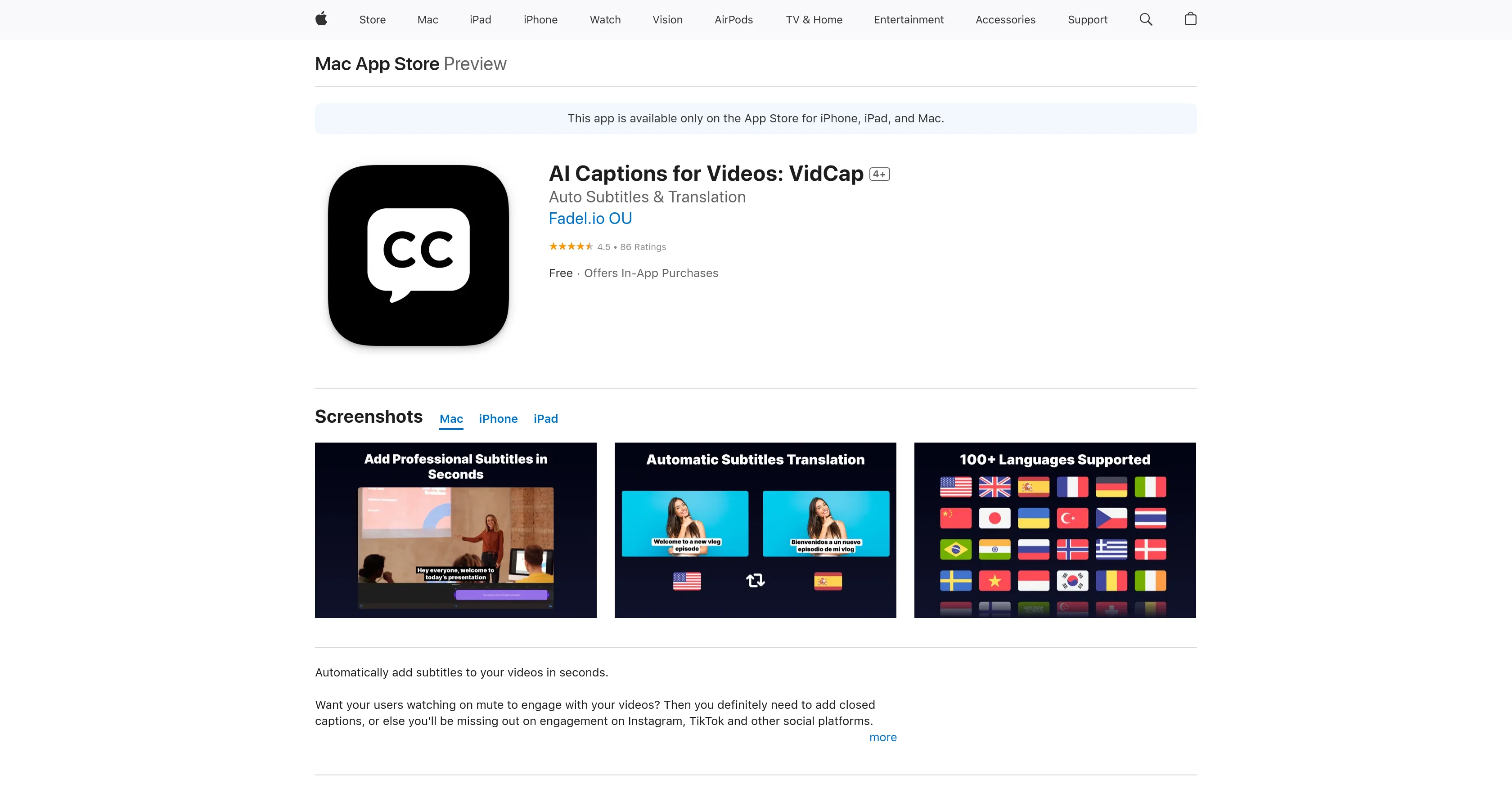
VidCap is an Artificial Intelligence tool that specializes in automatically generating accurate subtitles for video content. This tool aims to improve engagement from audiences watching videos on mute across various social platforms like Instagram and TikTok.
It is particularly useful to influencers, content creators, and small business owners interested in producing compelling videos. The features of the tool go beyond the auto-subtitling feature: it has capabilities for adding custom video backgrounds, brand logos or watermarks, and unlimited video duration.
These subtitles offer customization options allowing changes in text font, style, animations, and they can color individual words. Furthermore, VidCap can translate the subtitles to more than 100 supported languages.
The tool also allows for previews of designs on social platforms. Users have the added benefit of exporting their captions in various formats such as Text, SRT, and VTT.
Moreover, VidCap maintains the quality of videos by allowing them to be saved in 4K resolution on user devices.
Access & connections
Where you can use AI Captions for Videos: VidCap, and what it plugs into.
Platforms
Capabilities
What this tool accepts, produces, and is strongest at.
Input
- Video
Output
- Video
Pros & cons
Pros
- Generates accurate subtitles automatically
- Improves mute video engagement
- Customizable video backgrounds
- Allows brand logo insertion
- Supports unlimited video durations
- Customizable text font and style
- Supports text animations
- Individual word coloring
Show 22 more
- Supports over 100 languages
- Previews for social platforms
- Multiple captions export formats
- Supports 4K video resolutions
- Subtitle Translation
- Multi-Language Support
- Text Style Customization
- Text Format Export
- 4K Video Support
- Preview on Social Platforms
- Mute video engagement booster
- Exports in Text, SRT, VTT
- Custom brand watermark support
- Animation customization options
- Supports Mac, iPhone, iPad
- Availability on App Store
- Text-to-speech engine accuracy
- Subscription offers
- Offers In-App Purchases
- High user ratings
- App Privacy practices
- Multiple language interface
Cons
- Not free
- Requires in-app purchases
- Short trial period
- Expensive subscription plans
- Limited language options
- Limited device compatibility
- Lacks live support
- Pipeline not disclosed
Show 1 more
- Unspecified data handling practices
Compare alternatives
Similar tools in the catalog — with a clear reason to open each one.

Captioner.io ✓
Free TrialAdd accurate, multilingual subtitles to videos - fast, right in your browser.
Why look Higher community rating
Full comparison
RenderCut ✓
Free TrialAdd stylish subtitles to short videos instantly.
Free + from $15/mo
Full comparison
Animaker Subtitles ✓
FreemiumGenerate subtitles for videos with AI in one click.
Free + from $15/mo
Full comparison

AddSubtitle ✓
FreemiumTranslate video subtitles into 100+ languages instantly.
Why look Higher community rating
Full comparison
Releases 1
FAQ 12
How does VidCap generate subtitles?
Who is VidCap designed for?
Can VidCap add custom backgrounds to the video?
Can I add my brand logo to videos using VidCap?
Does VidCap limit video duration?
Can I customize the text of VidCap subtitles?
How many languages can VidCap translate subtitles to?
Can I preview my designs on social platforms before exporting?
What formats does VidCap export captions in?
Does VidCap maintain the quality of videos?
Can I save videos in 4K resolution with VidCap?
Is VidCap useful for social media content creation?
Related tools
Recommended

GPTExcel ✓
FreemiumGenerate spreadsheet formulas with AI

Scisummary ✓
Free TrialCutting-edge scientific articles summarization.

Photo AI ✓
PaidCreate beautiful AI photos and videos of real people

GPTinf ✓
PaidBypass AI detectors with one-click rephrasing.

Thea ✓
FreemiumAI study tools to master material, not just memorize it.

TurboScribe ✓
Freemium🎯 3 free transcripts every day. 🔥 Unlimited transcription starting at $10/mo.