Cardina ✓
Visually guide customers remotely with instant cobrowsing.
Verdict
A quick read before you dig into the full page.
- Best if
- Visually guide customers remotely with instant cobrowsing
- Skip if
- Tool learning requires human approval
- Pick this when
- Extracts knowledge from previous support
Considering GPT Trainer instead? Compare side by side
Overview
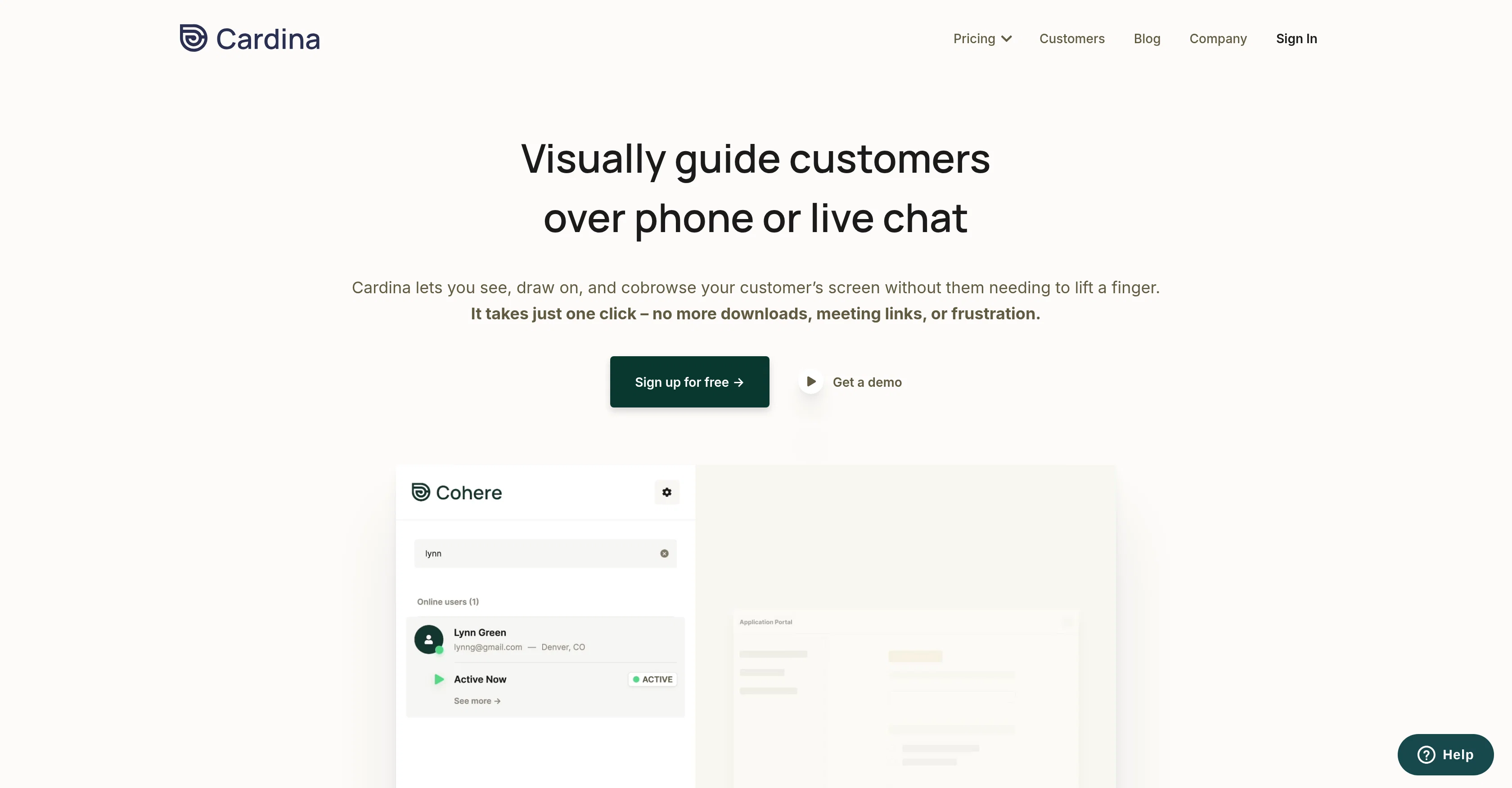
Cardina Cobrowse is a customer service tool designed to facilitate visual guidance and engagement over live chat or phone. It enables customer service representatives to see, draw on, and cobrowse customer screens, requiring minimal actions on the customer's end.
This cobrowsing capability aims to resolve issues effectively and efficiently by eliminating the need for downloads, meeting links, and other often tedious processes.
One of the main features of Cardina Cobrowse is its ability to provide visibility into enrollment workflows. This allows agents to share their screen for a better understanding of customers' queries.
Similarly, agents can take control of a customer's screen, with their permission, to navigate workflows and guide the customer through solutions. Additional functionalities include the ability to record and replay past sessions for training purposes, mask out sensitive data for privacy, and drive customer satisfaction by resolving issues faster.
It also has robust security measures to protect sensitive data and to control the agent's access to customer data. Moreover, Cardina integrates with pre-existing customer service tools, compatible across different devices and web technologies.
Access & connections
Where you can use Cardina.
Platforms
Capabilities
What this tool accepts, produces, and is strongest at.
Input
- Tabular
- Text
Output
- API
- Text
Pros & cons
Pros
- Extracts knowledge from previous support
- Instantly turns support articles into answers
- Integrated with existing support resources
- Automates resolution of tickets
- Cobrowsing technology for visual guidance
- Identifies potential customer issues
- Predicts and fills content gaps
- 24/7 customer support
Show 20 more
- Personalized accurate answers
- Task execution on behalf of agents
- Seamless integration with support desk platforms
- Significant results within short time frame
- Optimization across chat, email, SMS channels
- Agents never answer same question twice
- Identifies automation opportunities for ROI
- Can scale support without adding staff
- Trusted by world's most ambitious CX teams
- Automation becomes smarter over time
- Live visual guidance over phone, chat
- Yields accurate solutions, not just answers
- Helps understand and anticipate customer trends
- Automatically resolves up to 60% of tickets
- Effective self-serve resolutions
- Faster service for customers
- Helps increase deflection
- Supercharges existing CX stack in one click
- Proves ROI in days, not months
- Enables delivery of personalized support at scale
Cons
- Cobrowsing limited to live chat
- Uses past tickets only
- Analytics may miss real-time issues
- Dependency on existing support resources
- No native customer support
- Cannot resolve all tickets
- Integration not specified for all platforms
- Limited to current support channels
Show 2 more
- Tool learning requires human approval
- Dependent on significant past data
Compare alternatives
Similar tools in the catalog — with a clear reason to open each one.

GPT Trainer ✓
FreemiumAI Voice and Text Agents with No-Code
Why look Offers a public API
Full comparison
Social Intents ✓
Free TrialReal-time support & sales via messaging platforms.
Free + from $39/mo
Full comparison
Chatisto ✓
FreemiumAI-powered live chat for better customer support.
Free + from $24.17/mo
Full comparison
IllumiChat ✓
FreemiumFrom Ticket Backlog to Instant Answers Powered by AI
Why look Offers a public API
Full comparison

CoSupport AI ✓
Free TrialAI for support ops that drown in repetitive tickets.
Why look Offers a public API
Full comparisonReleases 1
FAQ 12
What is Cardina Cobrowse?
How does Cardina Cobrowse work?
What security measures does Cardina Cobrowse have in place?
How does Cardina Cobrowse protect sensitive data?
Can Cardina Cobrowse record and replay previous sessions?
How can Cardina Cobrowse integrate with existing customer service tools?
Is Cardina Cobrowse compatible with different devices and web technologies?
How does Cardina Cobrowse provide visibility into enrollment workflows?
Can agents share their screens with Cardina Cobrowse?
Can agents control a customer's screen with Cardina Cobrowse?
How does the interactive drawing feature work in Cardina Cobrowse?
How can Cardina Cobrowse assist in issue resolution faster?
Related tools
Recommended

LearningStudioAI ✓
Free TrialAI-powered authoring tool for effortless online course creation.

VenturusAI ✓
FreemiumBusiness idea analysis and reporting.

TutorAI ✓
FreemiumInstant knowledge on any topic

ChatGPT ✓
FreemiumAsk anything, create anything, and move from idea to action.

Recall ✓
FreemiumSummarize Anything, Forget Nothing!

Audioread.com ✓
PaidListen to any text in your podcast app or browser.