

CAD design 2026 Rank: #2691
adam.new ✓
An AI CAD copilot for hardware teams.
Free + from $20/mo
Verdict
A quick read before you dig into the full page.
- Best if
- An AI CAD copilot for hardware teams
- Skip if
- Limited customization options
- Pick this when
- CAD design capabilities
Considering Hestus instead? Compare side by side
Overview
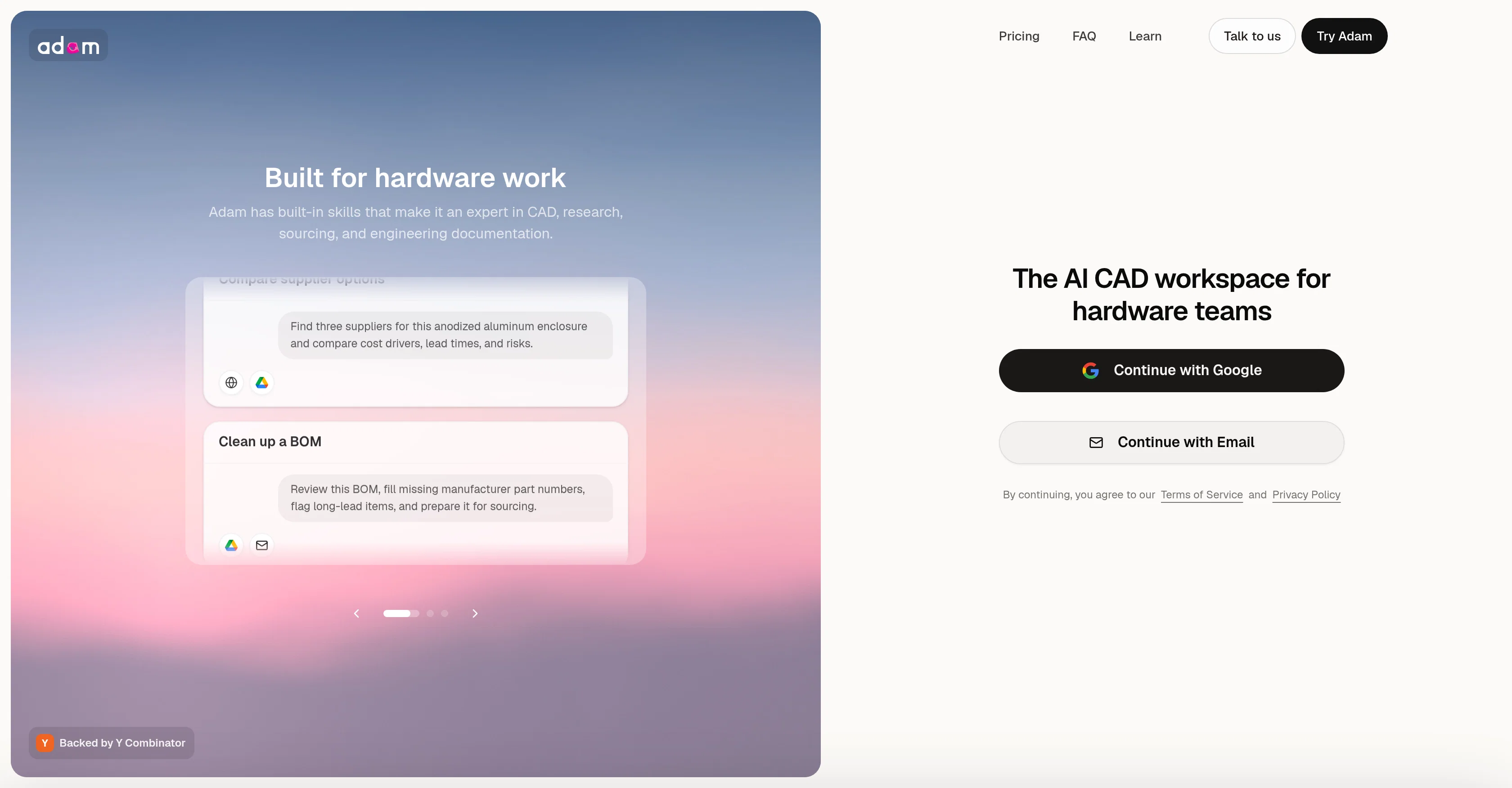
Adam is an AI CAD copilot for hardware teams that connects to the CAD, PLM, suppliers, and tools you already use — Onshape, Autodesk Fusion, SolidWorks, Arena, McMaster-Carr, Digi-Key, Xometry, plus Slack, Gmail, Drive, Notion, and thousands more — and does the recurring engineering work across them.
It reads your geometry, BOMs, drawings, and revisions in real time as one connected graph with no exported copies of your IP, then takes plain-language requests from Slack or email: thicken a boss, build a v3 BOM, detail a drawing, source an end-of-life part, stage CMF directions, batch renders, or draft an RFQ.
It hands back real output — a branched model edit, a reconciled BOM flagging revision mismatches, a dimensioned drawing with tolerances and datums, a render set, or a drafted RFQ — each linked to its source and paused for your approval before anything ships.
It serves both mechanical engineers (BOMs, drawings, sourcing, vendor email) and industrial designers (fillets, CMF, renders). IP stays in your own accounts over scoped OAuth access and isn't used to train models, with SSO, audit logging, and admin controls on enterprise plans.
Backed by Y Combinator; it also has an open-source component (CADAM). Pricing uses weekly dollar-based usage limits, though the site notes packaging isn't final.
Access & connections
Where you can use adam.new, and what it plugs into.
Platforms
Pros & cons
Pros
- CAD design capabilities
- Automated insights generation
- Data driven decisions
- Real-time analytics
- Algorithm-based predictions
- Business Intelligence capabilities
- Supports decision making
Cons
- Lacks detailed description
- No offline mode
- Limited to CAD design
- No collaborative features
- Doesn't support 3D rendering
- Limited customization options
- No mobile application
- No version control
Show 2 more
- Lacks intuitiveness in user interface
- No integration with external databases
Compare alternatives
Similar tools in the catalog — with a clear reason to open each one.

Hestus ✓
FreeAI-powered CAD to accelerate hardware design.
Why look Fully free option
Full comparison
ArchVizr ✓
Free TrialPhotorealistic renders from your CAD file in 20 seconds.
Why look Typically cheaper
Full comparison
ManualFig ✓
FreemiumTurn product photos into instruction manual illustrations.
Why look Typically cheaper
Full comparison
RENDERCAD ✓
PaidPhotorealistic CAD renders in 60 seconds.
Why look Typically cheaper
Full comparisonReleases 1
FAQ 12
What is adam.new?
What insights can adam.new provide?
How does adam.new use AI in CAD design?
Can adam.new assist in business intelligence?
How does the real-time analytics feature of adam.new work?
How can adam.new support my decision making process?
What kind of data analysis can adam.new perform?
Can adam.new predict future trends?
How is adam.new data-driven?
Can adam.new automate insights?
How does the algorithm of adam.new operate?
What business sectors can adam.new be applied to?
Related tools
Recommended

GetLogit ✓
FreemiumArtificial intelligence, available for everyone.

ChatGPT ✓
FreemiumAsk anything, create anything, and move from idea to action.

Notis ✓
Free TrialThe first WhatsApp assistant that runs on your ChatGPT and Claude subscriptions

freebeat AI ✓
FreemiumTurn Music & Ideas into Viral Videos In One Click

Jason AI ✓
PaidAI-powered assistant for B2B sales outreach

DeepSeek ✓
FreeUnravel the mystery of AGI with curiosity