

Hestus ✓
AI-powered CAD to accelerate hardware design.
Verdict
A quick read before you dig into the full page.
- Best if
- AI-powered CAD to accelerate hardware design
- Skip if
- Limited to Autodesk Fusion 360
- Pick this when
- Accelerates hardware development
Considering adam.new instead? Compare side by side
Overview
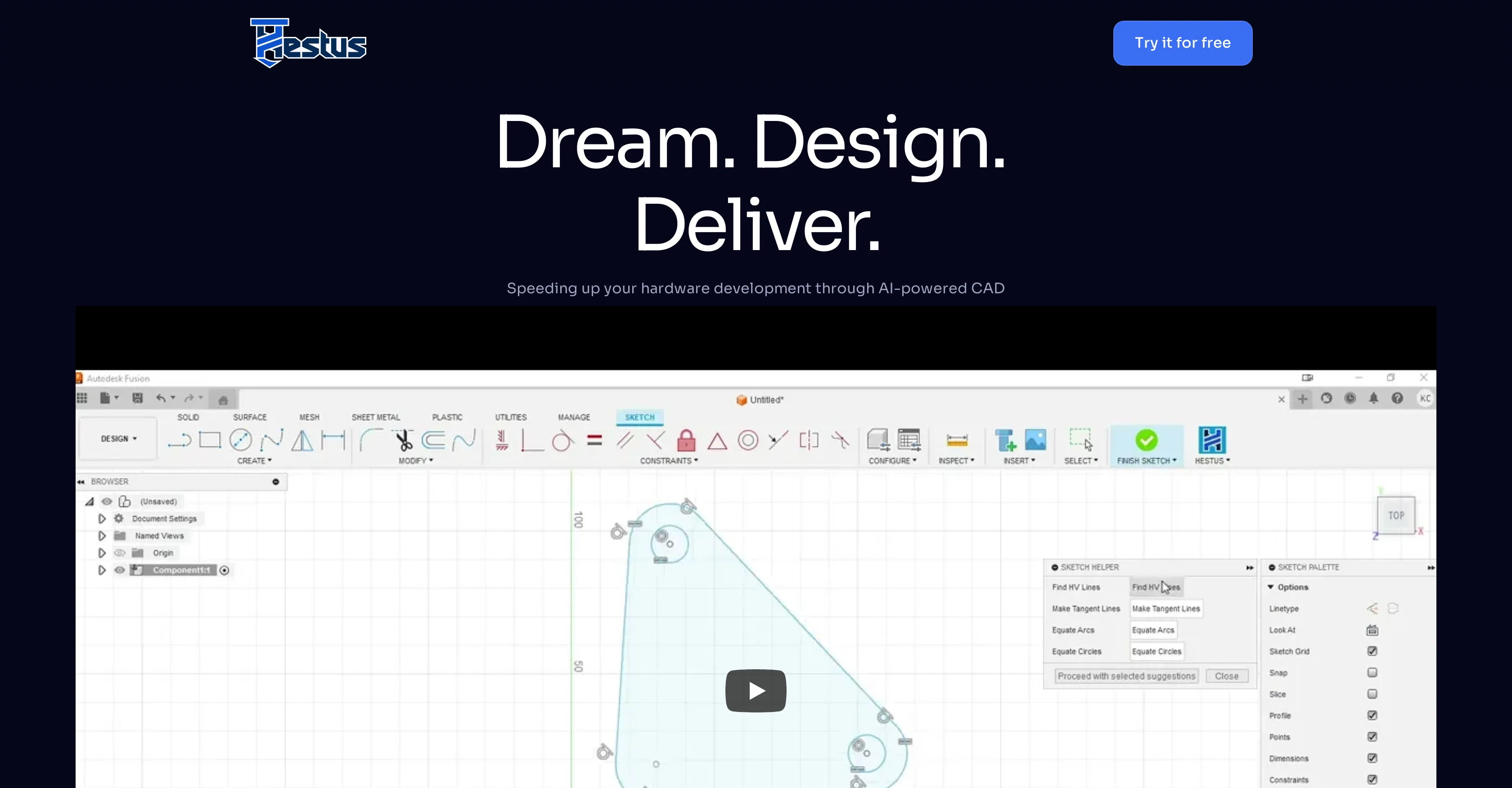
Hestus is an Artificial Intelligence (AI) enabled Computer-Aided Design (CAD) software designed to enhance and accelerate hardware development processes.
Looking to automate mundane tasks in hardware development, Hestus aims to improve efficiency and help engineers focus more on the creative aspects of the design process.
The AI functionality within the tool is known to significantly speed up design execution processes by automating specific repetitive tasks, thereby enabling industry professionals to make better use of their time.
Initially, Hestus is designed for integration with the Autodesk Fusion 360 platform. However, there are plans underway to expand its compatibility to include other CAD platforms beyond Fusion 360.
Hestus is evidently designed for seamless integration with the user's existing CAD platform and continues to push the boundaries of hardware design by employing machine learning technology and automation to aid in creating optimized designs at a faster pace.
Access & connections
Where you can use Hestus, and what it plugs into.
Platforms
Integrations
Capabilities
What this tool accepts, produces, and is strongest at.
Input
- 3D
Output
- 3D
Pros & cons
Pros
- Accelerates hardware development
- Automates repetitive tasks
- Enhances design efficiency
- Improves focus on creativity
- Speeds up design execution
- Integrates with Autodesk Fusion 360
- Plans for expanded compatibility
- Optimizes designs at faster pace
Show 22 more
- Aids in hardware design
- Seamless platform integration
- Efficiency in mundane tasks
- Enhances CAD design
- Automation in design process
- Plans for multiple CAD platforms
- Speeds up design process
- Allows more time for creativity
- Enhances design optimization
- Engineers spend less time on execution
- Machine learning technology in design
- Single platform for CAD designs
- Significant time saving in design process
- Enhancement and acceleration of hardware development
- Future-proof with planned expansions
- Engineered for Autodesk Fusion 360
- Easy to use
- Quick design delivery
- Facilitates rapid prototyping
- Flexible tool for hardware engineers
- Saves costs on manual design work
- Increased productivity in design workflow
Cons
- Limited platform integration
- Restriction to hardware development
- No multi-language support
- Expansion plans not implemented
- Lack of broad compatibility
- No mention of security
- Limited to Autodesk Fusion 360
- No customization features
Show 2 more
- Undefined upgrade process
- Possible over-optimization
Compare alternatives
Similar tools in the catalog — with a clear reason to open each one.


ArchVizr ✓
Free TrialPhotorealistic renders from your CAD file in 20 seconds.
Free + from $14.99/mo
Full comparison
ManualFig ✓
FreemiumTurn product photos into instruction manual illustrations.
Free + from $10/mo
Full comparison
RENDERCAD ✓
PaidPhotorealistic CAD renders in 60 seconds.
Why look Offers a public API
Full comparisonReleases 1
FAQ 12
What is Hestus?
How does Hestus integrate with Autodesk Fusion 360?
What tasks can Hestus automate in hardware development?
Is Hestus compatible with CAD platforms other than Autodesk Fusion 360?
How does Hestus speed up design execution processes?
Can Hestus enhance and accelerate hardware development processes?
Does Hestus allow industry professionals to focus more on the creative aspects of the design process?
How does Hestus utilize AI functionality?
What are the future plans for expanding Hestus' compatibility?
How does Hestus improve design efficiency?
Does Hestus employ machine learning technology in its process?
How does Hestus aid in creating optimized designs?
Related tools
Recommended

Marblism ✓
FreemiumAI Employees who Work for Your Business

Scisummary ✓
Free TrialCutting-edge scientific articles summarization.

BypassGPT.co ✓
PaidHumanize AI text to bypass detection tools.

ARCHITEChTURES ✓
FreemiumAI-powered design: Months to minutes for buildings.

Musick.ai ✓
FreemiumCreate songs instantly with AI music generation

Dialed: AI Pep Talks
FreemiumYour AI pocket motivator for any challenge.