
120.dev ✓
A free-forever AI chat app that feels instant.
Verdict
A quick read before you dig into the full page.
- Best if
- A free-forever AI chat app that feels instant
- Skip if
- No cloud support
- Pick this when
- Community edition - Free forever
Considering Whacka instead? Compare side by side
Overview


I enjoy building native apps, and I care a lot about performance, privacy, and long-session usability. For me, AI is much more useful in a dedicated app where I can stay focused, work across multiple threads, and compare models side by side without dealing with tab overload or bloated interfaces.
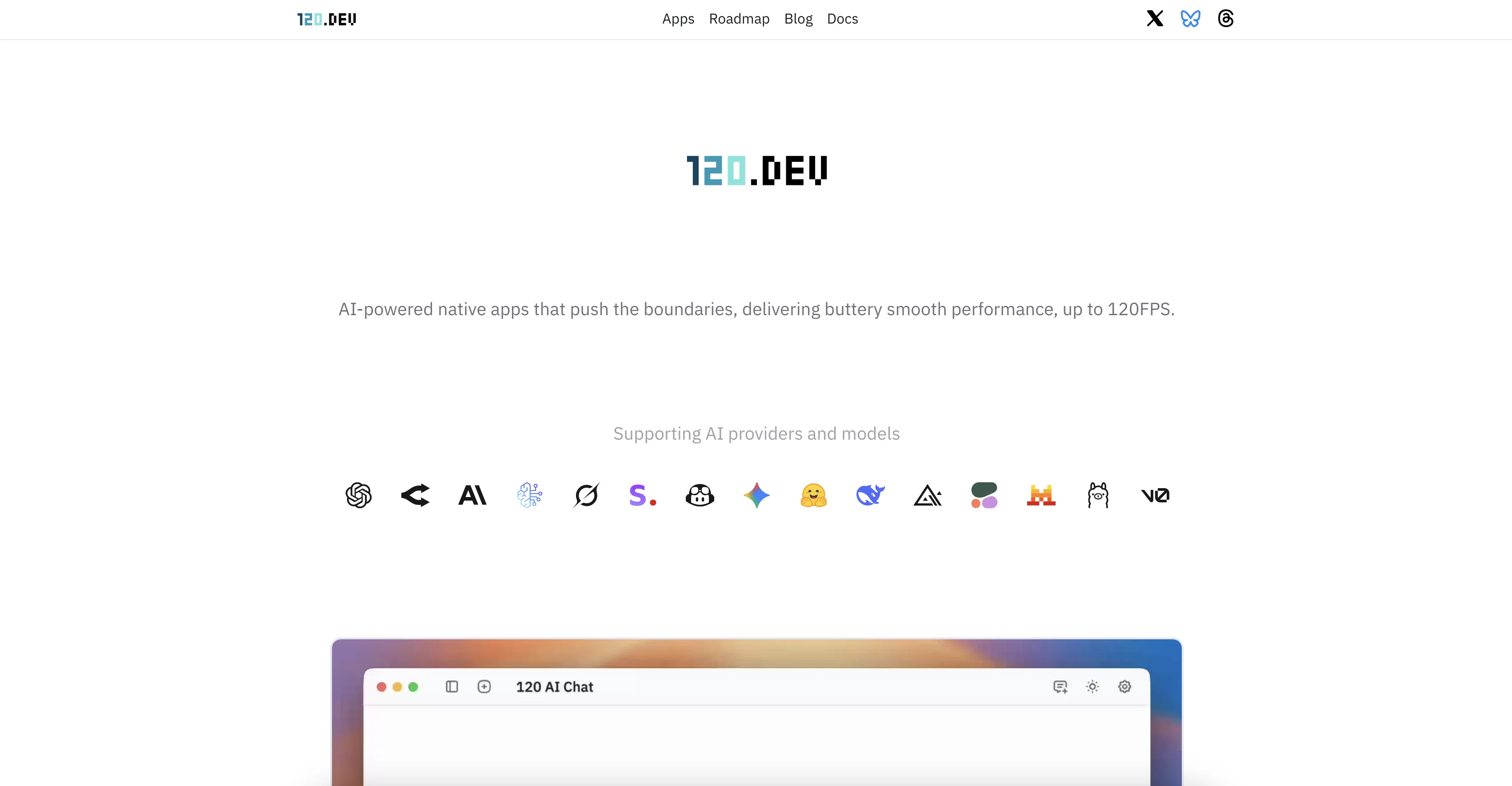
That is the core idea behind 120 AI Chat. It is built natively for Mac and Windows, with support for multi-thread conversations, so you can explore different ideas in parallel, compare responses from different models, and keep your workflow organized when things get complex. I use this a lot myself, especially for technical questions, research, and exploring unfamiliar topics.
The app brings together 500+ AI models and providers in one place, including OpenAI, Anthropic, Gemini, Grok, OpenRouter, Hugging Face, Stability, DeepSeek, Vercel v0, and local LLMs through Ollama and LM Studio. It also supports image generation, video generation, document chat, web search, and AI read-aloud, so it can be useful across many different kinds of work.
Privacy is also important to me. Conversations are stored on your device, not in the cloud, and the app uses your own API keys so you stay in control of your usage and data.
120 AI Chat is now the Community Edition, which means it is free to use and free to keep. I decided to move in this direction because I think users should benefit first as software becomes easier and faster to build. There will be more software, more choices, and a higher bar for quality, and I think that is a good thing.
I also listen closely to feedback, and the app is actively shaped by the community around it. As an indie developer, I care a lot about building in the open, improving quickly, and making the app more useful over time based on what people actually need.
To me, 120 AI Chat is not just a single app. It is the first step in a bigger direction at 120.dev: building high-performance native software that feels thoughtful, polished, and enjoyable to use.
If that sounds like the kind of AI app you have been looking for, I hope you find it useful.
- Video Generation
Best for
Short scenarios where 120.dev tends to shine.
-
A free-forever AI chat app that feels instant.
Example outputs 1
Sample generations and before/after results for 120.dev.
Access & connections
Where you can use 120.dev.
Platforms
Capabilities
What this tool accepts, produces, and is strongest at.
Input
- API
- 3D
- Code
- Tabular
- Image
- Text
- Video
- Audio
Output
- Code
- Audio
- Video
- 3D
- Tabular
- API
- Text
- Image
Highlights
- Local
- No Signup
Supported features
- Runs Locally
- No Signup
Pros & cons
Pros
- Community edition - Free forever
- Native apps with buttery smooth 120FPS performance
- Supports 500 AI models and local LLMs via Ollama
- Smart knowledge retrieval with source citations
- Multi-threaded chat for parallel AI conversations
- Built-in AI image generation, video generation and text-to-speech
- Developer-focused UI with code rendering and themes
- Cross-platform support for macOS, Windows
Cons
- MCP pending
- No cloud support
- One-time license tied to a single device
- Linux pending
- iOS pending
Compare alternatives
Similar tools in the catalog — with a clear reason to open each one.

AppDeploy ✓
FreeDeploy real apps directly from ChatGPT or Claude
Why look Offers a public API
Full comparison
Anything - AI App Builder ✓
FreemiumTurn your words into apps, sites, and products.
Free + from $16/mo
Full comparisonPeople also view
Tools that often show up alongside 120.dev in collections and comparisons.

Whacka ✓
Free TrialTurn ideas into real apps from your phone.

Momen.app ✓
FreemiumLaunch real, interactive AI with just one prompt.

LaunchLemonade ✓
Free TrialBuild AI assistants effortlessly for your business.

Dreamflow ✓
FreemiumShip native mobile apps, fast.
AppDeploy ✓
FreeDeploy real apps directly from ChatGPT or Claude
Anything - AI App Builder ✓
FreemiumTurn your words into apps, sites, and products.

AI Builder | Hostinger Horizons ✓
Free TrialBuild web apps and websites without writing any code.

Hatchable ✓
FreemiumHosting for your coding agent. Free.
Releases 1
FAQ 7
What operating systems does 120.dev support?
Which AI models are supported?
Does 120 AI Chat support image generation?
Yes. It supports image models like GPT Image, DALL·E, Stable Diffusion Ultra, Gemini, and FLUX.1 dev.
What’s included in the paid plan?
Are updates included?
Can I use it for commercial purposes?
Related tools
Recommended

Chef by Convex ✓
FreemiumOpen-source fullstack app generation powered by Convex

CodeRabbit ✓
Free TrialEnhanced code review for improved workflow and quality.

FlowPost ✓
Free TrialAI autopilot for social media posting
Floot ✓
FreemiumBuild AI apps with the subscription you're already paying for.

WeWeb ✓
FreemiumBuild Web-Apps 10x Faster with AI & No-Code

DeepSeek ✓
FreeUnravel the mystery of AGI with curiosity