
Vibe coding vv2.0 2026 Rank: #2
Floot ✓
Build AI apps with the subscription you're already paying for.
Verdict
A quick read before you dig into the full page.
- Best if
- You are non-coders and need: Entrepreneurs building web applications without coding
- Skip if
- Limited to Floot's infrastructure
- Pick this when
- Assists in web applications
Considering Base44 instead? Compare side by side
Overview






Floot is an AI-based platform designed to assist entrepreneurs in building web applications easily without the need for coding. Aimed especially at beginners, this tool allows users to chat and visually describe their ideas, which Floot then turns into a complete web application or website.
It offers an all-in-one platform that provides functionalities such as application building, launching, error correction, monitoring, a user management system, and the capability to accept payments.
One notable feature of Floot is its self-correcting mechanism which identifies and fixes errors autonomously, reducing potential roadblocks during the building process.
Additionally, Floot also supports scaling features (e.g., auto-scaling, worldwide fast loading) and robust security measures (automatic backups, secure connections), ensuring the apps can handle a high number of users and are protected from potential threats.
The platform also provides human support via live chat and call services, providing personalised guidance and assistance for issues that arise during application development.
With Floot, users retain full code ownership, data, and intellectual property rights, and they can export their projects at any time.
Best for
Short scenarios where Floot tends to shine.
-
Entrepreneurs building web applications without coding.
Best for Non-coders
-
Individuals turning ideas into functional products quickly.
Best for Entrepreneurs
-
Businesses needing a comprehensive platform for app development, launch, and scaling.
Best for Startups
-
Users who want to iterate on app designs visually and with AI assistance.
Best for Small business owners
Example outputs 1
Sample generations and before/after results for Floot.
Access & connections
Where you can use Floot, and what it plugs into.
Platforms
Integrations
Capabilities
What this tool accepts, produces, and is strongest at.
Input
- Code
- Image
- Text
Output
- Code
- Audio
- Image
Highlights
- SOTA
- API
- MCP
- No Signup
Supported features
- API
- MCP
- App Builder
- No Signup
- Automation
- Integrations
- SEO
- IDE
Models
Text
Image
Coding
Pros & cons
Pros
- Assists in web applications
- Chat-based input
- Visual description input
- Error correction feature
- Includes user management
- Integrated payment capability
- Self-correcting mechanism
- Application launching and monitoring
Show 37 more
- Supports scaling features
- Ensures fast loading
- Robust security measures
- Automatic backups
- Secure connections
- Human support
- Live chat assistance
- Call services available
- Full code ownership
- Data ownership
- Intellectual property rights
- Project export option
- Beginner-friendly interface
- Visually describe ideas
- Auto-scaling support
- Built-in application building
- Turns chat to application
- Personalised guidance
- Database and editor
- 1-click hosting
- Supportive chat interactions
- Complete app ownership
- No lock-in policy
- Ease of use
- Supports full-featured apps
- Handles high user load
- Automatic error fixing
- Accepts user domain
- Infrastructure from AWS engineers
- User data belongs to you
- Use-based token system
- Fast project turnaround
- Saves development costs
- Iterates faster than coding
- Solves real problems
- Pushes project forward
- Helps avoid endless prototyping
Cons
- Dependent on chat/visual inputs
- Potential misunderstanding of user inputs
- Less suitable for advanced developers
- Limited to Floot's infrastructure
- No multiple platform support
Compare alternatives
Similar tools in the catalog — with a clear reason to open each one.

Base44 ✓
FreemiumLet’s make your dream a reality. Right now.
Why look Typically cheaper
Full comparison
Trickle Magic Canvas ✓
FreemiumTurn your ideas into live apps and websites with AI.
Why look Typically cheaper
Full comparisonPeople also view
Tools that often show up alongside Floot in collections and comparisons.
Trickle Magic Canvas ✓
FreemiumTurn your ideas into live apps and websites with AI.

Rocket ✓
FreemiumThink It. Type It. Launch It.

Mocha ✓
FreemiumTurn app ideas into reality, instantly.

Lovable ✓
Free TrialBuild software products using chat

biela.dev ✓
Free TrialIf you can imagine it, Biela can code it!
Base44 ✓
FreemiumLet’s make your dream a reality. Right now.

Powabase ✓
FreemiumPostgres, RAG, and agents. One backend.

MF0.ai ✓
PaidEvery top AI in one chat. Real memory. No subscription.
Releases 4
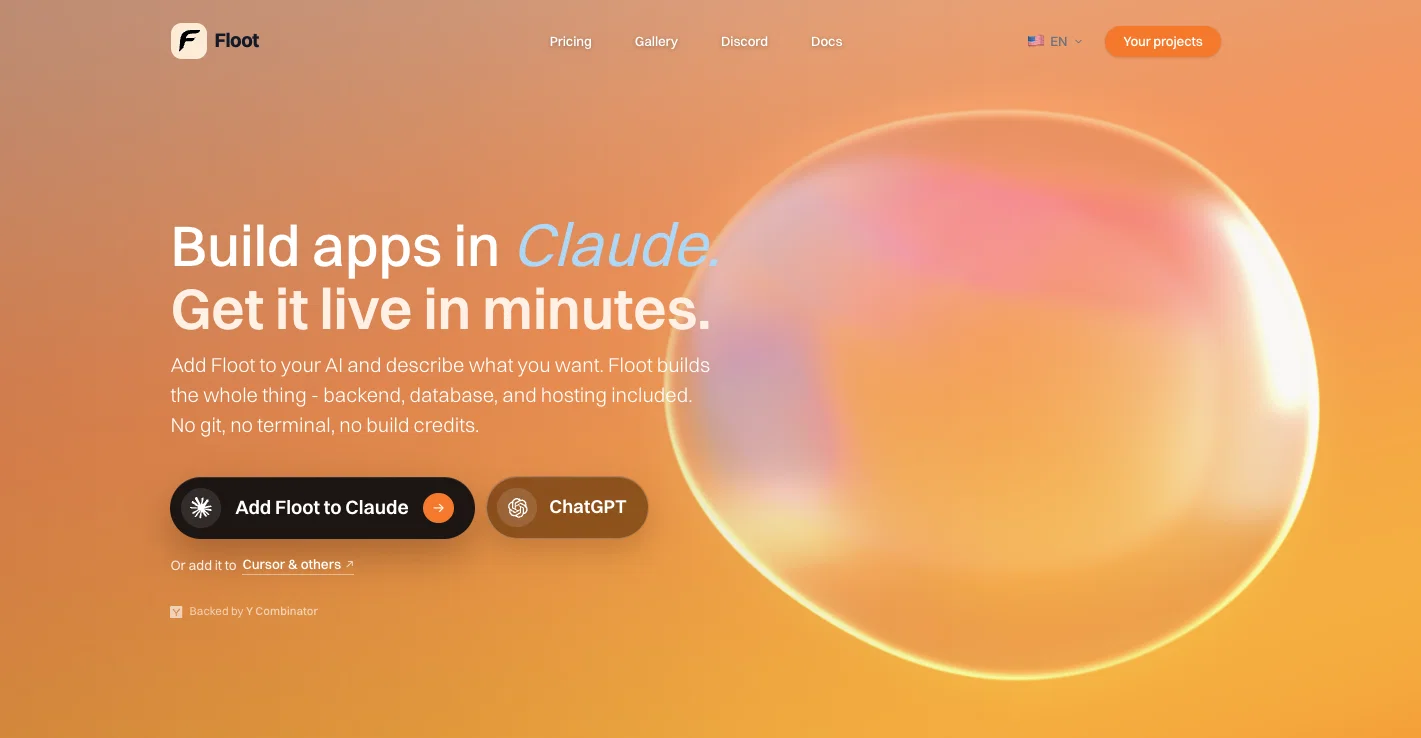
Floot now lets you build and publish full-stack apps directly inside Claude, ChatGPT, and Cursor with the new Floot Connector.
New in this update:
- Floot Connector: add Floot to Claude, ChatGPT, Cursor, or any other AI chat tool, describe the app you want in plain words, and Floot builds it inside the conversation.
- Full stack included: every app gets a frontend, backend, database, and hosting, so there is nothing to wire up or deploy yourself.
- Live preview as you build: get a working link from the first response and watch the app update in real time as you keep prompting.
- One-click publishing: go from prompt to a live app on your own custom domain without leaving the chat.
- Built-in debugging: Floot reads its own logs, spots issues, and fixes them for you.
- No AI credits on top: building through the Floot Connector runs on the Claude or ChatGPT subscription you already have, with no extra credits to buy.
Floot is now an AI app builder that works wherever you already work, whether that is inside Floot or inside the AI you already pay for.
Floot now helps you build and launch real apps faster with browser-powered setup, better planning, stronger SEO tools, and mobile app export.
New in this update:
- Floot Infinity: our Chrome extension that lets Floot use your browser to inspect websites, research docs, and help set up integrations like Stripe, Gmail, GitHub, OAuth, and APIs.
- Plan Mode: plan your app before building so Floot can generate with clearer structure and context.
- Better SEO tools: pre-rendering/SSR, sitemap.xml, robots.txt, primary domain settings, and editable site metadata.
- Mobile app export: turn Floot-built websites into mobile apps without rebuilding from scratch.
- Smoother editing: queue multiple edits, organize projects, and make more precise changes with improved annotations.
Floot is becoming a more complete AI app builder for websites, internal tools, mobile apps, and client projects.
New: Upload Multiple Files + CSV Analysis
We've made some significant upgrades to how Floot handles files.
What's Changed:
Floot previously supported only a single image upload. Now you can attach up to 10 files at once, and we've expanded format support to include audio, PDFs, and CSVs.
With this, Floot can now also process CSV files. Upload your data and Floot helps you work with it directly through conversation:
- Create visualizations from your data
- Perform analysis without switching tools
- Import datasets to your database
Everything happens right in the chat - no need to jump between applications.
Imported reviews 5
I love it. @Floot makes it incredibly easy to create almost any website you can imagine — no matter your coding background.
Floot We've been with floot since april 2025. We built our website with them from the start. You can make anything if you use it don't hesitate.
Floot is the best tool! What used to cost me an arm and a leg with lovable is essentially free on Floot with my Claude subscription!
Keeps getting stuck
Floot looks amazing for people with no coding background! The idea of turning a simple prompt into a complete web application is very powerful. It really lowers the barrier for new entrepreneurs.
FAQ 12
What is Floot?
Who is the target audience for Floot?
How does Floot turn an idea into an application?
Can I fix errors in the app using Floot?
How does Floot manage users?
Can Floot integrate payment systems into the apps?
What is Floot's self-correcting mechanism?
What scaling features does Floot offer?
What security measures does Floot provide?
How does the Live Chat and Call Services for user support function?
Do I retain code ownership with Floot?
Can I export my project data at any time with Floot?
Related tools
Recommended

remio: Your Personal ChatGPT ✓
FreemiumGet Tailored Answer with Your Personal ChatGPT

Notis ✓
Free TrialThe first WhatsApp assistant that runs on your ChatGPT and Claude subscriptions

DeepSeek ✓
FreeUnravel the mystery of AGI with curiosity

Cursor ✓
FreemiumAI-powered IDE for faster coding

TheLibrarian.io ✓
Free TrialYour WhatsApp AI assistant for instant productivity.

Kin - Personal AI Advisors ✓
FreePrivacy-first & designed your for mind, and life at work