
GPT for work ✓
Harness ChatGPT in Google Workspace and Excel
from $1
Verdict
A quick read before you dig into the full page.
- Best if
- You are data Analysts and need: product management
- Skip if
- More expensive with GPT-4
- Pick this when
- Integrated directly into Google Sheets, Docs, Excel
Considering ChatGPT instead? Compare side by side
Overview
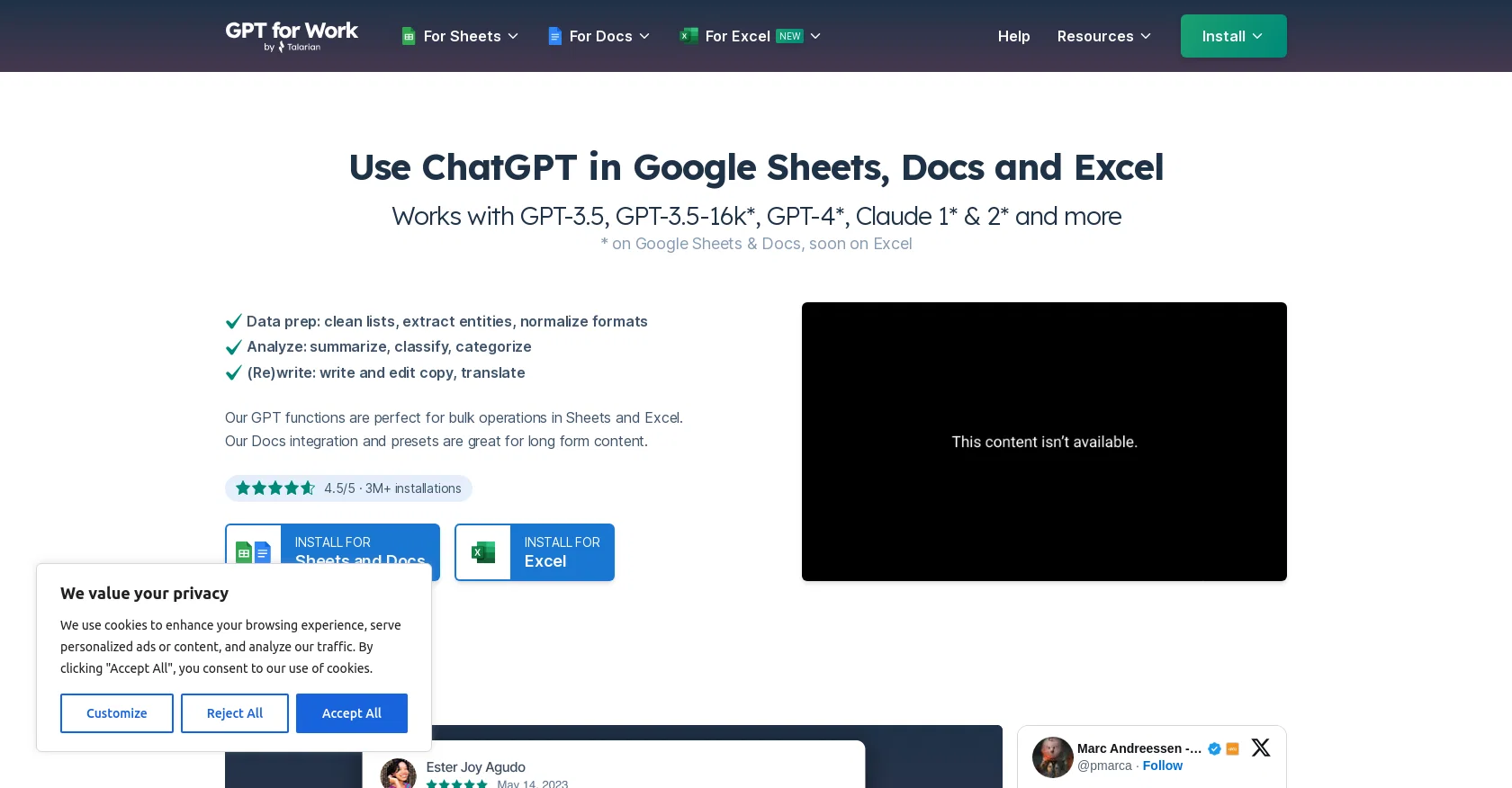
ChatGPT is an AI tool that can be used in Google Sheets, Google Docs, and Excel to perform various tasks. It works with several OpenAI language models, including GPT-3.5, GPT-3.5-16K, GPT-4, Claude 1, and Claude 2.With ChatGPT, users can clean and normalize data, extract entities, and standardize formats in bulk operations within Sheets and Excel.
It also offers the ability to analyze data by summarizing, classifying, and categorizing information.The tool is particularly useful for generating content.
It can write and edit copy, translate text, and create product tags, ad copy, taglines, titles, and high-quality, compelling product descriptions. It can even help generate outlines for blog posts, emails, speeches, and provide summaries of meetings or notes.ChatGPT's functionality is integrated directly into Google Sheets and Google Docs, making it convenient for users to access its features.
The tool has garnered popularity with over three million installations and carries a rating of 4.5/5.It is important to note that ChatGPT is built on top of the GPT-3.5-turbo and GPT-4 models, specifically trained for conversational use.
The GPT-3.5 models have been made available via API and offer a cost-effective solution compared to previous models. Additionally, the latest GPT-4 model provides better reasoning capabilities and an increased word context limit.Overall, ChatGPT provides users with a powerful AI toolset for performing various text-based operations and generating high-quality content within the Google Sheets, Docs, and Excel environments.
Best for
Short scenarios where GPT for work tends to shine.
-
product management
Best for Data Analysts
-
SEO database
Best for Digital Marketers
-
outbound sales database management
Best for Operations Managers
Example outputs 1
Sample generations and before/after results for GPT for work.
Access & connections
Where you can use GPT for work, and what it plugs into.
Platforms
Integrations
Capabilities
What this tool accepts, produces, and is strongest at.
Input
- API
- Tabular
Output
- Tabular
- API
Pros & cons
Pros
- Integrated directly into Google Sheets, Docs, Excel
- Cleans, normalizes data in bulk
- Extracts entities, standardizes formats
- Analyzes data: summarizes, classifies, categorizes
- Generates high-quality content
- Creates product tags, ad copy, taglines, titles, descriptions
- Generates outlines for blog posts, speeches, emails
- Summarizes meetings, notes
Show 33 more
- High popularity: over three million installations
- High Rating: 4.5/5
- Built on top of GPT-3.5-turbo, GPT-4 models
- Trained for conversational use
- Affordable API solution
- Latest GPT-4 model provides better reasoning, increased word context limit
- Availability of video tutorials
- Features prompt generator tool
- Offers latency tracker for LLM APIs
- Allows generating spreadsheet formulas
- Offers guides for model, temperature, tokens use
- Enables integration with Claude language models
- Clean and standardize lists
- Generate product tags
- Write and edit copy in English
- Translate texts
- Generate documents from forms or sheets
- Advanced reasoning capabilities
- Flexible model selection mechanism
- Can work efficiently with large context windows
- Rewrites emails or documents flawlessly
- Capable of reading longer inputs
- Relatively cost and time-efficient with high-quality output
- Convenient and quick content generation for business
- Generates compelling marketing content
- Helps in data preparation: extraction, mapping, formatting
- Useful for text generation: writing, translating, editing
- Lets users apply prompts to many items at once or in sequence
- Allows mass cleaning of data with few format examples
- Accessible support and troubleshooting resources
- ISO 27001 certified
- GDPR compliant
- An active part of Google Cloud partner community
Cons
- Limited to Google and Excel
- API usage incurs cost
- Bottlenecks with bulk operations
- Potentially verbose responses
- Slower with GPT-4
- More expensive with GPT-4
- Depends on Claude API
- Functionality tied to add-ons
Show 1 more
- Excel support coming soon
Compare alternatives
Similar tools in the catalog — with a clear reason to open each one.

ChatGPT ✓
FreemiumAsk anything, create anything, and move from idea to action.
Why look Freemium alternative
Full comparison
Smarter ChatGPT by Athena AI ✓
FreemiumAI assistant that gets your tasks done. Smarter than ChatGPT.
Why look Freemium alternative
Full comparison
Free AI Chatbot & Image Generator ✓
FreeFree AI chat and image creation, no signup required
Why look Fully free option
Full comparison
KoalaChat ✓
FreemiumThe best AI writer and chatbot for your needs
Why look Freemium alternative
Full comparison
FlowGPT ✓
FreemiumVisualize ChatGPT conversations on a canvas board.
Why look Freemium alternative
Full comparison
People also view
Tools that often show up alongside GPT for work in collections and comparisons.
Smarter ChatGPT by Athena AI ✓
FreemiumAI assistant that gets your tasks done. Smarter than ChatGPT.

Slashspace (Formerly RabbitHoles AI) ✓
PaidIntelligence canvas for ambitious work

Ormind ✓
FreemiumBuild and refine reports with AI until you fully stand behind them

YakGPT ✓
FreeSimple, fast, local ChatGPT UI with voice support.

WritingMate ✓
FreemiumWriting and communication assistant.

Monica ✓
Free TrialYour ChatGPT-powered AI assistant on all websites.

Microsoft Copilot ✓
UnknownYour AI companion to inform, entertain, and inspire.

DeepSeek ✓
FreeUnravel the mystery of AGI with curiosity
Releases 1
FAQ 12
What is ChatGPT?
What are the key features of ChatGPT?
How does ChatGPT work with Google Sheets, Google Docs, and Excel?
What language models does ChatGPT work with?
What data operations can ChatGPT perform in Sheets and Excel?
How can ChatGPT help with content generation?
What is the user rating of ChatGPT and how popular is it?
How is ChatGPT integrated into Google Sheets and Google Docs?
What are the advantages of GPT-3.5-turbo and GPT-4 models that ChatGPT is built upon?
What types of content can ChatGPT help generate?
How does ChatGPT standardize formats in bulk operations?
Can ChatGPT analyze data and what are the specifics of this analysis?
Related tools
Recommended

DataSquirrel ✓
FreemiumData cleaning & visualization for insights gained.

Elicit ✓
Free TrialAI-powered research assistant for literature reviews and analysis.
Ormind ✓
FreemiumBuild and refine reports with AI until you fully stand behind them

PowerBrain AI Chat ✓
FreemiumAI Chat assistant & Chatbots for productivity & creativity automation.

Zecoba ✓
PaidAI chat for diverse modes and tasks

GPTExcel ✓
FreemiumGenerate spreadsheet formulas with AI