

Meeting scheduling v1.2.0 2026 Rank: #614
Workmate ✓
AI Scheduling Assistant That Saves You Hours Per Week
Verdict
A quick read before you dig into the full page.
- Best if
- AI Scheduling Assistant That Saves You Hours Per Week
- Skip if
- No setup for multiple teams
- Pick this when
- Automates meeting scheduling
Considering Sidekick.com instead? Compare side by side
Overview






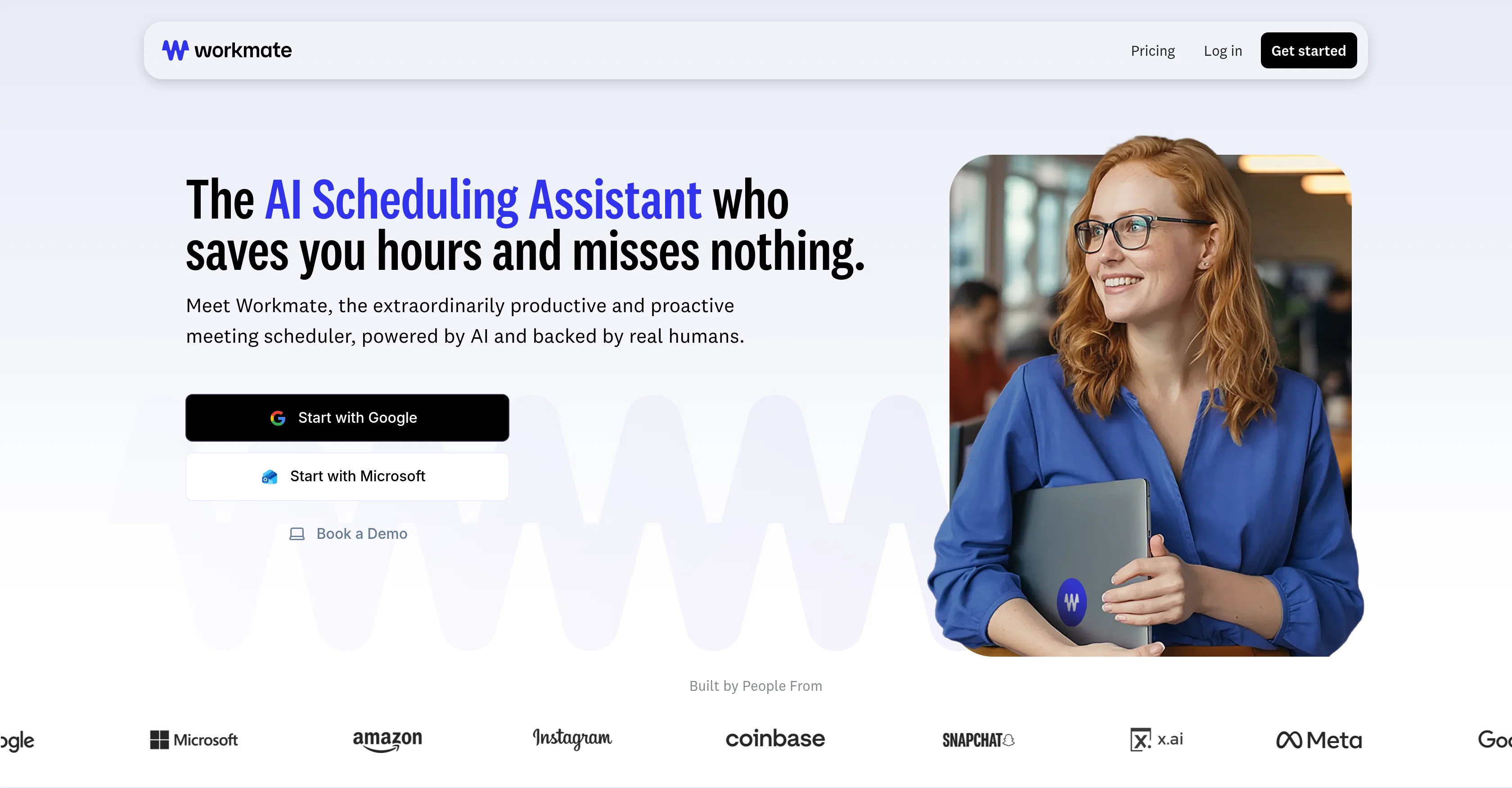
Workmate is an AI assistant that handles scheduling for you. Just CC Workmate in your existing conversations and it takes care of the rest: checking calendars, proposing times, coordinating with attendees, and sending invites.
The big difference? Workmate works across email, Slack, and SMS. No more sending booking links or forcing people to use new tools. It handles conversations naturally, right where you and your contacts already communicate.
It's like having an executive assistant, but one that costs way less and works 24/7.
Whether you're setting up a quick call or coordinating a meeting with multiple people across time zones, Workmate eliminates the back-and-forth. You get your time back. Your contacts don't have to click through booking pages. Everyone's calendar stays synced.
If you've ever wished you could just hand off your scheduling to someone else, that's what Workmate does.
- Instant Scheduling With Teammates
- Schedules Through Email, Slack, Teams, And Sms
- Customizable Name And Email Address
- Works Across Time Zones
- Proposes Times Based On Your Calendar And Detailed Preferences
- Sends Calendar Invites Automatically
- Handles Rescheduling And Cancellations
Best for
Short scenarios where Workmate tends to shine.
-
AI Scheduling Assistant That Saves You Hours Per Week
Example outputs 1
Sample generations and before/after results for Workmate.
Access & connections
Where you can use Workmate, and what it plugs into.
Platforms
Integrations
Capabilities
What this tool accepts, produces, and is strongest at.
Input
- Tabular
- Text
Output
- Tabular
- Text
Highlights
- Agents
Supported features
- Agents
- Assistant
- Automation
- Meeting Intelligence
- Integrations
- Team Collaboration
Pros & cons
Pros
- Automates meeting scheduling
- Manages calendar conflicts
- Automated follow-ups
- Personalized assistant identity
- Domain-specific email addresses
- Instant scheduling with colleagues
- 24/7 availability
- Incorporates human verification
Show 18 more
- Free option available
- Prioritizes user's preferences
- Handles back-and-forth communication
- Customizable appearance
- US-based support
- Reschedules any meeting
- Serves multiple industries
- Available over email, Slack, SMS
- Ease of use
- Handles scheduling instructions
- Finds best available time
- Handles scheduling under 10 mins
- Works under companys email domain
- Proactive conflict flagging
- No setup fees
- Customized email responses
- Proactive communication
- Integrated messaging system
Cons
- No setup for multiple teams
- Free plan limits meetings
- Cannot handle non-scheduling tasks
- Requires manual preference customization
- Has trouble with large group meetings
Compare alternatives
Similar tools in the catalog — with a clear reason to open each one.

Sidekick.com ✓
FreemiumAI-powered meeting scheduler for seamless booking
Why look Typically cheaper
Full comparison
Everest | AI Scheduling Assistant ✓
UnknownAI assistant that schedules your meetings and sync your calendars.
Why look Higher community rating
Full comparison
Tricuss ✓
UnknownCapture events from messages to your calendar automatically
No pricing
Full comparison
LinaFlow ✓
Free TrialAI scheduling assistant that turns emails into meetings.
Why look Typically cheaper
Full comparisonPeople also view
Tools that often show up alongside Workmate in collections and comparisons.
LinaFlow ✓
Free TrialAI scheduling assistant that turns emails into meetings.
Everest | AI Scheduling Assistant ✓
UnknownAI assistant that schedules your meetings and sync your calendars.
Tricuss ✓
UnknownCapture events from messages to your calendar automatically
Sidekick.com ✓
FreemiumAI-powered meeting scheduler for seamless booking

Workflow Machine ✓
FreemiumSimple for humans. Ready for agents.

SuperIntern ✓
FreemiumYour always-on AI assistant that runs your admin so you can focus.

MILA by Technology Mindz ✓
PaidYour AI SDR that books meetings while you sleep.

Kolva ✓
FreemiumPay-as-you-go productivity. Meeting transcription at $0.25/hour, AI tasks, document search — no
Releases 2
New in Workmate:
- Workmate for Business: One flat rate for everyone in your company to schedule unlimited meetings. Now every meeting company-wide takes zero effort!
- Microsoft Teams integration: Talk to your Workmate in Teams and schedule meetings without leaving Teams.
- Booking Links: The simplest way to book the simple meetings. Unlimited booking links for scheduling meetings.
- Delegated Scheduling: Designate team members who can use Workmate on your behalf. Human assistants can now use Workmate for you.
- The Scheduling Network: Team members, colleagues, and anyone you choose who also uses Workmate can instantly schedule meetings with you... Zero negotiation by you or your Workmate
- Task Management: See all of the meetings your Workmate has scheduled and that they are working on at a glance.
Imported reviews 3
Used this for scheduling my last 3 interviews and honestly forgot how annoying it was before. One company wanted to do 4 rounds and instead of me going back and forth with their HR person a dozen times, Workmate just handled it. Saved me from that weird anxiety of 'did I respond fast enough' or 'is this time actually gonna work.'
Love how much time it saves me every week!
Great product!
FAQ 12
What is the main function of Workmate?
🛠️ 2
tools
wrote:
Workmate is an AI-powered scheduling assistant designed to automate meeting planning and calendar management. Its goal is to save users time by facilitating all the aspects of arranging meetings, from sharing availability to handling potential conflicts.
How does Workmate handle meeting scheduling?
🛠️ 2
tools
wrote:
Users include Workmate in email conversations related to scheduling. Workmate then steps in, sharing user's free times and managing any details related to planning. It also optimizes schedules according to the preferences shared by the users.
What happens if a party doesn't respond promptly to a scheduling request in Workmate?
🛠️ 2
tools
wrote:
If a party doesn't respond promptly to a scheduling request, Workmate performs automatic follow-ups to ensure meetings are scheduled efficiently without delay.
How does Workmate manage calendar conflicts?
🛠️ 2
tools
wrote:
Workmate manages calendar conflicts proactively. It alerts you of any scheduling clashes and is capable of fixing conflicts based on your preferences, making sure that users' time is protected.
Can Workmate be used to arrange scheduling within the same organization?
🛠️ 2
tools
wrote:
Yes, Workmate will automate scheduling within the same organization. In fact, if you can see a colleague's calendar, Workmate can see their free/busy times through you and schedule meetings automatically, even if they are not Workmate users!
How can I customize Workmate to make it more personalized?
🛠️ 2
tools
wrote:
You can customize Workmate to make it more personalized. This includes customization of the assistant's identity (naming your assistant), setting up domain-specific email addresses, and specifying scheduling instructions.
Is Workmate available 24/7?
🛠️ 2
tools
wrote:
Yes, Workmate operates 24/7, providing round-the-clock assistance. This availability is crucial for professionals whose work involves meetings across different time zones.
How does Workmate assure the accuracy and reliability of its services?
🛠️ 2
tools
wrote:
Workmate incorporates human verification into its system to ensure the accuracy and reliability of its services. The system is also backed by real, US-based assistants who leverage the AI platform for fast and reliable coverage.
Who is Workmate intended for?
🛠️ 2
tools
wrote:
Workmate is intended for professionals and leaders who need an efficient and dependable scheduling experience. It addresses the needs of individuals and organizations who have heavy scheduling demands, such as meetings, calls, and appointments.
How does Workmate integrate into email conversations?
🛠️ 2
tools
wrote:
Users loop Workmate into their email conversations simply by CC'ing it in any email conversation related to scheduling. Workmate takes over from there, managing all the details of the scheduling process.
Does Workmate provide notifications for calendar conflicts?
🛠️ 2
tools
wrote:
Yes, Workmate can provide daily or weekly notifications for calendar conflicts. It manages calendar conflicts proactively and notifies users of any clashes, prioritizing the user's preferences and preventing overlaps.
Can Workmate handle follow-ups automatically?
🛠️ 2
tools
wrote:
Yes, Workmate handles follow-ups automatically. If a party does not respond promptly, Workmate will send automatic follow-ups to get a response. If it gets ghosted, it will ask the user what to do from there, keeping you in control of your scheduling.
Related tools
Recommended

NoteitHub ✓
Free TrialTurn GPT chats into to-dos, journals, and reminders

TheLibrarian.io ✓
Free TrialYour WhatsApp AI assistant for instant productivity.

Automateed ✓
Free TrialCreate eBooks effortlessly with Automateed, the AI-powered writing tool.

Recall ✓
FreemiumSummarize Anything, Forget Nothing!

Notis ✓
Free TrialThe first WhatsApp assistant that runs on your ChatGPT and Claude subscriptions

Mind Map Wizard ✓
FreemiumGenerate mind maps with AI: free, no sign-up, no ads