

WhisperUI ✓
Convert audio to text with OpenAI Whisper
Free + from $5
Verdict
A quick read before you dig into the full page.
- Best if
- Convert audio to text with OpenAI Whisper
- Skip if
- Maximum file size limit
- Pick this when
- Supports numerous audio formats
Considering Voicetype AI instead? Compare side by side
Overview
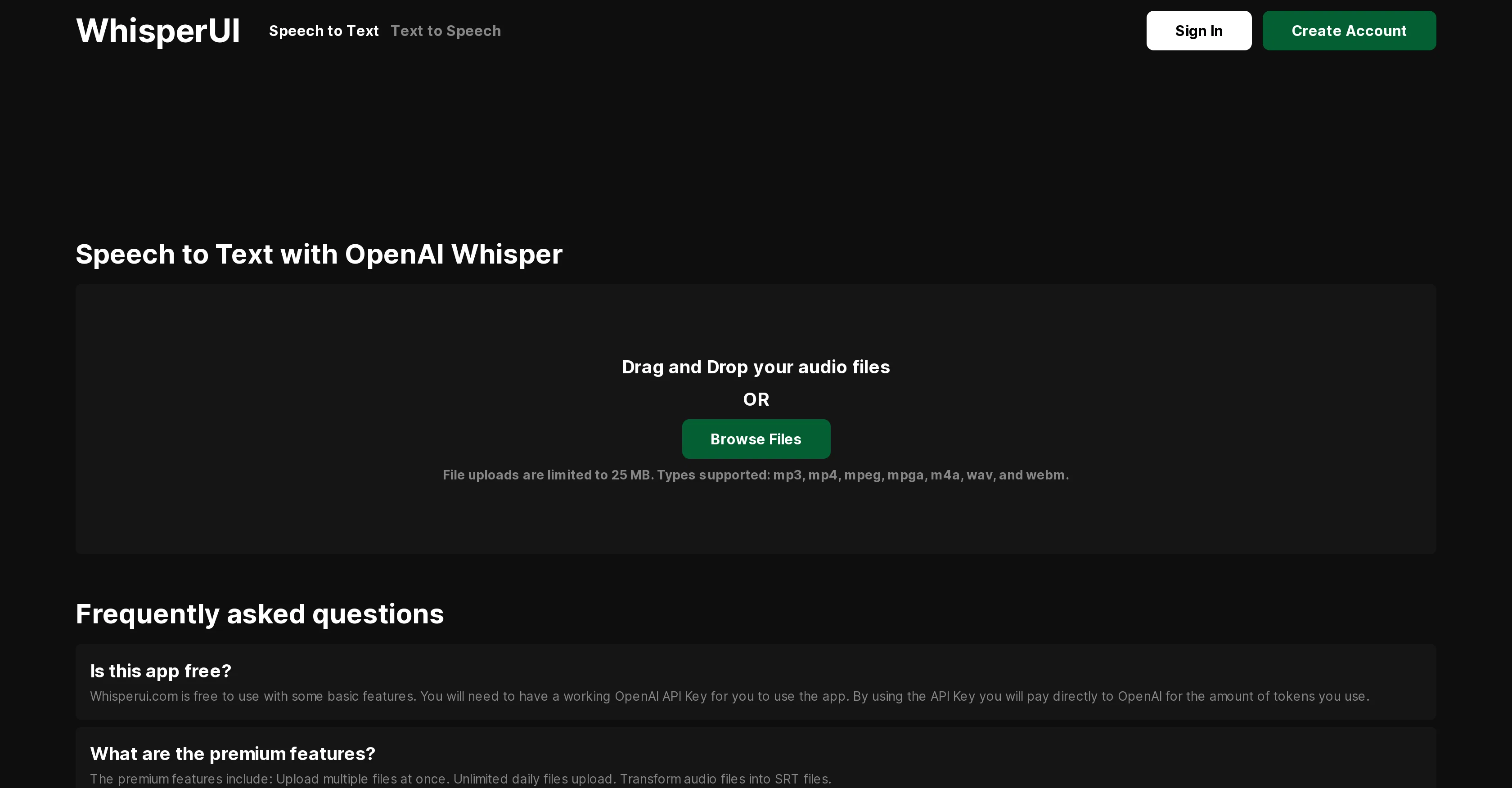
WhisperUI is a Speech to Text service built on OpenAI Whisper, a state-of-the-art Automatic Speech Recognition (ASR) system. The platform allows users to convert their audio files into text or SRT files, making it useful for a variety of applications like transcription services, subtitle generation, or linguistic analysis.
WhisperUI supports a broad range of file types including MP3, MP4, MPEG, MPGA, M4A, WAV, and WEBM, with a maximum file size limit set by OpenAI. The Whisper system derives its robustness from having been trained on a comprehensive and diversified data set that includes multilingual and multitask supervised data obtained from the web.
This ensures impressive performance against various accents, background noise, and technical language. Furthermore, Whisper can transcribe speech in multiple languages and translate them into English.
The transcription process begins when a user uploads an audio file to the WhisperUI web application, which then uses OpenAI Whisper to transform the spoken words into text.
The transcribed text is then made available to the user for review and modification. Users need an active OpenAI API Key to use the service, with billing handled directly by OpenAI based on the number of tokens used.
A premium feature set, which includes the ability to upload multiple files at once and daily unlimited uploads, is also available.
Access & connections
Where you can use WhisperUI.
Platforms
Capabilities
What this tool accepts, produces, and is strongest at.
Input
- API
- Audio
Output
- Tabular
- API
- Text
Supported features
- Transcription
Pros & cons
Pros
- Supports numerous audio formats
- Optimized for various accents
- Handles technical language
- Effective with background noise
- Transcribes multiple languages
- Translation capabilities
- User-friendly web application
- Editable transcriptions
Show 14 more
- Premium features available
- Bulk file uploading
- Daily unlimited uploads option
- Converts audio to SRT
- Robust dataset training
- Useful for linguistics analysis
- Subtitle generation functionality
- Broad application use
- High transcription accuracy
- Transcription speed efficiency
- Supports major languages
- File size limit 25MB
- API Key stored safely
- Affordable service costs
Cons
- Maximum file size limit
- Billing per token used
- Premium features cost extra
- Limited file format support
- Dependent on audio quality
- Potential language translation errors
- Transcription time varies
- Multitask data training limits
Show 1 more
- No offline usage
Compare alternatives
Similar tools in the catalog — with a clear reason to open each one.

Voicetype AI ✓
Free TrialWrite 9x Faster with AI Speech to Text on all Apps
Why look Better for writing
Full comparison
Transcript LOL ✓
FreemiumUnlimited transcripts, summaries, 99.8% accuracy, speaker recognition, superfast
Why look Higher community rating
Full comparison
TurboScribe ✓
Freemium🎯 3 free transcripts every day. 🔥 Unlimited transcription starting at $10/mo.
Free + from $10/mo
Full comparison
RambleFix ✓
Paid⚡ Write by thinking aloud - emails, notes, articles, in your style.
Why look Better for writing
Full comparison
Paraspeech ✓
Free TrialPrivate dictation, cloud optional
Why look More privacy-focused
Full comparisonReleases 1
Imported reviews 1
Cheap one-time fee, however, then you are offered a TranscriptionPlus subscription for features. No mention of this before after payment.
FAQ 12
What is WhisperUI exactly?
How does WhisperUI use OpenAI Whisper?
What types of files does WhisperUI support?
Does WhisperUI have a maximum file size limit?
What makes WhisperUI robust against different accents and noisy backgrounds?
Can WhisperUI transcribe speech in languages other than English?
What is the process for WhisperUI to transcribe my audio files?
How can I access WhisperUI services?
Are there costs associated with using WhisperUI?
What additional benefits do I receive if I get the premium features?
Can I use WhisperUI for linguistic analysis?
Can WhisperUI help in generating subtitles?
Related tools
Recommended

SubEasy.ai ✓
FreemiumAI-powered transcription and translation services with unparalleled accuracy.

AcademicGPT ✓
FreemiumAI-powered academic writing assistant.

Audiotext Ai ✓
FreemiumTurn spoken thoughts into usable notes instantly

GPTExcel ✓
FreemiumGenerate spreadsheet formulas with AI

Scisummary ✓
Free TrialCutting-edge scientific articles summarization.

Stunning ✓
PaidBuild AI-powered websites in seconds