

WhatsApp 2026 Rank: #2505
WhatsApp MCP by TimelinesAI ✓
Control WhatsApp with a prompt.
Trial; then from $20/mo
Verdict
A quick read before you dig into the full page.
- Best if
- Control WhatsApp with a prompt
- Skip if
- No free tier available
- Pick this when
- Effortless setup process
Considering AutoChat instead? Compare side by side
Overview
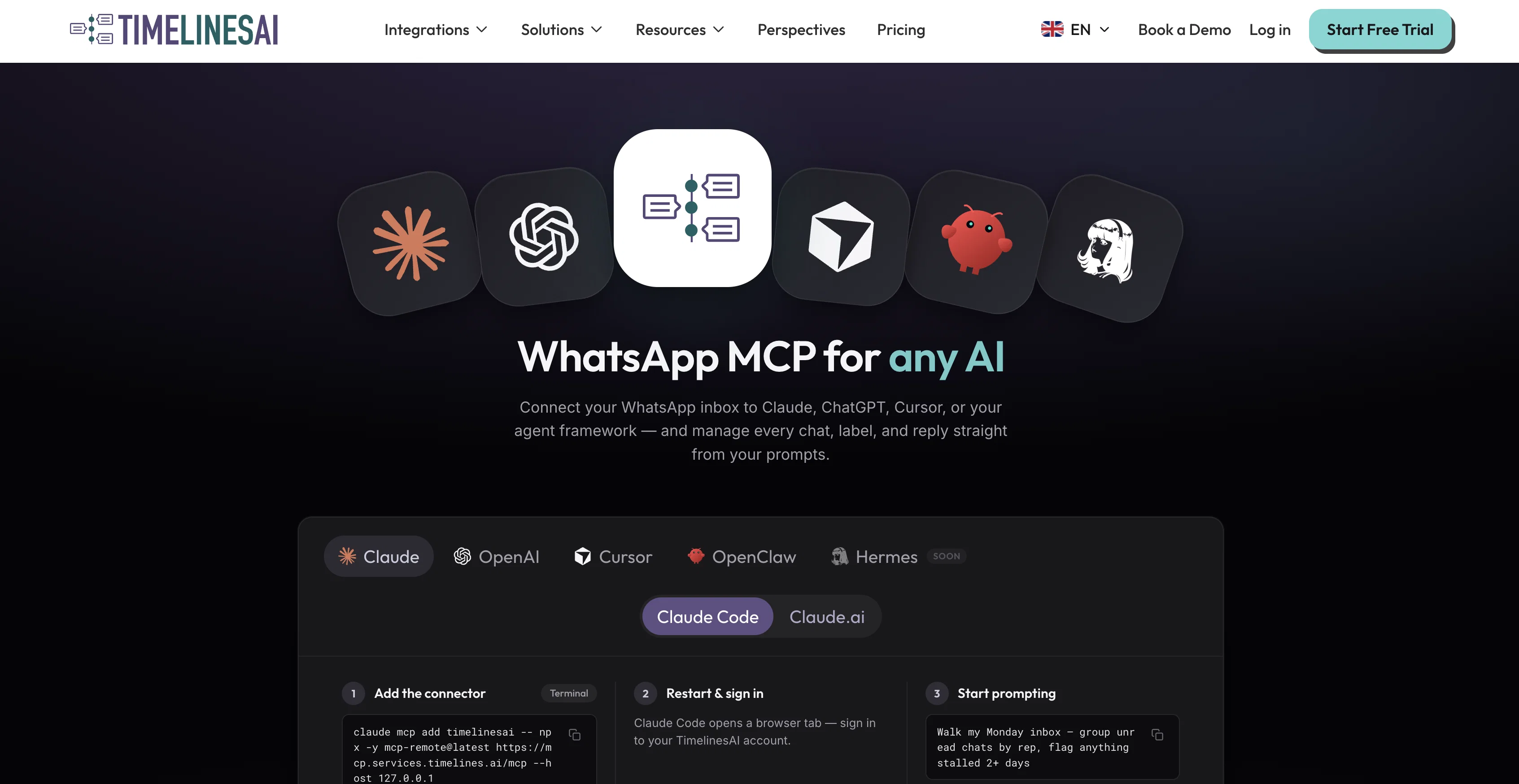
WhatsApp MCP Server allows the connection of your WhatsApp inbox to any AI agent such as Claude, ChatGPT, Cursor, or Codex. This integration enables sending messages, triaging chats, automating replies, and managing every chat from the prompts of your AI.
The connection process simply requires scanning a QR code and adding the connector to start prompting. A key feature of this tool is its ability to function without the need for WhatsApp Business API or API keys, offering an effortless setup process.
No credit card information is required to begin and you have the freedom to cancel anytime.MCP, which stands for Model Context Protocol, is an open standard that boosts the capabilities of AI agents, enabling them to use external tools while interacting with WhatsApp.
The tool effectively enables AI agents to browse chats, read history, send replies, label, assign, and check workspace states. It offers a more efficient way to manage your WhatsApp account and streamline communication.The server makes use of OAuth for the connection, which means you simply need to sign in with your TimelinesAI account.
Afterward, you can use AI tools such as Claude Code, Cursor, and Codex which all offer documented and tested setup paths. The AI can actually send real and immediate messages acting as you, respecting your existing permissions in TimelinesAI.
Messages sent through MCP are counted within the same monthly messaging quota as your regular use of TimelinesAI, rather than being on a separate budget.
The service works well with personal or business WhatsApp accounts, with no need for WhatsApp Business API, thereby making the process simple and seamless.
Finally, a requirement to use the tool is having a TimelinesAI account with at least one WhatsApp number connected.
Access & connections
Where you can use WhatsApp MCP by TimelinesAI, and what it plugs into.
Platforms
Capabilities
What this tool accepts, produces, and is strongest at.
Input
- Text
Output
- Text
Pros & cons
Pros
- Effortless setup process
- No WhatsApp Business API required
- OAuth authentication
- Compatible with personal/business WhatsApp
- Uses Model Context Protocol
- No credit card information required
- Same monthly messaging quota
- Freedom to cancel anytime
Show 20 more
- QR code setup
- Can check workspace state
- Real-time message sending
- Automatic chat replies
- Chat browsing capability
- Labels chats
- Assigns chats
- No separate budget for messages
- Acts with user permissions
- 2-minute setup
- Chat triaging
- Streamlines communication
- Allows chat management
- Can read chat history
- Compatible with Codex
- Compatible with Cursor
- Compatible with Claude Code
- Workflow management possibility
- Probe chatbot support
- No API keys needed
Cons
- Linked to single quota
- Dependent on OAuth Authentication
- Limited to WhatsApp platform
- Interactions are immediate, irreversible
- No free tier available
- Requires pre-existing WhatsApp number
Compare alternatives
Similar tools in the catalog.





Releases 1
FAQ 12
What is the WhatsApp MCP Server?
How do I connect the WhatsApp MCP Server to an AI agent like Claude or Codex?
What is the process to connect my WhatsApp inbox to the WhatsApp MCP Server?
Can I use the WhatsApp MCP Server without WhatsApp Business API or API keys?
How does the WhatsApp MCP Server function without requiring API keys?
What does MCP stand for and what is its significance in the WhatsApp MCP Server?
How does the WhatsApp MCP Server enable AI agents to manage chats and messages?
What role does OAuth play in the connection process of the WhatsApp MCP Server?
Can the AI agent send real messages on my behalf using the WhatsApp MCP Server?
Are the messages sent by the AI agent through WhatsApp MCP Server counted in my regular messaging quota of TimelinesAI?
Can I use the WhatsApp MCP Server with my personal WhatsApp account?
Do I need a TimelinesAI account to use the WhatsApp MCP Server?
Related tools
Recommended

GetLogit ✓
FreemiumArtificial intelligence, available for everyone.

ChatGPT ✓
FreemiumAsk anything, create anything, and move from idea to action.

freebeat AI ✓
FreemiumTurn Music & Ideas into Viral Videos In One Click

remio: Your Personal ChatGPT ✓
FreemiumGet Tailored Answer with Your Personal ChatGPT

Pounce ✓
Free TrialGet real followers and engagement in minutes.

ClipFinder ✓
FreemiumTurn hours of streams and VODs into viral clips automatically.