

Voicy Speech to Text ✓
Speech-to-text everywhere, 3x faster than typing.
Trial; then from $6.99/mo
Verdict
A quick read before you dig into the full page.
- Best if
- You are writers and need: Dictate emails in Gmail, Outlook, or other email applications
- Skip if
- Limited browser compatibility
- Pick this when
- Chrome extension
Considering Voicetype AI instead? Compare side by side
Overview
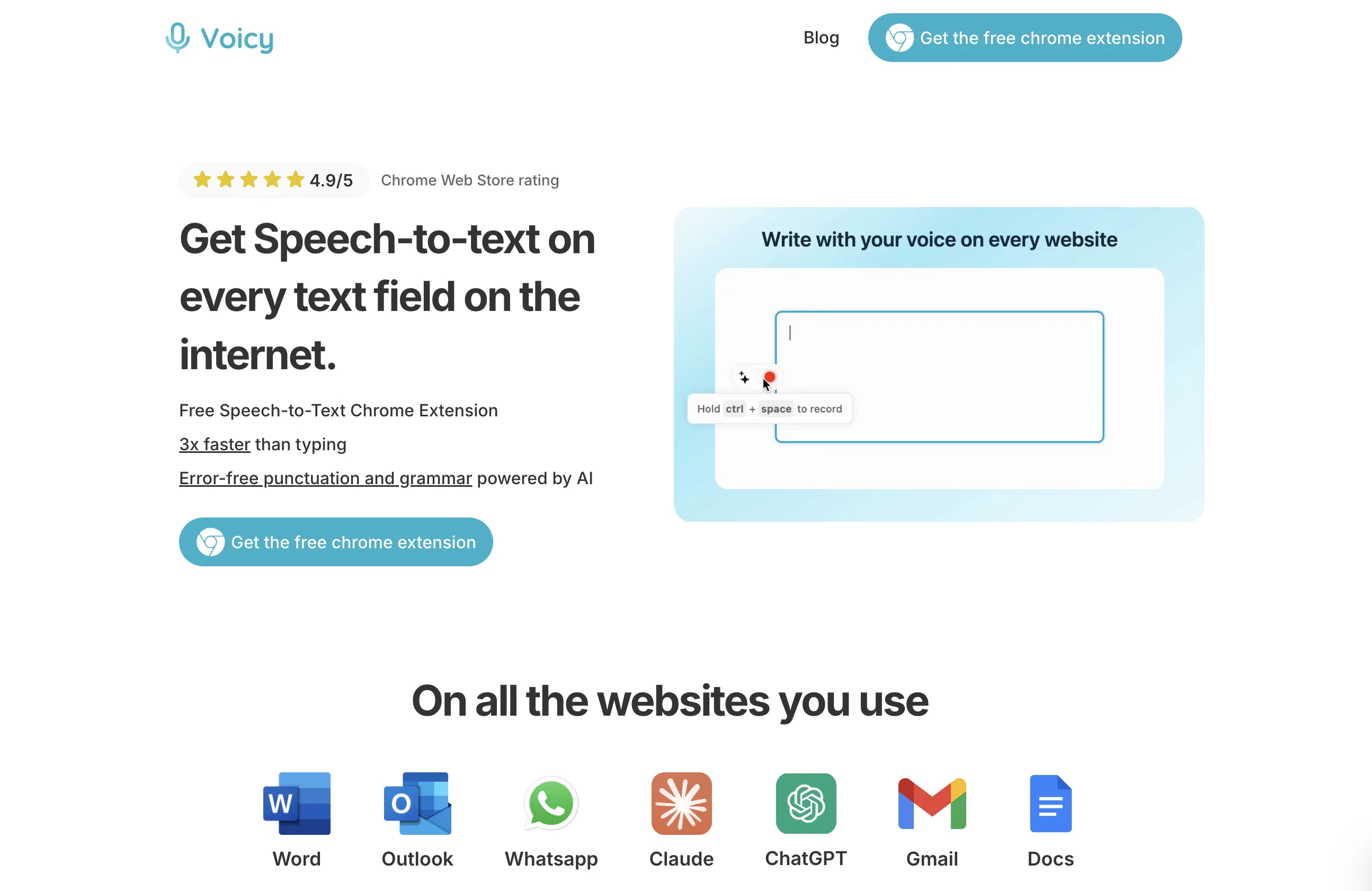
Voicy Speech to Text is a Chrome extension designed to facilitate voice dictation on all text fields on various websites, essentially turning spoken words into written text.
This AI-powered tool utilizes voice recognition technology to convert speech into text, which significantly reduces the time required to write emails, documents, and messages across numerous platforms such as Gmail, Microsoft Outlook, and Whatsapp among others.
It also accommodates AI commands everywhere, providing the users with the option to task Voicy with formulating emails if needed. In addition to its dictation capabilities, the extension also assists users with grammar and punctuation, aiming to provide error-free transcriptions.
Finally, Voicy caters to a diverse user base by supporting more than 50 languages, including, but not limited to Spanish, German, Russian, Hindi, French, and Dutch.
The extension is user-friendly and can adapt to the workflows of different professions, possibly providing relief for individuals who spend an extensive amount of time typing, and accommodating individuals with specific needs like alleviating strain from constant typing.
Best for
Short scenarios where Voicy Speech to Text tends to shine.
-
Dictate emails in Gmail, Outlook, or other email applications
Best for Writers
-
Write documents and notes in Microsoft Word, Google Docs, and Notion
Best for Content creators
-
Send faster messages in WhatsApp, Slack, Microsoft Teams, and other chats
Best for Students
-
Create longer prompts for ChatGPT, Claude, Gemini, and Microsoft Copilot
Best for Professionals
-
Dictate code, terminal commands, and prompts in IDEs and coding tools
Best for Business users
-
Write blog posts, articles, and other long-form content by voice
Best for Researchers
-
Use speech-to-text as an assistive tool for carpal tunnel syndrome or dyslexia
Best for Customer support teams
Example outputs 1
Sample generations and before/after results for Voicy Speech to Text.
Access & connections
Where you can use Voicy Speech to Text, and what it plugs into.
Platforms
Capabilities
What this tool accepts, produces, and is strongest at.
Input
- Audio
Output
- Text
Supported features
- STT
- Transcription
- Autocomplete
Pros & cons
Pros
- Chrome extension
- Facilitates voice dictation
- Operable on various websites
- Reduces writing time
- Can draft whole emails
- Grammar assistance
- Punctuation assistance
- Supports over 50 languages
Show 34 more
- Workflow adaptable
- Reduces typing strain
- Ease of user interface
- Suitable for professional uses
- Integration with Gmail
- Integration with Outlook
- Integration with Whatsapp
- Turns voice notes into text
- Automates punctuation and formatting
- Works with Google Docs
- Supports Microsoft word dictation
- Compatible with Claude and ChatGPT
- User-friendly
- Effective for individuals with high typing needs
- Supports email automation
- 3x times faster than typing
- Error-free transcriptions
- +20,000 more integrations
- 99% accuracy in transcriptions
- Supports Spanish, German, Russian, Hindi, French, Dutch, etc.
- Improves workflow
- Alleviates wrist strain
- Assists in formulating emails
- Voice dictation in Gmail
- Voice typing in Google Docs
- Voice to text in Microsoft Outlook
- Voice typing in Microsoft Word
- Perfect for both personal and professional use
- Slack integration
- Telegram integration
- Telegram integration
- Diversely usable across all text fields
- Voice recognition technology
- Translates speech to text
Cons
- Chrome extension only
- Accuracy not specified
- No offline functionality
- Limited browser compatibility
- No mobile application
- Possible latency issues
- Interference with other extensions
- Reliance on internet connection
Show 1 more
- Possible voice recognition errors
Compare alternatives
Similar tools in the catalog — with a clear reason to open each one.

Voicetype AI ✓
Free TrialWrite 9x Faster with AI Speech to Text on all Apps
Why look Better for writing
Full comparison
Transcript LOL ✓
FreemiumUnlimited transcripts, summaries, 99.8% accuracy, speaker recognition, superfast
Why look Offers a public API
Full comparison
TurboScribe ✓
Freemium🎯 3 free transcripts every day. 🔥 Unlimited transcription starting at $10/mo.
Free + from $10/mo
Full comparison
RambleFix ✓
Paid⚡ Write by thinking aloud - emails, notes, articles, in your style.
Why look Better for writing
Full comparison
Paraspeech ✓
Free TrialPrivate dictation, cloud optional
Why look More privacy-focused
Full comparisonPeople also view
Tools that often show up alongside Voicy Speech to Text in collections and comparisons.
Voicetype AI ✓
Free TrialWrite 9x Faster with AI Speech to Text on all Apps
TurboScribe ✓
Freemium🎯 3 free transcripts every day. 🔥 Unlimited transcription starting at $10/mo.
Transcript LOL ✓
FreemiumUnlimited transcripts, summaries, 99.8% accuracy, speaker recognition, superfast
RambleFix ✓
Paid⚡ Write by thinking aloud - emails, notes, articles, in your style.
Paraspeech ✓
Free TrialPrivate dictation, cloud optional

Recap Raven ✓
Free TrialTTRPG Discord bot that recaps, transcribes, GM prep notes and campaign memory

Realms of Shod ✓
Free TrialMultiplayer tools, AI notes, and knowledge-graph surfaces for TTRPG worlds and stories

Pulse by smallest.ai ✓
FreemiumWorld's fastest and most accurate speech-to-text.
Releases 1
Imported reviews 2
Really fantastic app.
I'm actually using it to write this review.
I find it very easy to use and yes, there is sign up, but it does give you additional seconds and the subscription is reasonable compared to other speech-to-text apps.
It's also a great, simple-to-use app, and I'm quickly using it for many things.
Highly recommend.
One day and I Love it!
FAQ 12
What is Voicy Speech to Text?
How does Voicy Speech to Text work?
What platforms can Voicy Speech to Text operate on?
Can Voicy Speech to Text assist with formulating emails?
How does Voicy Speech to Text help with grammar and punctuation?
What languages does Voicy Speech to Text support?
Is Voicy Speech to Text compatible with my workflow?
Who can benefit from using Voicy Speech to Text?
Does Voicy Speech to Text help reduce strain from typing?
What is the AI technology behind Voicy Speech to Text?
How does Voicy Speech to Text function on all text fields on the internet?
Does Voicy speed up the process of writing emails, documents, and messages?
Related tools
Recommended

TalkText ✓
FreemiumSmart Dictation in your browser or via a native macOS integration 🔥

Plainscribe ✓
PaidTranscribe, translate & summarize your files effortlessly.

Younet ✓
Free TrialAI Agent Orchestration and Automation. Build your agentic business.

Speechmatics ✓
FreemiumEnterprise-grade speech-to-text APIs for Voice AI builders.

Agentgpt ✓
FreemiumDeploy autonomous AI Agents effortlessly in your browser.

AI Lawyer ✓
Free TrialInstant legal advice and document creation at your fingertips