

VoiceToText ✓
Type with your voice using AI-powered speech recognition.
Verdict
A quick read before you dig into the full page.
- Best if
- Type with your voice using AI-powered speech recognition
- Skip if
- Limited editing tools
- Pick this when
- Real-time Speech-to-Text
Considering Voicetype AI instead? Compare side by side
Overview
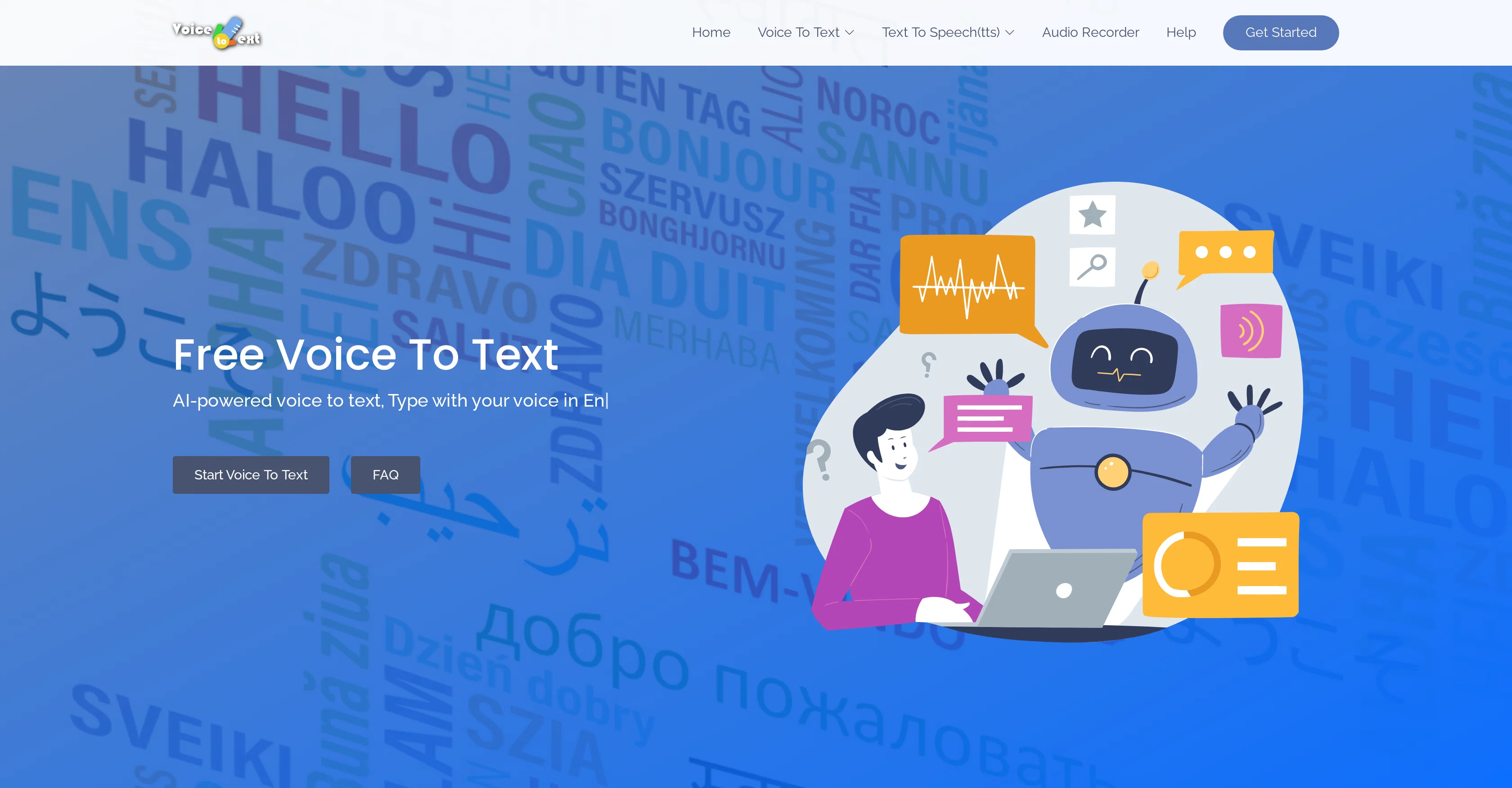
Voice to Text is an AI-based, free online tool which enables speech-to-text conversion in real-time. Customers can use this to generate text content such as emails, essays, or documents using their voice, significantly decreasing the time spent on typing.
The tool harnesses AI capabilities to transform spoken words into text. It supports more than 30 languages and accents, catering to a diverse global user base.
Additionally, it provides easy-to-use editing tools, allowing users to amend the transcribed text as needed. The transcriptions can be exported in varied formats for easy sharing and future references.
It also allows users to convert their text into audio in real time. Moreover, it consists of an inbuilt Audio Recorder to capture audio online and save directly on the user's device.
The tool also emphasizes accuracy with its advanced algorithms that efficiently recognize and convert speech-to-text. Please note, to use this tool, users need to have a stable internet connection and it works best on Google Chrome.
It is compatible with different operating systems like Windows, Mac, and Linux.
Access & connections
Where you can use VoiceToText, and what it plugs into.
Platforms
Integrations
Capabilities
What this tool accepts, produces, and is strongest at.
Input
- Audio
Output
- Text
Supported features
- Transcription
Pros & cons
Pros
- Real-time Speech-to-Text
- Text generation tool
- Supports 30+ languages
- Accents recognition
- Inbuilt editing tools
- Transcriptions in varied formats
- Real-time Text-to-Speech conversion
- Inbuilt Audio Recorder
Show 4 more
- Advanced accuracy algorithms
- Compatible with Chrome
- Works with varied OS
- Free online tool
Cons
- Requires stable internet connection
- Works best on Chrome
- Doesn't support offline use
- No native app
- Limited editing tools
- No batch processing
- Not suitable for long recordings
- Transcription export format limitations
Show 2 more
- Real-time conversion may lag
- Dependence on user accents
Compare alternatives
Similar tools in the catalog — with a clear reason to open each one.

Voicetype AI ✓
Free TrialWrite 9x Faster with AI Speech to Text on all Apps
Why look Better for writing
Full comparison
Transcript LOL ✓
FreemiumUnlimited transcripts, summaries, 99.8% accuracy, speaker recognition, superfast
Why look Offers a public API
Full comparison
TurboScribe ✓
Freemium🎯 3 free transcripts every day. 🔥 Unlimited transcription starting at $10/mo.
Free + from $10/mo
Full comparison
RambleFix ✓
Paid⚡ Write by thinking aloud - emails, notes, articles, in your style.
Why look Better for writing
Full comparison
Paraspeech ✓
Free TrialPrivate dictation, cloud optional
Why look More privacy-focused
Full comparisonReleases 1
FAQ 12
What is the VoiceToText tool?
How does VoiceToText work?
What are the requirements to use VoiceToText?
What languages are supported by VoiceToText?
How can I edit the transcribed text in VoiceToText?
What type of content can I generate with VoiceToText?
Can I use VoiceToText on any operating system?
How can I export my transcriptions from VoiceToText?
Can VoiceToText convert my text into audio?
Is there an audio recording feature in VoiceToText?
How accurate is the transcription in VoiceToText?
Does VoiceToText support different accents?
Related tools
Recommended

COACH ✓
FreeAI-powered career development platform built by career experts.

Free Text-To-Speech ✓
FreeText transformed into customizable spoken output.

Text to Speech.im ✓
FreeConvert text to lifelike speech effortlessly

Humanize AI Text ✓
FreeTransform AI text into human-like content.

SongGenerator.io ✓
FreemiumTransform text into AI-generated music instantly.

AI Background Remover by HTML Zone ✓
FreeInstantly remove image backgrounds with AI