

Voicer ✓
Bringing your selected web text to life through speech
Verdict
A quick read before you dig into the full page.
- Best if
- You are content creators and need: Saving educational videos from a restricted Telegram study group for offline viewing
- Skip if
- Limited to web text
- Pick this when
- Browser plugin
Considering ElevenLabs instead? Compare side by side
Overview
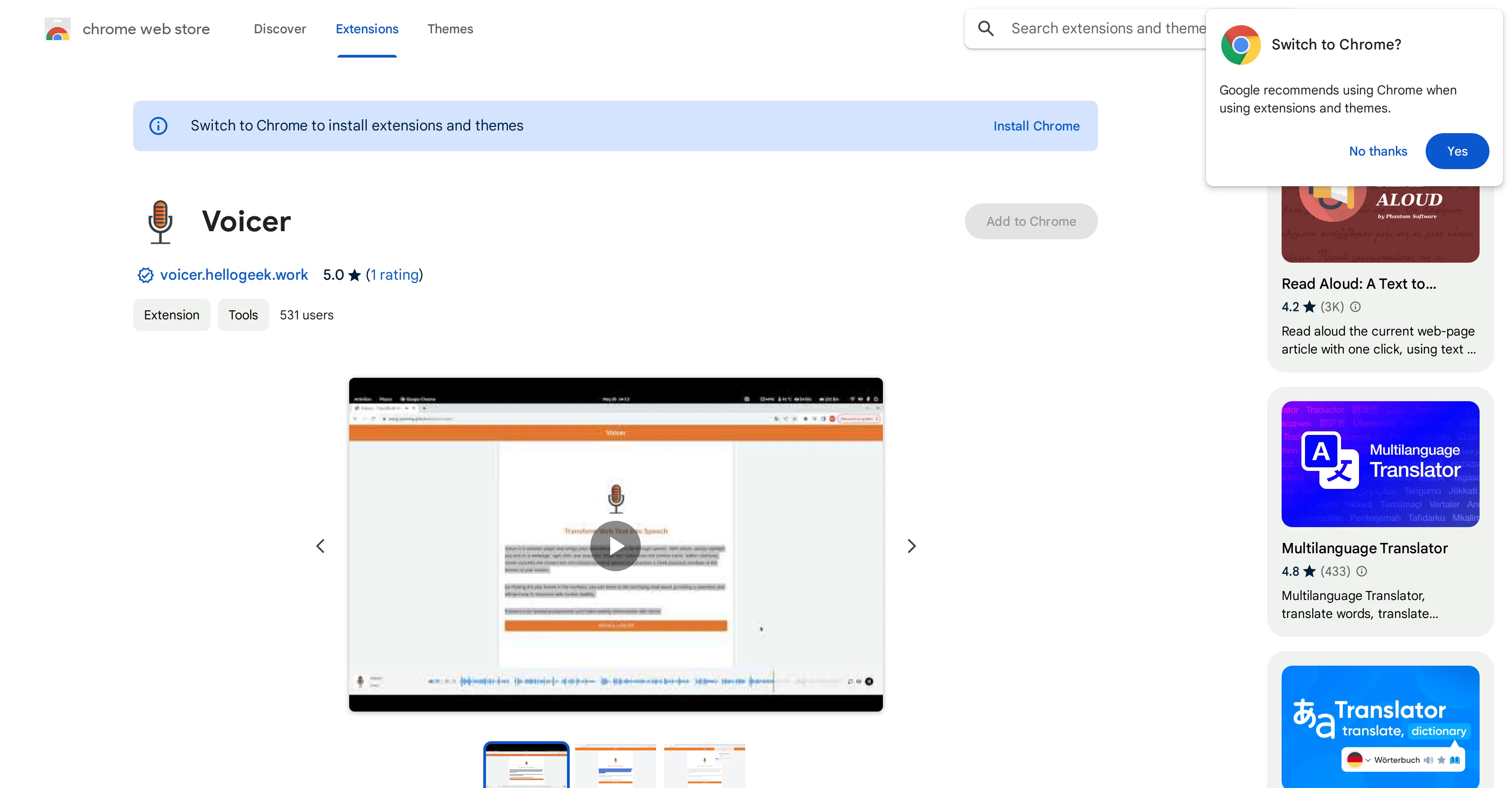
Voicer is a browser plugin that uses Text-to-Speech (TTS) technology to convert web text into audible speech. Once installed on your browser, Voicer can help alleviate reading fatigue by orally presenting the content of any web page.
The user interface is simple to use. Users only need to highlight the text they desire to listen to and right-click to select the 'Read This' option in the menu.
The extension will then translate the selected text into natural-sounding speech through a neat player interface. Voicer offers a groundbreaking method for individuals to consume online content in a relaxing and immersive manner.
As a reputable browser extension with a record of no violations, Voicer is also committed to respecting users' privacy. It is important to note that the use of Voicer involves the handling of personally identifiable information and authentication information.
Best for
Short scenarios where Voicer tends to shine.
-
Saving educational videos from a restricted Telegram study group for offline viewing
Best for Content creators
-
Backing up a personal collection of photos and voice notes from a private chat
Best for Digital archivists
-
Batch downloading a series of audiobooks shared in a specialized Telegram channel
Best for Social media managers
Example outputs 1
Sample generations and before/after results for Voicer.
Access & connections
Where you can use Voicer, and what it plugs into.
Platforms
Capabilities
What this tool accepts, produces, and is strongest at.
Input
- Text
Output
- Audio
Pros & cons
Pros
- Browser plugin
- Alleviates reading fatigue
- Orally presents web content
- Simple user interface
- Highlight and listen feature
- Natural-sounding speech
- Neat player interface
- Immersion in online content
Show 12 more
- Respects user privacy
- Handles personal information
- Handles authentication information
- Unique content consumption
- Aids digital learning
- Web accessibility enhancement
- Good publisher record
- No reported violations
- Multi-language support
- Data not sold to third parties
- Data not used unrelatedly
- Data not used for lending
Cons
- Limited to web text
- No offline functionality
- Restricted to browser use
- Might mispronounce certain words
- Possible delay in speech output
- No multi-language support
- Potential privacy concerns
- No mobile version
Show 2 more
- Lacks customization options
- Dependent on internet connection
Compare alternatives
Similar tools in the catalog — with a clear reason to open each one.

ElevenLabs ✓
FreemiumCreate lifelike AI voices for compelling storytelling.
Why look Offers a public API
Full comparison
VoiSpark ✓
FreemiumCreate human-like voices for content with AI
Why look Better for writing
Full comparison

People also view
Tools that often show up alongside Voicer in collections and comparisons.

Speechma ✓
UnknownTransform text to speech with 400+ premium AI voices

Free Text-To-Speech ✓
FreeText transformed into customizable spoken output.

Luvvoice ✓
FreemiumTransform text into lifelike speech instantly.

Cliptics ✓
UnknownTransform text into lifelike speech online.

TTSMaker ✓
FreemiumConvert text to natural speech in 100+ languages.
SpeechGen ✓
PaidCreate realistic voiceovers with AI-powered voices.

Acoust ✓
FreemiumCreate natural sounding AI voices instantly.
VoiSpark ✓
FreemiumCreate human-like voices for content with AI
Releases 1
FAQ 12
What is Voicer and how does it work?
How to use Voicer to listen to web text?
Does Voicer's TTS technology sound natural?
What are the main features of Voicer?
In what ways does Voicer help with reading fatigue?
How is user privacy handled in Voicer?
Where can I download Voicer for my browser?
How do I use Voicer's 'Read This' feature?
Does using Voicer involve handling personal information?
What user ratings and reviews has Voicer received?
Has Voicer plugin ever encountered any security violations?
How does Voicer make online content consumption more immersive?
Related tools
Recommended

Text to Speech.im ✓
FreeConvert text to lifelike speech effortlessly

Unreal Speech ✓
Free TrialCheapest Text-to-Speech API

IllumiChat ✓
FreemiumFrom Ticket Backlog to Instant Answers Powered by AI

The Storyteller ✓
FreePersonalized, Real-Time Narratives at Your Fingertips

Mindmap ✓
FreemiumVisualize ideas effortlessly with free mindmaps.

Amnesia ✓
FreeLearn through interactive storytelling.