

Vocol ✓
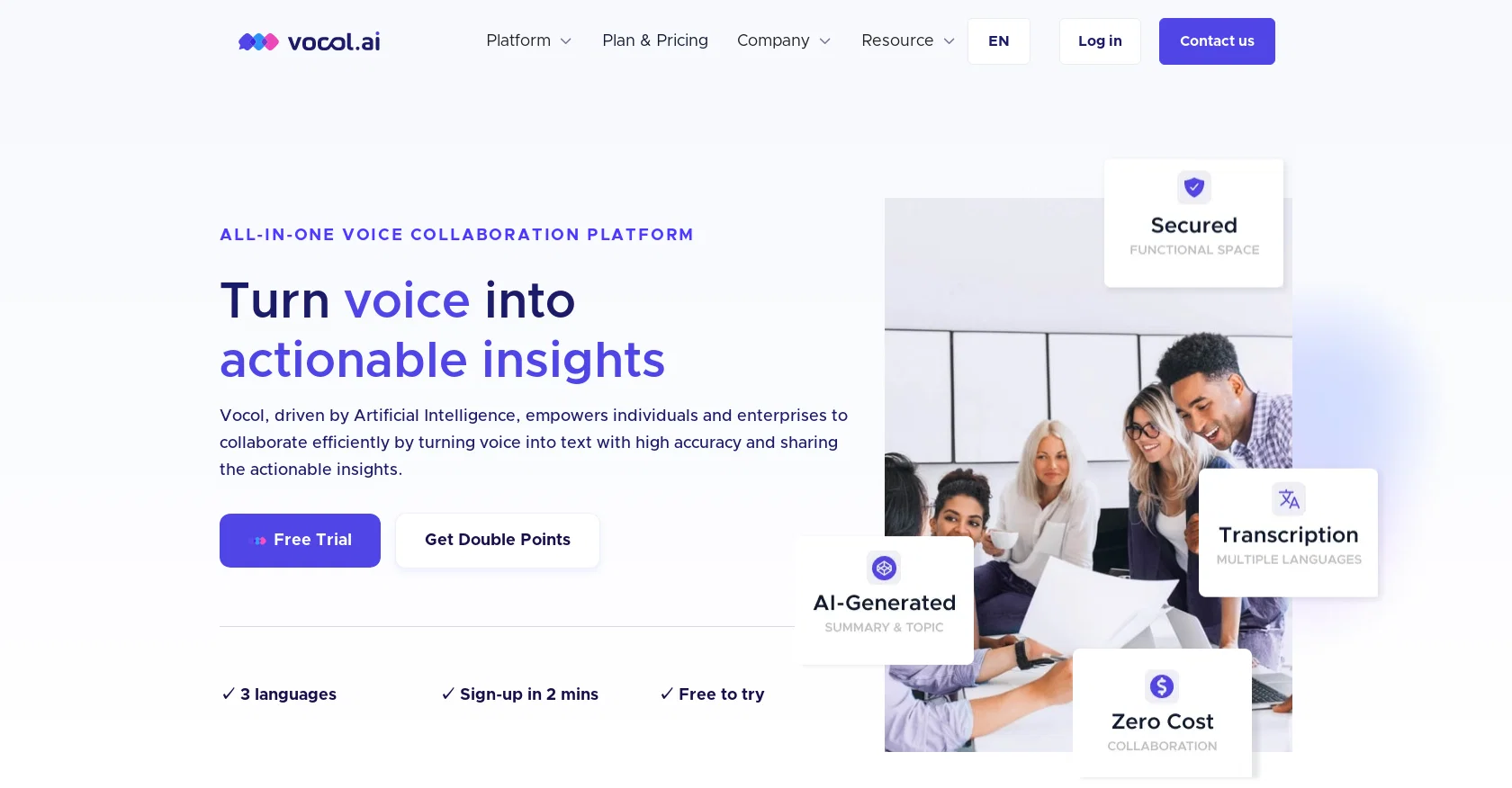
Turn voice into actionable insights
Verdict
A quick read before you dig into the full page.
- Best if
- Turn voice into actionable insights
- Skip if
- Limited integration options
- Pick this when
- Three languages supported
Considering Jamy instead? Compare side by side
Overview
The advanced collaboration features allow you to highlight key moments, comment on any part of the transcript, tag team members, and share the file with your team. Vocol.AI helps you turn ideas into accomplishments by generating actionable tasks from the transcript, with each task linked back to the conversation's precise moment, enhancing clarity and decision-making. You can also assign tasks to your teammates, set priorities and use auto-reminders to keep everyone on top of their assignments. Vocol.AI currently offers plans for both individuals and teams, so you can pick the features that best match your needs.
Getting started with Vocol.AI is very easy! Simply register for a free account with your email (alternatively, you can log in with your Google or Microsoft credential) and you will get 200 V-points (minutes) that will be automatically credited to your account. There are many different ways to collect more credits, or V-points. For more information about our current promotions, please visit our website.
Come join the Vocol community today and boost productivity for you and your team through voice collaboration!
Access & connections
Where you can use Vocol.
Platforms
Capabilities
What this tool accepts, produces, and is strongest at.
Input
- Audio
Output
- Text
Pros & cons
Pros
- Three languages supported
- Translation into 25 languages
- Actionable tasks from transcript
- Task linkage to conversation moment
- Task assignment feature
- Priority setting for tasks
- Auto-reminders for tasks
- Plans for individuals and teams
Show 36 more
- Google or Microsoft login
- Free account registration
- Transcripts with summaries and topic analysis
- 200 default V-points
- Earn more V-points
- Highlighting key transcript moments
- Commenting on transcript
- Tag team members
- Sharing transcript with team
- Accurate transcripts
- Task linkage enhances clarity
- Task linkage enhances decision-making
- Collaborative insights sharing
- Analysis of voice data
- Supercharges work efficiency
- Automatic insights from voice data
- Supports audio and video recordings
- Multilingual transcription support
- Advanced collaboration features
- Seamless translation abilities
- Integrates with meeting platforms
- Automatic recording for meetings
- Data usage analytic reports
- Topic word cloud analytics
- Collaboration interaction analytics
- No hidden fees
- Multilingual transcription specialisation
- Works with existing tools
- Free trial available
- Voice collaboration promotion
- Key topics identification
- Auto-generated summaries and notes
- Tracks and searches keywords
- Highlights cataloguing
- Integration with tool stack
- Catalogue and review important moments
Cons
- Supports only three languages
- Complicated credit system ('V-points')
- Possible accuracy issues with multilingual meetings
- Does not offer an offline version
- Limited integration options
- No information on data security
- Unclear pricing structure
- Login required even for trial
Show 1 more
- Requires high-speed internet for video processing
Compare alternatives
Similar tools in the catalog.

Jamy ✓
FreemiumAutomate meeting notes for seamless productivity.
Free + from $9.5/mo
Full comparison
Wave AI Note Taker, Transcription and Summary Tool ✓
FreemiumThe Smartest Way to Capture, Transcribe & Summarize Anything
Free + from $3.99
Full comparison
Otter.ai ✓
FreemiumAI Meeting Assistant for real-time transcription and notes
Free + from $19.7/mo
Full comparison
Limitless - Personalized & Secure Memory AI ✓
FreemiumRecall anything you've said or heard in meetings or conversations
Free + from $19/mo
Full comparison
Releases 1
Imported reviews 9
Love it! This website saved me a number of times in my Chinese-taught classes. As a non-native speaker, I can actually follow what the teachers say and get back any time.
It's really helpful for me when I need to generate the meeting notes, Most of the time I need to spend a couple of minutes sorting the information and making the report, vocol.ai's AI Power can help me very quickly get the summary and topic of the meeting. which can let me to refer and achieve my goals quickly.
More than just a transcription tool. It has a bunch of nifty functions that allow you to collaborate with teammates, customers, and partners across different geographic regions, so you don't have to hop from one platform to another to do things like transcription, translation, etc.
As a manager, I have back to back meetings, and this AI tool is incredibly helpful to me for transcribing recorded meetings. Also, I use this to control my smart devices, very user-friendly.
Works well for lecture notes, some occasional weird translations here and there, so make sure you proofread the transcript.
Tested a few voice to text tools and Vocol has the most stable performance in terms of EN/CN transcription and the accuracy was higher. Saves me time editing transcription errors.
Solid transcription tool. The convenience is unbeatable. Sometimes struggles with specialized jargon, but it's understandable. Overall, a time-saving gem!
Fantastic AI tool for meeting summaries! I don't have to keep writing notes and can focus on what's actually being said!
Practical tool with free credits, not just saving time on taking notes, I can share the file with team, helpful.
FAQ 12
What is Vocol.AI?
How does Vocol.AI work?
What languages does Vocol.AI support?
How does Vocol.AI use AI to enhance work efficiency?
What are the key features of Vocol.AI?
How can Vocol.AI generate actionable tasks from meeting transcripts?
How to start with Vocol.AI?
What are V-points in Vocol.AI?
Can Vocol.AI support team collaboration?
What types of plans does Vocol.AI offer?
Can Vocol.AI provide language translation?
What are Vocol.AI's advantages over other meeting transcription services?
Related tools
Recommended

TurboScribe ✓
Freemium🎯 3 free transcripts every day. 🔥 Unlimited transcription starting at $10/mo.

LearningStudioAI ✓
Free TrialAI-powered authoring tool for effortless online course creation.

MagicSlides.app AI PPT Maker ✓
FreemiumCreate Stunning PPTs in Seconds with the AI PPT Maker

DataSquirrel ✓
FreemiumData cleaning & visualization for insights gained.

Hal9 ✓
FreemiumBuild your AI-Powered Product in 30 Days

User Evaluation ✓
FreemiumStreamline your data discovery with AI