

Coding 2026 Rank: #522
Visual Studio Code Agents ✓
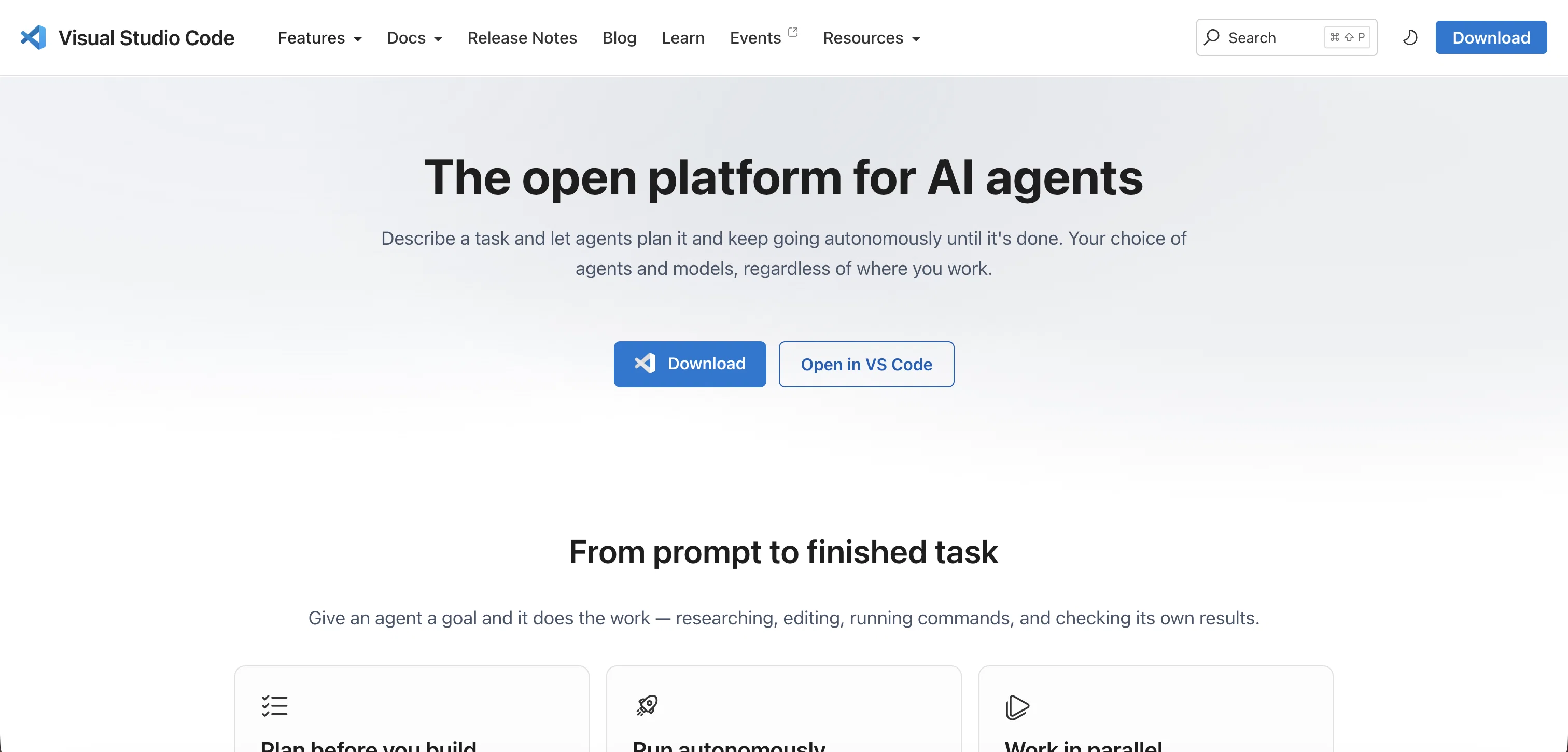
From prompt to finished task, autonomously.
Verdict
A quick read before you dig into the full page.
- Best if
- From prompt to finished task, autonomously
- Skip if
- Agent monitoring can be complex
- Pick this when
- Open platform
Considering Cursor instead? Compare side by side
Overview
Visual Studio Code Agents is an open platform for AI agents which supports GitHub Copilot, custom agents, and third-party agents. Agents on the platform are capable of autonomous task planning and execution.
This includes researching, editing, running commands, and checking its own results. Developers have the flexibility to run multiple tasks at once and work in parallel across different projects.
The platform's agents operate in various environments, including VS Code, command line interfaces, browsers, and on mobile devices. This mobility allows tasks to be initiated and finished from anywhere.
The platform offers flexibility, allowing developers to switch between high-level tasks and a code-first flow according to the demands of the task. Visual Studio Code Agents also integrates Native MCP, enabling developers to connect to various AI models across providers like OpenAI, Anthropic, Google, and others.
The platform is also capable of running locally or in the cloud, adapting to your specific scale requirements. Furthermore, developers can create custom agent personas to follow team conventions and the most frequent tasks.
The platform maintains a unified view for managing and monitoring all agent sessions, enabling fluid workflow management. Finally, the platform supports GitHub-native agent operation right in your terminal, engaging directly with your issues and pull requests, planning changes, editing across files, and running commands without disrupting your command-line flow.
Access & connections
Where you can use Visual Studio Code Agents, and what it plugs into.
Platforms
Capabilities
What this tool accepts, produces, and is strongest at.
Input
- Tabular
- Text
Output
- Code
- Tabular
Supported features
- CLI
Pros & cons
Pros
- Open platform
- Supports multiple agents
- Supports GitHub Copilot
- Autonomous task planning
- Editing, running commands, research capabilities
- Checks own results
- Runs multiple tasks simultaneously
- Parallel work across projects
Show 25 more
- Operates in various environments
- Operates in VS Code
- CLI operation
- Browser-based operations
- Mobile app operation
- Tasks can be initiated anywhere
- High-level tasks and code-first flow options
- Native MCP integration
- Can run locally or cloud-based
- Scalability support
- Allows custom agent personas
- Unified viewing of agent sessions
- Workflow management
- GitHub-native agent operation
- Tasks planning
- Editing across files
- Command-line flow integration
- Coding from prompt to completion
- Allows switching between high-level tasks and code-first flow
- Autonomous operation
- Enables custom instructions
- Supports adding skills
- Allows customizations
- Supports model swap
- Provides dozens of models
Cons
- Doesn't support other version controls
- Limited custom agent personas
- Difficult to switch workflows
- Too many environments
- Agent monitoring can be complex
- Browser management may need setup
- Custom agent creation unintuitive
- Excessive switching between agent-first and code-first
Show 2 more
- No unified documentation for models
- Scalability dependent on local/cloud decision
Compare alternatives
Similar tools in the catalog — with a clear reason to open each one.


OnSpace.AI - No Code App Builder ✓
FreemiumBuild Apps with AI, No Code
Free + from $20/mo
Full comparison
Kilo Code ✓
Free TrialAI-powered coding assistant for VS Code
Why look Higher community rating
Full comparison
Github Copilot ✓
FreemiumAI-powered coding assistant for faster development
Free + from $10/mo
Full comparison
CodingFleet ✓
FreemiumAI wizard transforms instructions into code snippets.
Why look Higher community rating
Full comparison
Releases 1
FAQ 12
What is Visual Studio Code Agents?
How does Visual Studio Code Agents support Github Copilot?
What is autonomous task planning in Visual Studio Code Agents?
In what environments can Visual Studio Code Agents operate?
How does Visual Studio Code Agents support task flexibility?
What is Code-first flow in Visual Studio Code Agents?
How does Native MCP integrate with Visual Studio Code Agents?
What are the AI Models can I connect to using Visual Studio Code Agents?
How do I create custom agent personas in Visual Studio Code Agents?
How does Visual Studio Code Agents manage workload?
How can I run Visual Studio Code Agents on the cloud or locally?
How does Visual Studio Code Agents support scalability?
Related tools
Recommended

VidLux - Image to Video AI ✓
FreemiumBring photos to life with AI video.

Musicfy AI ✓
FreemiumCover any song in a brand new voice.

Gemini ✓
FreemiumGemini: Google's most capable AI model yet

Supernormal App ✓
FreemiumThe AI assistant app that turns meetings into completed work

AirMusic ✓
Free TrialAI music generator and music video creator in one platform.

WebsitePublisher AI ✓
FreemiumYour AI builds a full app, right from your phone