

Visla ✓
The simplest way to create AI-generated videos.
Free + from $19/mo
Verdict
A quick read before you dig into the full page.
- Best if
- You are marketing teams and need: Creating marketing videos
- Skip if
- Complex for beginners
- Pick this when
- GPT-3 technology
Considering freebeat AI instead? Compare side by side
Overview
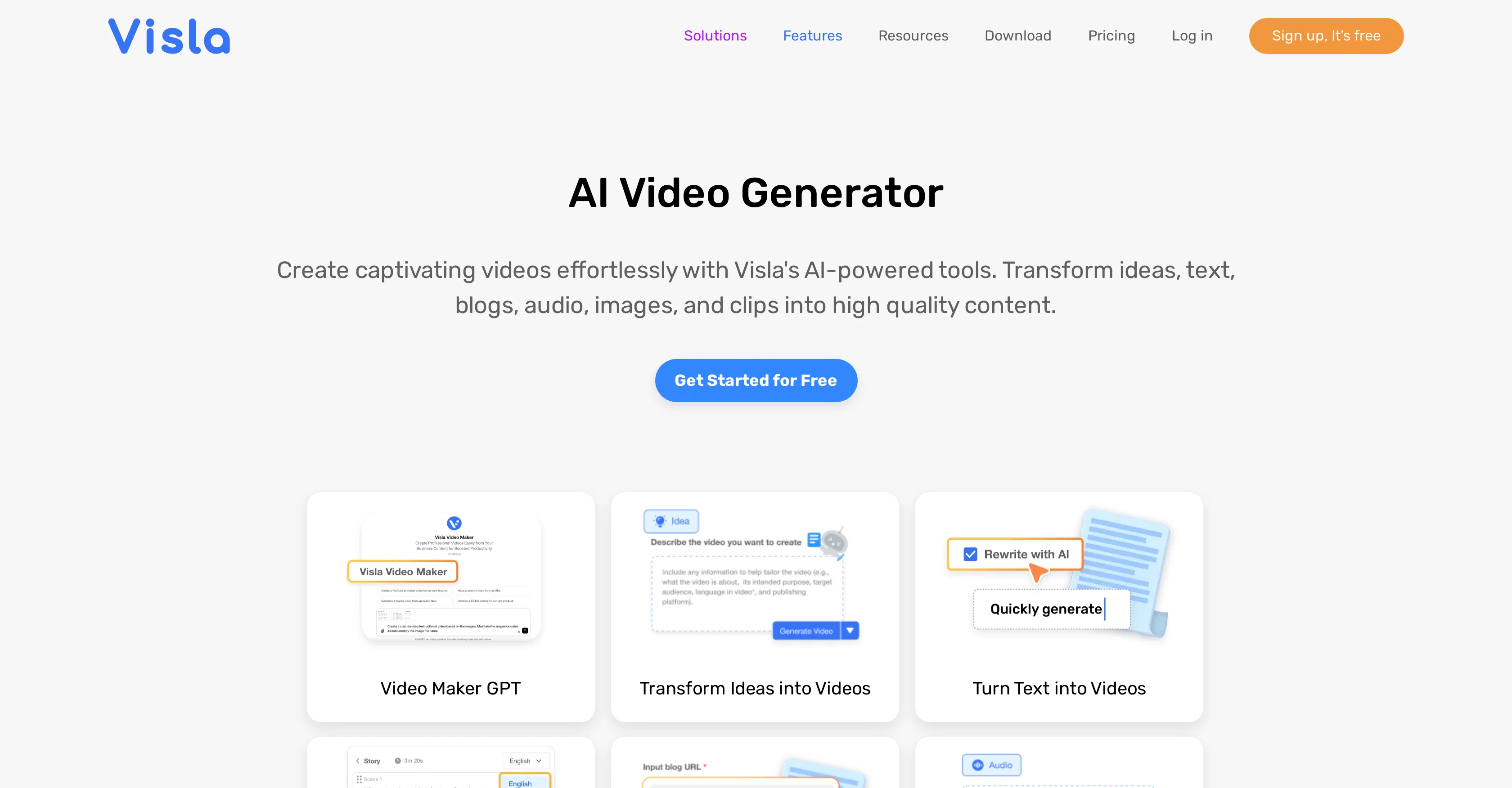
Visla's AI Video Generator is a comprehensive tool designed to create, edit, and share videos with ease. It allows users to convert different types of content, such as blogs, text, scripts, and audio, into engaging videos.
The system offers AI-powered features including an automatic video editor for seamless editing, auto-subtitle generator for adding captions, and an AI screen step recorder for creating walkthroughs or tutorials.
It also affords the ability to transition a blog into a video or narrate visual stories effectively. Videography options extend to a variety of sources ranging from private to free stock videos, with AI recommendations for footage to aid the creation process.
Additionally, the tool provides multiple editing features like background music addition, filler word removal, auto-cutting, text-based video editing, scene-based editing, among others.
Users can record content through screen, video, meeting, or multi-camera recording setups, and even have the option to use their phones as a webcam. Collaboration features, such as the option to share videos, review them, and add comments, calls-to-action, or incorporate auto transcription make it an effective tool for essential functions within organizations such as marketing, communications, sales, training, and product development.
Best for
Short scenarios where Visla tends to shine.
-
Creating marketing videos
Best for Marketing teams
-
Generating sales videos to boost conversions
Best for Sales teams
-
Producing training videos
Best for Training and development teams
-
Developing customer support videos
Best for Customer success teams
-
Showcasing product demos
Best for Product development teams
-
Creating tutorial videos
Best for HR and people operations teams
-
Turning case studies into video content
Best for Content creators
Example outputs 1
Sample generations and before/after results for Visla.
Access & connections
Where you can use Visla, and what it plugs into.
Platforms
Integrations
Capabilities
What this tool accepts, produces, and is strongest at.
Input
- Text
- Video
- Audio
Output
- Video
Pros & cons
Pros
- GPT-3 technology
- Custom video tone/style
- Quick professional demos creation
- Add generated text to scripts
- Auto-recommended footage
- Idea to video functionality
- Conversion of blogs/text/scripts/audio into videos
- Automatic video editor
Show 41 more
- Auto subtitle generator
- Screen step recorder
- Transition blog into video
- Effective for both individual and team use
- Collaboration feature (review, add comments)
- Call-to-action function
- Auto transcription
- Footage from various sources (private, free stock)
- Background music addition
- Filler word removal
- Auto-cutting
- Scene-based editing
- Presentation recording options (screen, video, meeting, multi cameras)
- Phone used as webcam
- Text-based video editing
- Embedded videos for ease of sharing
- Narrate visual stories
- Automated video editor for seamless editing
- Video translator
- Change video aspect ratio function
- Resources (FAQ, blog, support, video guide, webinar)
- Zoom Integration feature
- Slack Integration feature
- Mobile Video Editor
- Multi-purpose functionality (marketing, training, product development, etc.)
- Simultaneous use by cross-functional teams
- Camera background removal
- Add virtual camera background
- Teleprompter option
- Brand customization
- Add text/graphic to videos
- Screen step recorder
- Training and onboarding capabilities
- ChatGPT Plugin
- Private stock and premium stock options
- User friendly interface
- Flexible platform compatibility
- High quality content conversion
- Tailored solutions for different business functions
- Database of various video transitions
- Support for multi-camera recording setups
Cons
- Requires multiple integrations
- Complex for beginners
- GPT-3 technology reliance
- Limited collaboration features
- No offline functionality
- Dependency on pre-existing content
- Lack of customizability
- Limited scene-based editing features
Compare alternatives
Similar tools in the catalog — with a clear reason to open each one.

freebeat AI ✓
FreemiumTurn Music & Ideas into Viral Videos In One Click
Why look Typically cheaper
Full comparison
MagicLight ✓
FreemiumTransform text into captivating videos instantly.
Why look Typically cheaper
Full comparison
Seedance ✓
FreemiumMulti-shot video generation from text and image.
Why look Stronger for image work
Full comparisonPeople also view
Tools that often show up alongside Visla in collections and comparisons.
Seedance ✓
FreemiumMulti-shot video generation from text and image.
MagicLight ✓
FreemiumTransform text into captivating videos instantly.

Kaiber Superstudio ✓
Free TrialAI Video Generation

HeyGen ✓
FreemiumCreate AI spokesperson videos from text
freebeat AI ✓
FreemiumTurn Music & Ideas into Viral Videos In One Click

D-ID ✓
FreemiumCreate AI-generated videos with ease

ResearchMonkey AI | YouTube Summarizer ✓
Free TrialSave Hours of Research in Seconds with 40+ AI Tools

OutlierKit ✓
PaidEnter one channel, see the entire niche.
Releases 1
FAQ 12
What is Visla's AI Video Generator?
How does the AI Video Generator utilize GPT-3 technology?
What is the process to create a professional demo using Visla?
How does Visla's Idea to Video feature work?
How can I add generated text to scripts in Visla?
What is auto-recommended footage in Visla?
How can I convert my blog into a video using Visla?
What is the AI screen step recorder feature in Visla?
How does Visla help in adding captions to videos?
How can I use Visla to create tutorials or walkthroughs?
How can I share or review videos created using Visla within my organization?
What types of content can I convert into videos using Visla?
Related tools
Recommended

WOXO ✓
FreemiumConvert text into stunning AI-generated videos.

Supercreator ✓
FreemiumCreate short videos 10x faster with AI

neural frames ✓
FreemiumGenerated video creation from text.

Vidboard AI ✓
PaidCreate AI presenter-led videos instantly
Lumen5
PaidAI-powered video creation platform for easy and quick video content generation.

AI Studios ✓
PaidCreate AI avatar videos from text in minutes