
Videos 2026 Rank: #806
Vidofy AI ✓
Turn simple text prompts into stunning videos.
Trial; then from $14.50/mo
Verdict
A quick read before you dig into the full page.
- Best if
- Turn simple text prompts into stunning videos
- Skip if
- Limited supported video formats
- Pick this when
- Free text-to-video generator
Considering freebeat AI instead? Compare side by side
Overview
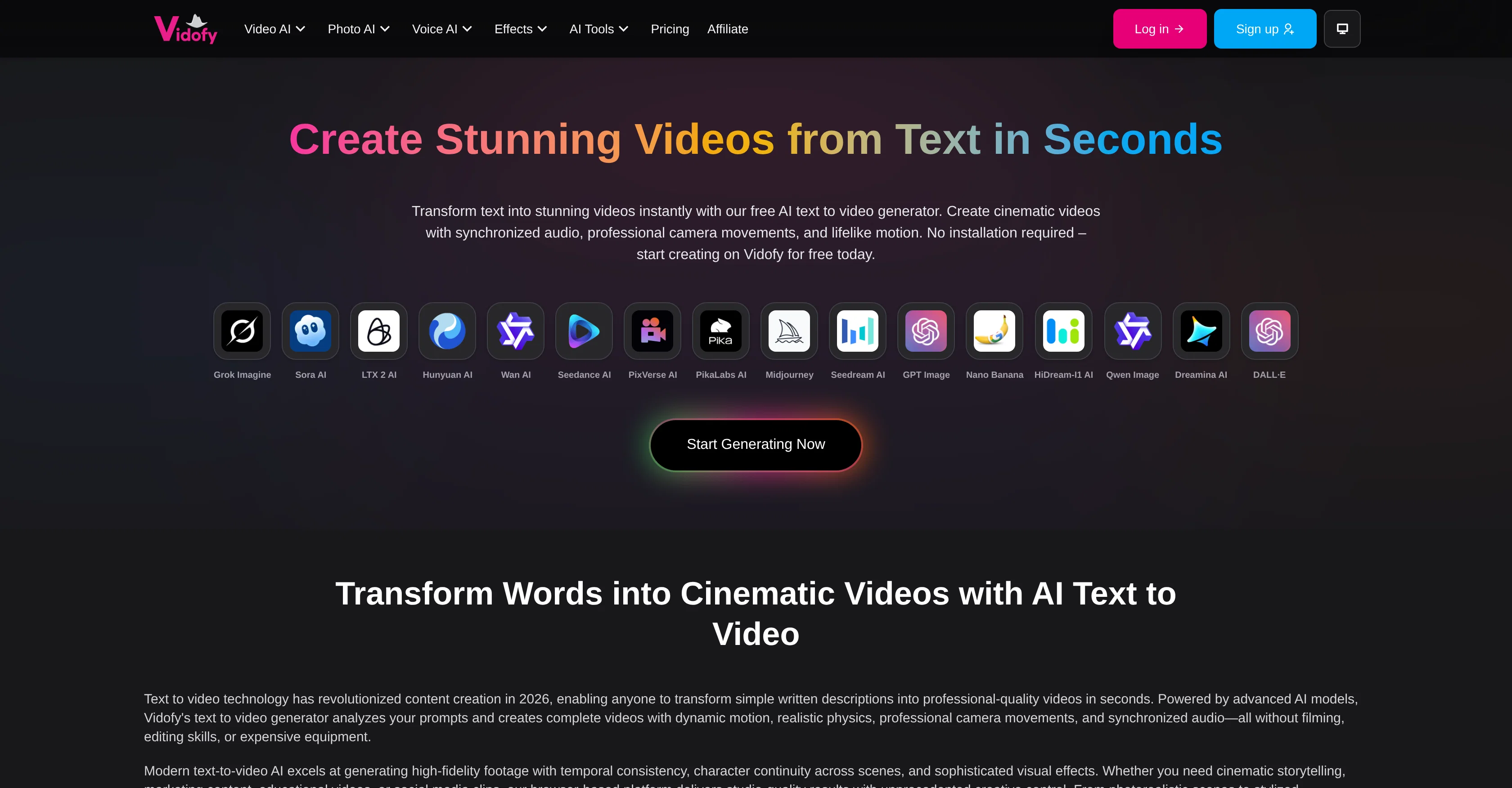
Vidofy is a free AI text-to-video generator that empowers users to create stunning and professional-grade video content from simple text prompts. Its capabilities extend from animating static images to transforming existing videos and producing cinematic output complete with specialized visual effects and realistic motion.
The tool functions based on numerous AI algorithms that analyze inputs to generate high-fidelity footage. It produces videos with sophisticated visual effects, temporal consistency, and character continuity across scenes.
With this tool, users can generate content ranging from educational videos, social media clips to marketing content without any need for professional filming or editing skills.
Users customize parameters like style and camera movement and watch as AI brings concepts to life with fluid motion, proper lighting, and relevant audio.
Vidofy also includes AI voice and image tools including voice cloning, image editing, and artistic effects application. The platform is web-based, requiring no installation, making it accessible and practical for a wide range of users.
Access & connections
Where you can use Vidofy AI.
Platforms
Capabilities
What this tool accepts, produces, and is strongest at.
Input
- Text
Output
- Video
Highlights
- SOTA
Supported features
- Video Generation
- Video Edit
- Image Generation
- Image Edit
- Lip Sync
- TTS
- Voice Cloning
- Sound Creation
- Realism
- Styling
Show 1 more
- Social Media
Pros & cons
Pros
- Free text-to-video generator
- Produces professional-grade videos
- Ability to animate images
- Specialized visual effects
- Realistic motion in videos
- Generates high-fidelity footage
- Temporal consistency in videos
- Ensures character continuity
Show 36 more
- Customizable style and camera movement
- Includes voice cloning capabilities
- Web-based, requires no installation
- Applicable for various user types
- Can generate educational and marketing content
- Extensive video content creation capabilities
- Even social media clips production
- Artistic effects in video
- Image editing features
- Static image animation
- Existing videos transformation
- Cinematic output creation
- Video creation from text prompts
- Allows style reference videos
- Offers various supported video models
- Capable of image-to-image transformation
- Supported image models available
- Offers text to speech conversion
- Automated audio synchronization
- Generates footage with camera control
- Fast output video generation
- Automatic synchronization of audio
- Consistent character images across scenes
- Flexible style switching
- Cloud-based; accessible on any device
- High fidelity visual content generation
- Advanced physics simulation in visuals
- Easy and user-friendly video customization
- Unlimited creative control with prompts
- Comprehensive visual generator from prompts
- High-grade visual fidelity
- Support for various visual languages
- Automated creative intent interpretation
- Advanced cinematography vocabulary comprehension
- Supports customization of video duration and ratio
- Capable of producing unique visual content
Cons
- Limited creative control
- Lacks detailed customization
- Can't import custom assets
- Unable to fine-tune details
- No manual editing options
- Limited supported video formats
- No collaborative features
- Doesn't offer draft versions
Show 1 more
- No audio editing capability
Compare alternatives
Similar tools in the catalog — with a clear reason to open each one.

freebeat AI ✓
FreemiumTurn Music & Ideas into Viral Videos In One Click
Why look Typically cheaper
Full comparison
MagicLight ✓
FreemiumTransform text into captivating videos instantly.
Why look Typically cheaper
Full comparison



Seedance ✓
FreemiumMulti-shot video generation from text and image.
Why look Stronger for image work
Full comparisonReleases 1
Imported reviews 2
cruel censorship, greed, etc.
needed broll for a travel vlog and didn't have footage of certain locations. generated some establishing shots with this and they blend in perfectly. not replacing my camera but great for filling gaps
FAQ 12
What is Vidofy AI?
How does Vidofy AI work?
Can Vidofy AI animate static images?
Does Vidofy AI create professional-grade videos?
What type of AI algorithms does Vidofy AI use?
What kind of videos can I create with Vidofy AI?
Does Vidofy AI allow for customization in style and camera movement?
What is AI voice cloning in Vidofy AI?
Can I use Vidofy AI for social media video content creation?
Can Vidofy AI edit images?
What kinds of video effects can Vidofy AI create?
Does Vidofy AI require any installation?
Related tools
Recommended

AI Video Generator.best ✓
PaidTurn text and images into professional videos instantly.

LearningStudioAI ✓
Free TrialAI-powered authoring tool for effortless online course creation.

VenturusAI ✓
FreemiumBusiness idea analysis and reporting.

TutorAI ✓
FreemiumInstant knowledge on any topic

PostPerfect ✓
FreemiumAutomated social media posts.

Business Idea Generator AI ✓
FreeGenerate innovative business ideas with AI