

VidNarrate ✓
Generate faceless AI videos for social media
Verdict
A quick read before you dig into the full page.
- Best if
- Generate faceless AI videos for social media
- Skip if
- Limited social media integration
- Pick this when
- Generate faceless videos
Considering Blipix instead? Compare side by side
Overview
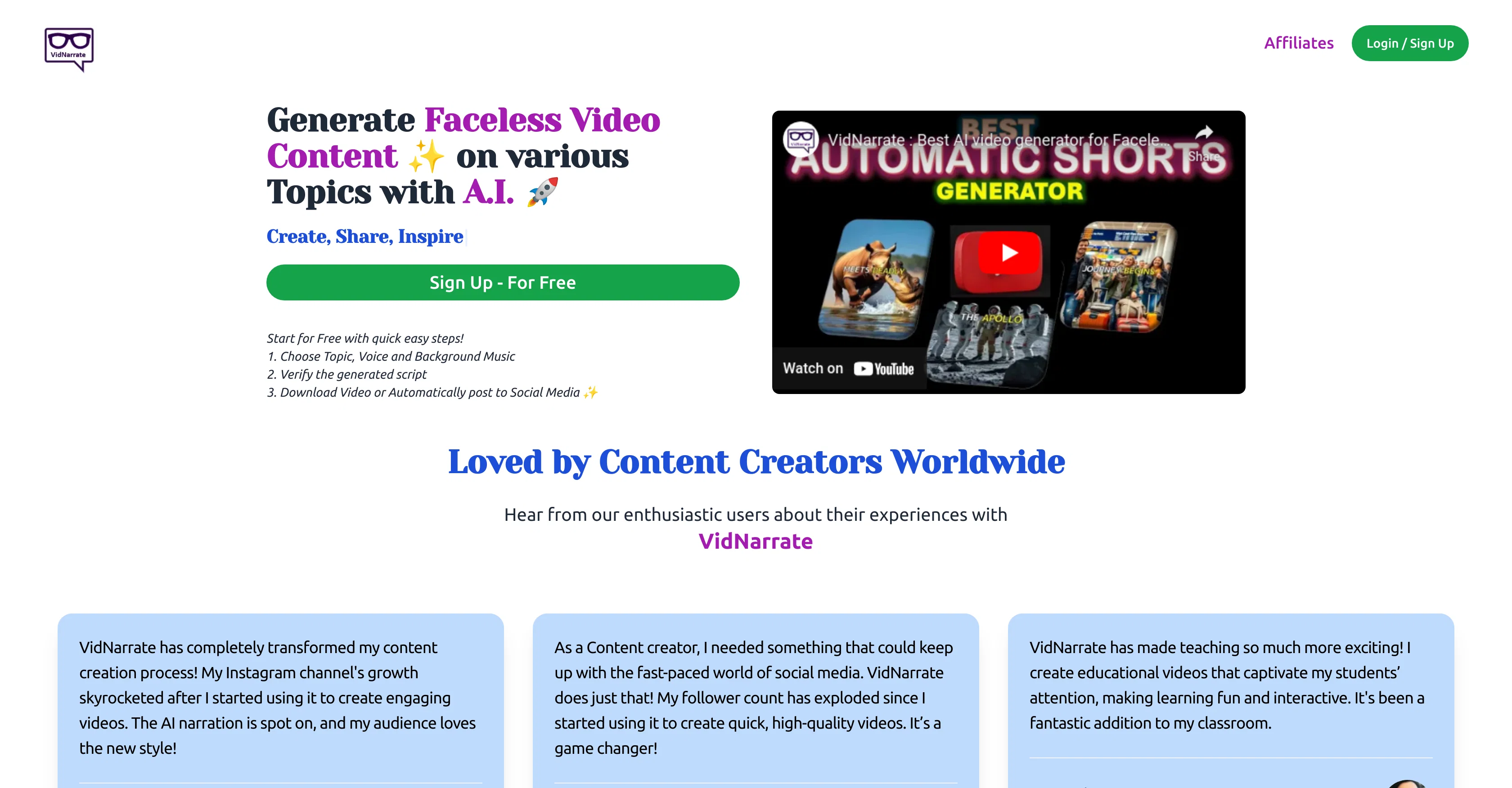
VidNarrate is an AI-driven tool designed for generating faceless video content on a wide variety of topics. Aimed at content creators of all skill levels, it offers a smooth and intuitive content creation process.
Users can choose a topic, voice, and background music for their video, review the AI-generated script, and either download their video or have it automatically posted to social media.
VidNarrate's AI technology creates a series of images, adds an AI generated voiceover and background music, and includes subtitles to bring your concept to life.
Quick and efficient, it transforms your content creation, allowing you to generate talent-driven videos in just a few minutes. With VidNarrate, you can schedule regular posting of your videos to your YouTube channel, allowing you to reach your audience in a timely manner.
The platform also allows for easy management of social media accounts, with options to link or unlink accounts as necessary. Furthermore, VidNarrate supports direct downloads of the generated videos.
This means that even without a social media account, you can keep, share, or use the videos in any project. Notably, VidNarrate is well-received by a global community of content creators, including influencers, teachers, and more, for its ability to transform how content is designed, produced and shared.
Access & connections
Where you can use VidNarrate, and what it plugs into.
Platforms
Integrations
Capabilities
What this tool accepts, produces, and is strongest at.
Input
- Tabular
Output
- Video
Pros & cons
Pros
- Generate faceless videos
- Customizable voiceover
- Customizable background music
- In-built subtitling
- Script review option
- Content scheduling feature
- Multi-Account Management
- Direct video downloads
Show 38 more
- Supports various topics
- Time-efficient creation process
- Suitable for all skills
- Automatic social media posting
- Schedule YouTube postings
- Link and unlink accounts
- Engages global user community
- Easy step-by-step process
- Crafted for content professionals
- Flexible for different needs
- Efficient content transformation
- Saves original video concept
- Good for education videos
- Good for influencers
- Boosts social media growth
- Good for Instagram videos
- Generates video script
- Creates series of images
- Automatic video rendering
- Theme selection for videos
- Benefits students and teachers
- Supports video personalization
- Can keep downloaded video
- Immediate video usage
- Schedule posts effortlessly
- Detailed FAQ section
- User testimonials available
- Easy YouTube account linking
- Exploding follower count
- Single tool for content needs
- Content scheduler builds consistency
- Enhances audience reach
- Promotes audience engagement
- Advanced theme selection
- Quick account disconnection
- Control over social media accounts
- Automatic post tracking
- Likes, followers growth tracking
Cons
- Faceless video content only
- Only supports YouTube scheduling
- Lacks diverse voice options
- No options for animated videos
- Limited social media integration
- Dependence on script verification
- Automatic posting not customizable
- Inflexible video content themes
Show 2 more
- Insensitive to global accents
- No non-social media scheduling
Compare alternatives
Similar tools in the catalog — with a clear reason to open each one.



AutoReels ✓
PaidCreate captivating faceless videos in minutes with AI.
Why look Higher community rating
Full comparison


Releases 1
Imported reviews 1
Have to sign up FIRST (give them all your information before you can see if the tool will even work for you).
Related tools
Recommended

Clippie AI ✓
Free TrialCreate viral faceless YouTube videos in seconds

Shortspilot AI ✓
PaidCreate faceless videos automatically for social media.

AutoShorts.ai ✓
Free TrialAutomate Faceless Videos with a Single Click

Faceless Video - Magic Shorts ✓
FreemiumCreate AI-powered viral videos effortlessly

AI YouTube Title Generator ✓
Free TrialGenerate eye-catching YouTube titles that boost views and engagement.

Bytecap ✓
FreemiumEdit and publish clips 10x faster with AI