
Video2PPT ✓
Convert any video to editable PowerPoint slides.
Free + from $9.9/mo
Verdict
A quick read before you dig into the full page.
- Best if
- You are training Managers and need: Convert webinar recordings into editable PowerPoint decks
- Skip if
- Watermark on free version
- Pick this when
- Converts video to PowerPoint
Considering OralSlides instead? Compare side by side
Overview
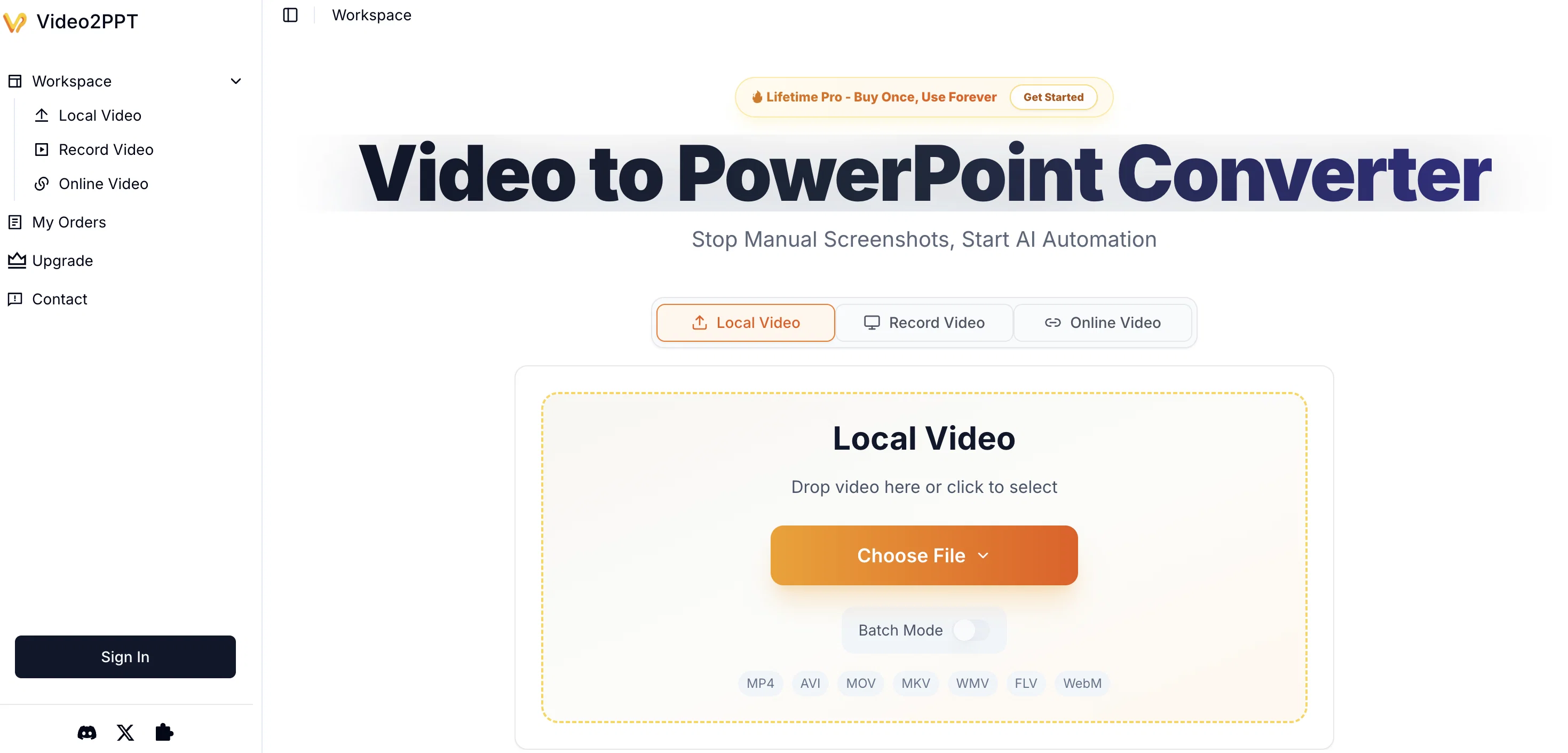
Video2PPT is an AI-powered tool designed to convert videos into editable PowerPoint slides. The tool supports all major video platforms, including YouTube, Vimeo, and accepts uploads and local screen recordings.
Fundamental to its function is a smart content extraction feature where the tool identifies and extracts key frames from videos, delivering them as ready-to-use PowerPoint slides.
Harmonizing with various work scenarios, Video2PPT is equipped with a batch processing feature, enabling users to convert multiple videos simultaneously, saving considerable time spent on manual extraction.
The tool caters to various delivery demands by offering multiple export options including native PowerPoint and Google Slides, as well as PDF and HTML formats.
An added benefit is its local processing capability, which ensures data privacy and security. The final product is an editable PowerPoint format, eliminating the need for additional reformatting.
Ideal for educators, consultants, sales teams, and content creators handling recorded content, Video2PPT streamlines workflows by transforming video content into a user-friendly, editable format.
Best for
Short scenarios where Video2PPT tends to shine.
-
Convert webinar recordings into editable PowerPoint decks
Best for Training Managers
-
Turn online course videos into study slides and PDFs
Best for Professors
-
Extract lecture slides for students and reviewers
Best for Teachers
-
Create client-ready decks from sales demo recordings
Best for Course Creators
-
Capture Zoom, Teams, or Google Meet sessions and export slides
Best for Marketing Directors
Example outputs 1
Sample generations and before/after results for Video2PPT.
Access & connections
Where you can use Video2PPT.
Platforms
Capabilities
What this tool accepts, produces, and is strongest at.
Input
- Video
Output
- Video
- Tabular
- Text
Highlights
- Open Source
- No Signup
Supported features
- Open Source
- No Signup
Pros & cons
Pros
- Converts video to PowerPoint
- Processes URLs, local files
- Ensures data privacy
- Runs processing locally
- Smart content extraction
- Supports various video sources
- Batch processing feature
- Multiple export format options
Show 38 more
- Creates editable PowerPoint slides
- Eliminates need for reformatting
- Improves productivity
- Supports major video platforms
- HD screen recording compatible
- Export to Google Slides
- PDF and HTML exports
- Ideal for multiple professions
- Handles different video qualities
- Processes files offline
- Can record Zoom meetings
- Identifies and extracts key frames
- Capable of high-speed processing
- Trusted by thousands
- Reduces manual work
- Saves considerable time
- Can process 20+ videos
- 99% accuracy rate
- Allows screen recordings
- Locally processed for security
- Extracts slides automatically
- No reformatting required
- Supports all major formats
- Unlimited file size
- Watermark removal feature
- 20 GB video support
- Custom deck creation
- Compatible with YouTube, Vimeo
- No uploading of content
- Handles medical lectures conversions
- Saves hours every week
- Supports various work scenarios
- Text extraction is possible
- Professional plans available
- Handles 50+ splits per day
- Lifetime plan option
- 7-Day Money-Back Guarantee
- Screen capture conversion
Cons
- Limited to PowerPoint formats
- Local processing constraints
- No text extraction capability
- Limited slide extraction (free)
- Watermark on free version
- Hardware dependent performance
- Requires manual export selection
- Lack of third-party integrations
Show 2 more
- Limited video editing options
- Indirect process for PDF text
Compare alternatives
Similar tools in the catalog — with a clear reason to open each one.

OralSlides ✓
Free TrialTurn PowerPoint into AI-narrated videos instantly.
Why look Typically cheaper
Full comparisonPeople also view
Tools that often show up alongside Video2PPT in collections and comparisons.
OralSlides ✓
Free TrialTurn PowerPoint into AI-narrated videos instantly.

UGCraft AI ✓
Free TrialCreate Roblox accessories and clothing in minutes.

There's An AI For That ✓
FreeThe front page of AI

Notis ✓
Free TrialThe first WhatsApp assistant that runs on your ChatGPT and Claude subscriptions

MarketAlerts.ai ✓
FreemiumInvest smarter with AI on your side

LoveStudy.ai ✓
Free TrialAI-powered learning tools that make studying effortless.

LaunchLemonade ✓
Free TrialBuild AI assistants effortlessly for your business.

Iliad ✓
FreemiumCreate textures in seconds, with full creative control.
Releases 1
FAQ 12
What is Video2PPT?
How does Video2PPT work?
Who can use Video2PPT?
Does Video2PPT ensure data privacy?
What video sources can Video2PPT process?
How does Video2PPT extract content from videos?
Can Video2PPT process multiple videos simultaneously?
What formats can Video2PPT export converted slides to?
Is Video2PPT compatible with YouTube and Vimeo?
How does Video2PPT enhance productivity?
Can Video2PPT process screen recordings?
Can I convert videos from URLs using Video2PPT?
Related tools
Recommended

BeatViz AI Music Video Generator ✓
FreemiumTransform your music into stunning visual experiences with AI
Iliad ✓
FreemiumCreate textures in seconds, with full creative control.
UGCraft AI ✓
Free TrialCreate Roblox accessories and clothing in minutes.
Notis ✓
Free TrialThe first WhatsApp assistant that runs on your ChatGPT and Claude subscriptions

freebeat AI ✓
FreemiumTurn Music & Ideas into Viral Videos In One Click
MarketAlerts.ai ✓
FreemiumInvest smarter with AI on your side