

AI Infographics ✓
Transform text into captivating infographics instantly.
Trial; then from $5/mo
Verdict
A quick read before you dig into the full page.
- Best if
- You are marketing Managers and need: Enhance presentations with impactful slides effortlessly
- Skip if
- Limited export formats
- Pick this when
- Instantly transforms text to infographics
Considering Infographic Ninja instead? Compare side by side
Overview
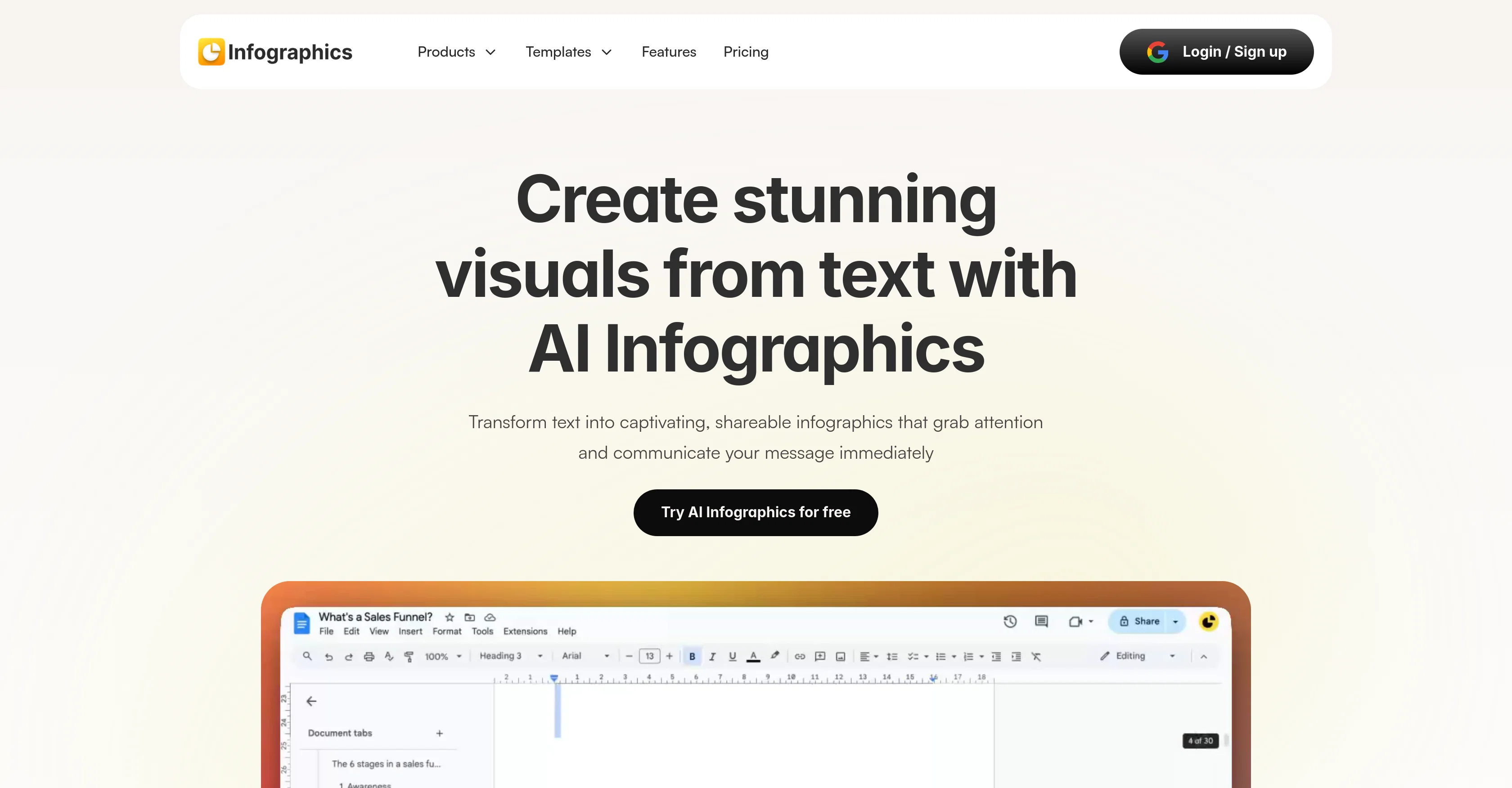
Infographics AI is an AI-powered tool designed to transform text into captivating and readily understandable infographics. With its help, users can generate high-quality visuals for various purposes, including blogs, presentations, reports, and social media content.
The tool offers limitless creativity with a single click, producing AI-generated, fully customizable infographics. A core advantage of Infographics AI is its capability to represent various types of data.
It is notably useful for visualizing customer journeys, sales conversions, marketing funnels, cyclic processes, step-by-step journeys, hierarchy charts, and timelines, among others.
Moreover, it facilitates better communication and collaboration through its capability to display and track project milestones and manage tasks, showcased as mind maps or numbered listicles.
Infographics AI can also visually demonstrate concepts like sales pipelines, project management, or supply chain processes. Through the tool's features, users can simplify complex data, making it engaging and easy to understand.
Whether enhancing a presentation or making a blog post more visually appealing, Infographics AI lends its prowess to communicate ideas instantly and impactfully.
Best for
Short scenarios where AI Infographics tends to shine.
-
Enhance presentations with impactful slides effortlessly.
Best for Marketing Managers
-
Re-imagine blogs with stunning visuals for a stronger impact on readers.
Best for Product Managers
-
Grab attention on social media with scroll-stopping designs optimized for every platform.
Best for Bloggers
-
Simplify documentation with engaging infographics that highlight what matters.
Best for Presenters
Example outputs 1
Sample generations and before/after results for AI Infographics.
Access & connections
Where you can use AI Infographics.
Platforms
Capabilities
What this tool accepts, produces, and is strongest at.
Input
- Text
Output
- Image
Pros & cons
Pros
- Instantly transforms text to infographics
- High-quality visuals generation
- Fully customizable infographics
- Represents various data types
- Visualizes customer journeys
- Showcases sales conversions
- Highlights marketing funnels
- Illustrates cyclic processes
Show 41 more
- Steps-by-step journeys visualization
- Creates hierarchy charts
- Displays timelines
- Improves communication and collaboration
- Displays project milestones
- Task management visualization
- Demonstrates sales pipelines
- Visualizes project management steps
- Depicts supply chain processes
- Simplifies complex data
- Instant idea communication
- Generates blog-supporting infographics
- Creates presentation visuals
- Suitable for reports
- Social media content enhancement
- Funnel diagrams visualization
- Cyclic process charts
- Step-by-step journeys breakdown
- Hierarchy charts from text
- Roadmaps for project tracking
- Mind maps generation
- Actionable items listicles
- Pipeline concepts demonstration
- Boosts presentations impact
- Optimal for report infographics
- Blog visuals enhancement
- Social media optimized designs
- Documentation simplification
- Exports in PNG, JPG, SVG
- Easy sharing across platforms
- Flexible canvas for design
- Branding customization
- Edits style and variations
- Affordable pricing plans
- Free version available
- Compatible with Google Docs
- Unlimited generations & customization
- Customized branding
- 24/7 support
- Advanced template options
- Watermark-free content
Cons
- Compatibility not specified
- Limited template options
- Premium for advanced customization
- No multilingual support
- Data security not mentioned
- Text input only
- Limited export formats
- No offline mode
Show 1 more
- Doesn't mention mobile compatibility
Compare alternatives
Similar tools in the catalog — with a clear reason to open each one.

Infographic Ninja ✓
Free TrialGenerate infographics from keywords instantly.
Free + from $5/mo
Full comparison
AI Infographic Generator ✓
FreemiumAI infographic generator that turns blog posts into link magnets
Why look Better for writing
Full comparison
AI Infographic Generator ✓
FreemiumCreate infographics instantly from text prompts
Free + from $10/mo
Full comparison
Piktochart ✓
FreemiumVisually appealing infographics with ease.
Why look Higher community rating
Full comparison
KnowledgeGraph GPT ✓
FreeTransform unstructured text into knowledge graphs with AI.
Why look Fully free option
Full comparisonPeople also view
Tools that often show up alongside AI Infographics in collections and comparisons.

Text to Infographic ✓
FreemiumTurn your text into visuals in minutes.

Uwear ✓
FreemiumCreate AI fashion models from a single flat lay photo.

Outfit.fm ✓
FreemiumMake amazing photos for your clothing brand
AI Infographic Generator ✓
FreemiumCreate infographics instantly from text prompts
Piktochart ✓
FreemiumVisually appealing infographics with ease.
KnowledgeGraph GPT ✓
FreeTransform unstructured text into knowledge graphs with AI.
Infographic Ninja ✓
Free TrialGenerate infographics from keywords instantly.
AI Infographic Generator ✓
FreemiumAI infographic generator that turns blog posts into link magnets
Releases 1
FAQ 12
What is Infographics AI?
What types of visual content can Infographics AI create?
How does Infographics AI transform text into infographics?
What specific types of data can Infographics AI visualize?
How can Infographics AI facilitate communication and collaboration?
Can Infographics AI display and track project milestones?
How does Infographics AI handle task management?
How can I use Infographics AI for sales pipeline visualization?
Can Infographics AI simplify complex data?
Is Infographics AI helpful for social media content creation?
Is the output of Infographics AI fully customizable?
How can Infographics AI be used for marketing funnels and customer journeys?
Related tools
Recommended

Automateed ✓
Free TrialCreate eBooks effortlessly with Automateed, the AI-powered writing tool.

TheLibrarian.io ✓
Free TrialYour WhatsApp AI assistant for instant productivity.

NotebookLM ✓
FreemiumAI-powered note-taking and research assistant

socra ✓
FreemiumStop firefighting. Solve problems once, build momentum that lasts.

Cogmi ✓
FreemiumTrack your brain's peaks to work smarter and reduce burnout.

Thea ✓
FreemiumAI study tools to master material, not just memorize it.