

Unboring ✓
Photo animation in one click
from $9.02/mo
Verdict
A quick read before you dig into the full page.
- Best if
- Photo animation in one click
- Skip if
- Subscription required
- Pick this when
- Animated photo and video editing
Considering Anijam instead? Compare side by side
Overview
Unboring is an AI-powered tool that enables users to swap faces and animate photos. The tool provides a powerful platform that lets users create stunning, eye-catching animations with just a few clicks.
With Unboring, users can easily transform their photos and videos into enchanting masterpieces using various filters, including cyber-bunk, anime, and claymation.
The platform also allows users to turn their videos into cartoons and apply a wide range of visual styles enhanced by viral video-to-video technology.
The face swapping feature lets users instantly change faces on a photo or create a funny video with friends. Users can be whoever they want to be by swapping faces with others.
Moreover, the animate feature lets users make their photos talk and dance with just a single tap. The tool uses advanced AI to bring photos to life, making it super easy to create personalized masterpieces.
Overall, Unboring is an efficient and user-friendly tool that enables users to create stunning and unique animated photos and videos. The platform has a wide range of AI filters that allow users to transform their ordinary dancing, sports, and other activities into personalized masterpieces.
With Unboring, users can unleash their creativity and transform their photos and videos into something magical.

Best for
Short scenarios where Unboring tends to shine.
-
Photo animation in one click
Example outputs 1
Sample generations and before/after results for Unboring.
Access & connections
Where you can use Unboring, and what it plugs into.
Platforms
Integrations
Capabilities
What this tool accepts, produces, and is strongest at.
Input
- Image
Output
- Video
Pros & cons
Pros
- Animated photo and video editing
- Face swapping feature
- One-tap photo animation
- Multiple eye-catching filters
- Transform videos into cartoons
- Various visual styles enhancement
- Ability to swap multiple faces
- Efficient and user-friendly
Show 16 more
- Personalized creations
- Unleashes creativity
- Can transform everyday activities into art
- Features for pet photos
- Can upload long videos
- Regular updates of styles
- Fast processing
- Does not require professional skills
- Works with custom content
- Delivers unique results
- Interface is easy-to-use
- Gallery of photos and videos to choose from
- Ability to swap multiple faces simultaneously
- Daily addition of new songs, sounds, and lines
- Instant comic effects
- Affordable and flexible pricing
Cons
- Sign-up required
- Limited free tokens
- Low number of styles
- Need to purchase tokens
- Subscription required
- Short video restyling time
- No offline feature
- No dedicated mobile app
Show 1 more
- Primarily uses web platform
Compare alternatives
Similar tools in the catalog — with a clear reason to open each one.
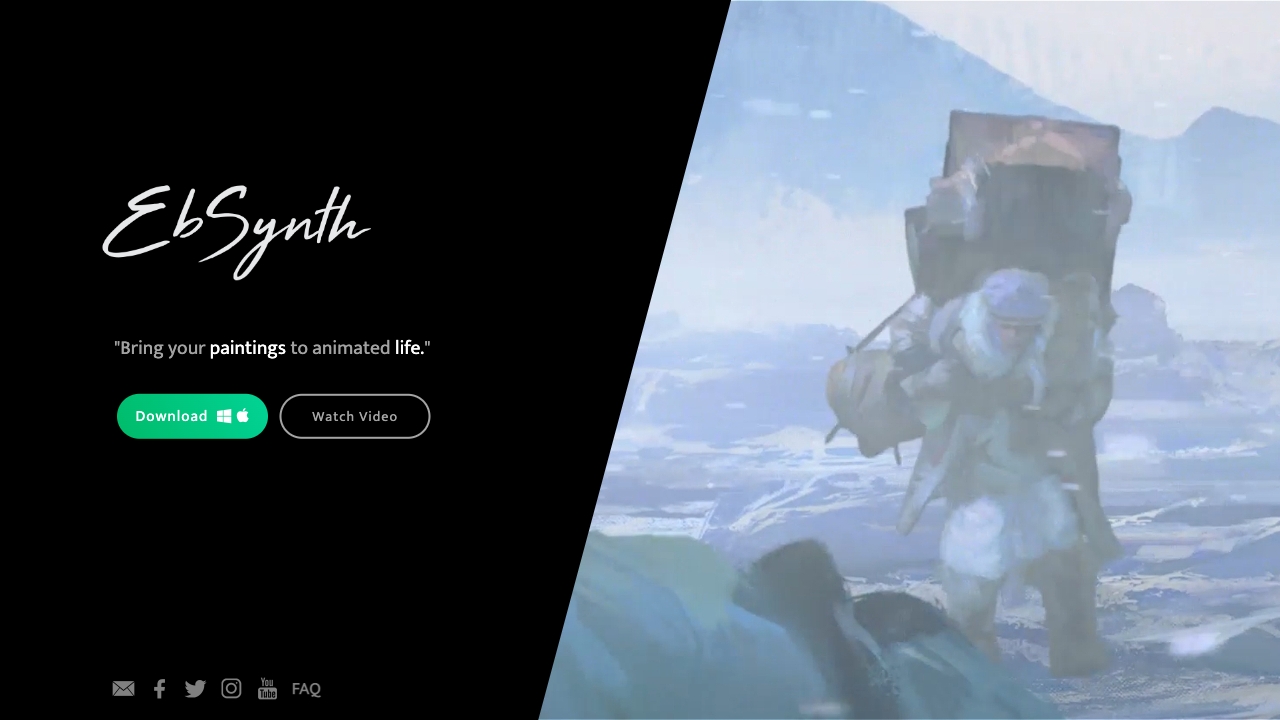
Ebsynth
UnknownEbSynth animates footage using styled keyframes, ideal for hand-drawn animations.
No pricing
Full comparison
DreamFace ✓
FreemiumAnimate photos with AI face editing magic.
Why look Freemium alternative
Full comparison
Animagic ✓
FreemiumTurn drawings into animations in seconds.
Why look Freemium alternative
Full comparisonPeople also view
Tools that often show up alongside Unboring in collections and comparisons.
Ebsynth
UnknownEbSynth animates footage using styled keyframes, ideal for hand-drawn animations.
DreamFace ✓
FreemiumAnimate photos with AI face editing magic.

MyHeritage Deep Nostalgia ✓
UnknownAnimate faces in old family photos.
Animatable ✓
PaidCreate animated characters and environments in minutes
Animagic ✓
FreemiumTurn drawings into animations in seconds.

Anijam ✓
Free TrialAI handles your entire animation pipeline.
Vibe Motion ✓
Free TrialAI motion graphics generator - VibeMotionAI

Spatius ✓
FreemiumReal-time AI avatars at a fraction of the cost.
Releases 1
FAQ 12
What is Unboring?
Is Unboring free to use?
How does Unboring work with photos and videos?
What kind of content can I create with Unboring?
What is the face swap feature of Unboring?
Can I animate photos using Unboring?
What AI filters are available on Unboring?
How easy is it to transform videos into cartoons on Unboring?
Can Unboring animate my pet's photos?
Are there limits to how long the videos I can upload on Unboring can be?
Does Unboring allow multiple face swaps at once?
Can I use my own content with Unboring?
Related tools
Recommended

Fineshare ✓
FreemiumAn online all-in-one AI voice generator for everyone

Remini ✓
FreemiumTransform old photos into HD masterpieces with AI.

VenturusAI ✓
FreemiumBusiness idea analysis and reporting.

Photo AI ✓
PaidCreate beautiful AI photos and videos of real people

Stratup.ai ✓
FreemiumInnovative idea generation for businesses.

Business Idea Generator AI ✓
FreeGenerate innovative business ideas with AI