
ttsMP3 ✓
Convert text to speech in 28+ languages
Free + from $5/mo
Verdict
A quick read before you dig into the full page.
- Best if
- Convert text to speech in 28+ languages
- Skip if
- Cannot handle complex pronunciations
- Pick this when
- 28 languages supported
Considering ElevenLabs instead? Compare side by side
Overview
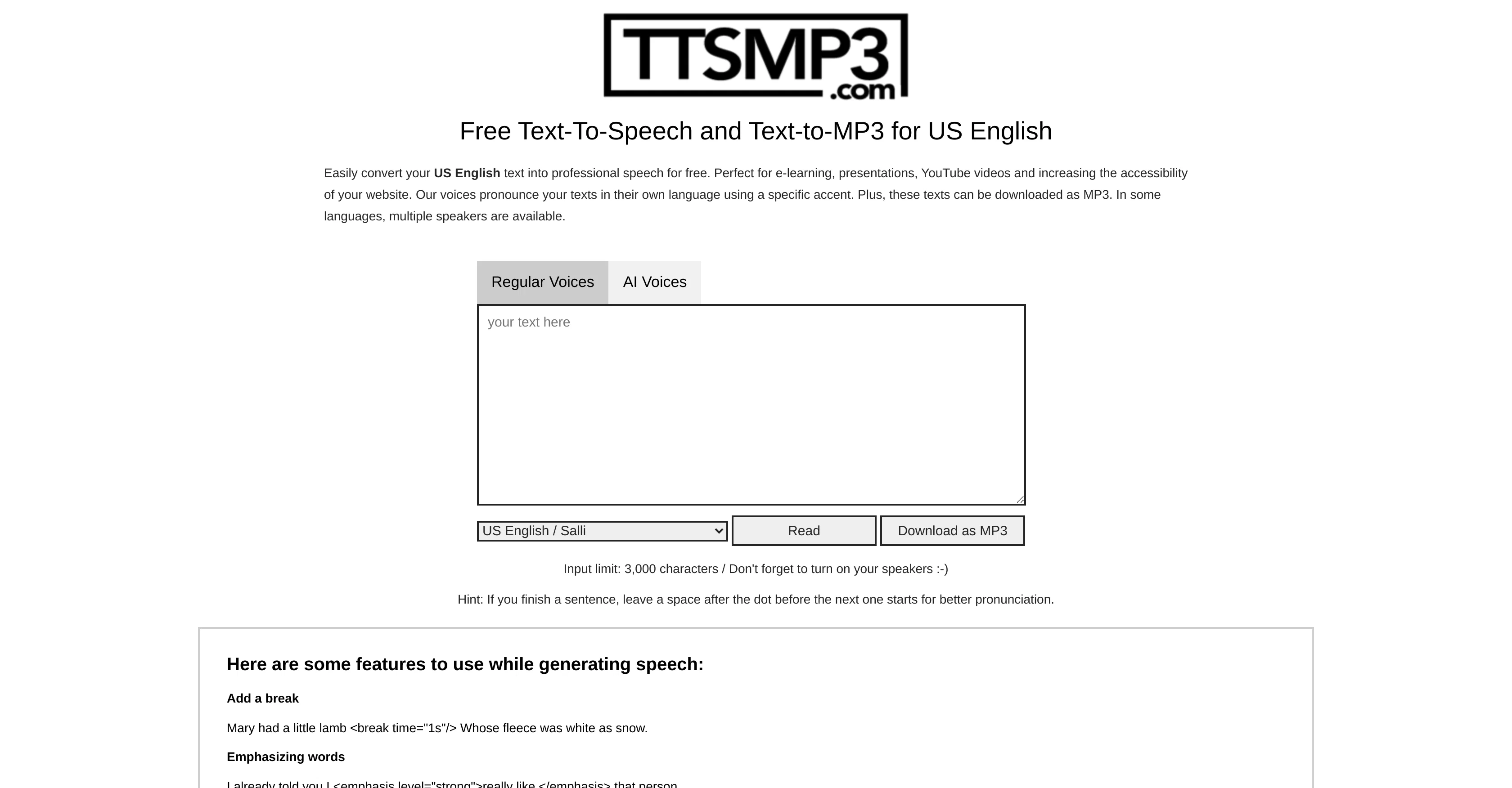
ttsMP3.com is a free text-to-speech software tool with the ability to convert text into spoken words in 28 different languages and various accents. It provides users the option to listen to the converted speech online or to download it as an MP3 file.
The tool bills itself as suitable for a range of uses, including but not limited to enhancing the accessibility of websites, for use in e-learning materials, and aiding in the creation of YouTube videos.
ttsMP3.com boasts a wide collection of different 'voices', or speech styles, in every language they support, allowing users some choice in the voice of their converted speech.
The tool also offers various customization options such as altering the rate of speech, adding emphasized words, and even switching between speakers within a single piece of text.
It is a straightforward and user-friendly resource for those needing a quick and convenient way to convert text into speech.
Access & connections
Where you can use ttsMP3.
Platforms
Capabilities
What this tool accepts, produces, and is strongest at.
Input
- Text
Output
- Audio
Pros & cons
Pros
- Free use
- 28 languages supported
- Multiple accents available
- Online listening available
- Converts speech to MP3
- Enhances website accessibility
- Can be used for e-learning
- Supports YouTube video creation
Show 29 more
- Wide range of voices available
- Customizable speech rate
- Adds emphasized words
- Can switch speakers
- Multiple voices per language
- Can change pitch
- Supports whisper effect
- Allows for conversation simulation
- Stress-free text to speech
- Useful for various industries
- Converts long texts
- Step-by-step user instructions
- Support for Amazon Polly
- Customizable speech
- Instructions for pronunciation enhancements
- Interactive conversion process
- Provides language facts
- Supports Polished and non-polished English
- Adjustable speaking speed
- Hints for better pronunciation
- Availability of premium access
- Contains API documentation
- Maintains privacy policies
- Enforces terms of service
- Downloadable audio files
- Character limit of 3,000
- Suitable for presentations
- Helps in language learning
- Includes AWS Polly
Cons
- Limited to 3000 characters
- No offline functionality
- Limited language accents
- Choppy voice transitions
- Speech rate adjustment limitations
- Potential text formatting issues
- Limited number of voices
- Cannot handle complex pronunciations
Show 2 more
- Requires speaker name adjustments
- Additional features require learning
Compare alternatives
Similar tools in the catalog — with a clear reason to open each one.

ElevenLabs ✓
FreemiumCreate lifelike AI voices for compelling storytelling.
Why look Typically cheaper
Full comparison

VoiSpark ✓
FreemiumCreate human-like voices for content with AI
Why look Better for writing
Full comparison
Free Text-To-Speech ✓
FreeText transformed into customizable spoken output.
Why look Fully free option
Full comparison

Releases 1
Imported reviews 1
Leo and Tig Text to Speech
FAQ 12
What languages does ttsMP3 support for text to speech conversion?
Can I adjust the speech rate on ttsMP3?
Is ttsMP3 a free tool?
Is there an option to save my ttsMP3 speech conversion as an MP3 aside from listening online?
What are the uses of ttsMP3 as described on its website?
Can ttsMP3 accommodate multiple speakers in a single conversion?
What are the various accents available on ttsMP3?
Is there a word limit to the text I can convert on ttsMP3?
What are the customization options offered by ttsMP3?
How can I emphasize words in ttsMP3 conversion?
and
around the word you wish to emphasize.
Where can I find help for more advanced customization on ttsMP3?
Is there an option for whispering effect on ttsMP3?
Related tools
Recommended

Listenly ✓
PaidTurn text into natural-sounding audio with AI voices.

Mindsmith ✓
FreemiumPlatform for building and sharing eLearning content

AcademicGPT ✓
FreemiumAI-powered academic writing assistant.

Kin - Personal AI Advisors ✓
FreePrivacy-first & designed your for mind, and life at work

HeyGen ✓
FreemiumCreate AI spokesperson videos from text

Marblism ✓
FreemiumAI Employees who Work for Your Business