

The Reply Project ✓
Reply to emails 10x faster.
from $25/mo
Verdict
A quick read before you dig into the full page.
- Best if
- Reply to emails 10x faster
- Skip if
- Limited customization of analytics reporting
- Pick this when
- Respond to emails faster
Considering Ellie - Your AI Email Assistant instead? Compare side by side
Overview
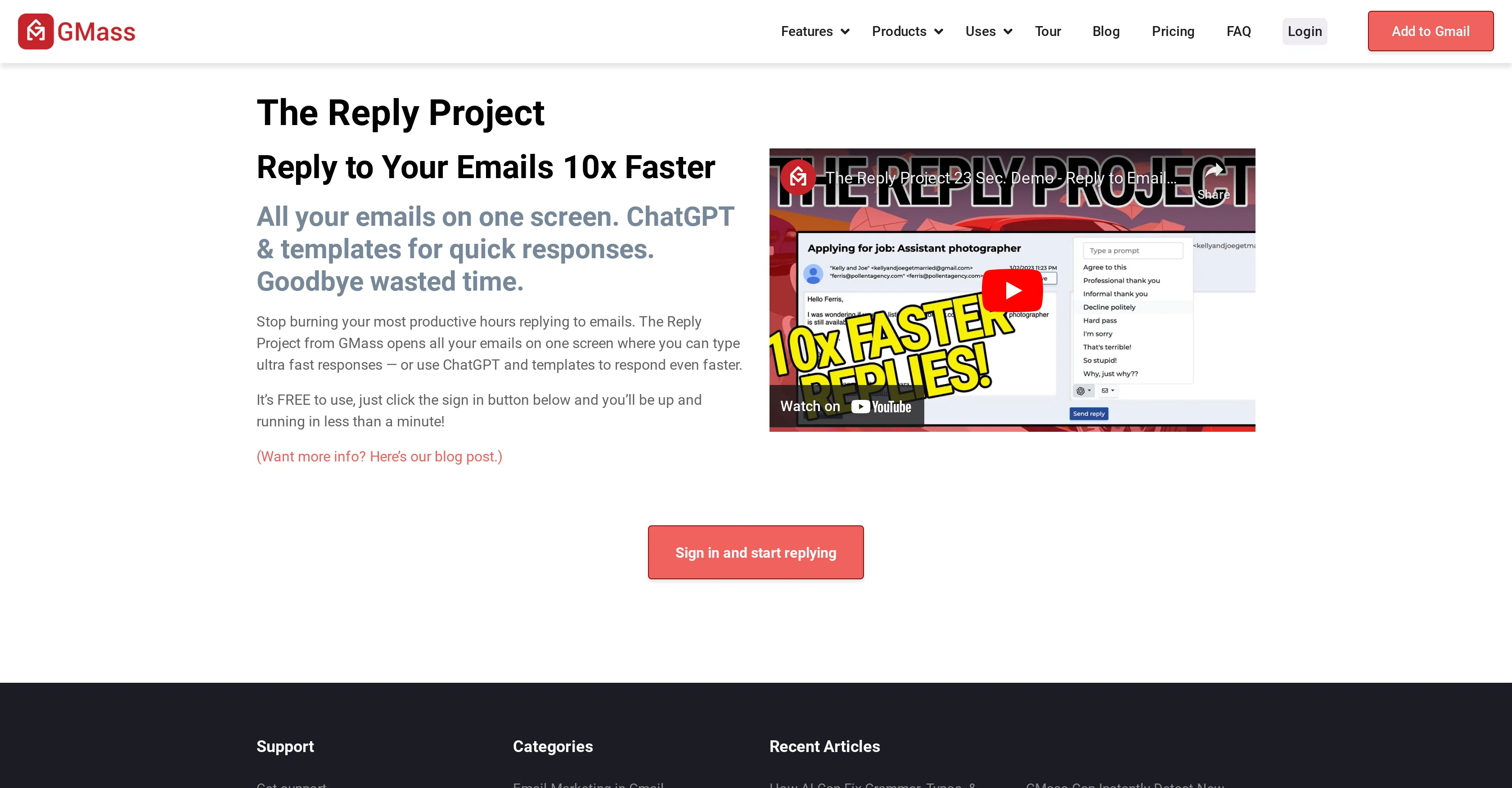
The Reply Project is an innovative tool designed to enhance email productivity. The tool exhibits the ability to streamline the email response process by opening all user emails on a single interface, facilitating fast responses.
It strategically utilizes ChatGPT and templates for generating quick replies, aiming at saving precious time of the users. The primary features of this tool include breaking Gmail's sending limits, carrying out mail merges with Google Sheets, providing detailed campaign analytics, and personalizing emails at scale.
Moreover, it supports scheduled mail merges, segmented campaigns, quick email polling, and auto follow-up sequences to optimize email interactions. The Reply Project is also equipped with functionalities for reply management, unsubscribe management, bounce management, and has an integrated email list builder.
It bears capabilities of A/B testing, SMTP integration, and email verification. This tool additionally offers template creation from sent emails, maximum deliverability assurance, and connectivity through REST API, webhooks, or Zapier.
It can be significantly useful for various sectors including sales, link building, membership and political outreach, media management, internal communications, and event announcements among others.
It's available for free, adding to the accessibility and user-friendliness of the tool.
Access & connections
Where you can use The Reply Project, and what it plugs into.
Platforms
Integrations
Capabilities
What this tool accepts, produces, and is strongest at.
Input
- API
- Text
Output
- API
- Text
Pros & cons
Pros
- Respond to emails faster
- One screen email organization
- Template use for responses
- ChatGPT assistance for email responses
- Breaks Gmail's sending limits
- Mail merging with Google Sheets
- Detailed campaign analytics reports
- Email personalization with conditional logic
Show 32 more
- Automatic follow-up sequences
- Scheduled mail merges
- Add quick surveys to campaigns
- Send new campaigns as replies
- Segmented email campaigns
- Quick reply management
- Unsubscribe request management
- Bounce detection
- Email address verification pre-send
- Template creation from sent emails
- Integration with REST API
- Integration with Webhooks
- Integration with Zapier
- Useful for various industries
- Free to use
- Added to Gmail as chrome extension
- A/B Testing capabilities
- SMTP Integration
- Built-in Email List Builder
- Maximum Deliverability Assurance
- Supports quick email polling
- Assures maximum deliverability
- Supports industry-specific outreach
- Auto-detects bounces
- Offers template creation
- Available as a Chrome extension
- Built-in email verifier
- Supports SMTP testing
- Built-in link checker
- Offers Deliverability Portal
- Supports Tracker Blocker
- Supports email analysis
Cons
- Lack of mobile compatibility
- Requires Chrome browser
- Limited to Gmail accounts
- Dependent on third-party integrations
- Ineffective for minor email volumes
- May breach personal email privacy
- No support for non-English languages
- Potential for response template redundancy
Show 2 more
- Reliance on strong internet connectivity
- Limited customization of analytics reporting
Compare alternatives
Similar tools in the catalog — with a clear reason to open each one.

Ellie - Your AI Email Assistant ✓
FreemiumEllie, your AI for crafting personalized email replies.
Why look Freemium alternative
Full comparison
Jetwriter AI ✓
FreemiumWrite better and faster on any site with your personal AI.
Why look Freemium alternative
Full comparison
AImReply ✓
FreemiumImproved email productivity, streamlined communication.
Why look Freemium alternative
Full comparison
WriteMail.ai ✓
FreemiumWriteMail.ai: Generate Perfect Emails in Seconds with AI Email Writer
Why look Freemium alternative
Full comparison
InboxPro ✓
FreemiumStreamline client acquisition with AI-powered email tools.
Why look Freemium alternative
Full comparison
Releases 1
FAQ 12
What is The Reply Project?
Is The Reply Project free to use?
How does The Reply Project help in responding to emails faster?
What is ChatGPT in the context of The Reply Project?
How does The Reply Project integrate with Google Sheets?
How does The Reply Project help with email campaign analytics?
Can I schedule a mail merge for the future using The Reply Project?
What is the unsubscribe management feature of The Reply Project?
How does The Reply Project handle bounce management?
Can I verify email addresses before sending using The Reply Project?
How can I integrate other apps with The Reply Project?
What industries can benefit from The Reply Project?
Related tools
Recommended

Klynk ✓
UnknownAI-powered email campaigns that win customers in minutes.

VenturusAI ✓
FreemiumBusiness idea analysis and reporting.

LearningStudioAI ✓
Free TrialAI-powered authoring tool for effortless online course creation.

MagicSlides.app AI PPT Maker ✓
FreemiumCreate Stunning PPTs in Seconds with the AI PPT Maker

GPTExcel ✓
FreemiumGenerate spreadsheet formulas with AI

Stunning ✓
PaidBuild AI-powered websites in seconds