

Tempo ✓
Build beautiful UIs 10X faster with AI
Free + from $30 / month
Verdict
A quick read before you dig into the full page.
- Best if
- Build beautiful UIs 10X faster with AI
- Skip if
- Limited free version
- Pick this when
- Generates high-quality React code
Considering Base44 instead? Compare side by side
Overview
Tempo is an AI design tool specifically designed for React codebases, aiming to streamline collaboration between designers and developers and significantly accelerate the speed of shipping to production.
It offers several key features to enhance the UI development process.With Tempo, users can generate and modify high-quality React code directly within their codebase, enabling them to quickly create and deploy UIs in minutes.
The tool incorporates AI technology to generate complete views, utilizing simple prompts to build high-fidelity UIs instantly. This AI capability can work with existing code or generate new code according to the established standards in the codebase.In addition, Tempo facilitates visual editing of style and layout code, empowering users to focus on writing business logic rather than CSS.
It allows users to import their own design systems and components or generate a custom library using popular frameworks such as MUI, Chakra, Radix, or Headless UI.
It also provides a wide range of components and templates to expedite project start-up and offers the flexibility to customize or modify them using AI.Tempo supports React web apps and integrates seamlessly with any React codebase.
While it does not currently support Vue, Svelte, Angular, or React-Native, the tool plans to expand its framework support in the future.Tempo offers a free version for individuals and early-stage startups, with paid licenses available for enterprises.
Users can easily set up their React repositories and start using the tool by logging in with their Github accounts.Overall, Tempo is an AI design tool that empowers React developers and designers to collaborate effectively and significantly accelerate the process of UI development and delivery.

Access & connections
Where you can use Tempo, and what it plugs into.
Platforms
Capabilities
What this tool accepts, produces, and is strongest at.
Input
- Code
Output
- Code
Supported features
- IDE
Pros & cons
Pros
- Generates high-quality React code
- Modifies code within codebase
- View generation using prompts
- Creates new code via established standards
- Provides visual editing for style and layout
- Less focus on CSS
- Import your own design systems
- Import your own components
Show 22 more
- Generates custom library using popular frameworks
- Provides numerous components and templates
- Enables customization of components and templates
- Integrates with any React codebase
- Plans for expansion of framework support
- Start by logging in with Github
- Streamlines collaboration between designers and developers
- Accelerates UI development process
- Free version available for individuals and startups
- Accelerates shipping to production process
- Supports React web apps
- Easy repository setup
- Editable templates
- Aids in writing business logic
- Visual control over design details
- Doesn't lock users in
- Generates complete views
- Platform-independent
- Integration with Github
- Enhances productivity
- Supports visual customization
- Resource-saving
Cons
- Doesn't support Vue
- Doesn't support Svelte
- Doesn't support Angular
- Doesn't support React-Native
- Focused only on React
- Limited free version
- Lack of framework variety
- Potential lock-in with templates
Show 1 more
- Requires Github account for setup
Compare alternatives
Similar tools in the catalog — with a clear reason to open each one.

Base44 ✓
FreemiumLet’s make your dream a reality. Right now.
Why look Higher community rating
Full comparison

biela.dev ✓
Free TrialIf you can imagine it, Biela can code it!
Why look Higher community rating
Full comparison

Trickle Magic Canvas ✓
FreemiumTurn your ideas into live apps and websites with AI.
Free + from $20/mo
Full comparison
Floot ✓
FreemiumBuild AI apps with the subscription you're already paying for.
Why look Offers a public API
Full comparisonReleases 1
Related tools
Recommended

Agentgpt ✓
FreemiumDeploy autonomous AI Agents effortlessly in your browser.

Midjourney ✓
PaidExpand human imagination through AI-powered visuals.
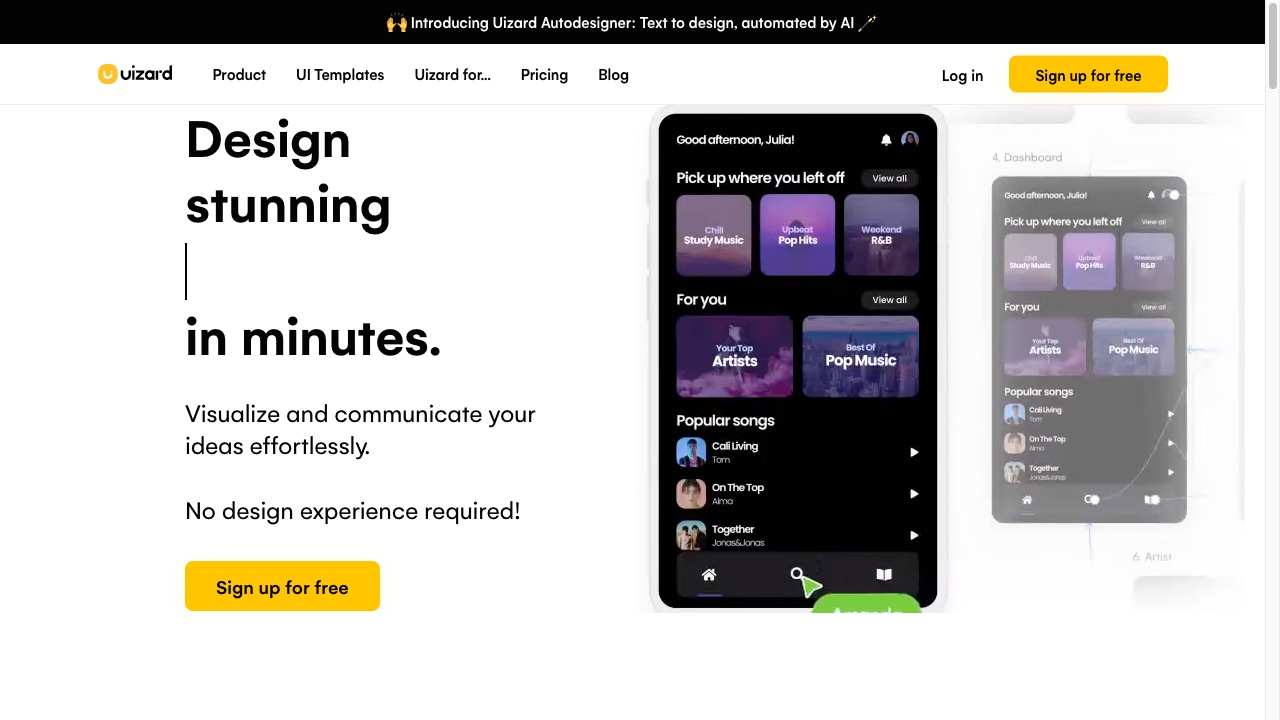
Uizard
PaidAI-powered design tool for rapid UI/UX design and prototyping.

GPTinf ✓
PaidBypass AI detectors with one-click rephrasing.

Studio Design ✓
FreemiumBuild stunning websites with creative freedom, no code required.

MagicSlides.app AI PPT Maker ✓
FreemiumCreate Stunning PPTs in Seconds with the AI PPT Maker