

Studio Design ✓
Build stunning websites with creative freedom, no code required.
Free + from $9.00/mo
Verdict
A quick read before you dig into the full page.
- Best if
- You are web designers and need: Designing and launching modern, responsive websites quickly and efficiently
- Skip if
- Limited structure types
- Pick this when
- Design suggestion feature
Considering B12 AI Website Builder instead? Compare side by side
Overview
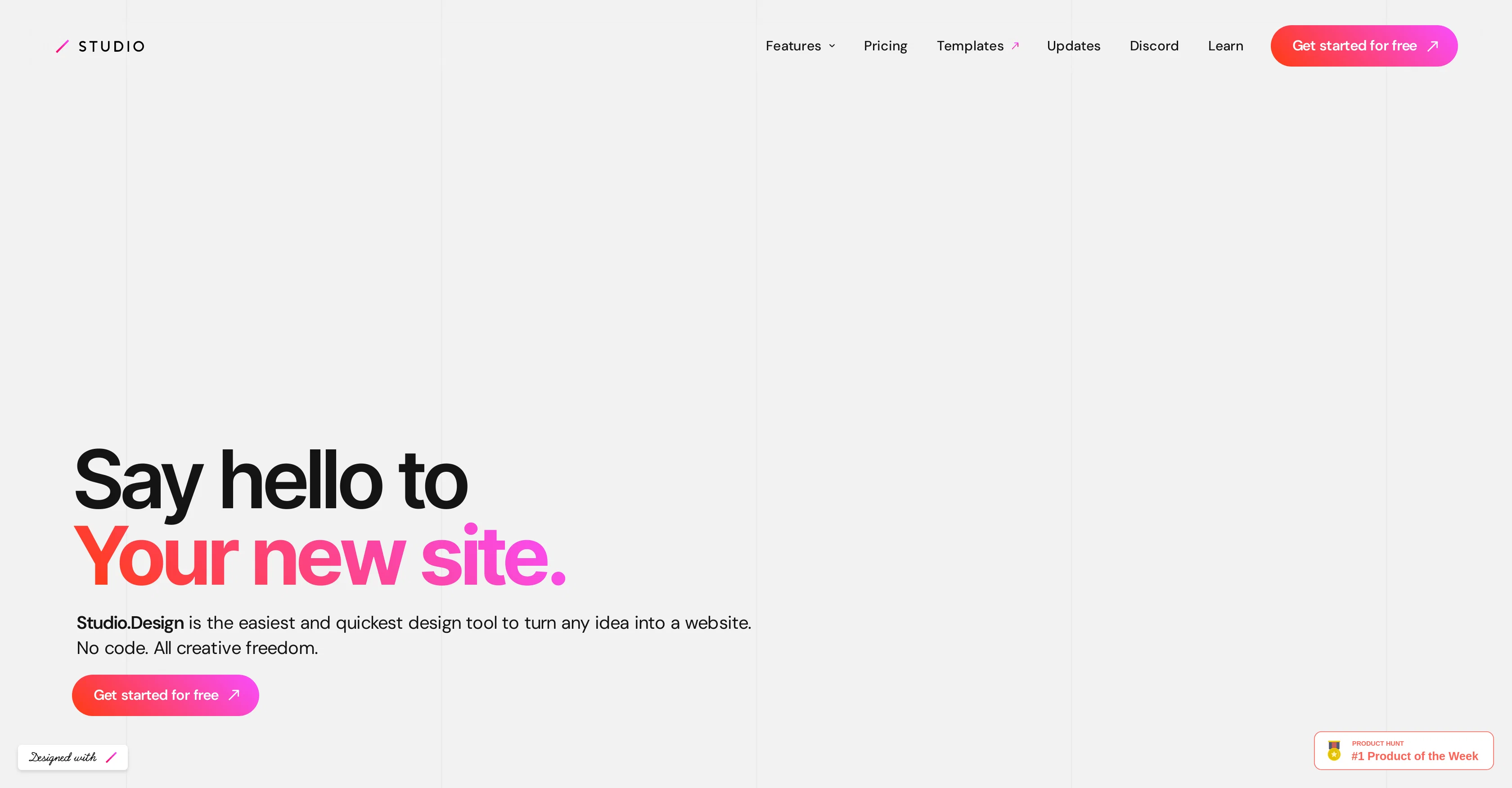
STUDIO is a versatile website building tool tailored mainly for designers. It provides a platform for constructing a variety of online structures, from portfolio websites to landing pages.
The tool stands out for its emphasis on enabling complete creative freedom and does not require any coding skills, making it easily accessible for beginners and experts alike.
STUDIO promotes simplicity and speed in the website construction process, allowing users to create high-quality designs without much ado. Despite being a free tool, it does not compromise on delivering a polished end-product.
Users can leverage the robust features to design websites that align with their unique requirements and aesthetic preferences. The tool's flexibility ensures it's beneficial for a range of users, for anything from personal projects to business initiatives.
Best for
Short scenarios where Studio Design tends to shine.
-
Designing and launching modern, responsive websites quickly and efficiently.
Best for Web designers
Example outputs 1
Sample generations and before/after results for Studio Design.
Access & connections
Where you can use Studio Design.
Platforms
Capabilities
What this tool accepts, produces, and is strongest at.
Input
- Text
Output
- Text
Pros & cons
Pros
- Design suggestion feature
- Voice assistant for styling
- Auto-responsive resizing
- Constant feature addition
- No coding skills required
- Aids beginner designers
- Enables creative freedom
- Promotes quick website construction
Show 5 more
- High-quality design output
- Free tool
- Versatile usage
- Aligns with aesthetic preferences
- Suited for business initiatives
Cons
- Voice assistant limitations
- Auto-responsive feature glitches
- Constant updates required
- No code might inhibit customization
- Not optimized for expert users
- Limited structure types
- Simplicity over functionality
- Free tool might have restrictions
Show 1 more
- Specifically tailored for designers
Compare alternatives
Similar tools in the catalog — with a clear reason to open each one.

Redesignr Ai - website redesign and landing page bui... ✓
FreemiumRedesign And Build websites, docs, and blogs with AI in minutes
Free + from $20/mo
Full comparison
InstaWebAI ✓
FreemiumCreate, launch and grow your business website all in one platform
Free + from $25/mo
Full comparison
AI Builder | Hostinger Horizons ✓
Free TrialBuild web apps and websites without writing any code.
Why look Typically cheaper
Full comparison
Macaly ✓
FreemiumAI website builder with built-in database, hosting & more
Why look Offers a public API
Full comparison
People also view
Tools that often show up alongside Studio Design in collections and comparisons.

B12 AI Website Builder ✓
FreemiumAI-powered website builder

Stunning ✓
PaidBuild AI-powered websites in seconds

Pineapple Builder ✓
FreemiumAI Website Building for Businesses
AI Builder | Hostinger Horizons ✓
Free TrialBuild web apps and websites without writing any code.

Readdy ✓
FreemiumCreate and publish beautiful websites with AI.

Mocha ✓
FreemiumTurn app ideas into reality, instantly.

FounderPal ✓
Free TrialGenerate a perfect marketing strategy in 5 minutes

Brightcall.AI - AI Agent ✓
UnknownElevate sales with AI-powered call solutions.
Releases 1
In the news
Launch coverage and community mentions for Studio Design.
Imported reviews 1
You have the option to waitlist or you can login with your email/pass or google account. I chose google. Once inside you have a suite of tools but im sure when you go to publish you have to sign up for a paid plan. So if your looking for a free option it will be branded. Use at your own risk. Thanks
FAQ 12
What is Studio Design Studio?
What unique features does Studio have?
How does the AI function in Studio?
Can I speak to a voice assistant in Studio?
What is the auto-responsive feature in Studio?
Is Studio's early access feature available for everyone?
How is Studio transforming website designing?
What kind of websites can I build with Studio?
Do I need coding skills to use Studio?
How is Studio beneficial for beginners?
Is Studio really a free tool?
What qualities can I expect from websites built with Studio?
Related tools
Recommended
Stunning ✓
PaidBuild AI-powered websites in seconds

VenturusAI ✓
FreemiumBusiness idea analysis and reporting.

LearningStudioAI ✓
Free TrialAI-powered authoring tool for effortless online course creation.

Business Idea Generator AI ✓
FreeGenerate innovative business ideas with AI
Pineapple Builder ✓
FreemiumAI Website Building for Businesses

Stratup.ai ✓
FreemiumInnovative idea generation for businesses.