

Superjoin ✓
Import live data into Google Sheets automatically using AI
Free + from $25/mo
Verdict
A quick read before you dig into the full page.
- Best if
- Import live data into Google Sheets automatically using AI
- Skip if
- Limited error handling/displaying
- Pick this when
- Imports data seamlessly
Considering SheetAI App - AI For Sheets instead? Compare side by side
Overview
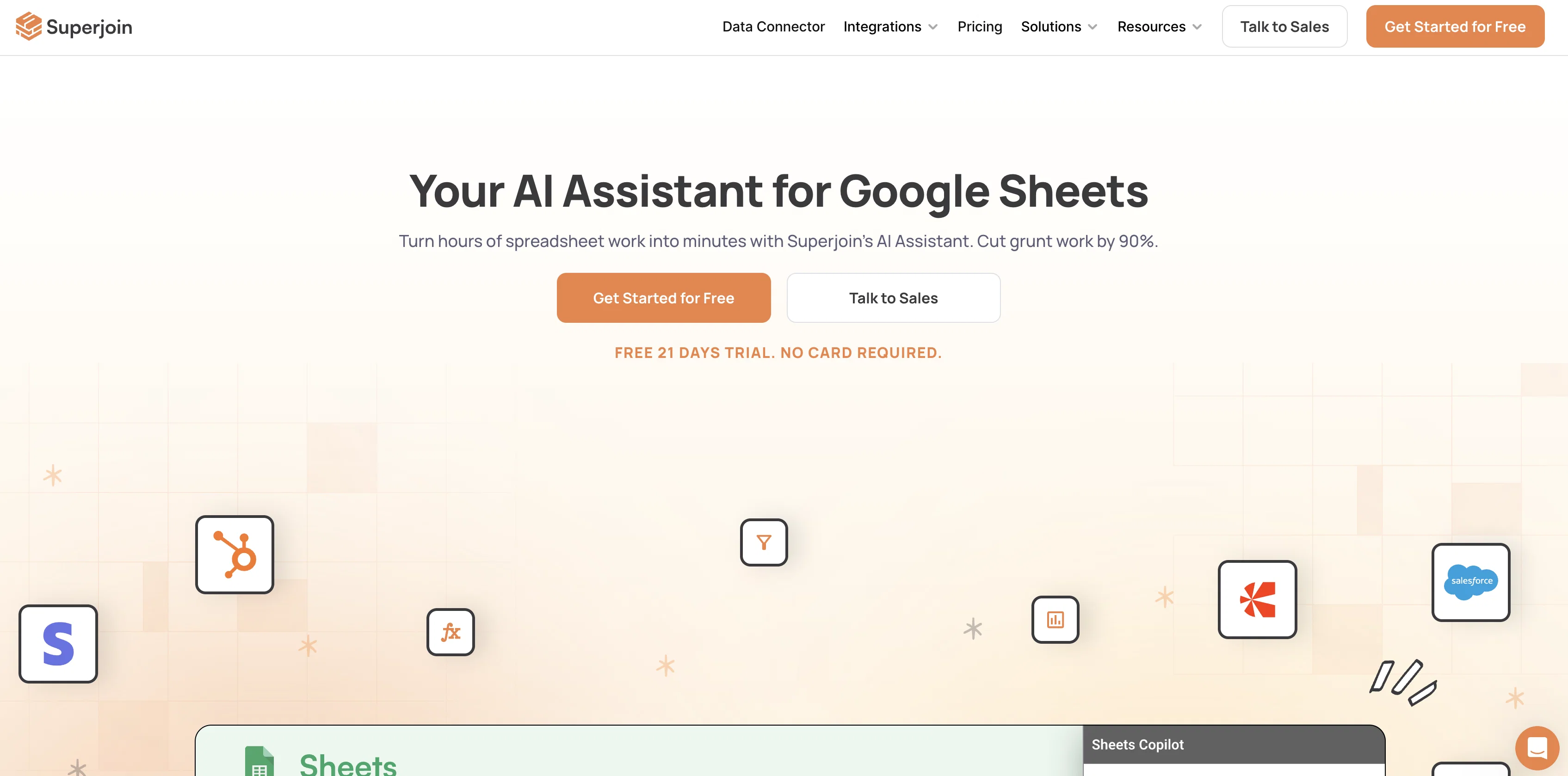
Superjoin is a data connector for Google Sheets, providing the ability to import data seamlessly from a variety of Software as a Service (SaaS) tools and internal databases including HubSpot, Salesforce, MySQL and PostgreSQL among others.
It utilises AI to enable the automatic importation of live data from these platforms directly into Google Sheets without the need for coding. Another beneficial feature of Superjoin includes the 'One-Click Connectors' that allow users to link unlimited data sources and pull data onto Google Sheets conveniently with just one click.
Auto-refresh setup allows schedules to be created for updating Google Sheets with the latest data sourced without needing constant CSV exports. Further enhancing data management, a data preview function lets users select the data they wish to pull from their source before importing it into Sheets.
The tool is also equipped with the capability to automatically send Google Sheets' screenshots to Slack or email as per user's requirements. Superjoin provides an efficient solution for organizations to automate their data processes, streamline workflows, and enable data-driven decision-making while reducing dependency on data experts or engineers.
Access & connections
Where you can use Superjoin, and what it plugs into.
Platforms
Integrations
Capabilities
What this tool accepts, produces, and is strongest at.
Input
- Tabular
Output
- Tabular
Supported features
- Spreadsheets
Pros & cons
Pros
- Imports data seamlessly
- Compatible with multiple SaaS tools
- Database compatibility: MySQL, PostgreSQL
- Live data import capability
- No coding required
- One-click connectors feature
- Unlimited data source linking
- Automatic Google Sheets updates
Show 18 more
- Schedule updates feature
- CSV export not required
- Data preview function
- Auto-sends Sheets screenshots
- Works with Slack and email
- Reduces dependency on data experts
- Streamlines workflows
- Aids data-driven decision-making
- 21-day free trial
- Used by 10000+ people
- Effective for RevOps teams
- Integrates with favourite tools
- Visual data preview
- Automated data pulls
- Alert setup function
- Unique data insights
- Compatibility with Stripe, Shopify
- Compatibility with Hubspot, Salesforce
Cons
- Limited to Google Sheets
- No CSV export
- Difficulty verifying data integrity
- Potentially overwhelming data previews
- Automated dumps may clutter Sheets
- Lacks source data editing
- No direct data analysis capabilities
- Dependent on SaaS/API availability
Show 2 more
- Might not support all desirable SaaS
- Limited error handling/displaying
Compare alternatives
Similar tools in the catalog — with a clear reason to open each one.

SheetAI App - AI For Sheets ✓
FreemiumAI with brain power inside Google Sheets
Why look Offers a public API
Full comparison
Sourcetable — AI spreadsheet & data analyst ✓
FreemiumAI spreadsheet & data analyst. 10x your productivity.
Why look Typically cheaper
Full comparison
TabTabTab ✓
FreemiumTurn Google Sheets into your personal research assistant.
Why look Typically cheaper
Full comparison
Grist ✓
FreemiumBuild complex spreadsheet workflows with AI in minutes.
Why look Typically cheaper
Full comparison
ChatGPT in Google Sheets ✓
Free TrialChatGPT in Google Sheets: Automate insights from your data.
Why look Typically cheaper
Full comparison
Numerous ✓
Free TrialAI-powered plugin to automate spreadsheet tasks
Why look Typically cheaper
Full comparisonReleases 1
FAQ 12
What exactly is Superjoin?
How does Superjoin connect data sources and Google Sheets automatically?
What SaaS platforms is Superjoin compatible with?
How can Superjoin import live data into Google Sheets?
Can Superjoin work with my internal databases?
What is the role of AI in Superjoin?
Do I need coding knowledge to use Superjoin?
What are 'One-Click Connectors' in Superjoin?
How does Superjoin's auto-refresh setup work?
Can I schedule updates on Superjoin?
What does 'Data Preview' function in Superjoin do?
Can Superjoin allow me to select the data before it is imported into Google Sheets?
Related tools
Recommended

GPTExcel ✓
FreemiumGenerate spreadsheet formulas with AI

Scisummary ✓
Free TrialCutting-edge scientific articles summarization.

Flowpoint ✓
FreemiumWebsite Analytics Reports with AI Agents

Marblism ✓
FreemiumAI Employees who Work for Your Business

COACH ✓
FreeAI-powered career development platform built by career experts.

OnlyPrompts ✓
Free TrialAutomate 37,000+ tasks with 150,000+ prompts