

SubShort ✓
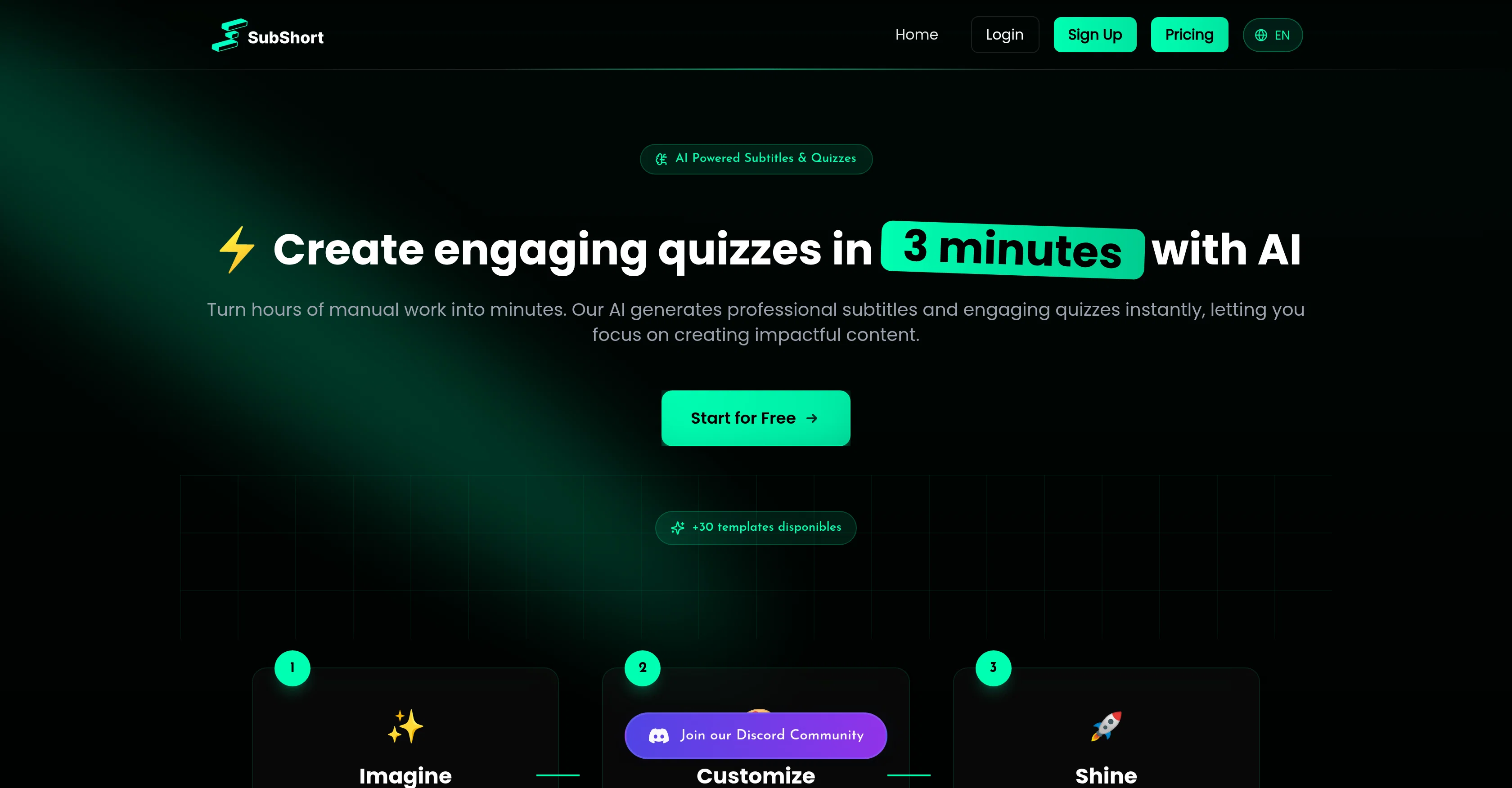
Create engaging video quizzes in minutes with AI
Trial; then from $12.99/mo
Verdict
A quick read before you dig into the full page.
- Best if
- Create engaging video quizzes in minutes with AI
- Skip if
- Limited voice settings
- Pick this when
- Instant video quiz generation
Considering freebeat AI instead? Compare side by side
Overview

SubShort is an AI-powered video quiz generator that allows users to transform their content into immersive educational experiences. The tool uses artificial intelligence to create professional subtitles and engaging video quizzes instantly, reducing hours of manual effort to mere minutes.
At its core, the tool is designed for content creators, educators, and businesses looking to enrich their content with interactive elements.SubShort supports multiple languages and offers customizable voice settings, allowing users to tailor their creation to cater to diverse audiences.
A wide variety of quiz formats are also available, including multiple-choice questions, true or false quizzes, riddle quizzes, and thematic quizzes like language-centric questions or choices quizzes.Beyond quiz creation, SubShort also offers AI-generated subtitles, effectively broadening the usability and accessibility of the videos.
This feature enhances the viewing experience by ensuring all content is easily consumable, be it for audiences who favor reading over listening or for those with hearing impairments.To aid with the creation process, users can adjust the style, voice, and effects for their quizzes.
Once the quizzes are ready, sharing them is equally straightforward, allowing users to reach their audience more effectively.Furthermore, SubShort emphasizes work efficiency, automating repetitive tasks so content creators can focus on their creative process.
This smart blend of automation and customization makes SubShort a powerful tool for any content creator looking to streamline their workflow and enhance their content interaction capabilities.
Best for
Short scenarios where SubShort tends to shine.
-
Create engaging video quizzes in minutes with AI
Example outputs 1
Sample generations and before/after results for SubShort.
Access & connections
Where you can use SubShort.
Platforms
Capabilities
What this tool accepts, produces, and is strongest at.
Input
- Image
- Text
- Audio
Output
- Audio
- Video
- Text
Pros & cons
Pros
- Instant video quiz generation
- Reduces manual effort
- Tailored for content creators
- Multiple languages support
- Customizable voice settings
- Variety of quiz formats
- Enhanced video accessibility
- Adjustable style, voice, effects
Show 26 more
- Straightforward quiz sharing
- Efficient work automation
- Blend of automation, customization
- Interactive educational experiences
- Optimized for diverse audiences
- Streamlined content creator workflow
- Enhanced content interaction
- Automated subtitle creation
- Accessible content for impaired
- Flexibility in quiz creation
- Effective audience reach
- Supports remote education
- Facilitates online learning
- Automated content customization
- Efficient content distribution
- Offers closed captioning
- Tool for learning management
- Aids in video-based learning
- Supports multimedia content
- Ideal for teaching tools
- Fast subtitle and quiz creation
- Focus on creative process
- Comprehensive EdTech solution
- Over 30 available templates
- Ideal for businesses
- Impacts content creation
Cons
- Limited quiz formats
- Lack of detailed customization
- Subtitles might lack accuracy
- Limited voice settings
- Dependent on internet connection
- No API for integration
- Not open source
- No offline access
Show 1 more
- No mentioned support service
Compare alternatives
Similar tools in the catalog — with a clear reason to open each one.

freebeat AI ✓
FreemiumTurn Music & Ideas into Viral Videos In One Click
Why look Typically cheaper
Full comparison
MagicLight ✓
FreemiumTransform text into captivating videos instantly.
Why look Typically cheaper
Full comparison
Seedance ✓
FreemiumMulti-shot video generation from text and image.
Why look Stronger for image work
Full comparisonPeople also view
Tools that often show up alongside SubShort in collections and comparisons.
Seedance ✓
FreemiumMulti-shot video generation from text and image.
MagicLight ✓
FreemiumTransform text into captivating videos instantly.

Kaiber Superstudio ✓
Free TrialAI Video Generation

HeyGen ✓
FreemiumCreate AI spokesperson videos from text
freebeat AI ✓
FreemiumTurn Music & Ideas into Viral Videos In One Click

D-ID ✓
FreemiumCreate AI-generated videos with ease

ResearchMonkey AI | YouTube Summarizer ✓
Free TrialSave Hours of Research in Seconds with 40+ AI Tools

OutlierKit ✓
PaidEnter one channel, see the entire niche.
Releases 1
Imported reviews 1
I’ve been using this AI video quiz tool and it’s honestly super useful. It automatically creates quizzes from videos, so you can test your knowledge without any extra effort. Great for learning, especially if you’re someone who retains better through interaction.
FAQ 12
What is SubShort?
How does SubShort work?
What quiz formats does SubShort offer?
Can SubShort generate subtitles for my videos?
How is the voice customization feature on SubShort?
How can I share the quizzes made on SubShort?
How does SubShort cater to diverse audiences?
Does SubShort support multiple languages?
How does SubShort aid in creating an efficient workflow for content creators?
What type of content creators is SubShort intended for?
Do I need any technical knowledge to use SubShort?
Does SubShort offer assistance for hearing-impaired audience?
Related tools
Recommended

Automateed ✓
Free TrialCreate eBooks effortlessly with Automateed, the AI-powered writing tool.

GlobalGPT ✓
Free TrialAll-in-One Access to AI power: GPT4, Claude, Gemini, Perplexity, Midjourney, Kling and

Smarter ChatGPT by Athena AI ✓
FreemiumAI assistant that gets your tasks done. Smarter than ChatGPT.

Trickle Magic Canvas ✓
FreemiumTurn your ideas into live apps and websites with AI.

DJ.Studio ✓
Free TrialCreate mashups, DJ mixes, radio shows, video mixes or prepare live sets

ChatGPT ✓
FreemiumAsk anything, create anything, and move from idea to action.