
Appblit Scribe ✓
Read beautifully formatted YouTube transcripts instantly.
Free + from $3.99
Verdict
A quick read before you dig into the full page.
- Best if
- Read beautifully formatted YouTube transcripts instantly
- Skip if
- Authorship recognition limited
- Pick this when
- Adds punctuation to raw text
Considering Y2Doc instead? Compare side by side
Overview
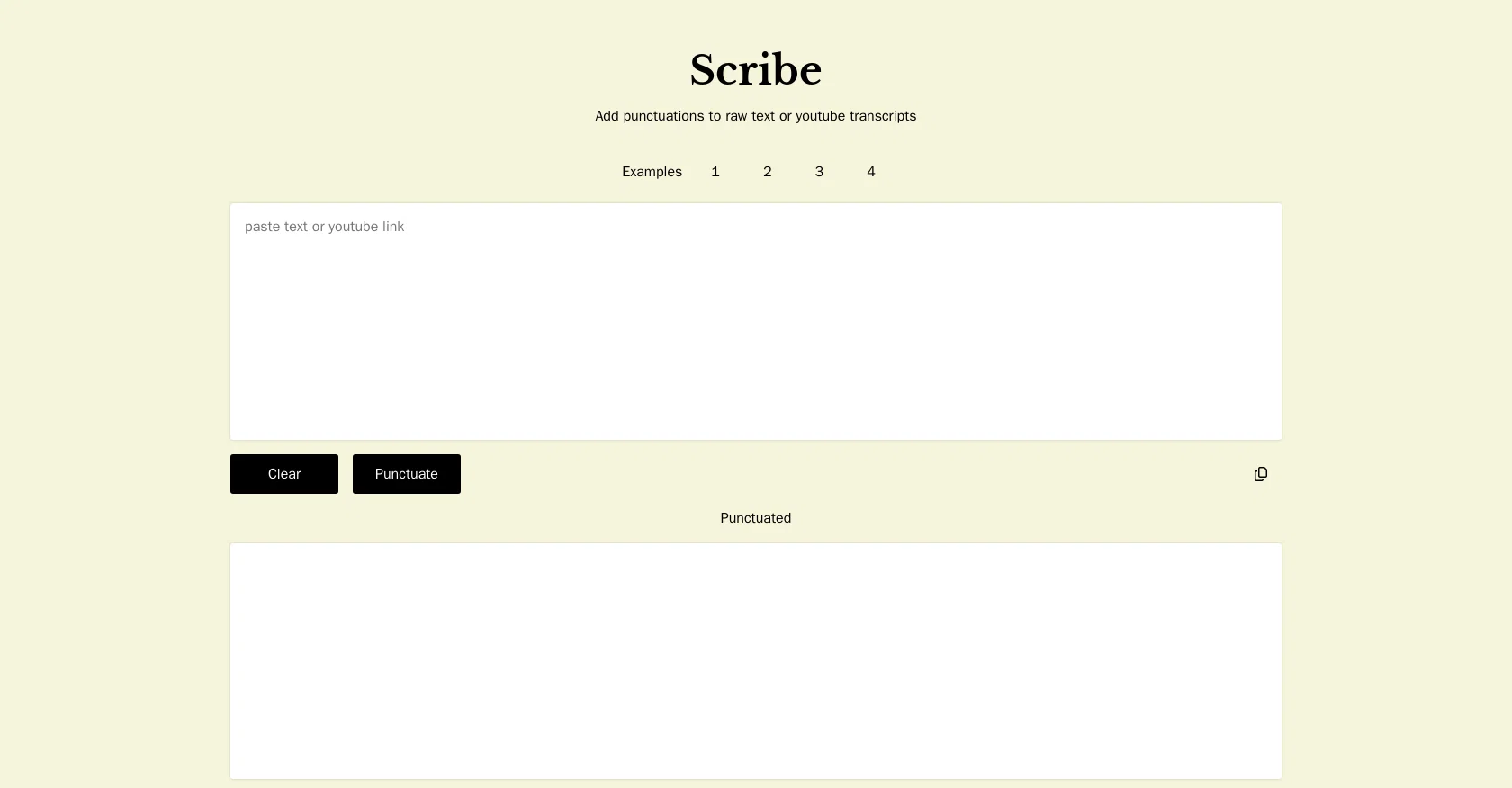
Scribe is a specialized tool designed to provide instant transcripts for YouTube videos. Instead of the standard, raw closed captions that YouTube automatically generates, Scribe takes it a step further by creating well-crafted transcripts.
The tool incorporates punctuation and paragraphs to make the content more readable and similar to a written documentation. It also organizes the transcripts into chapters for easier navigation and better understanding.
This capability is particularly useful for longer videos or ones with distinct sections. Scribe can be an excellent resource for a variety of purposes, including but not limited to content analysis, accessibility, language learning, and research.
By transforming video content into readable text, Scribe helps users to rapidly scan, search, and leverage YouTube content in entirely new ways.
Access & connections
Where you can use Appblit Scribe, and what it plugs into.
Platforms
Integrations
Capabilities
What this tool accepts, produces, and is strongest at.
Input
- Text
Output
- Text
Supported features
- Transcription
Pros & cons
Pros
- Adds punctuation to raw text
- Enhances text accuracy
- Improves text coherence
- Efficient punctuation placement
- Saves time for content creators
- Acknowledges authorship
- Optimizes readability
- Reduces manual editing time
Show 18 more
- Provides instant YouTube transcripts
- Improves YouTube caption readability
- Organizes transcripts into chapters
- Facilitates easier navigation
- Supports content analysis
- Enhances language learning
- Useful for research
- Transforms video to text
- Supports accessibility
- Enables text searching
- Tool for education
- Boosts e-learning
- Promotes digital transformation
- Supports SEO strategy
- Helps in content curation
- Offers auto transcription
- Useful for video analytics
- Supports video to text conversion
Cons
- Limited to YouTube transcripts
- No multi-language support
- No offline functionality
- Lacks customization options
- No API for integration
- No PDF export option
- No real-time transcription
- Authorship recognition limited
Show 1 more
- No support for audio files
Compare alternatives
Similar tools in the catalog — with a clear reason to open each one.

Y2Doc ✓
Free TrialTransform YouTube videos into structured docs.
Free + from $19/mo
Full comparison
Claptools Free Youtube Transcriptor ✓
FreeConvert YouTube videos to text fast and free
Why look Fully free option
Full comparison
YTScribe ✓
FreemiumExtract YouTube transcripts instantly.
Why look Offers a public API
Full comparison
Releases 1
FAQ 12
What is Appblit Scribe?
How does Scribe help improve the readability of text?
Which types of punctuation does Scribe automatically insert into text?
Who are the target users of Scribe?
Can Scribe be used for proofreading edited content as well?
How does Scribe's function support content creators?
What type of authorship recognition does Scribe offer?
Can Scribe punctuate YouTube transcripts?
What are some practical uses for Scribe?
How does Scribe create transcripts for YouTube videos?
Can Scribe organize transcripts into chapters?
How does Scribe assist in language learning?
Related tools
Recommended

CapCut Online Creative Suite ✓
FreemiumUnleash creativity with CapCut's all-in-one online suite

Papermark ✓
FreemiumAI-powered document sharing and collaboration assistant

Eightify
UnknownAI-powered YouTube video summarizer extracting key ideas for quick content assessment.

SEO Writing AI ✓
Freemium1-click SEO-optimized articles generation

Stockimg AI ✓
PaidGenerated images and text for design ease.

ChatGPT ✓
FreemiumAsk anything, create anything, and move from idea to action.