

Claptools Free Youtube Transcriptor ✓
Convert YouTube videos to text fast and free
Verdict
A quick read before you dig into the full page.
- Best if
- Convert YouTube videos to text fast and free
- Skip if
- Limited to video transcription
- Pick this when
- Free service
Considering Y2Doc instead? Compare side by side
Overview
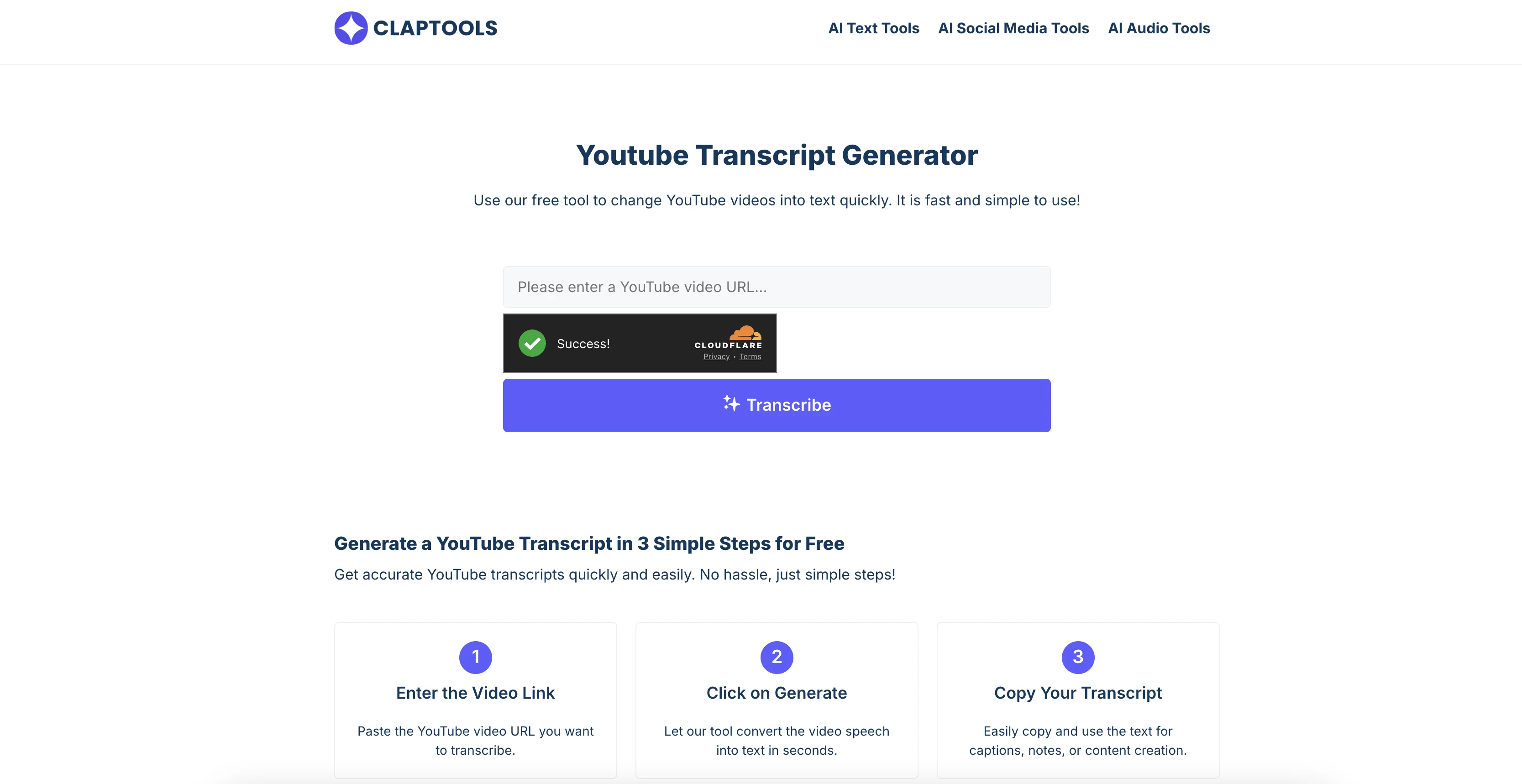
This tool is designed to convert spoken words from a YouTube video into a Readable text format. It does so by examining the audio content within the video and transforming it into an easily accessible written transcript.
This feature is particularly beneficial for individuals who prefer reading over watching videos, including students taking notes, professionals researching content, or those with hearing impairments.
Using the tool involves a simple process of inputting the video URL; the system then processes the video, producing its transcript on-screen. In addition to simply interpreting audio content, the tool can also extract video subtitles for high-accuracy transcription.
Once produced, the transcript can be read on-page, copied for personal use, study notes, or content creation. This rapid and easy-to-use process alleviates the need to manually write down everything or listen to the whole clip.
An additional feature includes an embedded video player, allowing simultaneous reading of the transcript and viewing of the video enhancing comprehension and convenience for users.
Access & connections
Where you can use Claptools Free Youtube Transcriptor.
Platforms
Capabilities
What this tool accepts, produces, and is strongest at.
Input
- Video
Output
- Text
Pros & cons
Pros
- Free service
- No login required
- High accuracy transcription
- Supports subtitle extraction
- Results in text format
- Fast transcription speed
- Simple URL input interface
- On-screen results
Show 26 more
- Allows content copying
- Embedded video player
- Simultaneous reading and watching
- Versatile for students, professionals
- Helpful for hearing impaired
- Efficient for content creators
- Streamlines note-taking
- Aids in research
- Promotes accessibility
- Efficient content extraction
- Time-saver tool
- Facilitates video analysis
- Enhances comprehension
- Embedded player for studying
- Accuracy check functionality
- Useful for language learning
- Transcript translation option
- Useful for journalists
- Beneficial to business professionals
- Educational tool
- Useful for online webinars
- Facilitates study material preparation
- Supports content repurposing
- Transcript review function
- Instant transcript generator
- Clear transcript presentation
Cons
- No mobile application
- No offline access
- Only supports YouTube videos
- No data export options
- No batch processing
- No speech-to-text customization
- No multi-language support
- Limited to video transcription
Show 2 more
- No advanced editing features
- Restriction on video size or duration
Compare alternatives
Similar tools in the catalog.



Releases 1
Imported reviews 1
Hands down the best ai tool for content creators. Their free YouTube transcriptor is always on point
FAQ 12
What is Claptools Free Youtube Transcriptor?
How do I use Claptools Free Youtube Transcriptor to get video transcripts?
What is the process Claptools uses to convert video speech into text?
How accurate is the transcription with Claptools Free Youtube Transcriptor?
Can Claptools Free Youtube Transcriptor extract video subtitles?
What can I do with the transcript generated by Claptools Free Youtube Transcriptor?
Who can benefit most from using Claptools Free Youtube Transcriptor?
Does Claptools Free Youtube Transcriptor improve accessibility for individuals with hearing impairments?
What are the steps to generate a YouTube transcript using Claptools?
How can Claptools Free Youtube Transcriptor aid in content creation?
How does the embedded video player in Claptools Free Youtube Transcriptor enhance user comprehension?
How long does Claptools Free Youtube Transcriptor take to convert a YouTube video into a written transcript?
Related tools
Recommended

Thea ✓
FreemiumAI study tools to master material, not just memorize it.

The AI Voice Generator ✓
FreemiumCreate Celebrity voices and voiceovers in 120 languages with 800+ AI voices.

Mind Map Wizard ✓
FreemiumGenerate mind maps with AI: free, no sign-up, no ads

GenTube ✓
FreeCreate stunning AI art in 2 seconds

AI YouTube Title Generator ✓
Free TrialGenerate eye-catching YouTube titles that boost views and engagement.

TheLibrarian.io ✓
Free TrialYour WhatsApp AI assistant for instant productivity.