
ScreenshotAI by Fabric ✓
Turn screenshots into intelligent, searchable notes with AI.
Free + from $5/mo
Verdict
A quick read before you dig into the full page.
- Best if
- You are researchers and need: Project management
- Skip if
- You need enterprise SLAs or a fully managed team plan right away
- Pick this when
- Freemium · Free + from $5/mo
Considering ScreenSnapAI instead? Compare side by side
Overview
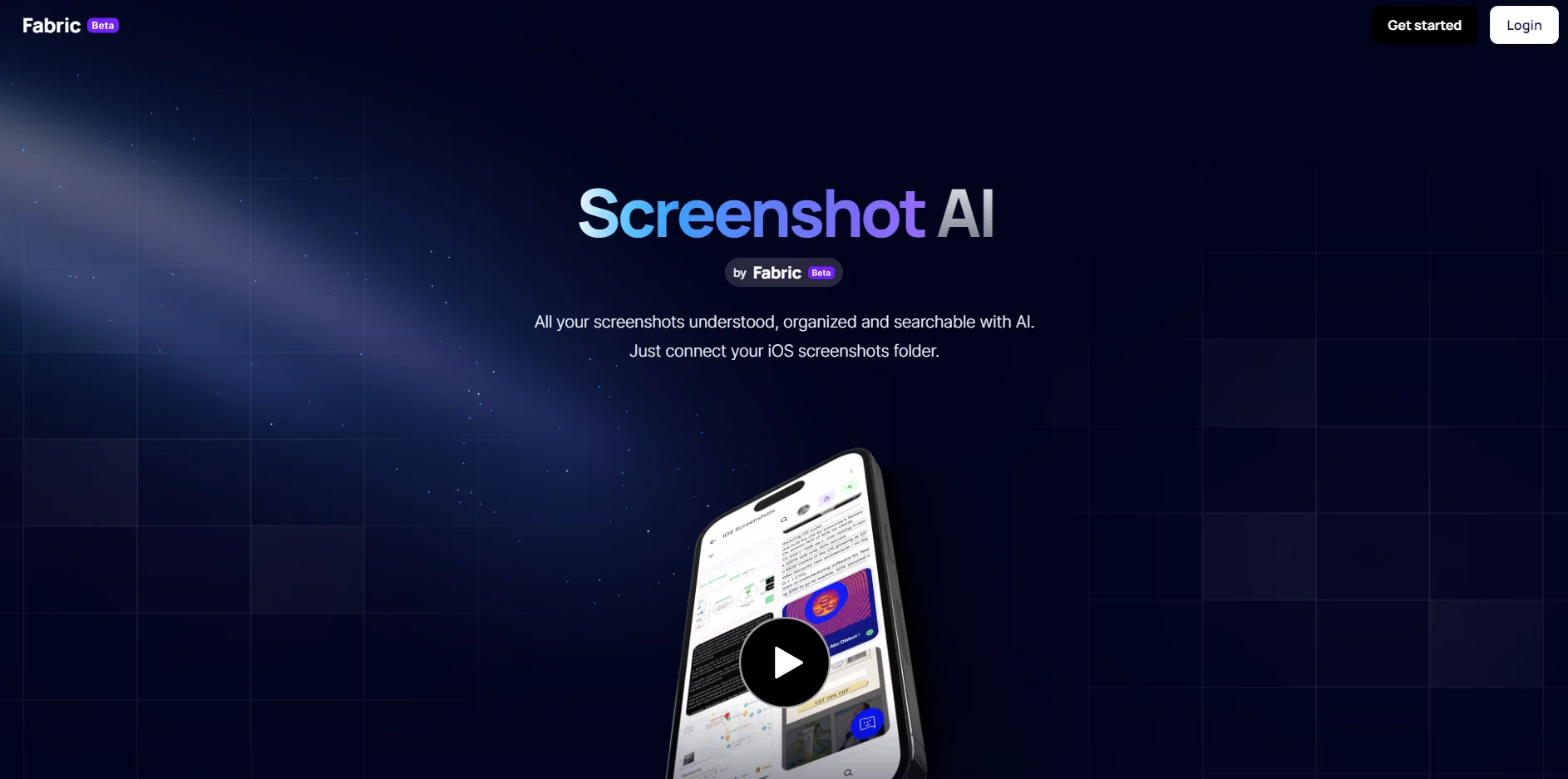
ScreenshotAI is an AI-powered tool that automatically organizes and analyzes your screenshots, making them searchable and extracting useful information from them.
With ScreenshotAI, you can turn your screenshots into intelligent notes without any effort required. The tool uses AI technology to understand the content and context of each screenshot, providing actionable insights and helpful summaries.When you connect your iOS screenshots folder to ScreenshotAI, it synchronizes and analyzes your screenshots automatically.
Each time you take a screenshot, ScreenshotAI creates a smart note with the content and extracts any text present in the screenshot. This makes it easy to explore, search, and ask questions about the information captured in your screenshots.With ScreenshotAI, you can easily search for your screenshots based on the content, ideas, and text inside the images.
Additionally, you can ask the AI assistant questions about any screenshot, and it will read, summarize, and provide the information you need.ScreenshotAI is part of the Fabric ecosystem, which offers a complete workspace for taking notes, saving files, and collaborating.
By connecting your favorite apps and cloud drives to Fabric, you can index and integrate all your digital worlds into one AI-powered workspace.Overall, ScreenshotAI provides a simple and efficient way to organize, search, and extract insights from your screenshots using advanced AI technology.
Best for
Short scenarios where ScreenshotAI by Fabric tends to shine.
-
Project management
Best for Researchers
-
Research gathering
Best for Creators
-
Team wiki creation
Best for Thinkers
-
Note-taking and idea organization
Best for Project managers
-
Digital asset management
Best for Students
Example outputs 1
Sample generations and before/after results for ScreenshotAI by Fabric.
Access & connections
Where you can use ScreenshotAI by Fabric, and what it plugs into.
Platforms
Integrations
Capabilities
What this tool accepts, produces, and is strongest at.
Input
- Image
Output
- Text
Compare alternatives
Similar tools in the catalog — with a clear reason to open each one.
ScreenSnapAI ✓
PaidUltimate macOS AI tool for performing tasks on anything on your screen.
Why look Higher community rating
Full comparison
Screenshot AI ✓
UnknownExtracts info from images, simplifying search & organization.
No pricing
Full comparison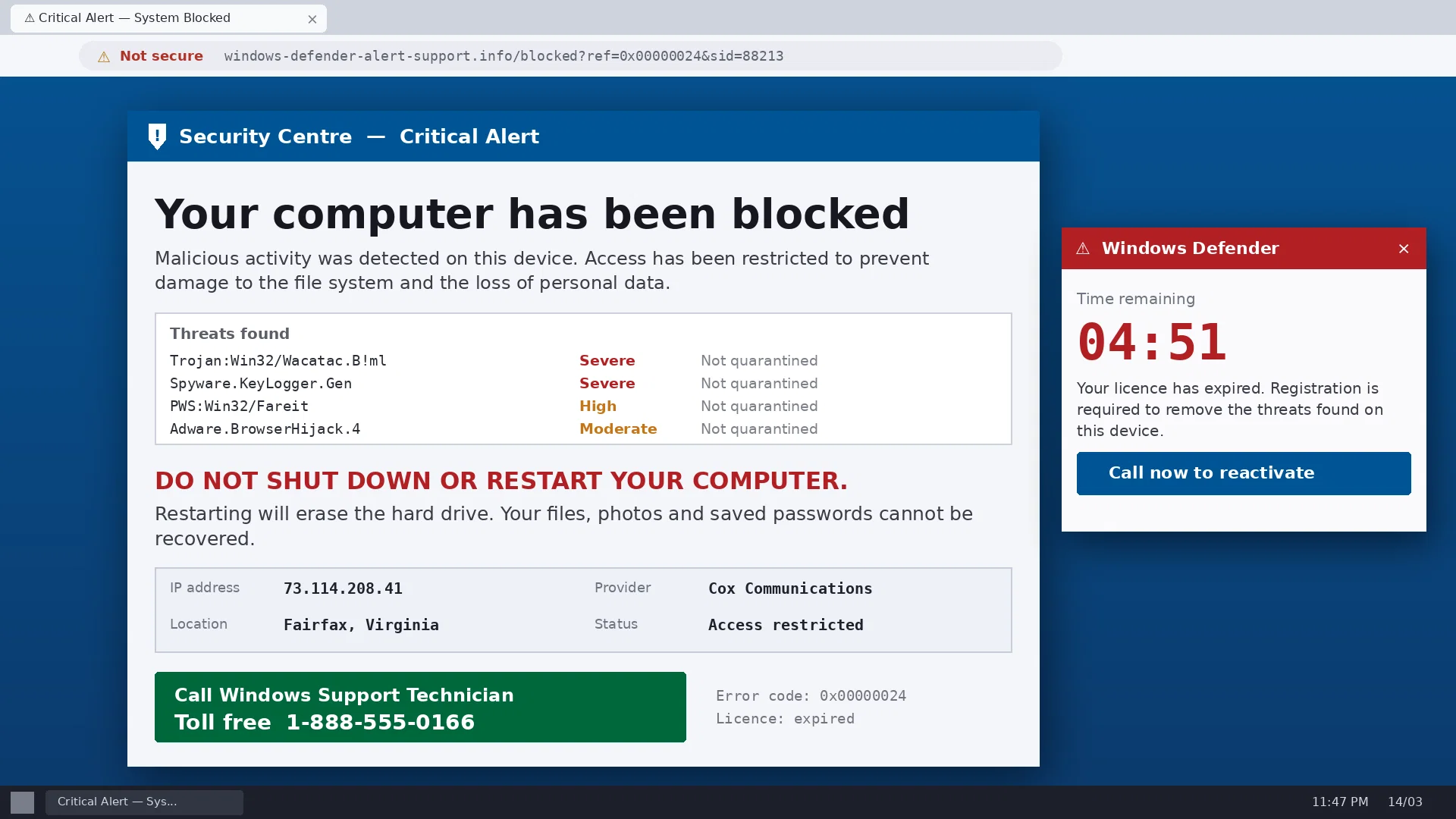
ScamCheck Claude ✓
FreeAI-powered scam detection for photos and documents.
Why look Fully free option
Full comparisonPeople also view
Tools that often show up alongside ScreenshotAI by Fabric in collections and comparisons.
ScreenSnapAI ✓
PaidUltimate macOS AI tool for performing tasks on anything on your screen.
Screenshot AI ✓
UnknownExtracts info from images, simplifying search & organization.

Camp ✓
FreemiumSmarter screenshots that live beyond capture.
ScamCheck Claude ✓
FreeAI-powered scam detection for photos and documents.

NestTrack ✓
Free TrialScreenshot any listing, AI fills the details.

Browserbeam ✓
Free TrialThe Browser API Built for AI Agents

Eightify
UnknownAI-powered YouTube video summarizer extracting key ideas for quick content assessment.

docAnalyzer ✓
FreemiumTurn document overload into work worth putting your name on
Releases 1
Related tools
Recommended

AI Lawyer ✓
Free TrialInstant legal advice and document creation at your fingertips

Business Idea Generator AI ✓
FreeGenerate innovative business ideas with AI

Hyperis ✓
FreemiumOrganized task prioritization.

VenturusAI ✓
FreemiumBusiness idea analysis and reporting.

Stratup.ai ✓
FreemiumInnovative idea generation for businesses.
Eightify
UnknownAI-powered YouTube video summarizer extracting key ideas for quick content assessment.