

Saga ✓
Assisted writing and productivity for multiple tasks.
Free + from $6/mo
Verdict
A quick read before you dig into the full page.
- Best if
- Assisted writing and productivity for multiple tasks
- Skip if
- Limited language translation
- Pick this when
- Generates content
Considering Voila instead? Compare side by side
Overview
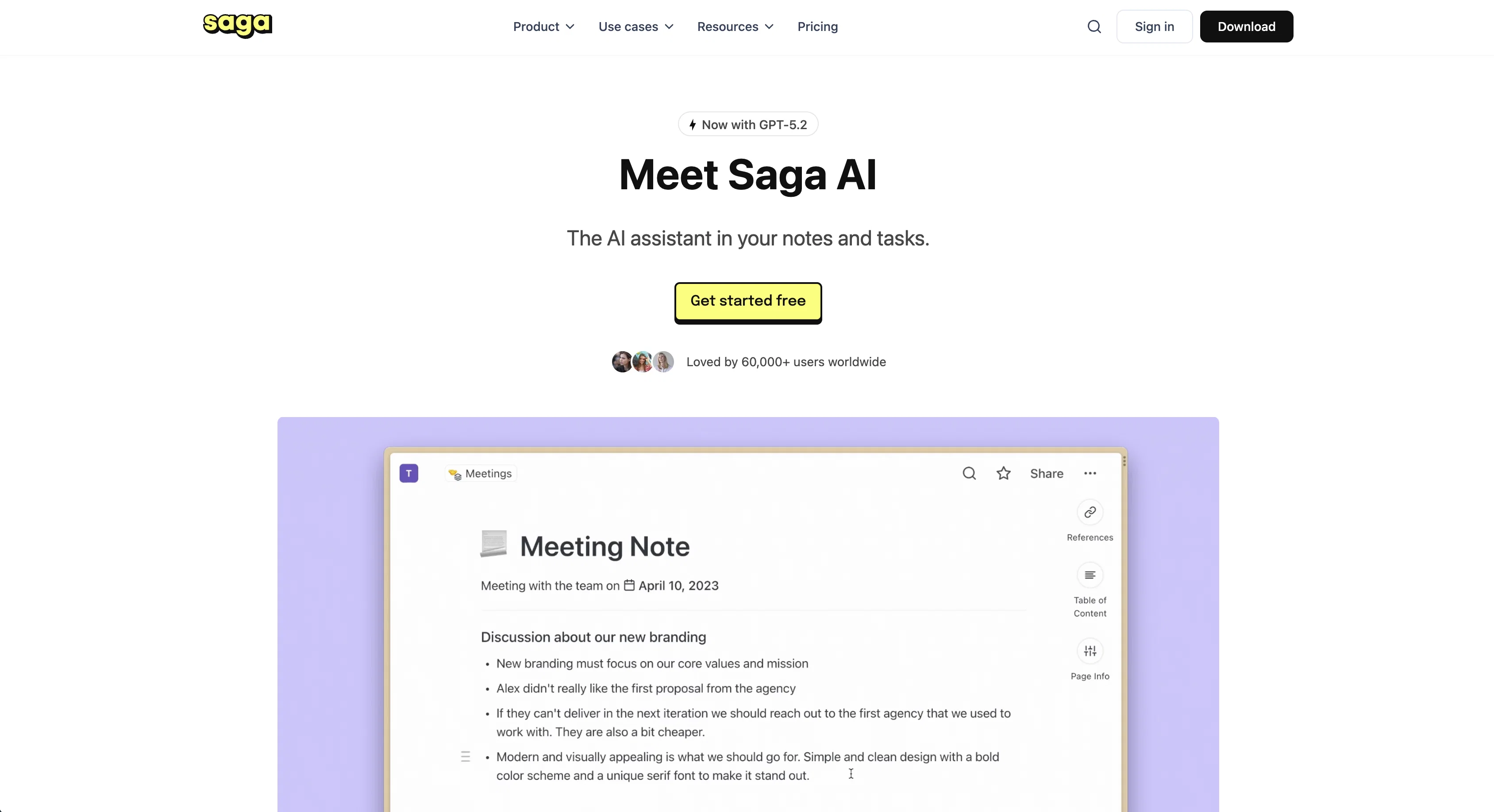
Saga AI is an artificial intelligence tool that aims to assist users with their work by offering various services such as generating content, brainstorming ideas, checking grammar, translating to more than 20 languages, and fixing errors in text.
Users can integrate Saga AI into their workspace and access its features with a single click. The tool helps users save time and focus on more important work by generating content and suggesting more creative ideas to enhance the output.
Saga AI has various use cases, including product management, knowledge management, user research, documentation, remote work, studying, marketing, HR & recruiting, sales & CRM, tasks & todos, and creative writing.
Users can rely on Saga AI to fix their spelling and grammar, translate their text, and generate personalized messages for their sales, marketing, and support needs.
It also has features such as generating code snippets, creating job posts, and creating outlines for various purposes. Saga AI offers clear benefits to users by allowing them to access generative AI services directly in their workspace, avoiding the need to juggle numerous apps and copy-paste content.
The tool uses large language models developed by top providers such as OpenAI and Anthropic and keeps users' data private and encrypted. Saga AI is currently in beta mode and available for free to Saga users, with plans to add more features and improve the AI's ability to understand the context of users' workspaces and other tools.
Access & connections
Where you can use Saga, and what it plugs into.
Platforms
Integrations
Pros & cons
Pros
- Generates content
- Brainstorms ideas
- Checks grammar
- Translates 20+ languages
- Integrates into workspace
- Saves time
- Enhances creative output
- Various use case applications
Show 26 more
- Fixes text errors
- Generates personalized messages
- Generates code snippets
- Creates job posts
- Generates content outlines
- Utilizes large language models
- Data privacy and encryption
- Beta mode for testing
- Free access for users
- Future understand context improvement
- Generates first drafts
- Provides creative suggestions
- Answers questions inline
- Fixes spelling errors
- One-click translation
- Generates social media content
- Generates website copy
- Generates video scripts
- Offers learning guides
- Updates outdated notes
- Reveals knowledge base relationships
- Advanced language model usage
- Encrypted data requests
- No app toggling required
- Working on visual generation
- Potential for voice transcripts
Cons
- In beta mode
- Limited language translation
- No visual generation capability
- No voice or sound transcripts
- Specific contexts may be misunderstood
- Integration with other tools unclear
- Dependence on third-party language models
- Data privacy reliant on partners
Compare alternatives
Similar tools in the catalog — with a clear reason to open each one.

Voila ✓
Free TrialSeamless AI assistant to help you create, write, brainstorm, and research.
Free + from $6/mo
Full comparison
Rizz! Keyboard ✓
FreeAI-powered creative responses in your iPhone keyboard.
Why look Fully free option
Full comparison
Werd - Vibe Write with Multi-agent AI ✓
Free TrialVIBE WRITE With Multi-agent AI
Free + from $7/mo
Full comparison
Sudowrite ✓
Free TrialAI writing partner for faster, more creative storytelling
Free + from $10.00/mo
Full comparison
RewriteBar ✓
Free TrialRewrite. Refine. Accelerate. — AI productivity for every macOS app. 🚀
Why look Offers a public API
Full comparisonReleases 1
Imported reviews 1
Great for having GPT directly inside your notes.
FAQ 12
What is Saga AI?
How does Saga AI generate content and brainstorm ideas?
Does Saga AI check grammar errors?
What languages can Saga AI translate to?
How can users integrate Saga AI into their workspace?
Which tasks can Saga AI assist with?
Can Saga AI be used for knowledge management and user research?
What benefits does Saga AI offer to users?
Is Saga AI good for HR, Sales and Marketing task assistance?
Can Saga AI fix spelling and grammar errors?
Can Saga AI generate code snippets?
Does Saga AI offer services for creating job posts?
Related tools
Recommended

Recall ✓
FreemiumSummarize Anything, Forget Nothing!

Easy-Peasy.AI ✓
FreemiumAccelerates content creation.

VenturusAI ✓
FreemiumBusiness idea analysis and reporting.

Stunning ✓
PaidBuild AI-powered websites in seconds

Hyperis ✓
FreemiumOrganized task prioritization.

Studio Design ✓
FreemiumBuild stunning websites with creative freedom, no code required.