

Web browsing 2026 Rank: #3182
rtrvr.ai ✓
Turn repetitive web tasks into simple English commands.
Free + from $9.99/mo
Verdict
A quick read before you dig into the full page.
- Best if
- Turn repetitive web tasks into simple English commands
- Skip if
- Job application feature limited
- Pick this when
- Converts tasks into commands
Considering Chrome Sidekick instead? Compare side by side
Overview
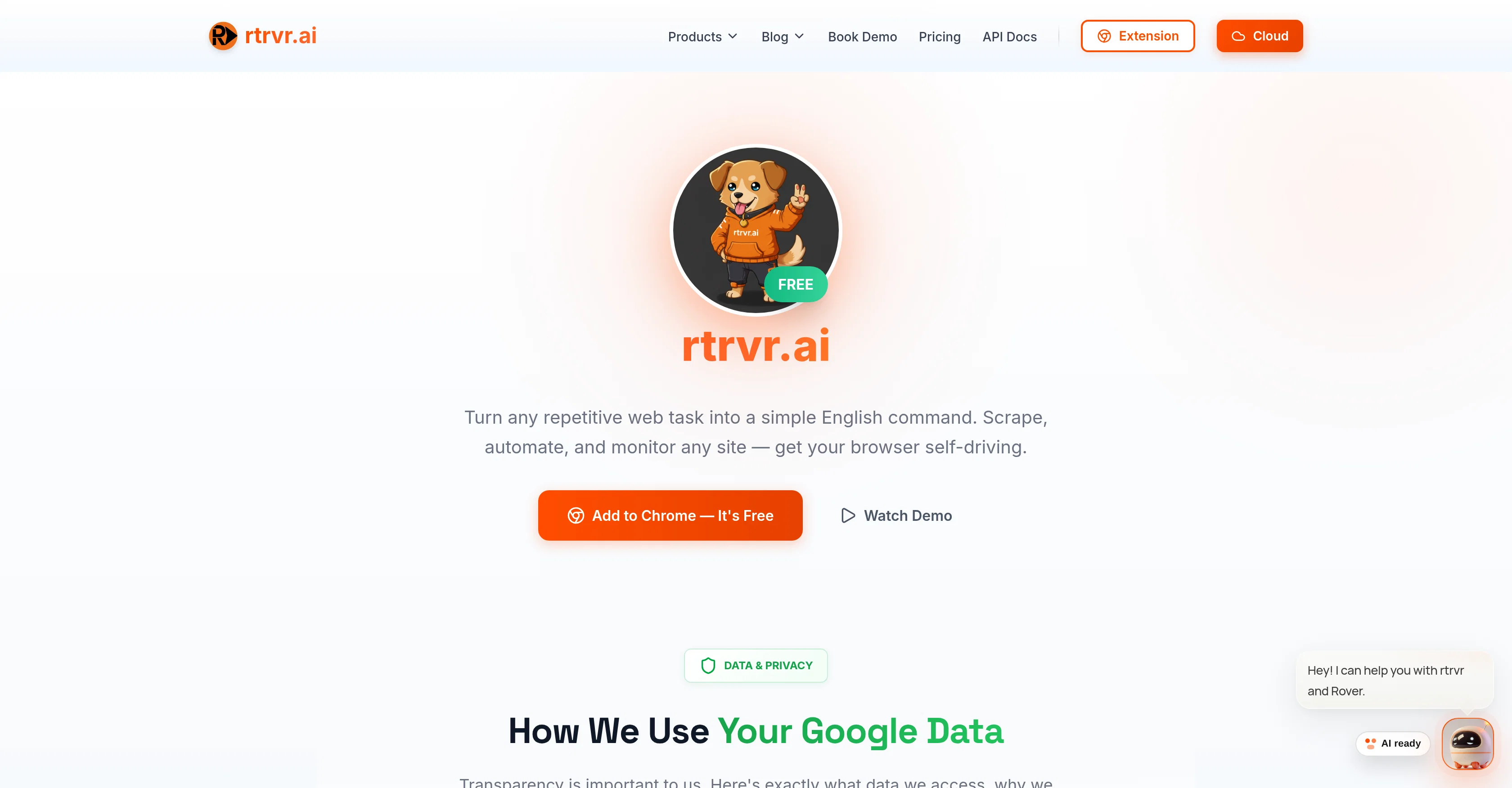
rtrvr.ai is a tool designed to facilitate navigation of the web and automate tasks using artificial intelligence. The principal functionality revolves around converting repetitive web tasks into simple English commands - allowing users to scrape, automate, and monitor any website.
The tool operates within a user's own browser, purportedly bypassing website's automation blocks, and using existing logins to achieve tasks. It also has the ability to automate recurring tasks and monitor changes on various websites according to specified schedules.
Key to rtrvr.ai's operation is the use of the MCP (Master Control Program) Universal Connector, which integrates with other AI tools such as ChatGPT and Claude to provide full browser control.
The tool's capability also includes dropping resumes and applying to jobs in parallel, as well as remote controlling a user's browser via scripts or n8n.
For data extraction, rtrvr.ai can create new Google Sheets to export extracted data and read Sheets data to enrich it with web information. With regards to user data privacy, the company asserts it uses Google Sign-In for secure authentication, data encryption for transmitted information, and only requests for necessary permission while offering data deletion at any time through user's Google Account settings or within the app itself.
Access & connections
Where you can use rtrvr.ai, and what it plugs into.
Platforms
Integrations
Capabilities
What this tool accepts, produces, and is strongest at.
Input
- API
- Tabular
- Text
Output
- Tabular
- API
- Text
Highlights
- Agents
- MCP
- API
- Local
Supported features
- Agents
- MCP
- API
- Runs Locally
- Automation
- Computer Use
- Web browsing
- Integrations
Pros & cons
Pros
- Converts tasks into commands
- Bypasses website automation blocks
- Uses existing logins
- Automates recurring tasks
- Monitors website changes
- Custom scheduling
- MCP Universal Connector integration
- Job application automation
Show 24 more
- Remote browser control
- Google Sheets integration
- Data privacy measures
- Google Sign-In secure authentication
- Data encryption
- Minimal access requests
- Data deletion at any time
- Enriches Sheets data
- Operates in user's browser
- Script or n8n control
- Exports data to Google Sheets
- 4+ Chrome Rating
- Works on Chrome, Brave, Edge
- Bypasses website blocks
- Offers infinite scroll support
- Extracts to Google Sheets
- Runs tasks across multiple tabs
- Teaches and replays workflows
- Doesn't need local installation
- Uses logged-in sessions
- DOM-Based Intelligence
- Bypasses bot detection
- Integrates with MCP
- Simple task setup
Cons
- Dependent on Google ecosystem
- No support for Firefox
- No local storage options
- Requires existing website logins
- Dependent on MCP Universal Connector
- Potential privacy concerns with remote control
- Task scheduling may be limited
- English only commands
Show 2 more
- Potential blocks by webmaster policies
- Job application feature limited
Compare alternatives
Similar tools in the catalog — with a clear reason to open each one.

Chrome Sidekick ✓
FreemiumYour AI browser assistant for Chrome superpowers.
Why look Typically cheaper
Full comparison
Norton Neo Browser ✓
FreeThe first safe AI-native browser.
Why look Fully free option
Full comparison

Hyperbrowser ✓
FreemiumCloud browsers for AI agents and apps.
Why look Higher community rating
Full comparison
SurfMind ✓
FreemiumAI browser extension that understands any webpage's context.
Why look Typically cheaper
Full comparison
Sigma AI Browser ✓
FreemiumChange the way you browse with AI-powered features
Why look Typically cheaper
Full comparisonReleases 1
Related tools
Recommended

Nextbrowser ✓
FreemiumAI Browser Agent that automates professional tasks through chat.

Starizon AI ✓
FreemiumAI assistant for smarter browsing and web automation.

SureThing.io - "OpenClaw" for Beginners ✓
FreemiumFirst General AI Agency. Designed for long-horizon tasks.

TheBar from linesNcircles ✓
FreemiumTheBar: Where AI and Internet Meet

SpacePrompts ✓
FreemiumYour prompts. Enhanced by AI. Ready to run anywhere.

OsirisBrain ✓
FreemiumAn AI expert for everything you do.