

Prompts 2026 Rank: #327
SpacePrompts ✓
Your prompts. Enhanced by AI. Ready to run anywhere.
Verdict
A quick read before you dig into the full page.
- Best if
- Your prompts. Enhanced by AI. Ready to run anywhere
- Skip if
- Limited free plan
- Pick this when
- Free prompt manager
Considering PrompTessor instead? Compare side by side
Overview
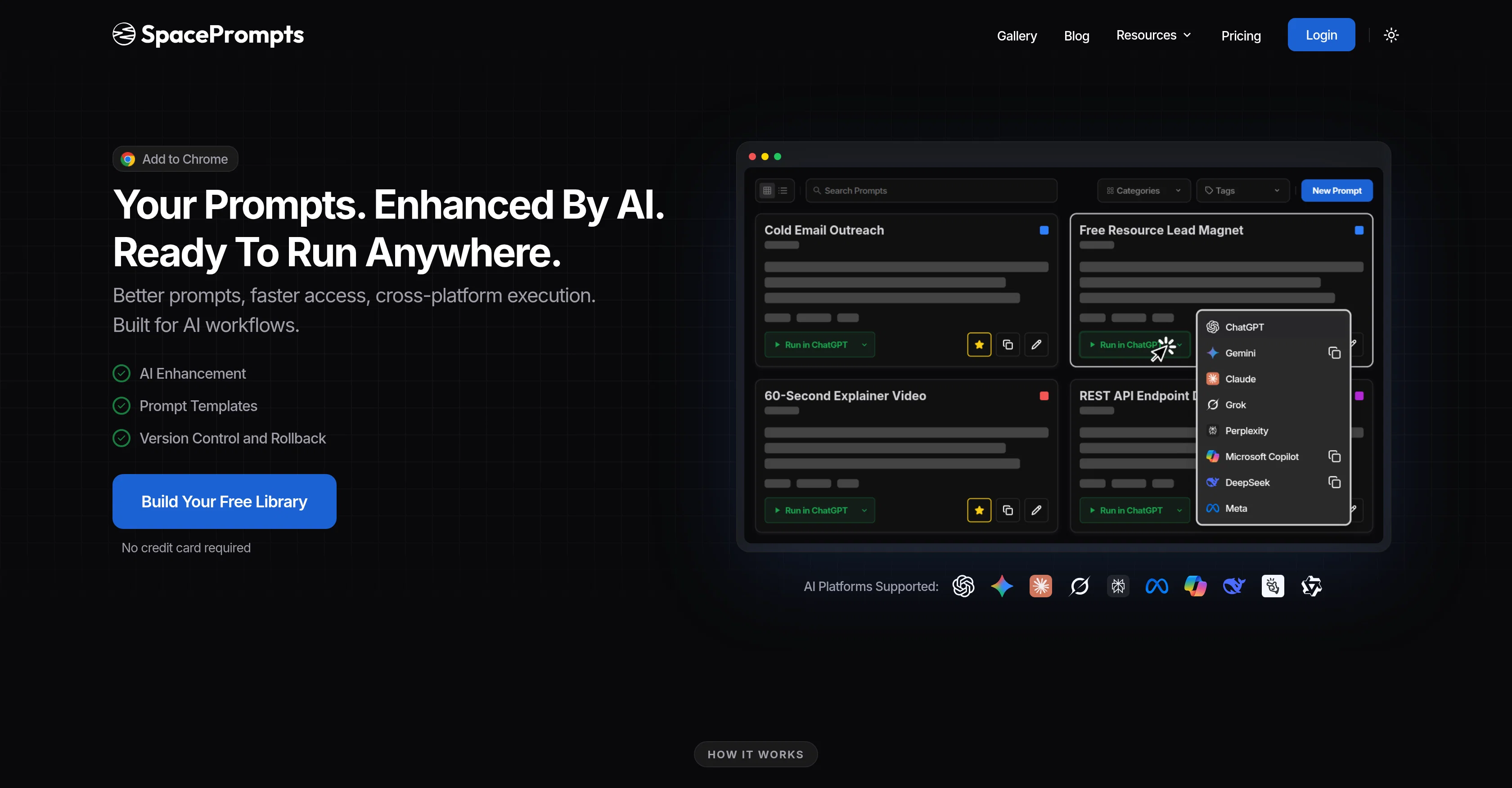
SpacePrompts is a tool designed to save, organize and sync AI prompts for greater productivity and workflow efficiency. It offers users a platform to manage and store their AI prompts in a structured, searchable library, eliminating the hassle of scattered or lost prompts.
With SpacePrompts, prompts can be enhanced with AI for clarity and effectiveness at a click. The tool also supports version control, allowing users to keep track of different prompt versions and rollback when required.
In addition, SpacePrompts integrates with various AI platforms and provides prompt templates for different tasks, such as marketing or coding. User prompts can be easily accessed across all devices, handled within a simple interface without having to switch between multiple apps.
Furthermore, their Chrome extension provides quick access to the AI prompt library from any website, enabling users to save or copy ChatGPT prompts instantly.
Therefore, SpacePrompts serves a practical solution for those frequently using AI and seeking a robust prompt management system.
Access & connections
Where you can use SpacePrompts, and what it plugs into.
Platforms
Integrations
Capabilities
What this tool accepts, produces, and is strongest at.
Input
- Tabular
- Text
Output
- Tabular
- Text
Highlights
- API
Supported features
- API
- Rewrite
- Text Generation
- Search
- Integrations
- Team Collaboration
Pros & cons
Pros
- Free prompt manager
- Chrome extension available
- Cross-platform syncing
- Pre-defined templates for tasks
- Searchable library of prompts
- Prompt version history
- Prompt categorization
- Version control for efficiency tracking
Show 26 more
- Save prompts while browsing
- Use prompts across any website
- Rollback to earlier versions
- Structured prompt storage
- Easy access on all devices
- Single interface usage
- Instant saving of ChatGPT prompts
- Tracks different prompt versions
- Prevents scattered or lost prompts
- Marketing and coding prompt templates
- Prevents prompt recreation and rework
- Avoids starting over from scratch
- Helps prevent loss of best work
- Eliminates context switching between apps
- Preserves intellectual property in prompts
- Allows execution in any LLM
- Uniform library for all prompts
- Version control with rollback feature
- Accessible and user-friendly
- Effective prompt retrieval
- No credit card required for startup
- Highlight texts to save as prompts
- Chrome extension for saving prompts
- Upgradable for more features
- 24 hours support response time
- Allows for feedback and feature recommendation
Cons
- No mobile app version
- Only works with Chrome
- Missing integration with other browsers
- No offline mode
- Limited free plan
- No direct support, only Twitter/X
- No refunds policy
- Dependency on internet connection
Show 2 more
- No multi-language support
- Reliance on ChatGPT prompts
Compare alternatives
Similar tools in the catalog — with a clear reason to open each one.


OctiAI Prompts ✓
PaidOne-Click Expert Prompts for ChatGPT & Midjourney — No Skills Needed
Why look Stronger for image work
Full comparison

OnlyPrompts ✓
Free TrialAutomate 37,000+ tasks with 150,000+ prompts
Free + from $17/mo
Full comparison
What-A-Prompt ✓
FreeSupercharge your ChatGPT prompts for better results.
Why look Fully free option
Full comparison
Releases 1
FAQ 12
What is SpacePrompts?
How can I use SpacePrompts to manage my prompts?
What does the Chrome extension of SpacePrompts do?
How does SpacePrompts enhance AI prompts?
Can I start from scratch or use pre-defined templates in SpacePrompts?
What is the version control feature in SpacePrompts?
What kind of categories does SpacePrompts offer for organizing prompts?
How does the 'rollback' feature in SpacePrompts work?
Can I use SpacePrompts on multiple platforms?
How can I search for my stored prompts in SpacePrompts?
Does using SpacePrompts require any payment?
How can I add the SpacePrompts extension to my Chrome browser?
Related tools
Recommended

PromptFix ✓
FreemiumAI Prompt Optimizer & Analyzer

Whacka ✓
Free TrialTurn ideas into real apps from your phone.

SureThing.io - "OpenClaw" for Beginners ✓
FreemiumFirst General AI Agency. Designed for long-horizon tasks.

HappySeeds ✓
FreemiumTurn ideas into AI-powered apps instantly.

Base44 Superagents ✓
FreemiumBuild your own AI agent in minutes, not days.

DeepSeek ✓
FreeUnravel the mystery of AGI with curiosity