

Sigma AI Browser ✓
Change the way you browse with AI-powered features
Free + from $8/yr
Verdict
A quick read before you dig into the full page.
- Best if
- You are students and need: Crafting social media posts
- Skip if
- Limited extension support
- Pick this when
- Smart summarization tool
Considering Chrome Sidekick instead? Compare side by side
Overview


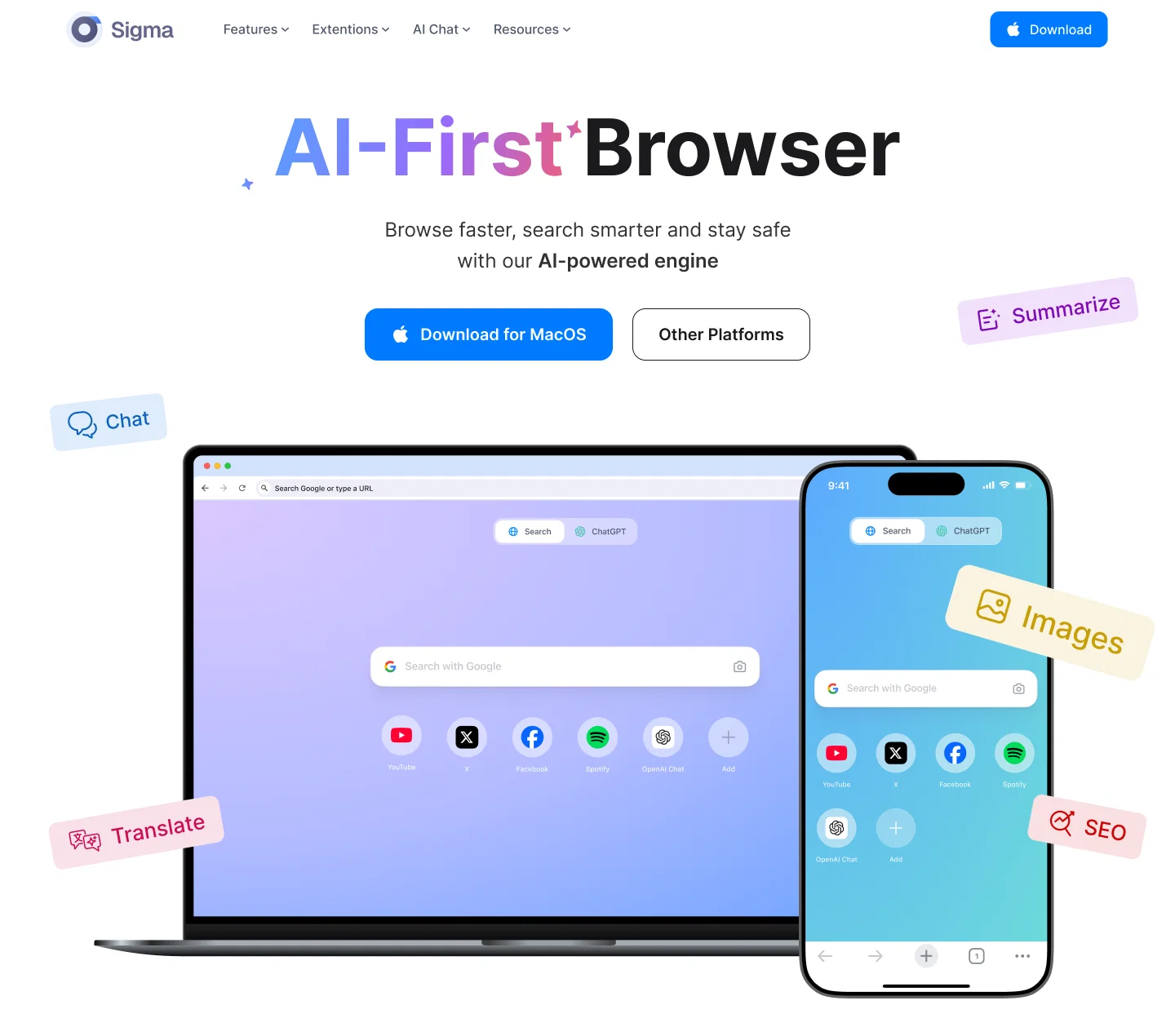
The browser also includes a smart summarization tool to condense long texts into concise summaries that saving time.
Additionally, it offers users the opportunity to create unique content, including blog posts and articles, by leveraging AI capabilities.
SigmaGPT, a pre-installed extension, allows instant conversations with the AI chat upon installation. Sigma AI Browser provides a variety of tools for multimedia content creation.
This includes generating images, thus enriching the browsing activity.
One of the major strengths of Sigma AI Browser is its privacy and security features, offering an incognito mode, tracker protection to ensure secure browsing.
It also allows for synchronization across multiple devices, making user data accessible regardless of the device in use. The browser's design aims to guarantee a high-speed browsing experience while conserving battery life.
Available on various operating systems and mobile devices, Sigma AI Browser emerges as a multipurpose browsing solution for individuals and businesses alike.
Best for
Short scenarios where Sigma AI Browser tends to shine.
-
Crafting social media posts
Best for Students
-
Creating SEO-friendly content
Best for Writers
-
Creative writing
Best for Marketing professionals
-
Marketing content generation
Best for Content creators
-
Student assignments
Best for Privacy-conscious users
-
Personalized text generation
Best for Crypto users
Example outputs 1
Sample generations and before/after results for Sigma AI Browser.
Access & connections
Where you can use Sigma AI Browser.
Platforms
Capabilities
What this tool accepts, produces, and is strongest at.
Input
- Code
- Image
- Text
Output
- Code
- Audio
- Video
- Text
- Image
Highlights
- No Signup
Supported features
- No Signup
Pros & cons
Pros
- Smart summarization tool
- Generates blog posts/articles
- Multimedia content creation
- SigmaGPT pre-installed extension
- Incognito mode
- Advanced tracker protection
- Advanced data protection
- Synchronization across devices
Show 37 more
- High-speed browsing experience
- Conserves battery life
- Cross-platform compatibility
- User-friendly design
- Enables interactive browsing
- Privacy-focused
- Business and personal use
- Text-to-image generation
- Language translation feature
- Content creation assistance
- Creates multimedia content like music
- Single-handedly manages multiple tasks
- Creates optimal browsing conditions
- Secure browsing environment
- Promises a smooth experience
- Allows for instant conversations
- Conducive for business applications
- Adapts to user needs
- Boosts productivity via tools
- Automatic text summarization
- Easy article, email crafting
- Produces interesting blog posts
- Functions with high speed
- Helps save battery life
- Accessible on various OS
- Maintains equity across devices
- Built-in data protection capacity
- Offers tracker blocking
- Supports anonymous surfing
- Private browsing mode
- Creates unique browsing experience
- Efficient over traditional browsers
- Better alternative to Chrome
- Multiple OS compatibility
- Modern, advanced browser
- Immediate installation capability
- Connects with LiveChat
Cons
- Content generation limited to text
- Possible overload of functionalities
- Limited extension support
- SigmaGPT reliance
- Potential security concerns for data synchronization
- No customizability of browser design
- Unclear power efficiency measures
- Lack of detailed privacy policy
Compare alternatives
Similar tools in the catalog — with a clear reason to open each one.

Chrome Sidekick ✓
FreemiumYour AI browser assistant for Chrome superpowers.
Why look Typically cheaper
Full comparison
Norton Neo Browser ✓
FreeThe first safe AI-native browser.
Why look Fully free option
Full comparison
Hyperbrowser ✓
FreemiumCloud browsers for AI agents and apps.
Why look Higher community rating
Full comparison
SurfMind ✓
FreemiumAI browser extension that understands any webpage's context.
Why look Typically cheaper
Full comparisonPeople also view
Tools that often show up alongside Sigma AI Browser in collections and comparisons.
SurfMind ✓
FreemiumAI browser extension that understands any webpage's context.
Norton Neo Browser ✓
FreeThe first safe AI-native browser.

Atlas Browser ✓
FreeBrowse with intelligence.

Perplexity Comet ✓
UnknownBrowse at the speed of thought
Hyperbrowser ✓
FreemiumCloud browsers for AI agents and apps.
Chrome Sidekick ✓
FreemiumYour AI browser assistant for Chrome superpowers.

Side Space ✓
Free Trial#1 AI Assistant for Your Tabs

Parallel Web Systems ✓
UnknownWeb browsing
Releases 1
Imported reviews 5
more like Sugma AI Browser
It's just chrome with bagoodex(.io) as default search engine.
And on top of that you dont know where it is talking to and where your data is going...
Just another Chrome browser. Installed it. Don't see any AI anywhere. Don't waste your time. Sticking with Arc browser.
Just Installed. need to check.
Windows don't let install it
FAQ 12
What is the Sigma AI Browser?
🛠️ 1
tool
wrote:
Sigma AI Browser is a internet browser that integrates AI-powered features to optimize the user experience. It has unique functionalities like an AI chat assistant to facilitate interactions and provide natural responses, a smart summarization tool to condense long text into concise summaries and a variety of multimedia content generation tools. It offers strong privacy and security features and provides cross-platform synchronization for user data. The design is intended to provide high-speed browsing and conserve battery life.
How does the AI chat assistant in Sigma AI Browser work?
Can Sigma AI Browser summarize long texts?
What is SigmaGPT in Sigma AI Browser?
Can Sigma AI Browser generate multimedia content?
What security and privacy features does Sigma AI Browser offer?
Can I sync my data across multiple devices with Sigma AI Browser?
Does Sigma AI Browser offer high-speed browsing?
What platforms is Sigma AI Browser available on?
Does Sigma AI Browser have an incognito mode?
What is the tracker protection in Sigma AI Browser?
Does the Sigma AI Browser save battery life?
Related tools
Recommended

Noiz ✓
FreemiumSummarize YouTube videos with AI in one click

Kin - Personal AI Advisors ✓
FreePrivacy-first & designed your for mind, and life at work

Syft ✓
FreeAI-powered news tracking for any topic worldwide

Thea ✓
FreemiumAI study tools to master material, not just memorize it.

Automateed ✓
Free TrialCreate eBooks effortlessly with Automateed, the AI-powered writing tool.

Mind Map Wizard ✓
FreemiumGenerate mind maps with AI: free, no sign-up, no ads