
Document analysis 2026 Rank: #725
ReadDocs ✓
Understand any document in seconds.
Free + from $13.5/mo
Verdict
A quick read before you dig into the full page.
- Best if
- Understand any document in seconds
- Skip if
- Limited free version
- Pick this when
- Summarizes PDFs
Considering OdysseyGPT instead? Compare side by side
Overview
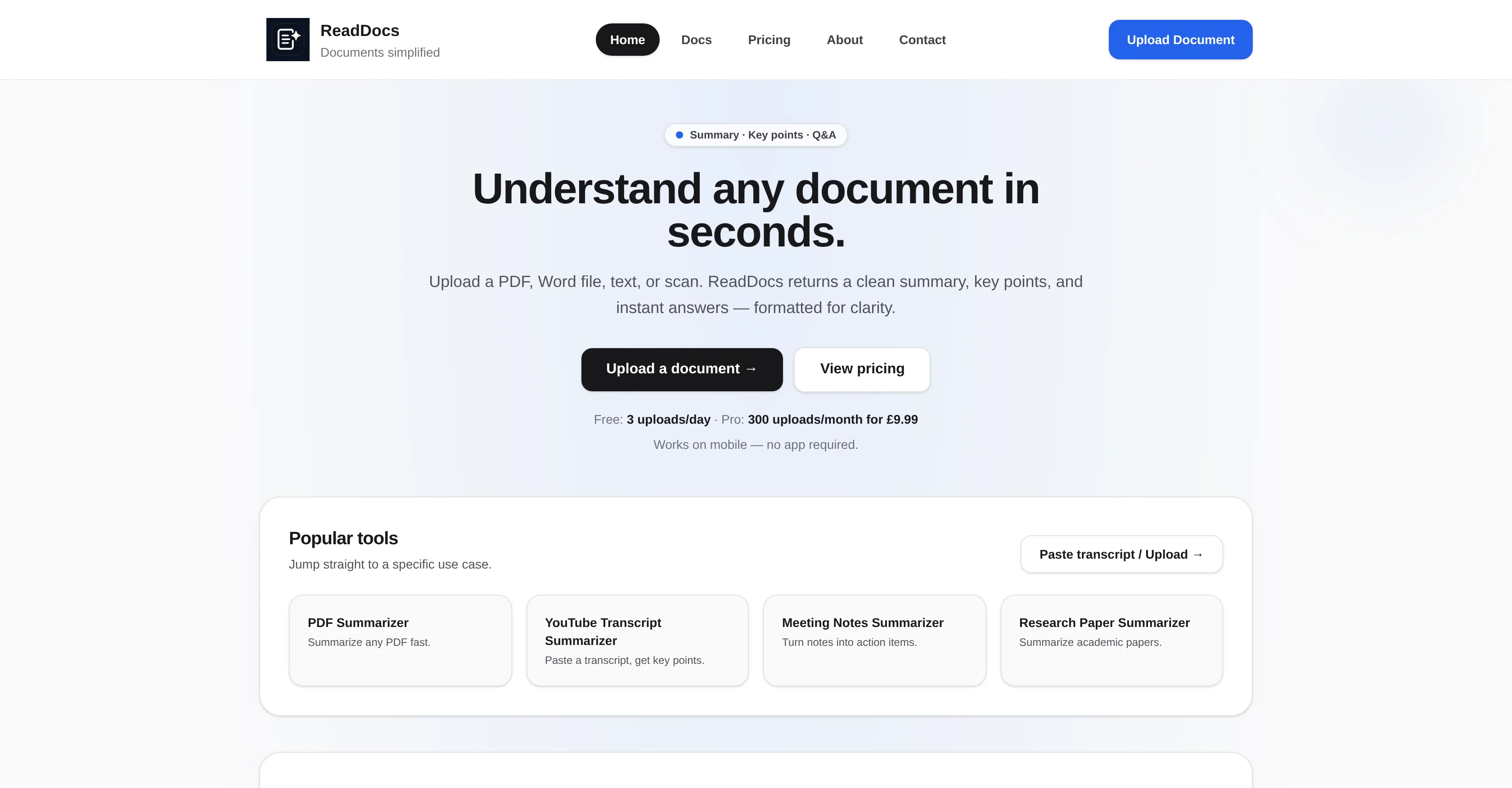
ReadDocs is an AI-driven document summarization tool that can summarize PDFs, Word documents, text files, and scanned images. It extracts key points and generates concise summaries and answers to specific questions from the documents.
The tool can be used to clearly comprehend and distill lengthy documents into neat, easily scannable parts. Useful for a range of document types including contracts, reports, study notes or academic papers, ReadDocs also comes equipped with an OCR (Optical Character Recognition) feature that automatically extracts text from scanned documents or images, thus offering additional accessibility in document processing.
ReadDocs is built for speed, offering users the ability to obtain a clear understand of their documents in seconds. A free version of the tool is available with a daily upload limit, and a premium option is also accessible for higher limits and additional features.
User data privacy and data security is prioritized, with uploaded files processed securely and not used to train publicly accessible AI models.
Access & connections
Where you can use ReadDocs.
Platforms
Capabilities
What this tool accepts, produces, and is strongest at.
Input
- Image
- Text
Output
- Text
Supported features
- Docs
- Assistant
- Text Generation
- Instant file search
Pros & cons
Pros
- Summarizes PDFs
- Summarizes Word documents
- Summarizes text files
- Summarizes scanned images
- Key points extraction
- Generates concise summaries
- Answers specific document questions
- Useful for contracts
Show 29 more
- Useful for reports
- Useful for study notes
- Useful for academic papers
- Equipped with OCR feature
- Speedy understanding of documents
- Free version available
- Premium option for higher limits
- Data privacy prioritized
- Data security prioritized
- PDF Processing
- Word Document Processing
- Image Processing
- Study Aid
- Document Comprehension
- Contract Management
- Fast Processing
- No app required
- Mobile-friendly
- Research Paper Summarizer
- Turns notes into action items
- Clear one-minute overview
- Provides copy-ready bullets
- Offers Q&A from text
- Works with OCR for uploads
- Professional output
- Great for briefs and study notes
- Instant clarity on uploads
- Supports various file types
- Built for clarity and speed
Cons
- No mobile app
- No API Access
- Limited free version
- UK based pricing
- No multilingual support
- No on-premise version
- Potentially inaccurate or incomplete summaries
Compare alternatives
Similar tools in the catalog — with a clear reason to open each one.

OdysseyGPT ✓
Free TrialTransform documents into interactive knowledge bases using advanced AI.
Why look Typically cheaper
Full comparison
FileAI ✓
FreemiumAutomate document analysis and data extraction
Why look Typically cheaper
Full comparison
Deep Dive Research Assistant ✓
FreemiumAI-powered research assistant for diverse content analysis.
Why look Better for writing
Full comparison
WhatsTheCatch ✓
FreeAI that spots risks before you sign.
Why look Fully free option
Full comparison
Continua AI ✓
Free TrialDeep research on your own files, every page read, every claim cited.
Why look Typically cheaper
Full comparisonReleases 1
Imported reviews 2
Process patient referral documents way faster now. Pulls key medical history and relevant details instantly instead of me scanning through pages. Still review everything carefully but it flags what matters first.
throw research pdfs in here and get summaries in like 30 seconds. saves me hours when i'm doing background reading for articles. simple but does exactly what i need.
FAQ 12
What document types can ReadDocs handle?
Can ReadDocs summarize scanned images?
What is the Optical Character Recognition feature in ReadDocs?
How fast can ReadDocs process my document?
What is the difference between the free and premium versions of ReadDocs?
How does ReadDocs ensure data privacy and security?
Does ReadDocs use user data to train its AI model?
Can ReadDocs summarize academic research papers?
How does ReadDocs extract key points from documents?
Can ReadDocs provide answers to specific questions from the document's text?
What type of documents is ReadDocs most effective with?
Can ReadDocs handle contract management?
Related tools
Recommended

PhotoMentor ✓
FreemiumStop guessing if your photo is good. Get instant, objective feedback.

Document Extract ✓
Free TrialExtract data from documents with AI

Thea ✓
FreemiumAI study tools to master material, not just memorize it.

Recall ✓
FreemiumSummarize Anything, Forget Nothing!

Mind Map Wizard ✓
FreemiumGenerate mind maps with AI: free, no sign-up, no ads

Perplexity ✓
FreemiumAI-powered answers to any question, instantly.